Best Selling Products

Adobe Premiere Pro Account
99 USD

Autodesk All App Account Copyright
120 USD

Upgrade Duolingo Super
29 USD

Genuine Cheap Canva Pro
39 USD

Plugin Retouch4me
69 USD

ChatGPT Plus Account (GPT-4)
16 USD

Freepik Premium Account
59 USD

Windows 10 & 11 Pro Key
36 USD

Capcut Pro 1 Year
39 USD

Adobe Photoshop Copyright - Full App
120 USD

Genuine Adobe Illustrator account
99 USD

MidJourney Account
29 USD

Upgrade Genuine Office 365
49 USD

Upgrade genuine Capture One account
120 USD

Copyright Adobe Lightroom Account
59 USD
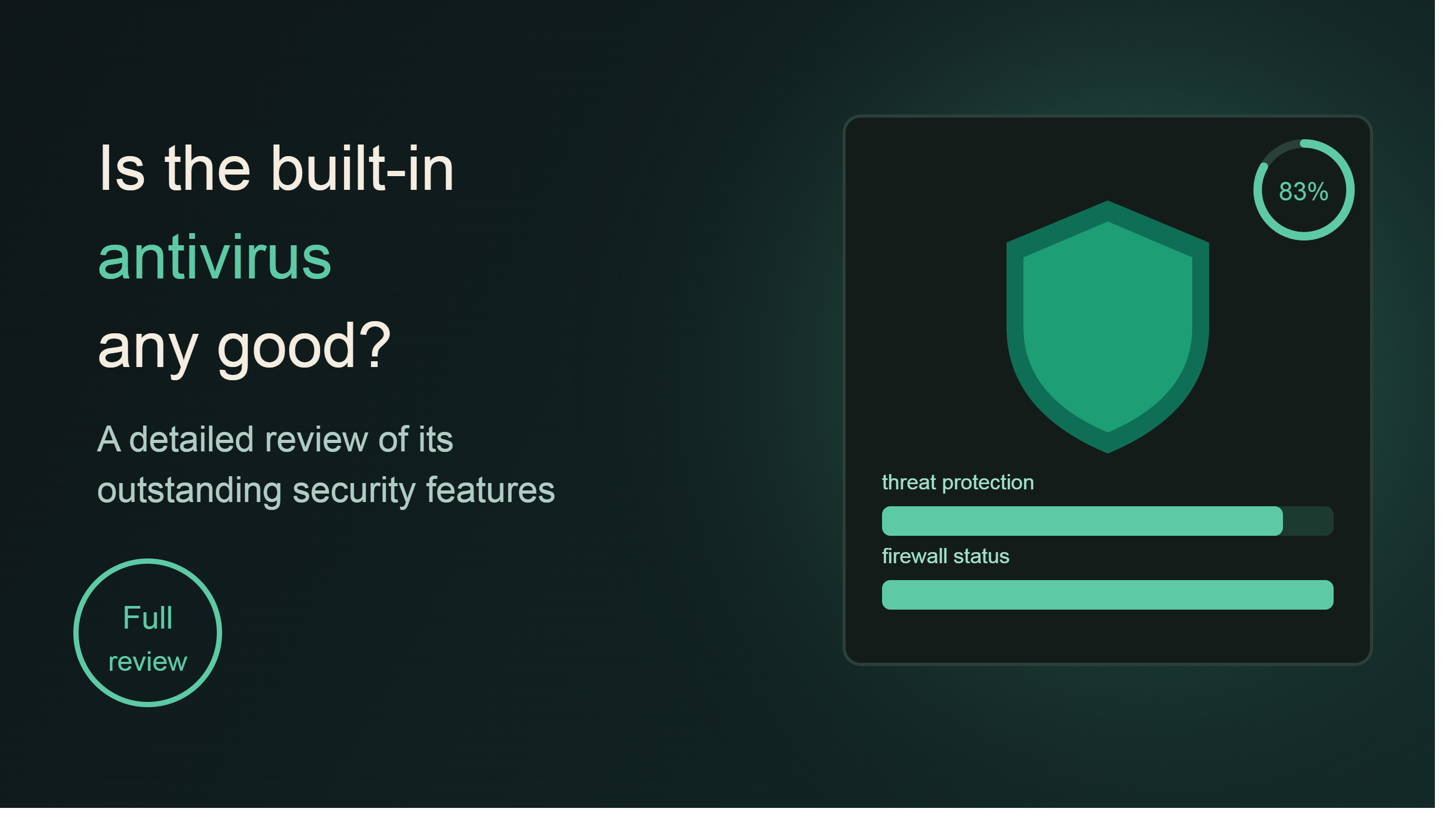
Is Microsoft Defender any good? A detailed review of its outstanding security features.
Nội dung
Microsoft Defender is a comprehensive security solution that helps protect your computer, phone, and personal data from increasingly sophisticated online threats.
1. Security Centralized in One Place
One of Microsoft Defender's biggest advantages is its ability to centralize all security activities into a single management platform. Instead of using separate software for each device or type of protection, users can simply access Defender to monitor their entire device ecosystem. From personal computers and work laptops to smartphones, all security status information is aggregated and displayed on a single interface. This not only saves management time but also provides a more comprehensive monitoring of potential cybersecurity threats that may arise at any time.
1.1. Protecting Computers and Phones
Microsoft Defender is designed to protect a wide variety of devices simultaneously, from desktops and laptops to smartphones running popular operating systems. In a world where users frequently work on multiple devices at the same time, maintaining consistent protection across all platforms is crucial.
On your computer, Defender continuously monitors the system to detect malicious files, malware, viruses, and unusual behavior that could endanger your data. Real-time scanning technology checks files as soon as they are downloaded or executed on the system, preventing infection before it can cause any harm.
For smartphones, Defender provides app monitoring capabilities, analyzes the security level of installed software, and alerts users when it detects suspicious apps. This is especially useful in the context of the increasing number of fake apps being distributed to steal personal or financial data.
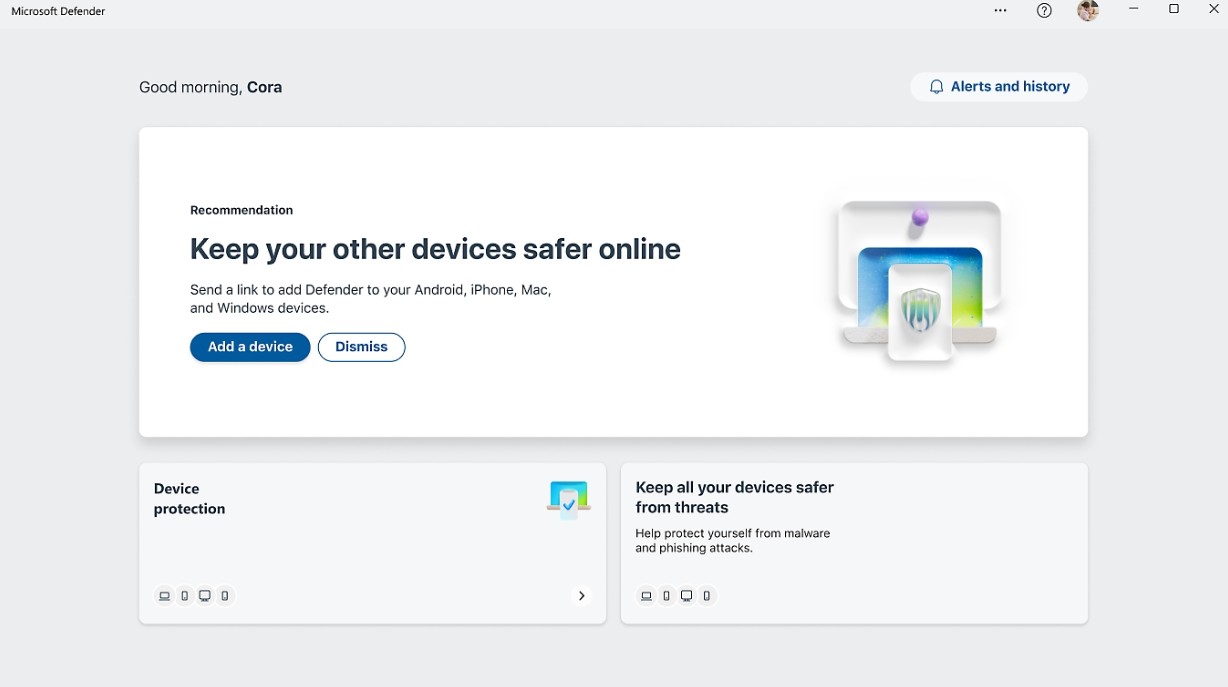
One of its most appreciated features is its ability to detect online phishing attacks. Defender continuously checks links, websites, and online content to identify any unusual signs that could lead to the theft of login credentials or personal data. When a risk is detected, the system immediately sends an alert so users can proactively avoid unsafe websites or services.
If a malicious application is detected on the device, Defender not only issues a warning but also provides specific instructions for removing it. This helps users with limited technical knowledge to handle the issue easily and effectively. Additionally, users can specify trusted applications or folders for Defender to skip scanning, optimizing performance in specific situations while maintaining overall system security.
1.2. Keeping Equipment Safer
Owning antivirus software isn't enough if users can't understand the actual security status of their devices. This is why Microsoft Defender integrates a centralized monitoring system capable of continuous tracking and providing real-time security alerts.
Through a single dashboard, users can quickly check the security status of all connected devices. All important information, such as antivirus status, current protection level, threat detection history, and necessary actions, is presented visually and easily understandable.
When a security issue is detected, Defender will immediately send a notification to the user. These alerts may relate to the system not having the latest security patches, the detection of suspicious software, or the appearance of behaviors that pose a risk to data security. This allows users to react quickly before the incident becomes more serious.
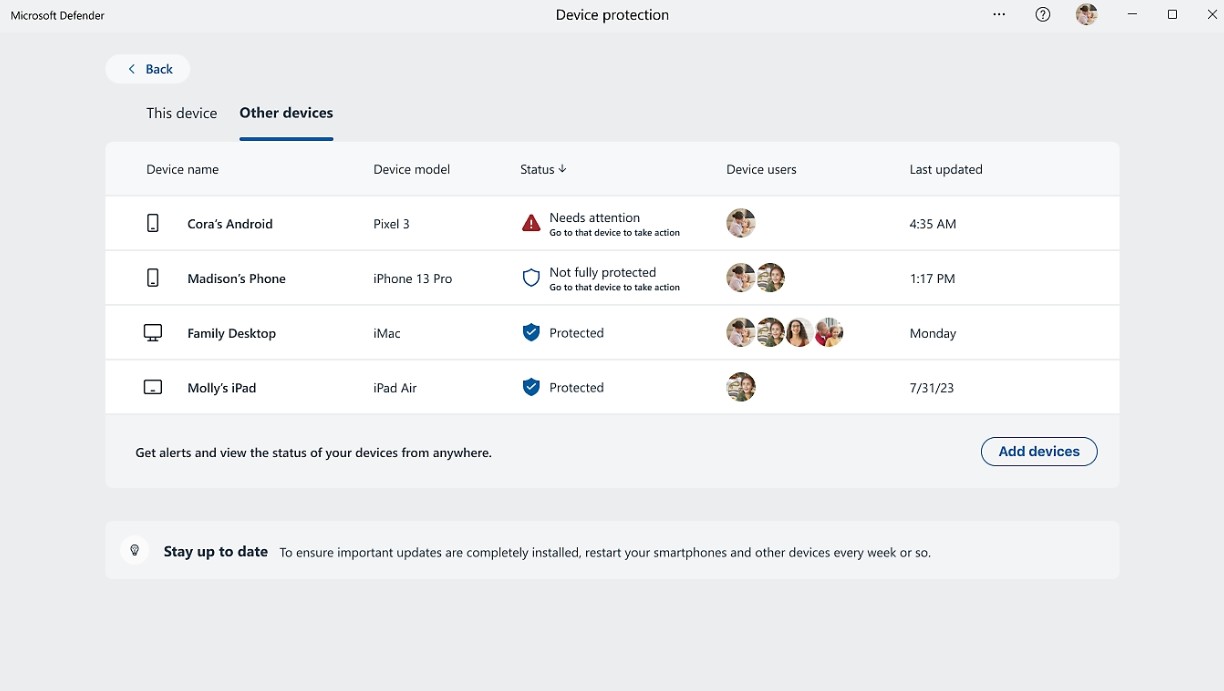
In addition to warnings, Defender also provides specific handling instructions for each type of risk. This helps users avoid having to search for solutions themselves or rely on technical experts every time a security issue arises. With just a few simple steps, common threats can be addressed directly within the Defender interface.
The ability to continuously monitor and synchronize security status across multiple devices makes Microsoft Defender a suitable tool for individuals, families, and small businesses alike who need a simple yet effective security solution.
2. Why Choose Microsoft Defender?
The market currently offers a wide variety of security solutions, from free software to professional security suites. However, Microsoft Defender remains a trusted choice for millions of users worldwide thanks to its deep integration with the Windows operating system, user-friendly interface, and comprehensive security ecosystem.
2.1. Stay Ahead of Online Threats
Cyberspace is becoming increasingly complex with the constant emergence of new attack methods. Traditional security methods, which rely solely on virus databases, are no longer sufficient to combat modern threats. Microsoft Defender is developed to combine behavioral analysis technology, artificial intelligence, and Microsoft's global security data to detect new threats at an early stage.
Thanks to its continuously monitoring system, Defender can identify unusual activity during device operation and provide timely alerts. This significantly reduces the risk of malware infection or data loss caused by online attacks.
In particular, Microsoft Defender is designed for a simple and user-friendly experience. Users don't need to be tech experts to effectively manage and protect their devices. All important functions are intuitively arranged, making it faster to monitor and address security issues.
2.2. Protect Your Device
One of Microsoft Defender's most notable advantages is its ability to protect multiple devices under a single account. In today's work environment, users frequently switch between phones, tablets, laptops, and desktops. This means that security risks also exist across multiple platforms.
Microsoft Defender helps create a unified layer of protection for the entire device ecosystem. All suspicious activity is monitored in real time and displayed centrally on the management dashboard. Users don't need to install or check each device individually; they can grasp the overall security status in seconds.
Multi-device protection capabilities not only enhance data security but also offer significant convenience in managing and using technology daily.

2.3. Increased Value When Combined with Microsoft 365
Microsoft Defender becomes even more powerful when used with Microsoft 365. This is a comprehensive solution that combines security, data storage, and a leading suite of productivity tools.
When subscribing to Microsoft 365, users not only receive Microsoft Defender but also 1 TB of cloud storage on OneDrive. This allows for secure storage of important documents, images, and data, while also supporting synchronization across multiple devices.
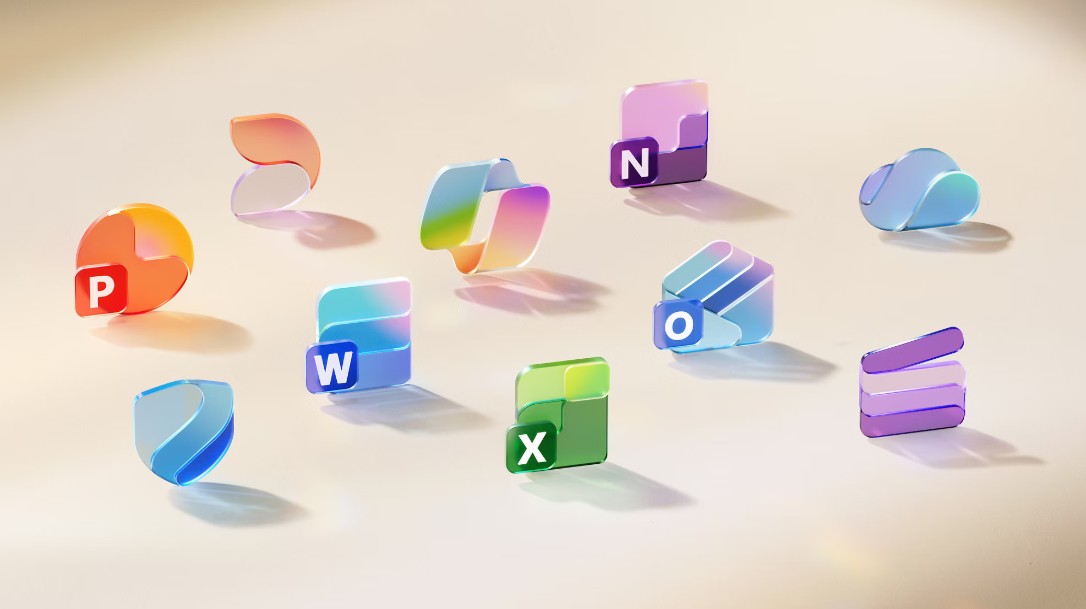
In addition, users have full access to popular office applications such as Word, Excel, PowerPoint, Outlook, and many other tools for learning, working, and business management. The combination of Defender's protection capabilities and the productivity ecosystem of Microsoft 365 creates a modern, secure, and efficient work environment.
3. Conclusion
Microsoft Defender is more than just antivirus software; it's a comprehensive security platform built to protect users from increasingly sophisticated threats in the digital environment. With real-time protection for computers and phones, centralized monitoring on a single dashboard, instant alerts when threats are detected, and deep integration with Microsoft 365, Defender is becoming the top choice for both individual users and businesses.
In a world where data is becoming an increasingly valuable asset, investing in a reliable security solution is no longer an option but a necessity. Microsoft Defender helps users proactively control digital security, protect personal information, and maintain the safety of their entire device ecosystem against modern cyberattacks.





















VIP Products








Best Selling Products
Adobe Premiere Pro Account
99 USD
Autodesk All App Account Copyright
120 USD
Upgrade Duolingo Super
29 USD
Genuine Cheap Canva Pro
39 USD
Plugin Retouch4me
69 USD
ChatGPT Plus Account (GPT-4)
16 USD
Freepik Premium Account
59 USD
Windows 10 & 11 Pro Key
36 USD
Capcut Pro 1 Year
39 USD
Adobe Photoshop Copyright - Full App
120 USD
Genuine Adobe Illustrator account
99 USD
MidJourney Account
29 USD
Upgrade Genuine Office 365
49 USD
Upgrade genuine Capture One account
120 USD
Copyright Adobe Lightroom Account
59 USD