Best Selling Products

Copyright Adobe Lightroom Account
59 USD

Freepik Premium Account
59 USD

Windows 10 & 11 Pro Key
36 USD

Autodesk All App Account Copyright
120 USD

MidJourney Account
29 USD

Genuine Cheap Canva Pro
39 USD

Genuine Adobe Illustrator account
99 USD

Adobe Premiere Pro Account
99 USD

ChatGPT Plus Account (GPT-4)
16 USD

Upgrade genuine Capture One account
120 USD

Capcut Pro 1 Year
39 USD

Upgrade Duolingo Super
29 USD

Upgrade Genuine Office 365
49 USD

Adobe Photoshop Copyright - Full App
120 USD

Plugin Retouch4me
69 USD
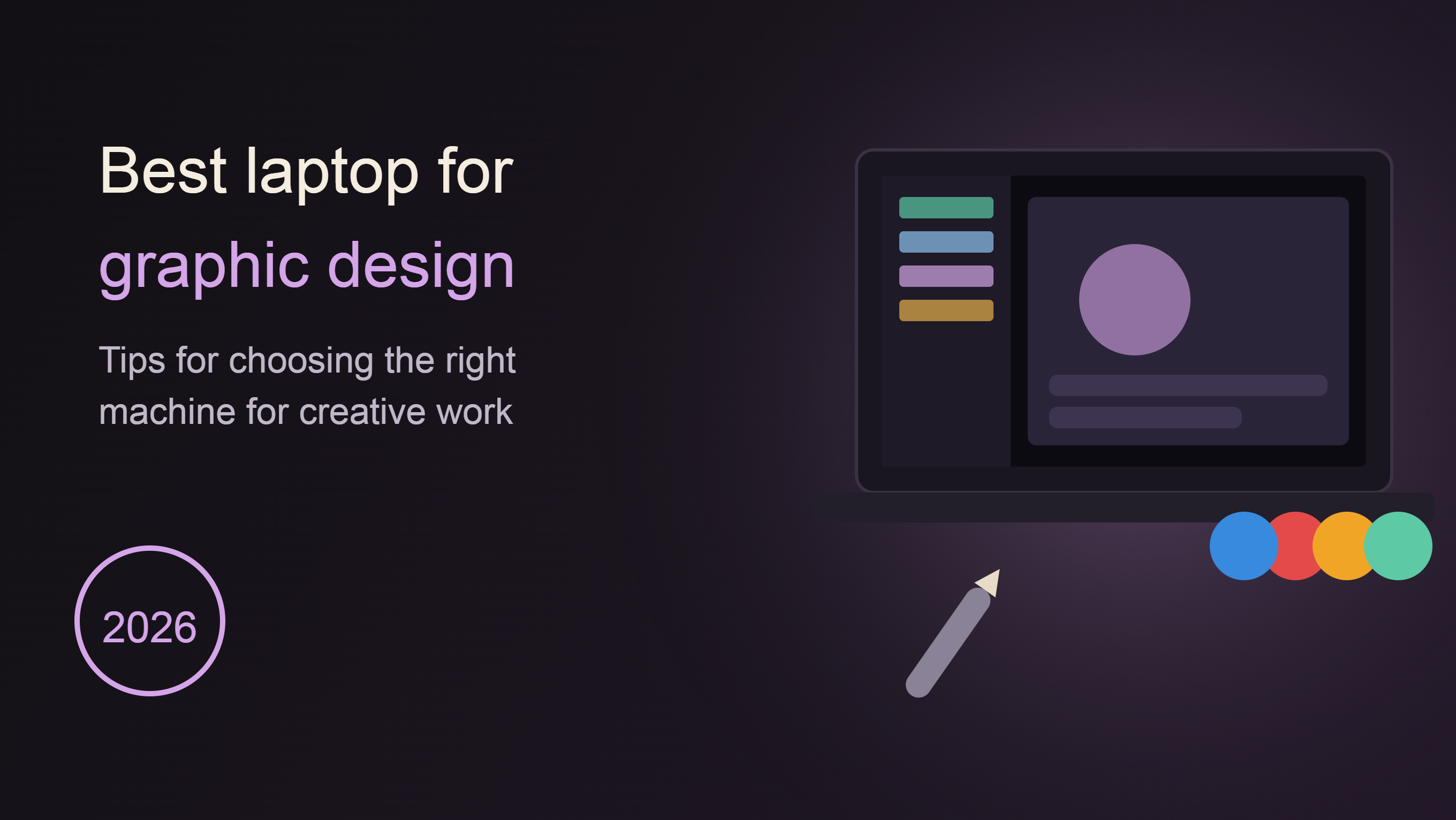
Tips for Choosing the Best Laptop for Graphic Design in 2026
Choosing a laptop for designers isn''t simply about finding a device with powerful specifications. To effectively run design software like Photoshop, Illustrator, Figma, Premiere Pro, or 3D modeling tools, users need to consider many factors, from CPU, RAM, and GPU to screen quality.
1. Machine Design
Many people, when choosing a laptop for graphic design, often focus entirely on specifications and forget that the overall design of the machine also plays a very important role in the daily user experience.
For designers who work in a fixed office or studio, the weight of the laptop may not be a major issue. However, for those who travel frequently, such as freelancers, travel bloggers, photographers, or content creators, this is a top priority.
Imagine having to carry a laptop, camera, various lenses, tripod, portable hard drive, and other accessories on a long business trip. An overly heavy laptop would quickly become a burden, making work and travel much more tiring.
Besides weight, the build quality of the laptop also needs to be considered. Laptops with unibody aluminum or premium alloy frames generally offer better durability than those using ordinary plastic casings. This is especially important for those who frequently carry their laptops around.
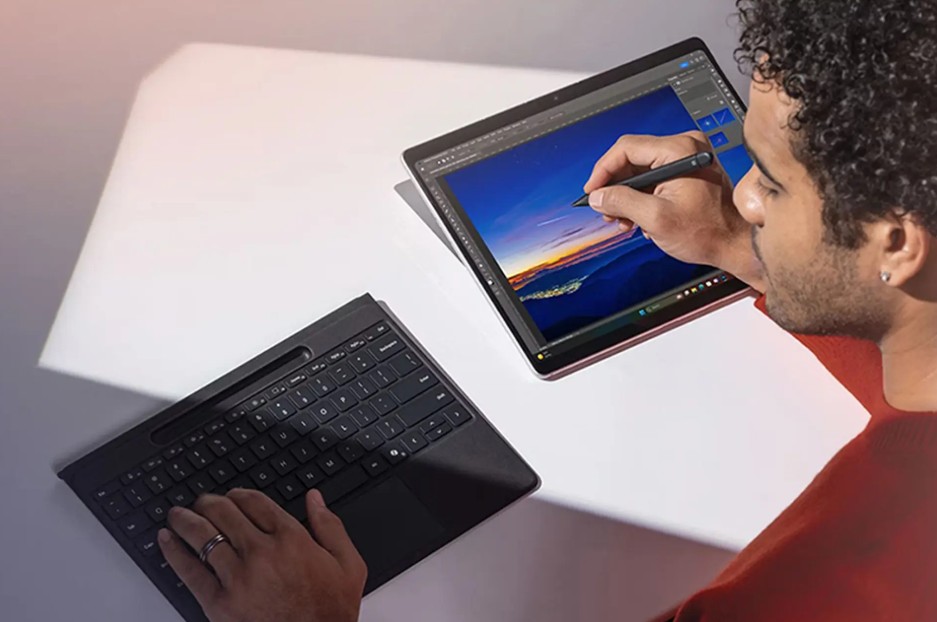
The hinge is also a detail that shouldn't be overlooked. A sturdy hinge will help keep the screen more stable during use, minimizing shaking when typing or using it in outdoor environments. Furthermore, the durability of the hinge directly affects the lifespan of the device.
The current trend is towards thin and lightweight laptops that still offer powerful configurations. This allows designers to easily carry their devices without sacrificing performance.
When choosing a laptop, strike a balance between portability and performance. Don't just pick the lightest or most powerful one; find a product that suits your actual work environment.
2. Microprocessor
The CPU, or processor, is the brain of the entire system. It's the component responsible for processing computational tasks, running software, and ensuring smooth operation of the computer.
For designers, the more powerful the CPU, the shorter the project processing time. From opening large design files, rendering videos, exporting high-quality images, to working with multiple complex layers, everything depends significantly on the processor's power.
Currently, the minimum requirement for graphic design students is a CPU with 4 cores or more. However, if you can afford a long-term investment, CPUs with 6, 8, or higher cores will offer significantly better performance.
Besides the number of processing cores, CPU clock speed is also an important factor to consider. A higher clock speed means better single-core task processing capabilities. This is especially useful when working with Photoshop or other design software that heavily relies on single-core performance.
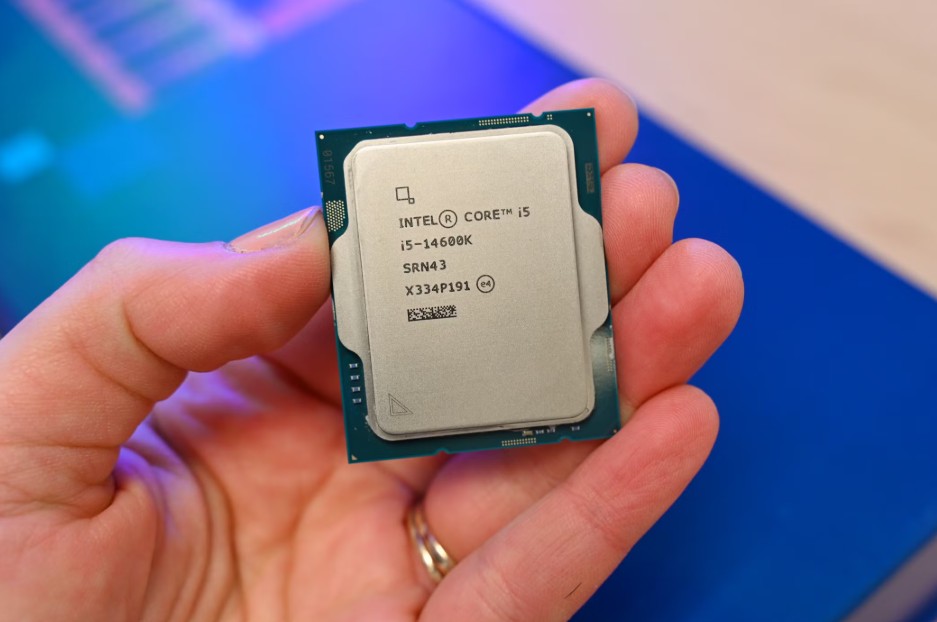
For designers today, the following CPU lines are considered suitable:
-
Intel Core i5 or higher generation.
-
Intel Core i7 or Core Ultra are available for professional use.
-
AMD Ryzen 5 or higher.
-
AMD Ryzen 7 or Ryzen 9 for demanding graphics tasks.
-
Apple M-series for macOS users.
If your work primarily revolves around Photoshop, Illustrator, and Figma, mid-range CPUs will suffice. However, when you move into 4K video editing, 3D design, or professional animation, investing in a high-end CPU will significantly reduce rendering time.
An important note is that you shouldn't just look at the CPU name. Two processors with the same name, Core i7, but from different generations can have vastly different performance. Therefore, thoroughly research the CPU generation before making a purchase decision.
3. RAM
After the CPU, RAM is the component that directly affects the multitasking capabilities and processing speed of a laptop.
RAM acts as temporary memory, storing data that the CPU needs to access continuously during work. When using graphic design software, especially for projects with many layers or complex effects, the amount of data that needs to be processed is enormous.
If the RAM capacity is too low, the computer will frequently experience lag, slow response times, or even application crashes when working with large files.
For designers, the appropriate amount of RAM can be divided into several different levels.
If you're just starting out in design or only using Photoshop for basic photo editing, 8GB of RAM might still be sufficient. However, this is only the minimum requirement in today's context.
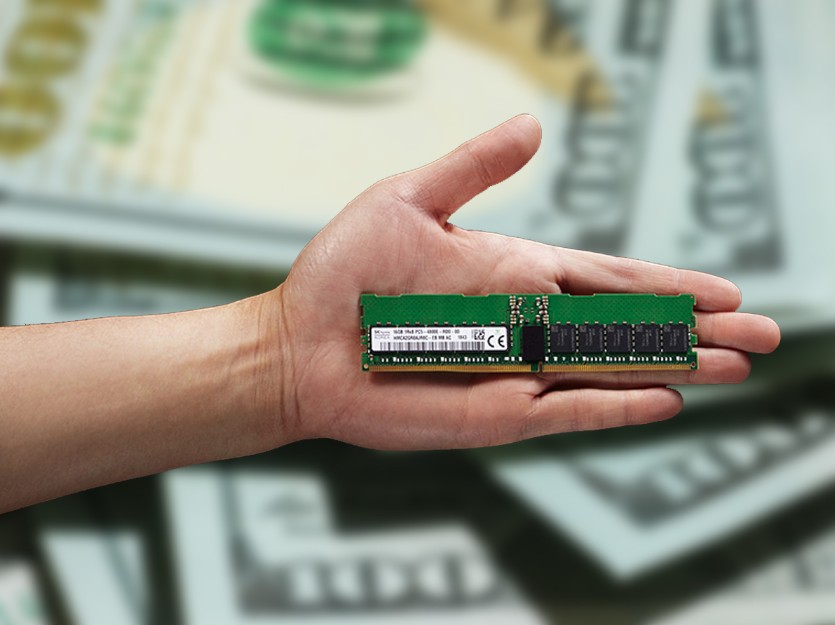
When working with Illustrator, Lightroom, Figma, or Premiere Pro, 16GB of RAM has almost become a mandatory standard. This amount allows you to open multiple applications simultaneously while ensuring the system runs smoothly.
For those who specialize in 4K video editing, 3D design, or handling large-scale projects, 32GB of RAM is an ideal choice. Many professional studios even now use 64GB of RAM for rendering and animation tasks.
Besides capacity, RAM speed is also very important. High-speed RAM allows for faster data transfer, contributing to improved overall system performance.
One point to consider when buying a laptop is RAM upgradeability. Many current thin and light laptops use RAM soldered directly onto the motherboard. This allows for a more compact design but limits future upgrade possibilities.
If you plan to use your laptop for many years, consider choosing a product with expandable RAM slots or investing in sufficient RAM capacity from the start to avoid resource shortages later on.
4. Graphics Card
Graphics cards, or GPUs, are extremely important components for designers. They are the parts that handle tasks related to images, videos, and 3D graphics.
During the design process, the CPU and GPU work together to ensure the system operates efficiently. If the CPU is likened to the brain, then the GPU is the powerful arm that handles demanding graphics tasks.
For simple photo editing tasks, the integrated graphics card on the CPU can perform relatively well. However, when working with high-resolution video, 3D models, or complex motion effects, a dedicated GPU is almost a mandatory requirement.
Graphics cards help speed up video rendering, effects processing, real-time content preview, and support many modern hardware acceleration technologies.
Software programs like Adobe Premiere Pro, After Effects, DaVinci Resolve, Blender, and Cinema 4D all make excellent use of GPU power.
Currently, GPUs for designers are generally divided into two main groups.
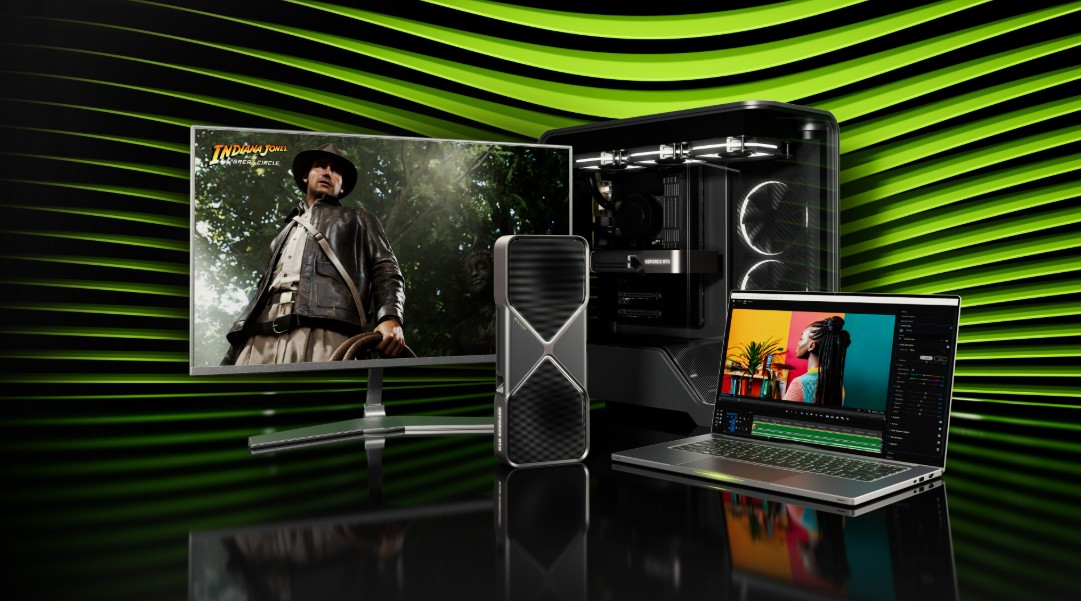
The first group consists of integrated graphics cards. This is a suitable solution for students or those who do light work with Photoshop, Canva, and Figma.
The second category consists of dedicated graphics cards. These are ideal for those who frequently edit videos, create motion graphics, or do professional 3D design.
Some of the highly-rated GPU lines currently available include NVIDIA GeForce RTX, NVIDIA RTX Studio, AMD Radeon RX, and high-end integrated GPUs on Apple Silicon chips.
When choosing a graphics laptop, don't just look at VRAM capacity. GPU architecture, number of processing cores, and software optimization capabilities also play a crucial role in real-world performance.
5. Hard Drive
If the CPU is the brain and RAM is short-term memory, then the hard drive is where a designer stores all their digital assets.
During their work, designers often need to store a lot of different types of data such as RAW images, original videos, PSD and AI design files, Premiere projects, graphic resources, and backup versions of the project.
Therefore, choosing the right hard drive is something that should not be taken lightly.
Today, SSDs have become the standard on most modern laptops. Compared to traditional HDDs, SSDs offer significantly faster data access speeds.
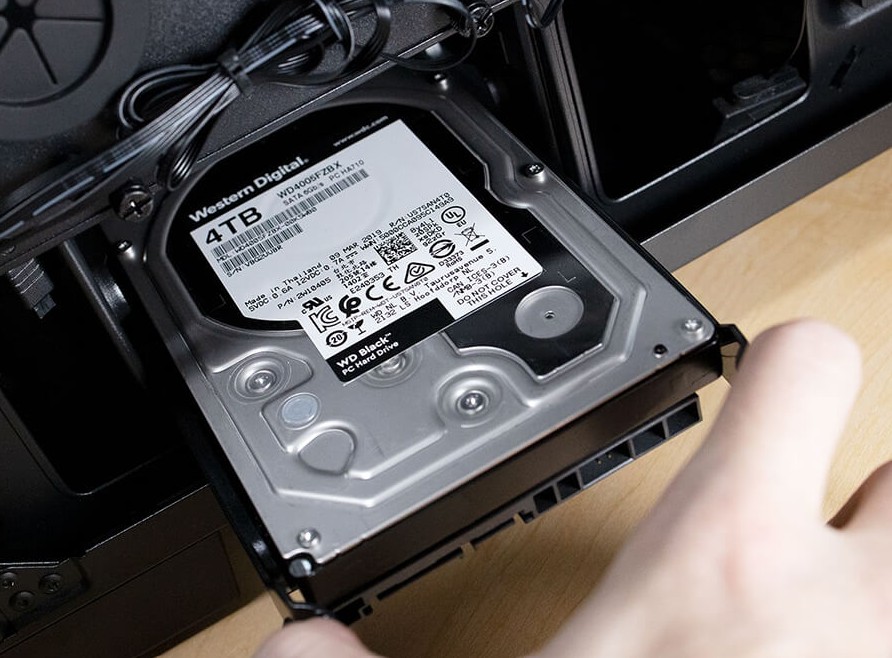
Thanks to SSDs, boot times, software launch times, and data copying times are significantly reduced. This is especially useful when working on large projects.
For designers, SSD capacity should start at 512GB. This is a suitable amount for most learning and work needs in the initial stages.
If you frequently edit videos or work with large amounts of data, a 1TB SSD would be a more suitable choice. This capacity provides ample storage space and reduces the risk of running out of memory after a short period of use.
In addition to the hard drive in their computer, many professional designers also use portable SSDs or NAS storage systems to manage data more efficiently.
In addition, cloud storage services like Google Drive, OneDrive, or Dropbox are also useful solutions for backing up data and working flexibly across multiple devices.
A key principle in the design industry is never to store data in a single location. Building a well-structured backup system will help minimize the risk of data loss in the event of a failure.
6. Screen
If you had to choose one most important element for a designer, the monitor would definitely be the top candidate.
The entire process of creating, editing, and evaluating a product takes place on the screen. Therefore, display quality directly affects the accuracy of the final product.
A poor-quality screen can cause colors to be displayed inaccurately compared to reality. This leads to serious problems when printing or publishing content on various platforms.
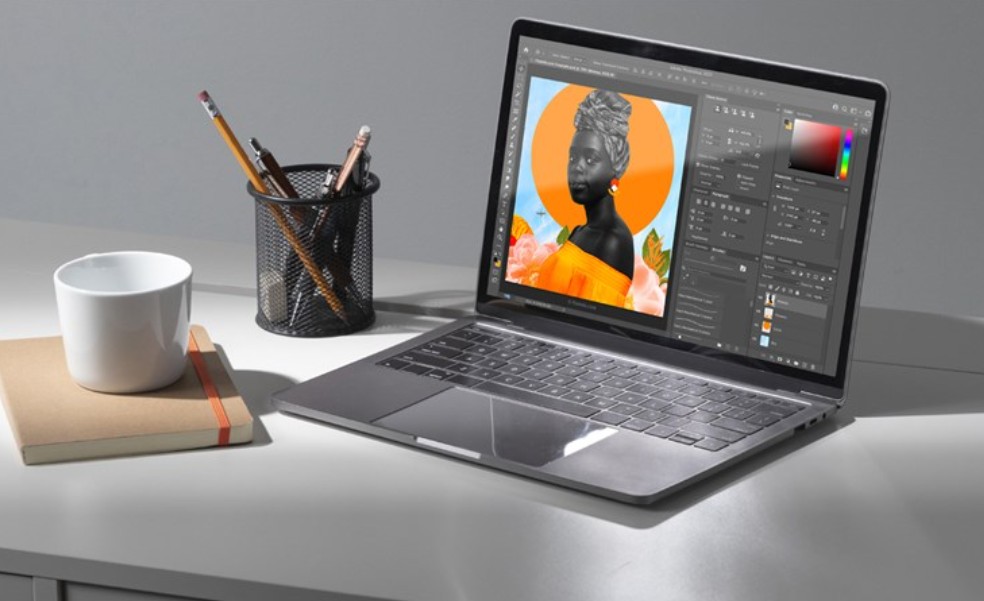
In terms of size, laptops designed for designers should have screens of 14 inches or larger. A large display area will make it easier to work with toolbars, layers, color palettes, and multiple windows simultaneously.
Resolution is also an important criterion. Currently, Full HD is the minimum recommended. However, 2K or 4K monitors will provide even greater sharpness, especially useful when editing photos and videos.
One crucial factor is color coverage. For professional design work, the monitor should have high color coverage in the sRGB, Adobe RGB, or DCI-P3 color space.
Besides color coverage, the DeltaE index also needs to be considered. The lower the DeltaE, the higher the color accuracy. For designers, a monitor with a DeltaE below 2 is considered ideal.
Screen brightness also plays a crucial role in the work experience. A brightness level of 400 nits or higher will ensure good visibility in a variety of environmental conditions, including brightly lit areas.
In addition, technologies such as anti-glare, high refresh rates, and manufacturer-provided color calibration are also valuable advantages when choosing a laptop for graphic design.





















VIP Products








Best Selling Products
Copyright Adobe Lightroom Account
59 USD
Freepik Premium Account
59 USD
Windows 10 & 11 Pro Key
36 USD
Autodesk All App Account Copyright
120 USD
MidJourney Account
29 USD
Genuine Cheap Canva Pro
39 USD
Genuine Adobe Illustrator account
99 USD
Adobe Premiere Pro Account
99 USD
ChatGPT Plus Account (GPT-4)
16 USD
Upgrade genuine Capture One account
120 USD
Capcut Pro 1 Year
39 USD
Upgrade Duolingo Super
29 USD
Upgrade Genuine Office 365
49 USD
Adobe Photoshop Copyright - Full App
120 USD
Plugin Retouch4me
69 USD