Best Selling Products

Freepik Premium Account
59 USD

Genuine Cheap Canva Pro
39 USD

Plugin Retouch4me
69 USD

Copyright Adobe Lightroom Account
59 USD

Upgrade genuine Capture One account
120 USD

MidJourney Account
29 USD

Windows 10 & 11 Pro Key
36 USD

Genuine Adobe Illustrator account
99 USD

Adobe Photoshop Copyright - Full App
120 USD

Autodesk All App Account Copyright
120 USD

Adobe Premiere Pro Account
99 USD

ChatGPT Plus Account (GPT-4)
16 USD

Upgrade Duolingo Super
29 USD

Capcut Pro 1 Year
39 USD

Upgrade Genuine Office 365
49 USD
Microsoft PowerPoint: Professional Slide Creation Tool with Integrated AI Copilot
Nội dung
- 1. What is Microsoft PowerPoint?
- 2. The Power of AI Copilot in PowerPoint
- 3. Expand Ideas and Create Intelligent Content
- 4. Thousands of Professional Presentation Templates
- 5. Better Design with Microsoft Designer
- 6. Converting Handwriting into Digital Content
- 7. Increase Interaction with Cameos
- 8. Practice Presentation Skills with a Speaker Coach
- 9. Improve Content Accessibility
- 10. Real-Time Collaboration
- 11. Tag Members and Manage Exchanges Effectively
- 12. PowerPoint in the Microsoft 365 Ecosystem
- 13. Conclusion
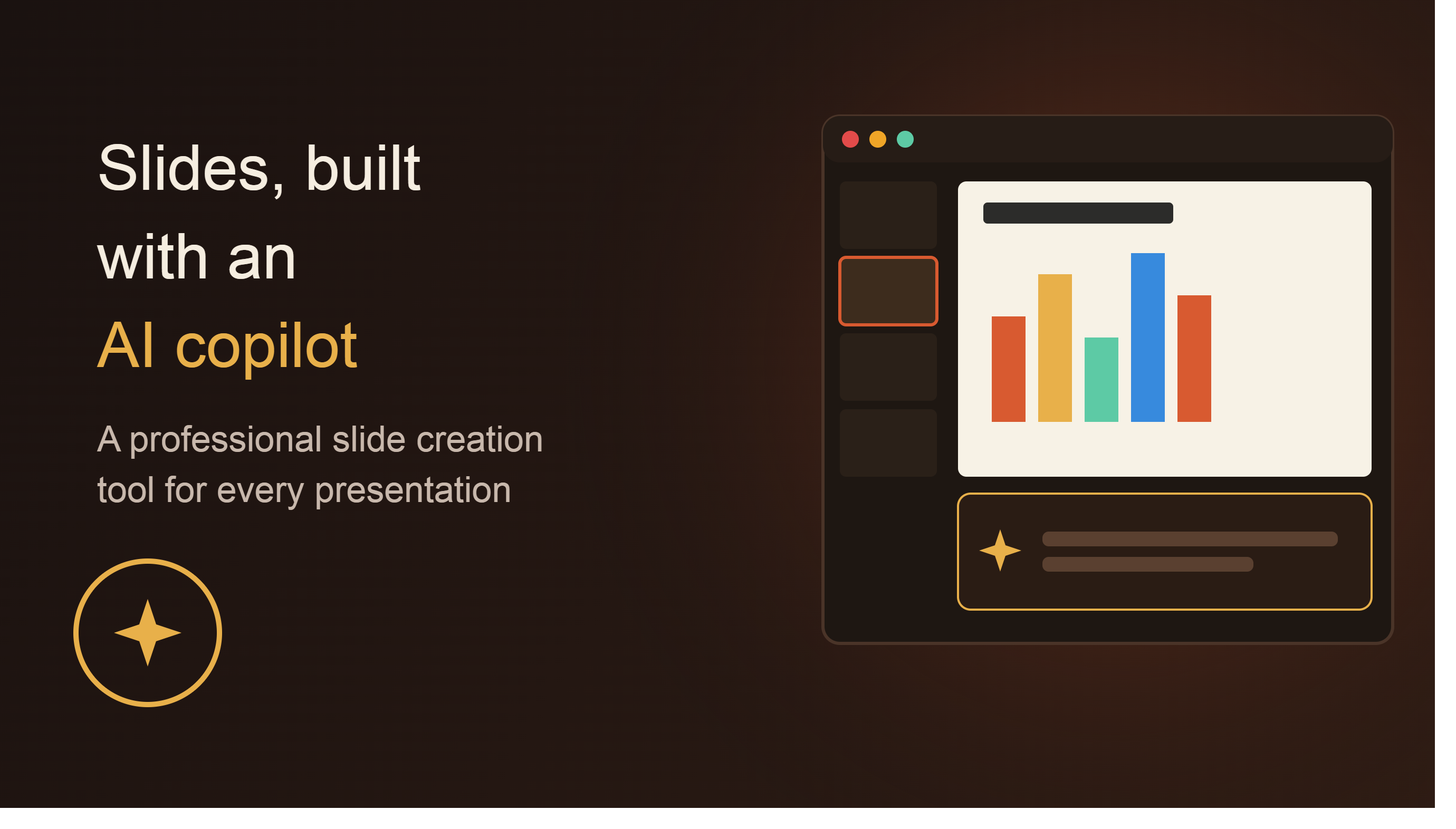
Microsoft PowerPoint is no longer just traditional slide-creating software; it has become a modern presentation platform integrated with Copilot artificial intelligence, Microsoft Designer, and many other intelligent support tools.
1. What is Microsoft PowerPoint?
Microsoft PowerPoint is presentation software included in the Microsoft 365 suite, developed to help users create, edit, and present content in the form of visual slides. Since its launch, PowerPoint has become a standard in the field of information presentation, widely used in education, business, conferences, training, and marketing.
PowerPoint's strength lies in its ability to combine text, images, charts, videos, animations, and other multimedia elements in a single presentation. This allows complex information to be conveyed more vividly and easily understood. Today, PowerPoint is not just a traditional slide-creating tool, but also a content creation platform supported by artificial intelligence, helping users work faster and more efficiently.
2. The Power of AI Copilot in PowerPoint
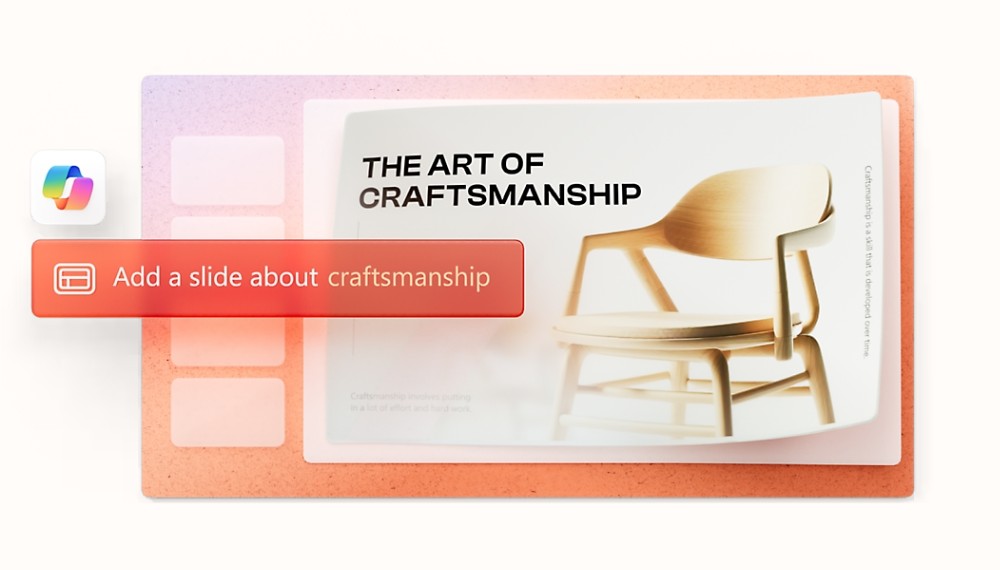
One of the most notable upgrades to Microsoft PowerPoint is the introduction of Copilot. This AI assistant is integrated directly into Microsoft 365 to support users throughout the presentation creation process. Instead of starting with a blank slide and spending hours building the layout, users can ask Copilot to generate a presentation flowchart or a first draft based on their desired topic.
Copilot can analyze requirements, suggest content structures, and organize ideas in a logical sequence. This significantly reduces presentation preparation time, especially for projects with tight deadlines or large amounts of content. For businesses, Copilot can assist in building business reports, project plans, or sales presentations. For students, AI can help create outlines for academic presentations or scientific research.
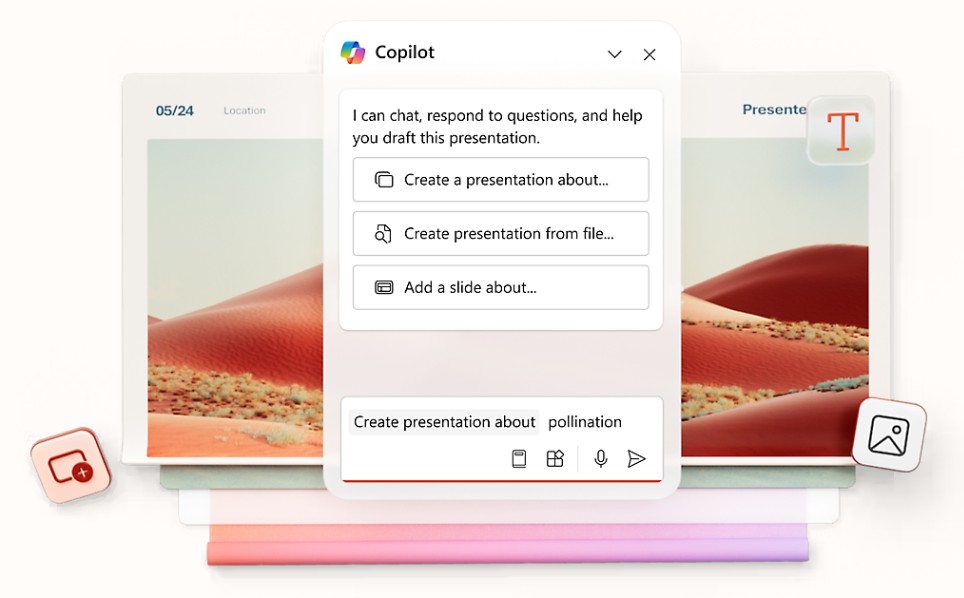
Copilot's content creation support capabilities allow users to focus more on the core message instead of spending too much time on technical tasks.
3. Expand Ideas and Create Intelligent Content
After creating a basic content framework, Copilot continues to support users in developing their ideas further. Users can ask questions or request the AI to add more information on specific topics directly within PowerPoint. The system will provide relevant suggestions to help make the presentation more complete and professional.
This feature is particularly useful when users need to present on new topics or in areas where they lack experience. AI acts as a research assistant, helping to broaden perspectives and provide suitable content development directions. As a result, presentation creation is no longer limited by the presenter's initial knowledge.
In addition, Copilot can create new slides based on existing content, helping to maintain consistency throughout the entire presentation.
4. Thousands of Professional Presentation Templates
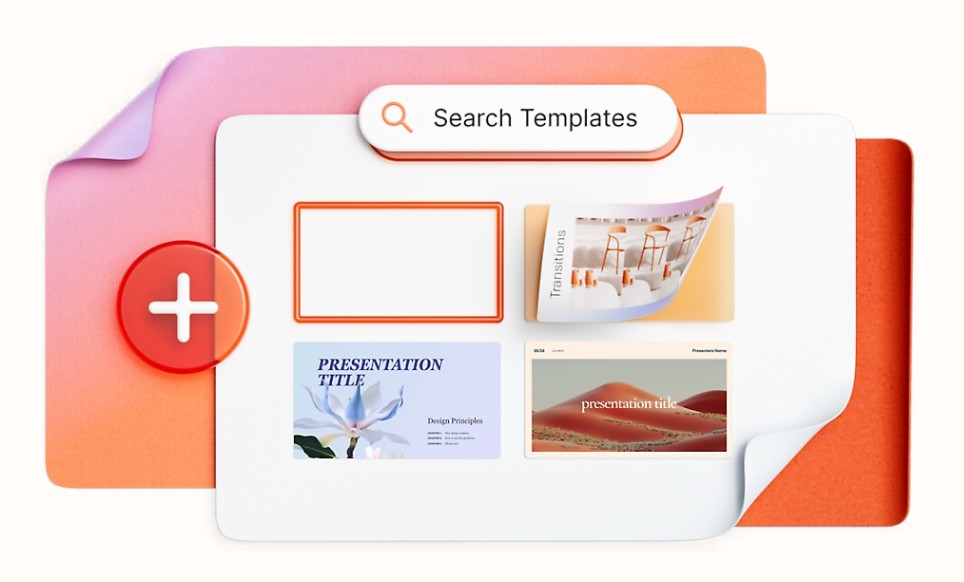
Not everyone has graphic design skills or the ability to build presentation layouts from scratch. To address this, Microsoft PowerPoint offers thousands of customizable presentation templates for a wide range of applications.
Users can choose templates for businesses, education, marketing, training, conferences, sales, or personal events. Each template is designed to professional standards with a logical layout, harmonious colors, and scientifically arranged visual elements.
Using pre-built templates significantly saves design time while ensuring aesthetics and consistency throughout the presentation. This is a particularly suitable solution for those who need to create slides quickly but still want to maintain a professional quality.
5. Better Design with Microsoft Designer
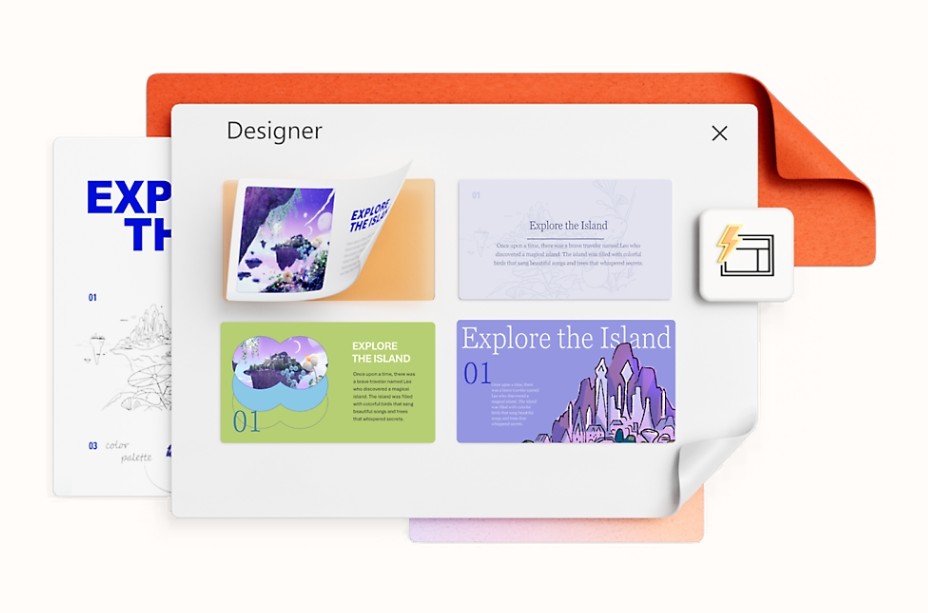
One of the highlights of modern PowerPoint is its integration with Microsoft Designer. This tool uses AI to provide suggestions on layout, color, images, and content presentation to make slides more engaging.
When users add text or images to a slide, Designer will automatically suggest several different design versions. Users simply choose the most suitable option without having to manually adjust each detail.
Thanks to AI support, even those without design experience can create highly professional presentations. This helps bridge the gap between average users and design professionals in the process of building visual content.
6. Converting Handwriting into Digital Content
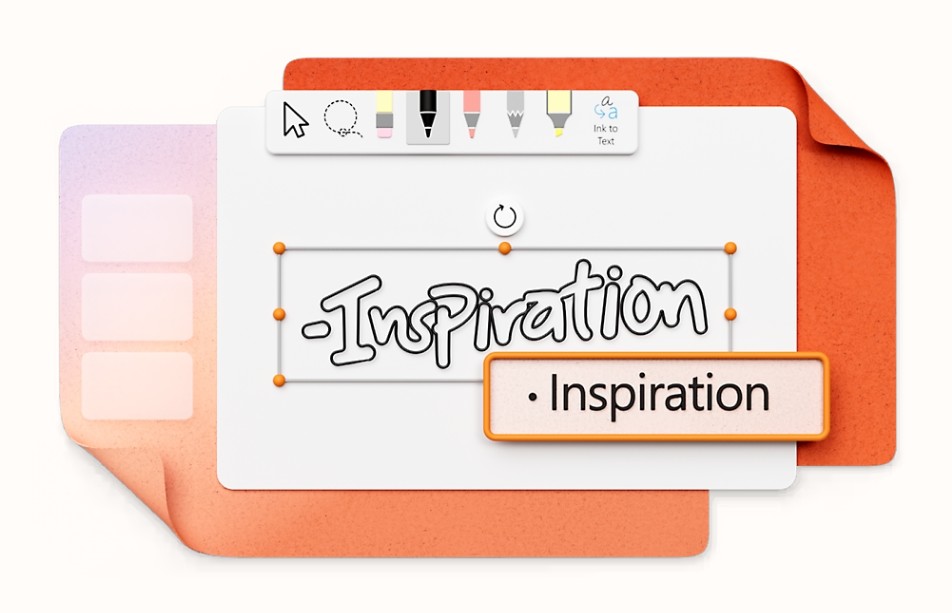
PowerPoint offers the ability to digitize handwriting and drawings directly on slides. Users can use a stylus or touch-enabled device to take notes, sketch ideas, or draw diagrams during their work. The system will automatically convert the drawings into standardized text or shapes.
This feature offers great flexibility for those who frequently brainstorm ideas or need to present complex concepts through diagrams. Instead of using multiple different software programs, the entire process from sketching to finalizing the content can be done directly within PowerPoint.
7. Increase Interaction with Cameos
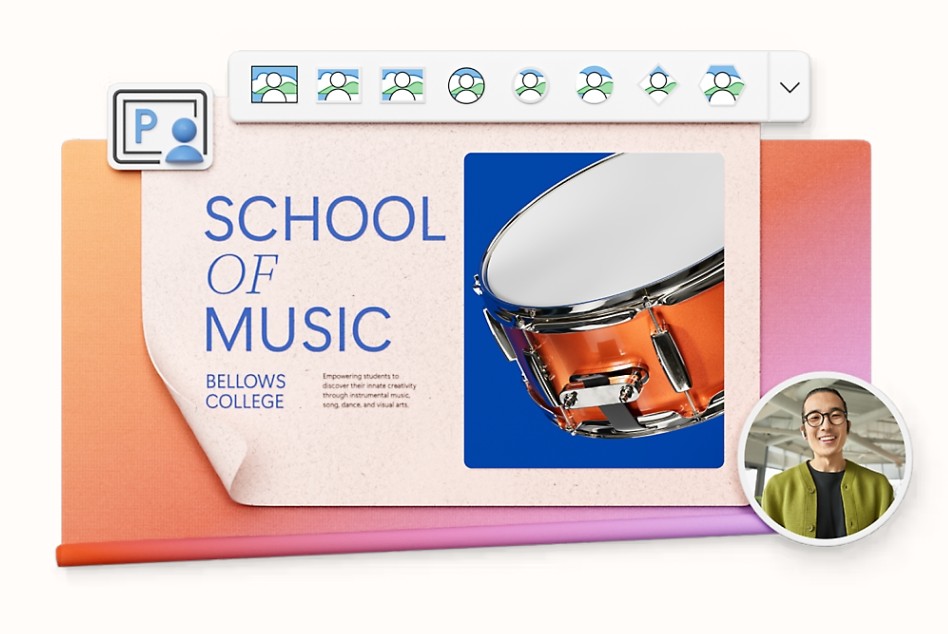
Video is becoming an important part of modern presentations. To help presenters connect better with their audience, Microsoft has integrated the Cameo feature into PowerPoint. This feature allows you to insert a video of the presenter directly into a slide.
Instead of just displaying content on the screen, viewers can simultaneously observe both the presenter and the slides. This increases personalization, fosters better interaction, and enhances engagement in online training sessions, workshops, or remote meetings.
For businesses that frequently organize webinars or online training sessions, Cameo is a highly effective tool to enhance the participant experience.
8. Practice Presentation Skills with a Speaker Coach
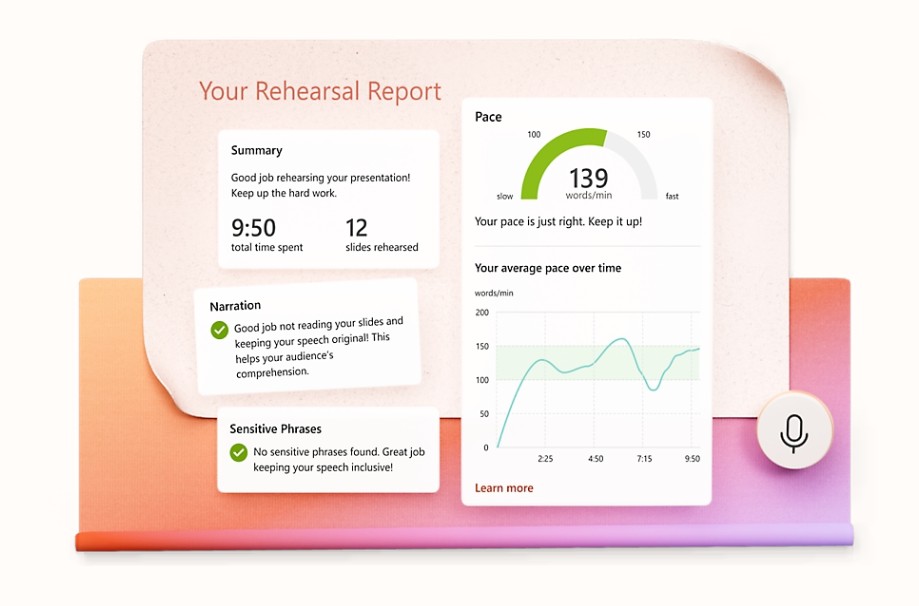
A visually appealing presentation isn't enough for a successful presentation. Effective communication and presentation skills are also crucial. Microsoft PowerPoint integrates Speaker Coach, also known as a public speaking coach, to help users improve their presentation skills through AI.
During training, the system will analyze speaking pace, intonation, presentation duration, frequency of filler words, and many other factors. The AI will then provide detailed feedback to help users adjust their presentation style.
This is a particularly useful tool for students preparing to defend their theses, sales staff preparing to meet clients, or managers needing to present to important partners.
9. Improve Content Accessibility
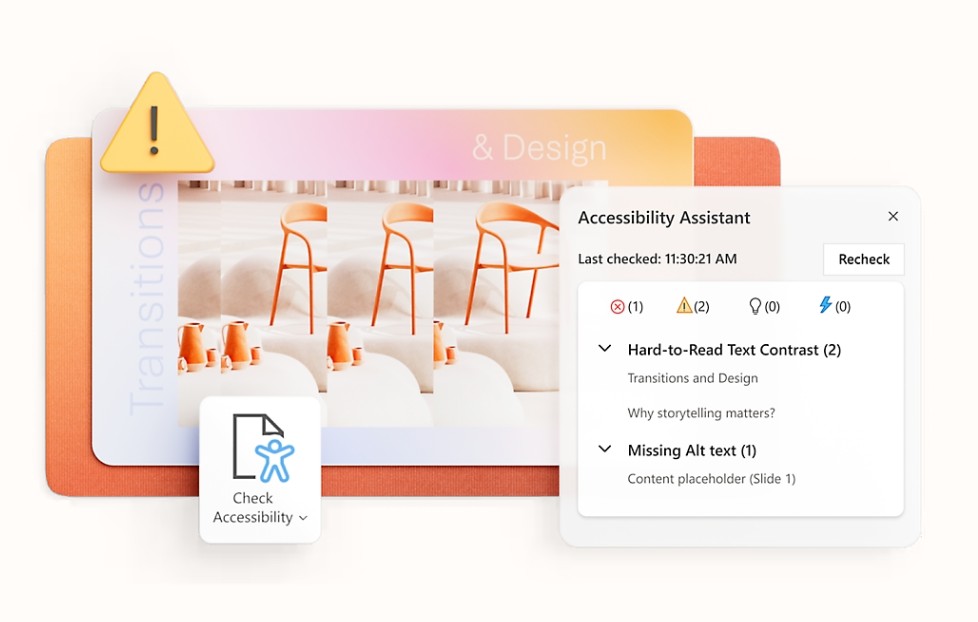
Microsoft PowerPoint focuses on creating presentations that are accessible to all audiences. The integrated Accessibility Assistant helps users check and optimize accessibility-related elements.
The system can analyze the use of color, contrast, content structure, and other design elements to ensure presentations are more readable for audiences with special needs. This helps improve communication quality and expand the reach of the content.
For educational institutions, businesses, or government agencies, this is a crucial feature in creating professional and user-friendly documents.
10. Real-Time Collaboration
The growing trend of remote teamwork makes online collaboration more important than ever. PowerPoint allows multiple people to edit a presentation simultaneously in real time without having to send back and forth multiple versions.
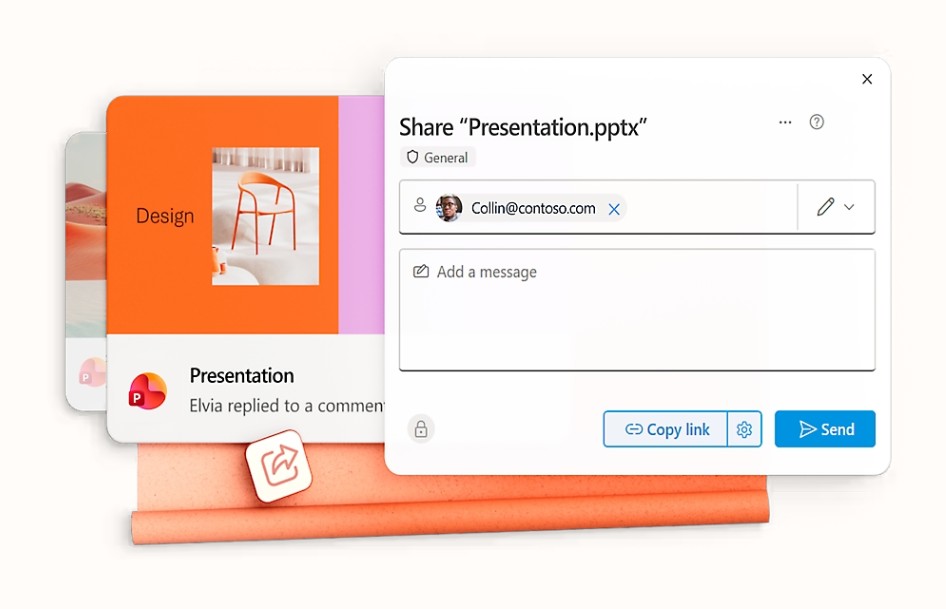
All changes are synchronized almost instantly, ensuring team members are always working on the latest version of the document. Users can also easily share links, comment directly on slides, and track editing history.
This collaborative capability enhances teamwork efficiency, especially for projects with multiple participants or businesses operating on a flexible work model.
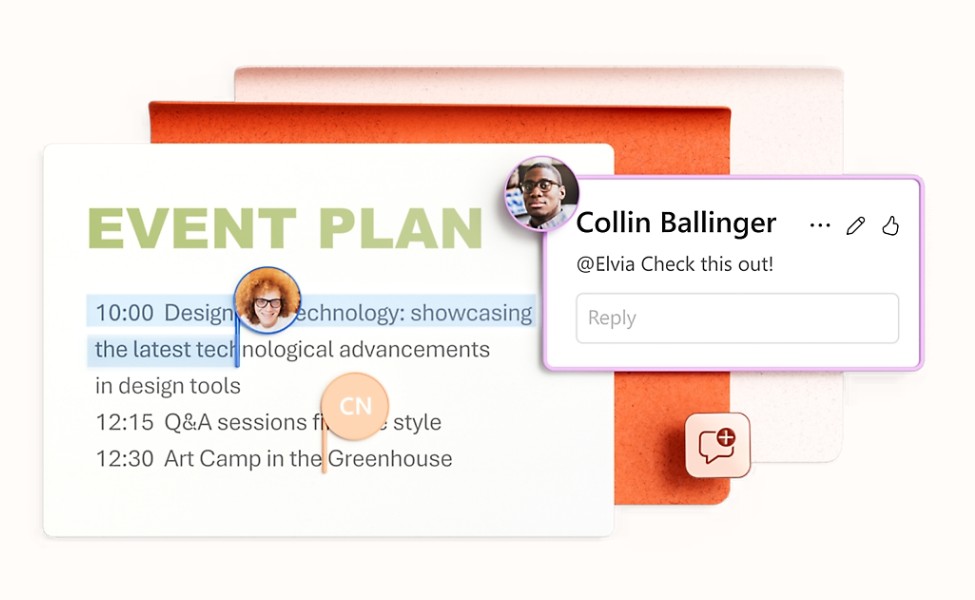
11. Tag Members and Manage Exchanges Effectively
In addition to direct collaboration, PowerPoint also supports commenting and tagging collaborators using the @ symbol. Users can mention a specific member to request feedback or assign tasks related to a particular piece of content.
This makes the communication process clearer and more organized. Discussions are stored directly within the document, making it easy for users to track and manage work progress.
12. PowerPoint in the Microsoft 365 Ecosystem
Although PowerPoint can operate independently, its true power is unleashed when combined with Microsoft 365. According to Microsoft, Microsoft 365 users can use PowerPoint with Word, Excel, Outlook, OneNote, OneDrive, Teams, Designer, Clipchamp, and Microsoft Defender in a unified ecosystem.
Microsoft 365 Personal users are provided with 1 TB of OneDrive storage, the ability to use it across multiple devices simultaneously, and access to advanced Copilot features in PowerPoint. This allows you to store, edit, and share presentations anywhere, while maintaining consistency across all devices.
In addition, Microsoft Defender enhances data security, while Teams supports more effective online meetings and collaboration. This combination creates a comprehensive work environment for individuals, families, and businesses.
13. Conclusion
Microsoft PowerPoint has evolved far beyond its role as a traditional presentation software to become a content creation platform powered by artificial intelligence and the Microsoft 365 ecosystem. With the ability to create slides using Copilot, optimize designs with Designer, practice presentations with Speaker Coach, integrate video with Cameo, and collaborate in real time, PowerPoint helps users save time, improve presentation quality, and increase communication effectiveness.





















VIP Products








Best Selling Products
Freepik Premium Account
59 USD
Genuine Cheap Canva Pro
39 USD
Plugin Retouch4me
69 USD
Copyright Adobe Lightroom Account
59 USD
Upgrade genuine Capture One account
120 USD
MidJourney Account
29 USD
Windows 10 & 11 Pro Key
36 USD
Genuine Adobe Illustrator account
99 USD
Adobe Photoshop Copyright - Full App
120 USD
Autodesk All App Account Copyright
120 USD
Adobe Premiere Pro Account
99 USD
ChatGPT Plus Account (GPT-4)
16 USD
Upgrade Duolingo Super
29 USD
Capcut Pro 1 Year
39 USD
Upgrade Genuine Office 365
49 USD