Best Selling Products

Genuine Cheap Canva Pro
39 USD

Adobe Photoshop Copyright - Full App
120 USD

ChatGPT Plus Account (GPT-4)
16 USD

Capcut Pro 1 Year
39 USD

Autodesk All App Account Copyright
120 USD

Freepik Premium Account
59 USD

Upgrade Genuine Office 365
49 USD

Windows 10 & 11 Pro Key
36 USD

Copyright Adobe Lightroom Account
59 USD

Upgrade genuine Capture One account
120 USD

Plugin Retouch4me
69 USD

Upgrade Duolingo Super
29 USD

MidJourney Account
29 USD

Genuine Adobe Illustrator account
99 USD

Adobe Premiere Pro Account
99 USD
MacBook Air or MacBook Pro: Which One Is More Durable Over Time?
Nội dung
- 1. MacBook Air and MacBook Pro Target Different User Groups
- 2. The Most Important Factor That Determines a MacBook’s “Lifespan”
- 3. Is MacBook Air Really “Less Durable” Than MacBook Pro?
- 4. Performance and How It “Ages” Over Time
- 5. How Battery, Temperature, and Usage Habits Affect Device Longevity
- 6. When It Makes Sense to Pay Extra for a MacBook Pro
If you're deciding between a MacBook Air and a MacBook Pro, longevity is certainly an important factor. But is the Pro line truly more durable, or is the MacBook Air still reliable enough for many years of stable use? This article will help you understand the difference.
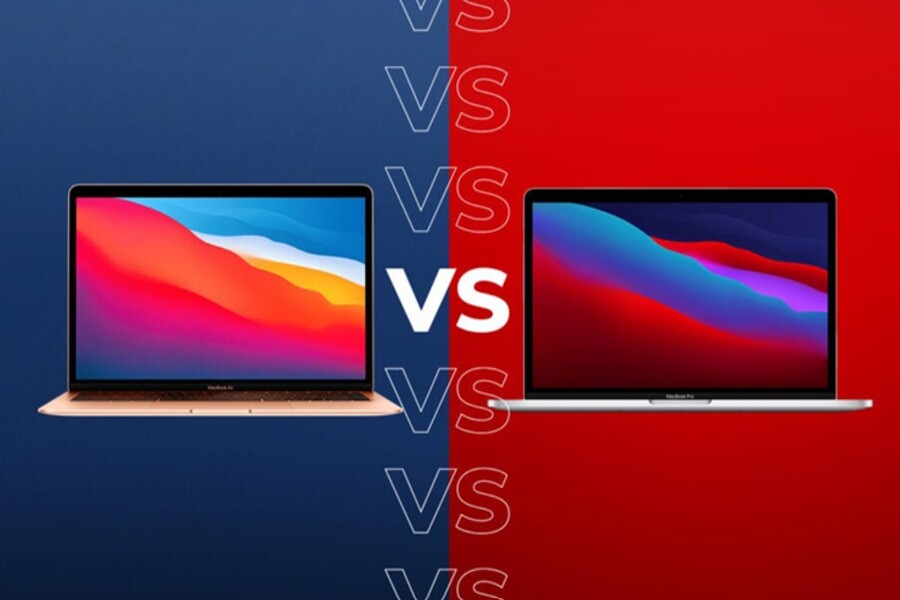
1. MacBook Air and MacBook Pro Target Different User Groups
To understand the difference in longevity between the two product lines, it is important to first look at their design philosophy. Apple developed the MacBook Air with the goal of creating a lightweight laptop that is easy to carry and suitable for most general users. This device is aimed at students, office workers, and people who need a compact computer for everyday tasks. With its light weight, long battery life, and performance that is sufficient for common activities such as document editing, web browsing, online learning, and basic photo editing, the MacBook Air quickly became one of Apple's best-selling laptop lines.
Meanwhile, the MacBook Pro is positioned in a more premium segment. This product line targets professional users such as programmers, graphic designers, video editors, and software engineers. These jobs often require powerful processing performance, the ability to run demanding applications for extended periods, and consistent performance under continuous workloads. As a result, the MacBook Pro is typically equipped with stronger hardware, a higher-quality display, and a better cooling system than the MacBook Air.
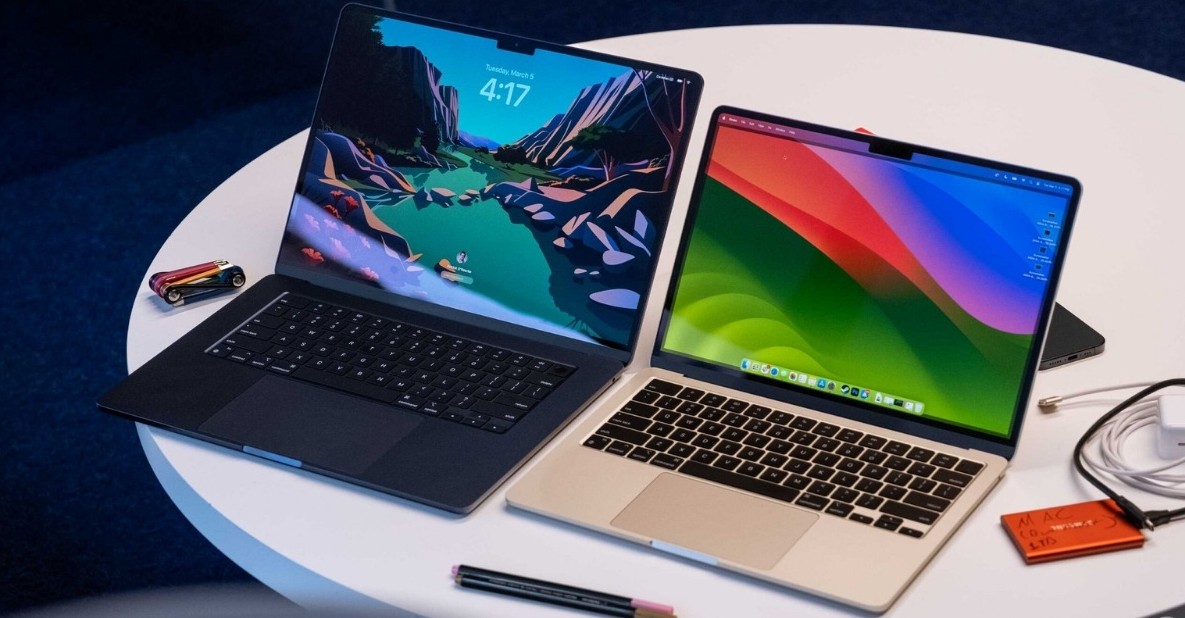
The difference in target users means that longevity should also be evaluated within the appropriate context. A MacBook Air used for light office work can operate reliably for many years without significant issues. However, if it is constantly handling demanding tasks such as high-resolution video editing or large-scale data processing, its performance may decline more quickly compared to a MacBook Pro. This does not mean the MacBook Air is less durable—it simply means it was designed for a different purpose.
2. The Most Important Factor That Determines a MacBook’s “Lifespan”
When discussing laptop longevity, many people immediately think about hardware durability. However, within Apple’s ecosystem, the factor that often determines a device’s lifespan is software support. Apple is well known for providing long-term operating system support for its products, especially macOS on Mac computers. Typically, a MacBook receives major macOS updates for approximately five to seven years after its release. Even after it stops receiving new operating system versions, it may continue receiving security updates for an additional one to two years.
This means the software lifecycle of a MacBook generally lasts between seven and nine years. During this period, users can continue using the device safely and maintain compatibility with modern applications. Compared to many laptops running other operating systems, this is a remarkably long support cycle and one of the reasons MacBooks are highly regarded for long-term value.
Beyond software, MacBook longevity also depends on factors such as battery durability, SSD quality, thermal management, and hardware optimization. Lithium-ion batteries naturally lose capacity over time, but Apple designs its batteries to retain around 80% of their capacity after hundreds of charge cycles. In many cases, replacing the battery after several years can significantly extend the device’s lifespan.
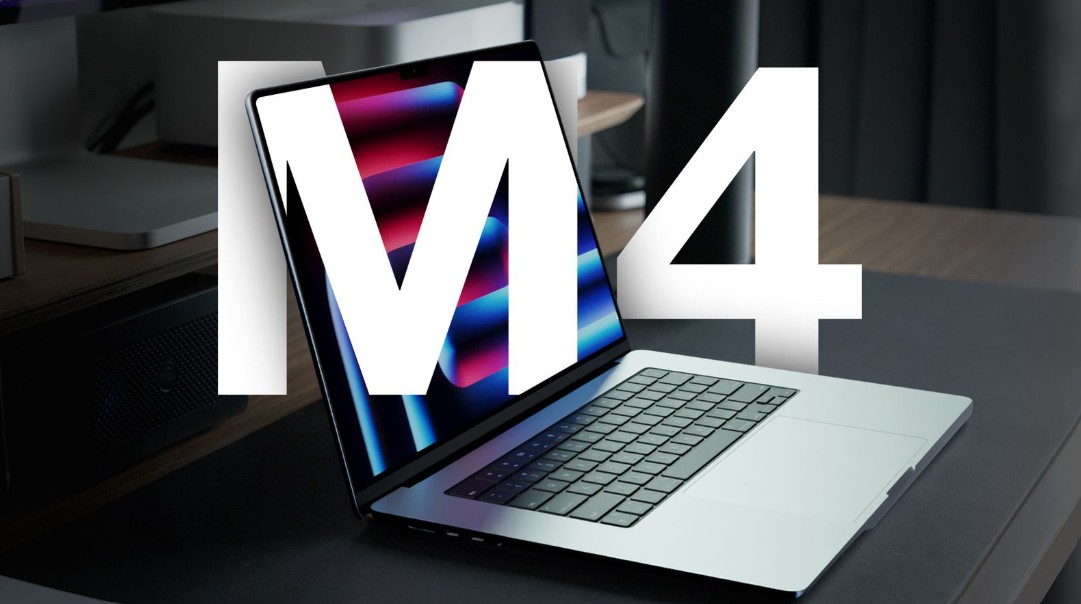
SSD storage is another important factor. Although SSDs have limits on the number of write cycles they can handle, modern technology and Apple’s memory management ensure that MacBook SSDs typically last long enough to meet years of usage demands. Together, all these factors contribute to the long lifespan of MacBook devices, whether they are Air or Pro models.
3. Is MacBook Air Really “Less Durable” Than MacBook Pro?
A common belief is that a more expensive device is automatically more durable and lasts longer. This leads many people to assume that the MacBook Pro must have a longer lifespan than the MacBook Air. However, when considering physical durability, the difference between these two product lines is actually quite small. Both feature Apple’s signature unibody aluminum chassis, which provides excellent structural strength and durability.
The biggest difference lies in the cooling system. MacBook Air models generally do not include cooling fans in order to maintain their thin, lightweight design and silent operation. When handling demanding tasks for extended periods, the temperature may rise, causing the system to automatically reduce performance to protect internal components. In contrast, the MacBook Pro includes an active cooling system with fans, allowing it to sustain performance more consistently during prolonged heavy workloads.
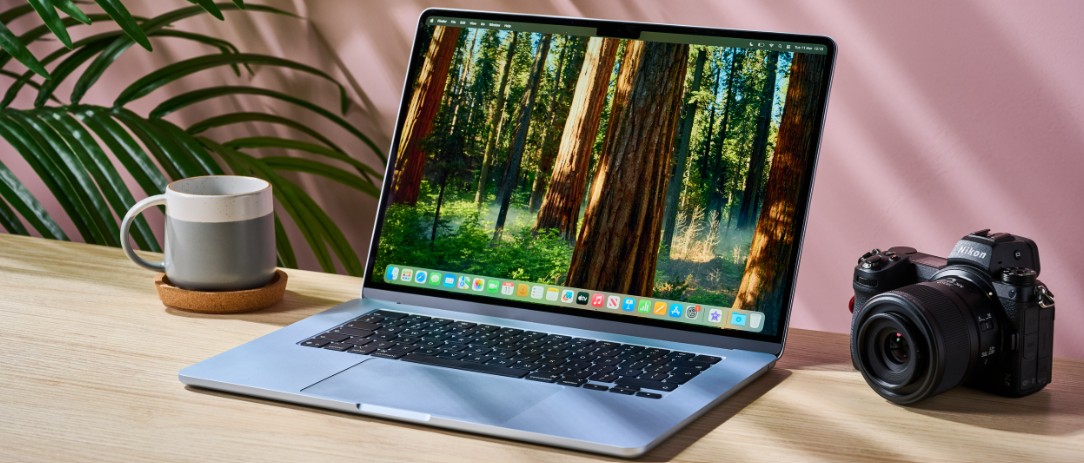
However, for common tasks such as studying, office work, web browsing, or watching videos, the MacBook Air can operate reliably for many years without any significant issues. In fact, many MacBook Air users continue using their devices successfully after five or even seven years, demonstrating that the durability of this product line is not inferior to the MacBook Pro when used appropriately.
4. Performance and How It “Ages” Over Time
Another important factor that affects a laptop’s practical lifespan is how its performance holds up as the device ages. As software and operating systems demand more resources over time, devices with stronger hardware from the start have an advantage in maintaining long-term performance. This is one reason many people choose the MacBook Pro over the MacBook Air.
The MacBook Pro is usually equipped with more powerful chips, additional processing cores, and the ability to sustain higher performance levels over extended periods. This is especially important for tasks such as video production, high-resolution photo editing, or large software development projects. As applications become increasingly demanding, the stronger initial hardware configuration helps the machine continue meeting professional requirements for many years.
However, for users whose needs are limited to office work or education, this difference is less noticeable. Modern MacBook Air models powered by Apple Silicon chips are already powerful enough to handle most common tasks. As Apple continues optimizing macOS for its own processors, MacBook Air performance can remain stable for a long time without facing major limitations.
5. How Battery, Temperature, and Usage Habits Affect Device Longevity
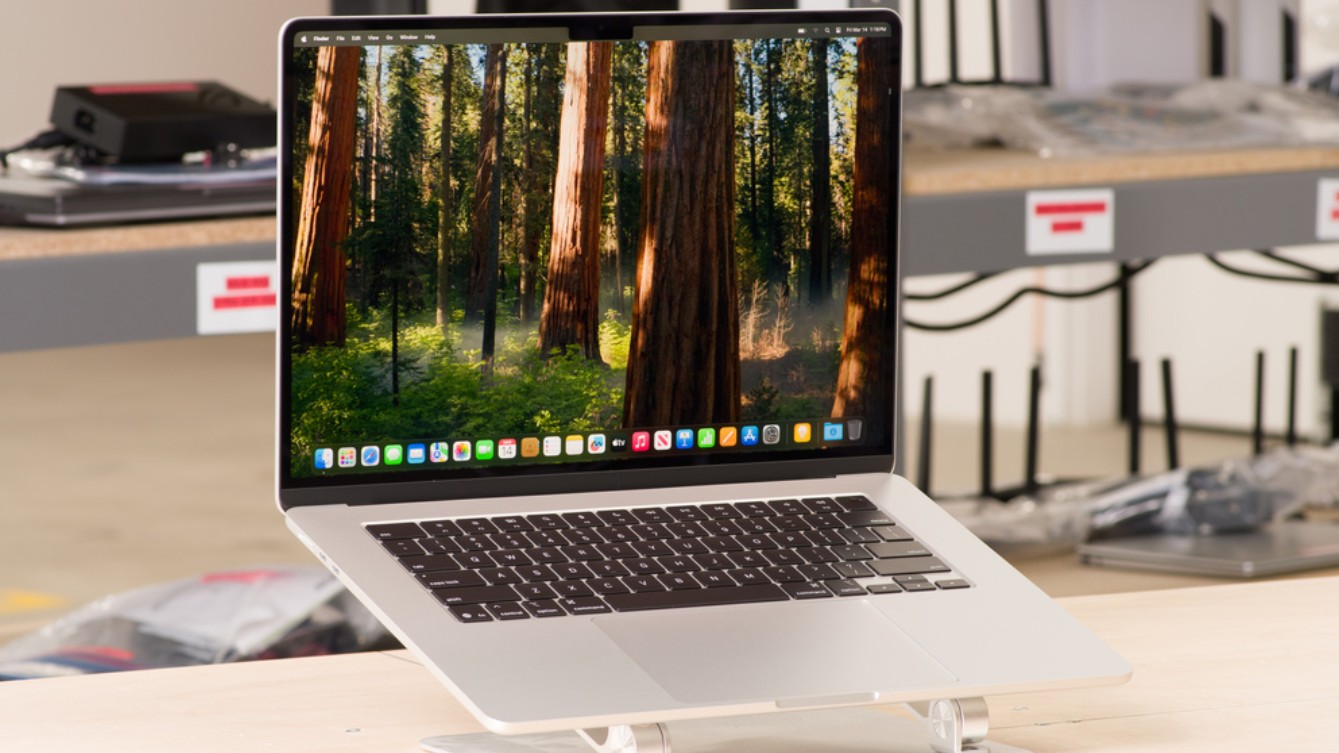
Beyond hardware specifications and software support, user habits play a major role in determining laptop lifespan. The battery is one of the components that naturally wears out the fastest over time. Charging properly, avoiding frequent deep discharges, and preventing excessive heat exposure can significantly extend battery life.
Temperature is also a crucial factor affecting the durability of electronic components. When a laptop operates continuously at high temperatures, internal components may age more quickly. This is why the MacBook Pro, with its superior cooling system, is often a better choice for demanding workloads. However, under normal usage conditions, the MacBook Air can still maintain stable temperatures thanks to Apple’s optimized design.
In addition, proper storage, routine cleaning, and the use of genuine accessories also contribute to extending a device’s lifespan. A well-maintained MacBook can continue operating reliably for many years without requiring major hardware replacements.
6. When It Makes Sense to Pay Extra for a MacBook Pro
The decision to spend extra money on a MacBook Pro depends heavily on individual needs. If your work involves programming, video editing, graphic design, or large-scale data processing, the MacBook Pro is generally the more appropriate choice because of its ability to maintain consistent performance over long periods. Professional users often need a machine that can operate continuously for hours without performance degradation.
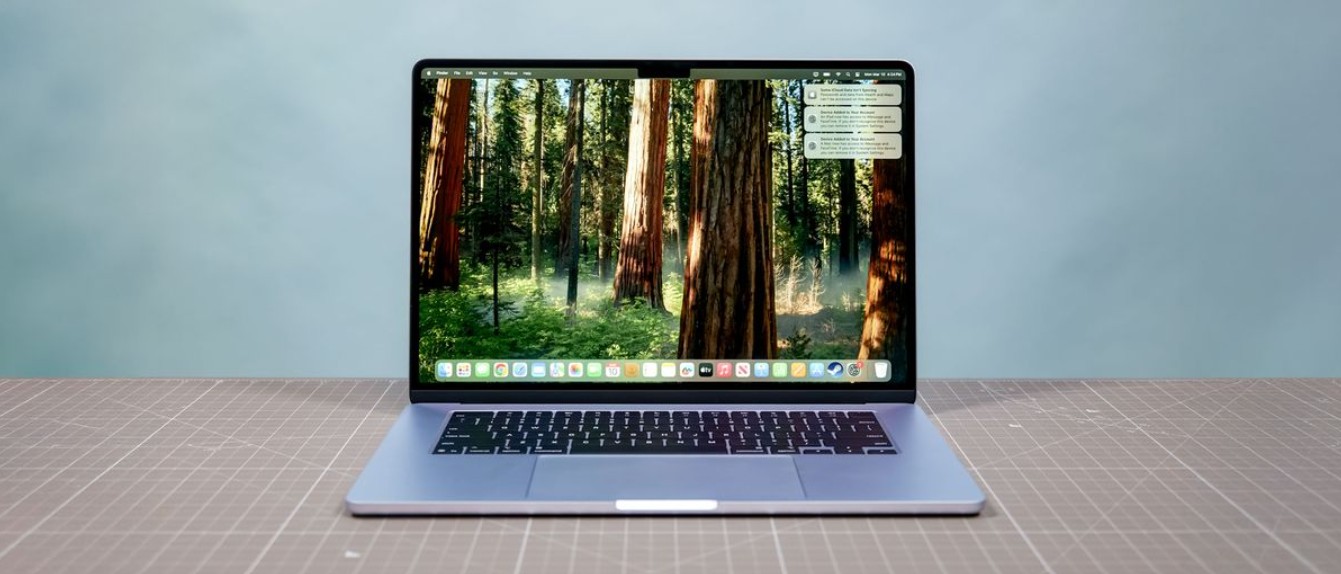
On the other hand, if your primary needs involve studying, office work, web browsing, or entertainment, the MacBook Air is usually the more sensible option. It is lighter, more affordable, and still capable of providing stable performance for many years. For many everyday users, the MacBook Air fully satisfies their needs without requiring the additional expense of a Pro model.
The MacBook Air is an ideal choice for most users thanks to its lightweight design, strong enough performance, and more accessible price point. Meanwhile, the MacBook Pro truly demonstrates its value when used for professional workloads that demand high performance and sustained processing power over extended periods. Therefore, the decision to spend more on a MacBook Pro should be based on actual usage requirements rather than longevity alone. When you choose the device that best fits your needs, both MacBook lines can become reliable and durable tools for many years to come.





















VIP Products








Best Selling Products
Genuine Cheap Canva Pro
39 USD
Adobe Photoshop Copyright - Full App
120 USD
ChatGPT Plus Account (GPT-4)
16 USD
Capcut Pro 1 Year
39 USD
Autodesk All App Account Copyright
120 USD
Freepik Premium Account
59 USD
Upgrade Genuine Office 365
49 USD
Windows 10 & 11 Pro Key
36 USD
Copyright Adobe Lightroom Account
59 USD
Upgrade genuine Capture One account
120 USD
Plugin Retouch4me
69 USD
Upgrade Duolingo Super
29 USD
MidJourney Account
29 USD
Genuine Adobe Illustrator account
99 USD
Adobe Premiere Pro Account
99 USD