Best Selling Products

Upgrade Genuine Office 365
49 USD

Adobe Photoshop Copyright - Full App
120 USD

ChatGPT Plus Account (GPT-4)
16 USD

Genuine Cheap Canva Pro
39 USD

MidJourney Account
29 USD

Copyright Adobe Lightroom Account
59 USD

Genuine Adobe Illustrator account
99 USD

Adobe Premiere Pro Account
99 USD

Autodesk All App Account Copyright
120 USD

Plugin Retouch4me
69 USD

Capcut Pro 1 Year
39 USD

Freepik Premium Account
59 USD

Upgrade Duolingo Super
29 USD

Windows 10 & 11 Pro Key
36 USD

Upgrade genuine Capture One account
120 USD
Microsoft 365 and Windows 11: The perfect duo to help Vietnamese freelancers work more efficiently.
Nội dung
- 1. What do Microsoft 365 and Windows 11 offer freelancers?
- 2. Copilot helps freelancers process tasks faster.
- 3. How to leverage Copilot to start a content project faster.
- 4. OneDrive helps freelancers manage their documents more efficiently.
- 5. Windows 11 optimizes workspace for freelancers.
- 6. How to arrange Windows 11 for multitasking
- 7. Where is the best place to upgrade to Microsoft 365 for optimal work efficiency?
- 8. Conclusion
Being a freelancer sounds like freedom, but behind that flexibility lies a host of pressures: finding clients, managing deadlines, handling documents, sending quotes, attending online meetings, and constantly updating your work. As the number of projects increases, relying on separate tools can easily lead to a cluttered workflow. That''s why Microsoft 365 and Windows 11 are becoming a useful duo for many freelancers. One provides familiar tools like Word, Excel, PowerPoint, Outlook, OneDrive, and AI features, while the other creates a convenient work environment for managing windows, documents, and multiple tasks simultaneously. When combined correctly, freelancers can reduce manual tasks and dedicate more time to value-creating work. Let''s explore this with Sadesign!
1. What do Microsoft 365 and Windows 11 offer freelancers?
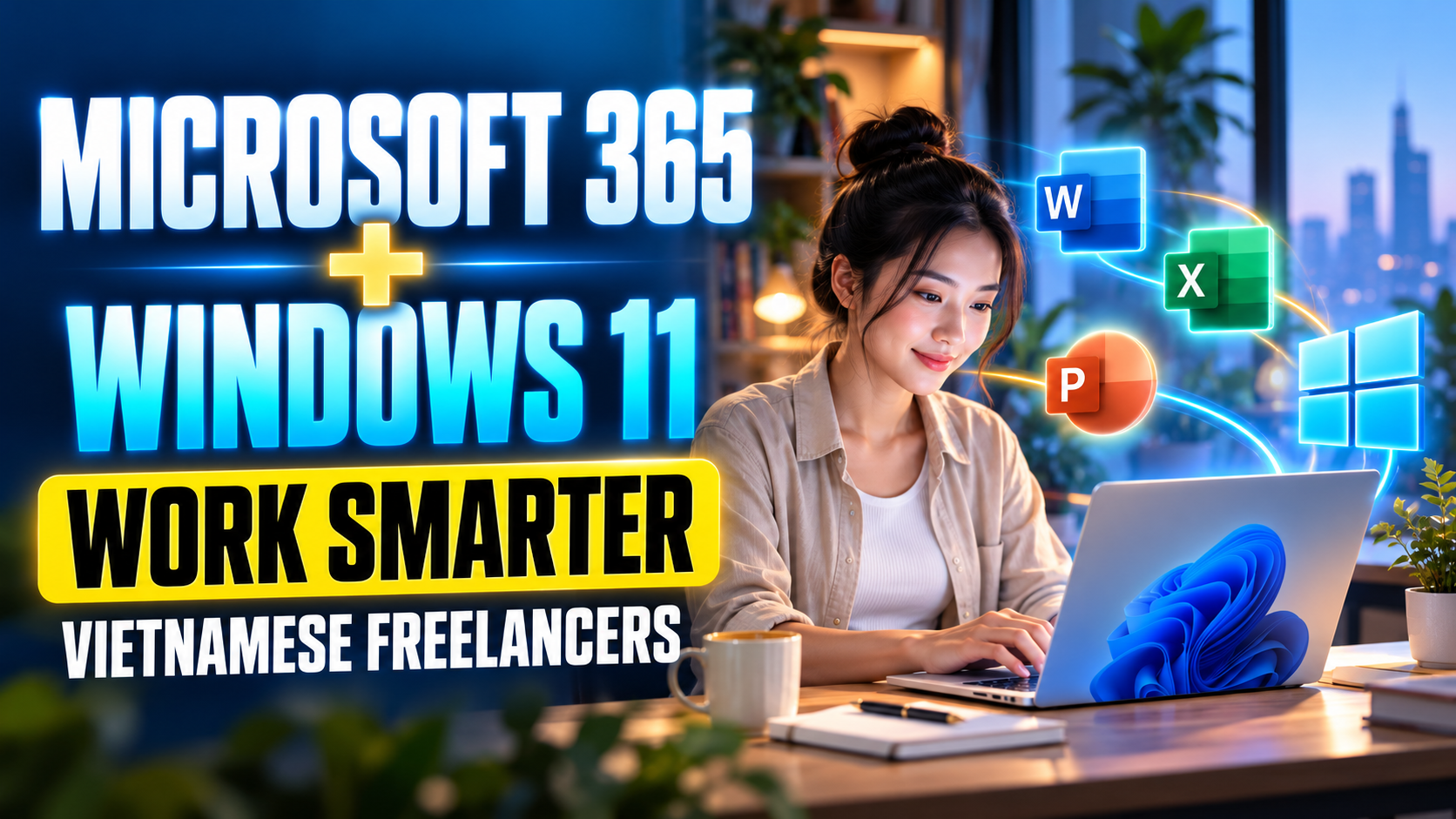
Freelancers often have to juggle multiple tasks in a single day. Sometimes you're writing content, then you have to switch to checking spreadsheets, answering emails, and then back to editing client documents. If the tools aren't properly integrated, simply finding files and switching between applications can be incredibly time-consuming. Microsoft 365, combined with Windows 11, creates a seamless work environment, especially for those who frequently use Windows computers. Instead of having to find a separate tool for each task, users can focus on multiple tasks within a single ecosystem.
-
Working with Word, Excel, PowerPoint, and Outlook: Meeting a wide range of needs from content writing and data processing to email management and presentations.
-
Storage with OneDrive: Allows documents to be stored in the cloud and accessed from multiple devices.
-
AI support: Copilot features can assist with a number of tasks within the Microsoft ecosystem.
-
Convenient multitasking: Windows 11 supports arranging multiple windows to work with simultaneously.
-
Easy to share documents: You can share files or links instead of sending multiple versions back and forth.
-
Reduce repetitive tasks: Tasks such as finding files, organizing documents, or processing content can be performed more conveniently.
2. Copilot helps freelancers process tasks faster.
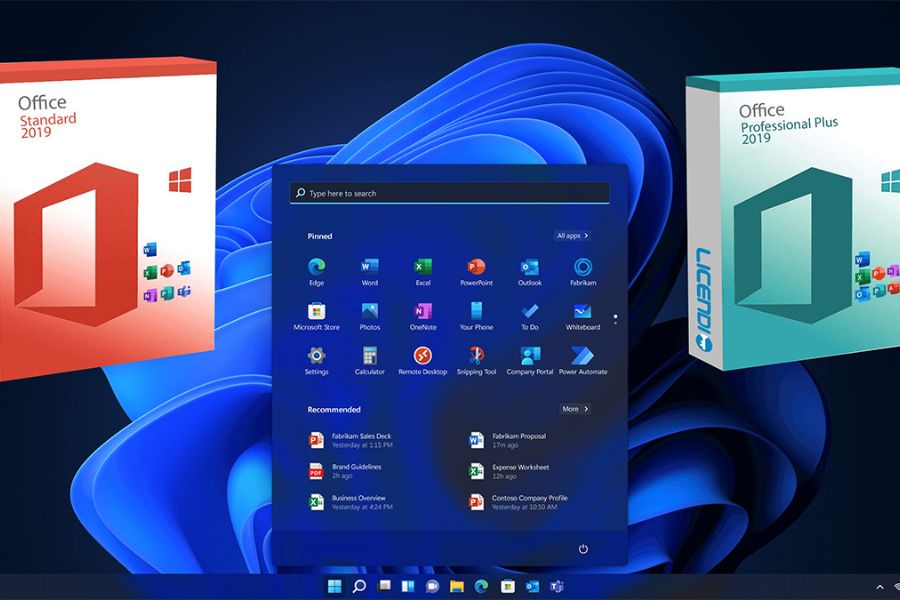
One of the most notable features of Microsoft 365 today is its AI Copilot experience. For those who frequently write content, create reports, work with spreadsheets, or prepare presentations, AI can become a helpful assistant in time-consuming tasks. Instead of sitting in front of a blank Word document and not knowing where to start, freelancers can provide specific requests and receive initial suggestions. However, AI should only play a supporting role. Users still need to check information, edit content, and add their own perspective to ensure the final product meets client expectations.
-
Word: Suggests content, assists in writing drafts, summarizing, or editing text.
-
Excel: Supports data analysis, trend identification, and provides suggestions for spreadsheet manipulation using supported features.
-
PowerPoint: Helps build content and ideas for presentations.
-
Outlook: Supports processing and summarizing email information in supported experiences.
-
Idea generation: This can provide initial suggestions when freelancers are experiencing creative block.
-
Document summarization: Helps you quickly grasp the main points in long documents.
Upgrade to Microsoft 365 at an affordable price.
3. How to leverage Copilot to start a content project faster.
Step 1: Clearly identify the needs for AI assistance.
First, define what you want Copilot to do instead of making overly general requests. For example, instead of just writing "write an article," you could request an outline for a service introduction article for business clients.
Step 2: Specify your requirements.
The clearer the content, the easier the output will be to use. You can provide the topic, target audience, desired length, tone, or key points to include.
Step 3: Review and edit
This is a step freelancers shouldn't skip. Reread the content, check the information, change the wording, and add real-world experience. By combining AI processing capabilities with human thinking, the final content will be more natural and relevant to each client.
4. OneDrive helps freelancers manage their documents more efficiently.
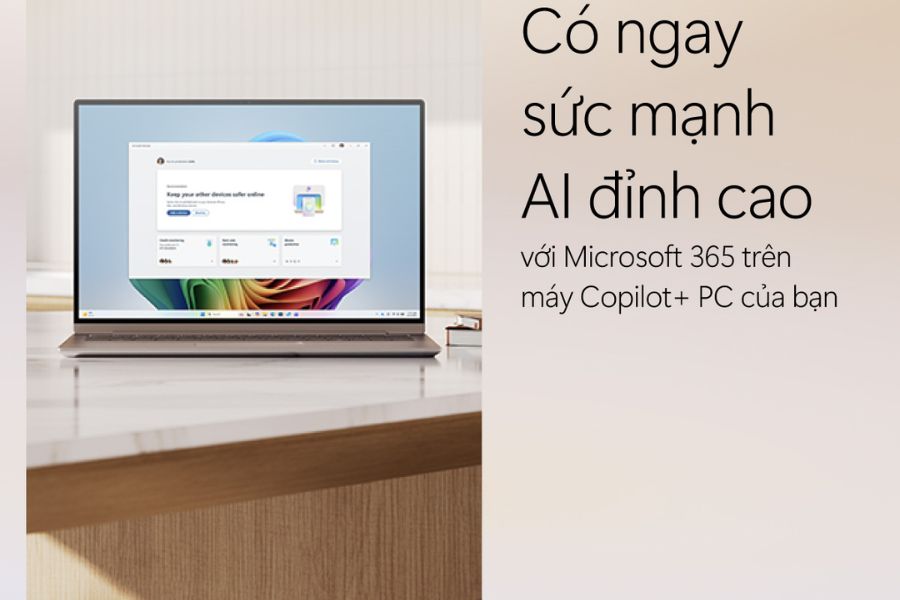
One of the most time-consuming issues for freelancers is file management. A project can have dozens of documents, images, spreadsheets, and multiple versions of edits. If each device saves a different version, the risk of sending the wrong file or losing data is very real. OneDrive helps to solve this problem to some extent by putting documents into cloud storage. When combined with Windows 11, OneDrive integrates with File Explorer, allowing users to work with familiar folders instead of constantly opening the browser to upload or download each file.
-
Centralized document storage: Create separate folders for each client or project.
-
Synchronize across devices: Work on your laptop and then continue accessing your documents from another device.
-
Share files quickly: Send a link to the customer instead of sending a large file.
-
Minimize versioning errors: Work on synchronized documents instead of creating too many copies.
-
Access documents when needed: Files stored online can be accessed from any device with an internet connection.
-
Offline support: Some files can be saved on the device for continued use when there is no internet connection.
5. Windows 11 optimizes workspace for freelancers.
If Microsoft 365 is a suite of tools for work, then Windows 11 can be seen as the environment where those tools work together. Freelancers often need to open multiple applications at once, such as Word for writing, a web browser for research, Excel for data management, and Outlook for checking email. Windows 11 offers features that help organize the workspace more efficiently. Instead of having numerous windows overlapping, users can arrange them into separate areas and switch between spaces as needed.
-
Snap Layouts: Arrange multiple windows on the screen in a suitable layout.
-
Multiple Desktops: Create multiple desktop screens for different work groups.
-
File Explorer: Conveniently manage files and folders, including those synchronized with OneDrive.
-
Windows Search: Quickly find the apps, documents, and content you need.
-
Notifications: Stay updated on the latest information from the apps you're using.
-
Multitasking capability: Quickly switch between multiple tasks without having to restart from scratch.
Upgrade to Microsoft 365 at an affordable price.
6. How to arrange Windows 11 for multitasking
Step 1: Divide the screen into areas.
When you need to work simultaneously, you can use Snap Layouts to arrange Word, your browser, Excel, or other applications on your screen. This is especially useful when you need to write content and look up information at the same time.
Step 2: Create separate desktops for each work group.
If you frequently work on multiple projects, try dividing your desktop by purpose. One desktop for clients, one for personal work, and one for research will help keep your workspace less cluttered.
Step 3: Combine OneDrive with File Explorer
Transfer project folders to OneDrive and organize them by client. When you need to find a document, you can access it directly through File Explorer instead of wasting time searching through multiple applications.
7. Where is the best place to upgrade to Microsoft 365 for optimal work efficiency?
When Microsoft 365 becomes an integral part of your daily work, choosing the right plan is crucial. Freelancers working alone will have different needs than teams with many members. In addition, OneDrive storage, the applications you need to use, and AI features are all factors to consider before upgrading. If you're looking for a place to upgrade your Microsoft 365, Sadesign is an option you can consider. Choosing the right plan from the start makes the process smoother and avoids situations where your account expires or you lack essential features while working.
-
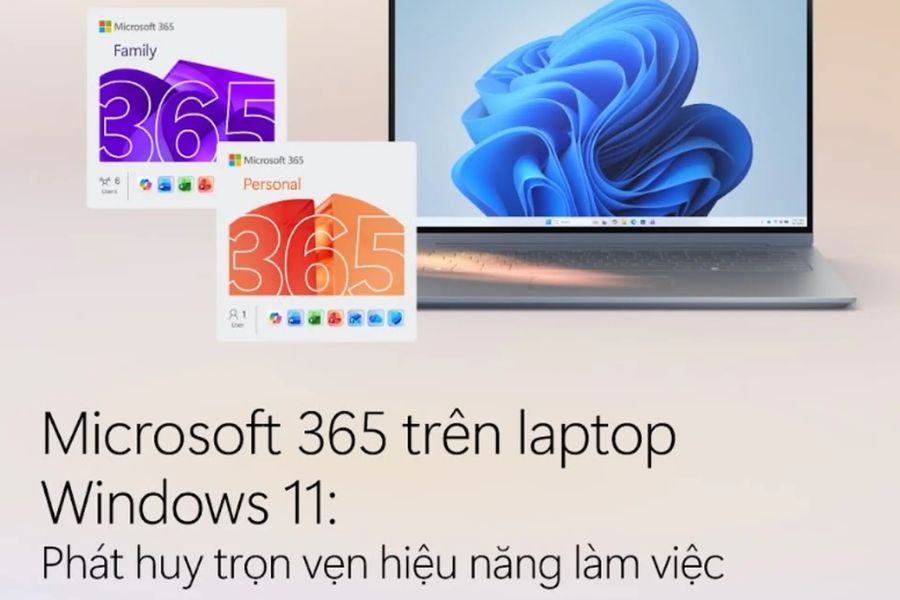
Microsoft 365 Personal: Suitable for individual users who need the Microsoft suite of applications and their own storage space.
-
Microsoft 365 Family: Suitable for multiple members, with storage space allocated to each user according to the plan's policy.
-
OneDrive storage capacity: This should be based on the actual volume of documents, images, and data.
-
AI needs: Check which Copilot features are offered in your plan and region.
-
Validity period: Prioritize packages with a validity period that aligns with your work schedule.
-
Post-purchase support: Choose a provider that offers clear instructions on activation, renewal, or troubleshooting during use.
8. Conclusion
Freelancers don't necessarily need a lot of tools to work effectively. More importantly, the tools they use should complement each other. Microsoft 365 handles familiar tasks like document creation, spreadsheet processing, slide building, email management, and archiving. Meanwhile, Windows 11 helps organize the workspace and connect these tasks within a single environment. Therefore, investing in Microsoft 365 and Windows 11 isn't simply about investing in software or an operating system. It's also about how freelancers build a modern, proactive workspace that suits their increasingly fast-paced work environment. If you need to upgrade or renew your Microsoft 365 subscription, you can consult Sadesign to choose a package that suits your needs.





















VIP Products








Best Selling Products
Upgrade Genuine Office 365
49 USD
Adobe Photoshop Copyright - Full App
120 USD
ChatGPT Plus Account (GPT-4)
16 USD
Genuine Cheap Canva Pro
39 USD
MidJourney Account
29 USD
Copyright Adobe Lightroom Account
59 USD
Genuine Adobe Illustrator account
99 USD
Adobe Premiere Pro Account
99 USD
Autodesk All App Account Copyright
120 USD
Plugin Retouch4me
69 USD
Capcut Pro 1 Year
39 USD
Freepik Premium Account
59 USD
Upgrade Duolingo Super
29 USD
Windows 10 & 11 Pro Key
36 USD
Upgrade genuine Capture One account
120 USD