Best Selling Products

Freepik Premium Account
59 USD

Upgrade Genuine Office 365
49 USD

Upgrade genuine Capture One account
120 USD

Adobe Premiere Pro Account
99 USD

MidJourney Account
29 USD

ChatGPT Plus Account (GPT-4)
16 USD

Upgrade Duolingo Super
29 USD

Plugin Retouch4me
69 USD

Genuine Adobe Illustrator account
99 USD

Adobe Photoshop Copyright - Full App
120 USD

Autodesk All App Account Copyright
120 USD

Windows 10 & 11 Pro Key
36 USD

Capcut Pro 1 Year
39 USD

Genuine Cheap Canva Pro
39 USD

Copyright Adobe Lightroom Account
59 USD
Microsoft 365 or G Suite? A detailed comparison of 8 key criteria before making your choice.
Nội dung
A detailed evaluation of each key criterion will help you understand the differences between the two ecosystems and choose the solution that best suits the scale and operational needs of your business.
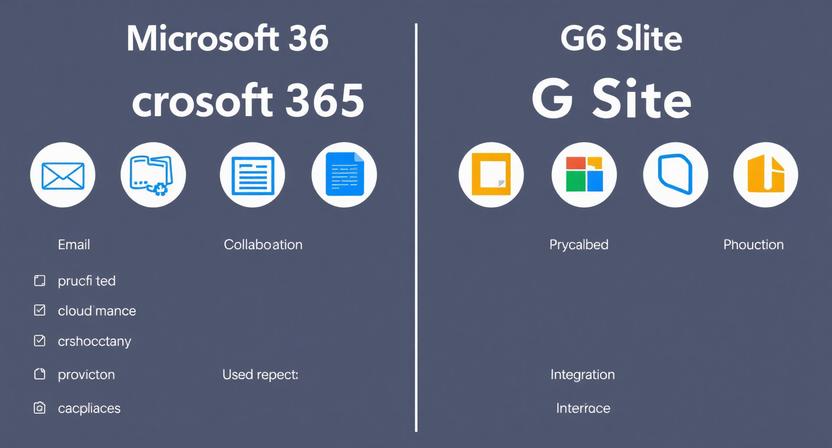
1. Business Email
Business email is always considered the center of all information exchange within an organization. It's not only a tool for internal communication but also represents a professional image when working with clients and partners. Therefore, the quality of the email system is one of the top priorities for businesses when choosing an office platform.
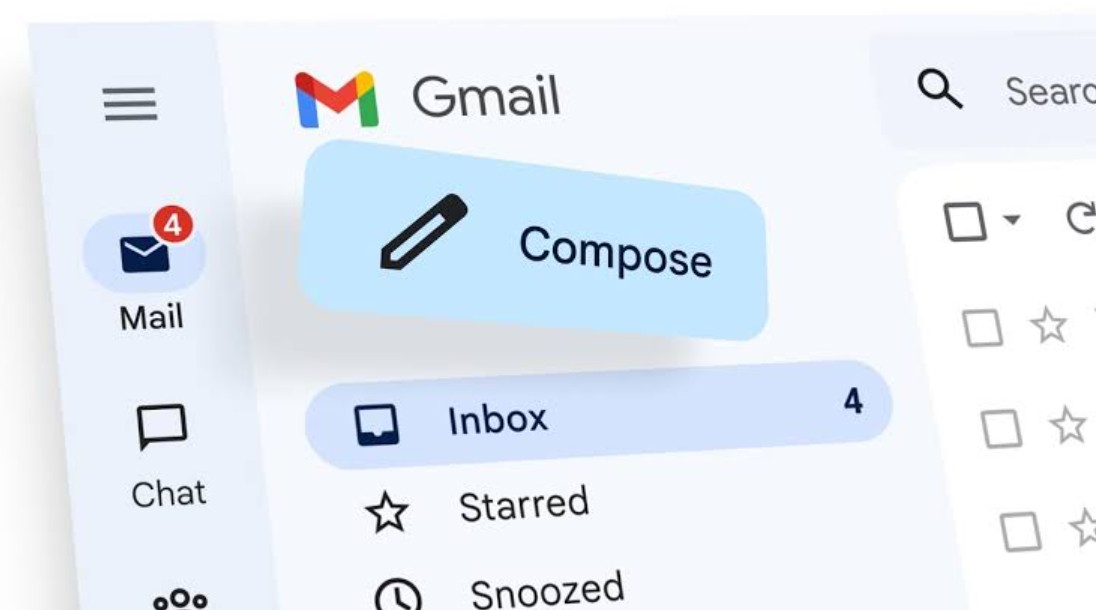
For G Suite, Gmail has long been considered one of the best email services in the world thanks to its intuitive, user-friendly interface and extremely stable performance. Users can search for old emails in just seconds thanks to Google's powerful search technology. The intelligent email sorting system and AI-powered spam filter ensure that the rate of spam emails reaching the inbox is almost zero. The entire experience is optimized for web browsers, so users can work quickly on any device without installing any software.
Meanwhile, Microsoft 365's Outlook is a familiar choice for traditional businesses. Outlook's strength lies in its ability to manage emails in depth through Folders, Categories, and Rules. Users can automatically categorize thousands of emails by customer, project, or department while maintaining a systematic management process. In addition, Outlook integrates tightly with Calendar, allowing for professional scheduling of meetings, sending invitations, and managing the entire organization's work schedule.
If a business prioritizes simplicity, speed, and flexibility on a web platform, Gmail is a very worthwhile option. Conversely, for organizations that frequently handle large volumes of emails and need to manage tasks according to strict procedures, Outlook still maintains its superior position.
2. Office applications
Office applications are where much of the value generated in daily work is created. From drafting contracts and preparing financial reports to building presentations, everything depends on the quality of this suite of applications.
Google Docs, Google Sheets, and Google Slides are designed with a cloud-first philosophy. This means all data is stored directly in the cloud and updated in real time. Simply sending a link allows multiple people to edit a document simultaneously without having to send multiple versions back and forth. All changes are displayed instantly, and users can comment, tag colleagues, and track edit history conveniently.
Google Workspace's greatest strength lies in its ability to facilitate real-time collaboration. For marketing, content, business, or education teams where multiple members work together on a document, Google provides a seamless experience with very few data conflicts.

Meanwhile, Microsoft Word, Excel, and PowerPoint remain the standards of the business world. The desktop versions offer very high performance when handling large documents or spreadsheets containing hundreds of thousands of rows of data.
In particular, Excel remains virtually unrivaled in the fields of accounting, finance, auditing, and data analysis. Features such as VBA, Macros, Power Query, and Power Pivot automate data processing workflows to a degree that Google Sheets still cannot fully replace.
PowerPoint also boasts many professional design tools, diverse presentation effects, and the ability to integrate with other software in the Microsoft ecosystem. Word, on the other hand, stands out for its ability to format complex text, handle multi-page documents, and support professional printing standards.
In short, if online collaboration is a priority, Google Workspace is the optimal choice. Conversely, if a business frequently works with large datasets or documents with high technical requirements, Microsoft 365 remains the superior platform.
3. Storing and sharing files
Data is a vital asset for any business. An efficient data storage system not only allows employees to access documents quickly but also ensures access control and protects internal information.
Google Drive uses a pooled storage mechanism for its Business plans. This means that all the storage space from accounts within a business is combined into a single shared storage area. This allocation method optimizes costs because employees who use less storage can free up the remaining space for departments that need to store more data.
Furthermore, Google Drive's document sharing interface is very intuitive. With just a few simple steps, users can grant viewing, commenting, or editing permissions to colleagues and partners. Managing access permissions is also quite easy, even for those with little technical knowledge.
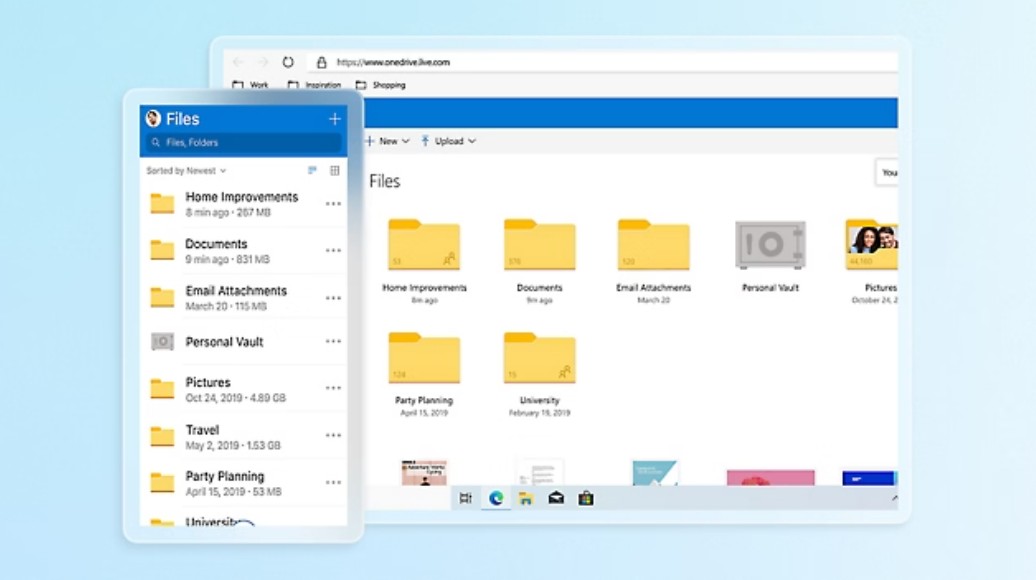
On the Microsoft 365 side, each OneDrive user is typically allocated 1TB of personal storage by default. This is a very large amount of storage, suitable for employees who frequently store personal documents or separate projects.
Besides OneDrive, Microsoft also owns SharePoint – an extremely powerful document management platform for businesses. SharePoint allows for the creation of document libraries, internal portals, approval processes, and multi-level access control systems. This tool is highly valued by large businesses, corporations, and organizations with complex management processes.
However, synchronizing data from SharePoint to a computer can sometimes lead to conflicts if multiple people edit simultaneously or if the process is not followed correctly. This requires users to be trained and adhere to the company's document management regulations.
4. Ability to work offline
In reality, users don't always have a stable internet connection. Business trips, working on airplanes, or in areas with limited network infrastructure make the ability to work offline a crucial criterion.
Google Workspace supports offline mode via the Google Chrome browser. After enabling and synchronizing data beforehand, users can still view or edit saved documents.
However, Google's offline experience is primarily geared towards basic tasks. When dealing with large spreadsheets or documents with many complex elements, its efficiency still cannot compare to desktop applications.
Microsoft 365 once again holds a clear advantage thanks to its desktop applications. Users can use Word, Excel, and PowerPoint with full functionality without an internet connection. All changes are saved on the computer and automatically synced to the cloud when the internet connection is restored.

This is a huge advantage for businesses with employees who frequently travel or work in the field.
5. Online meetings and internal communication
The hybrid office-remote work model has made online meeting tools an indispensable component of every modern business.
Google Meet stands out for its simplicity. Users only need a link to join a meeting directly in their browser without needing to install any additional software. Its fast connection speed, user-friendly interface, and high stability make Google Meet particularly suitable for quick meetings or client interactions.
Microsoft Teams is more than just an online meeting tool; it's a collaboration hub for the entire enterprise. Teams integrates email, calendar, file sharing, group messaging, and other Microsoft applications all within a single platform.
Businesses can create multiple work channels for each department or project, establish collaboration processes, and store the entire history of communication. In addition, Teams supports large-scale online conferencing, classroom management, third-party application integration, and many advanced security features.

While Google Meet is suitable for businesses that need simplicity, Microsoft Teams is the choice for organizations that want to build a comprehensive digital work environment.
6. Security and Compliance
As data becomes an increasingly valuable asset, security is no longer an option but a mandatory requirement for every business.
Google Workspace employs a Zero Trust philosophy, where all access must be verified before permission is granted. Because most data is stored directly on the cloud platform, the risk of ransomware encrypting data on the computer is significantly reduced.
Tools like Google Vault support the storage of legal data, eDiscovery, and information lifecycle management, effectively meeting the needs of many small and medium-sized enterprises.
Microsoft 365 takes a more comprehensive approach to control. With Microsoft Entra ID and Microsoft Intune in premium plans, businesses can remotely manage employee devices, apply multi-factor authentication, restrict access by geographic location, and control data replication.
Data Loss Prevention (DLP), Information Protection, and Conditional Access solutions help prevent data loss even when employees use personal devices.
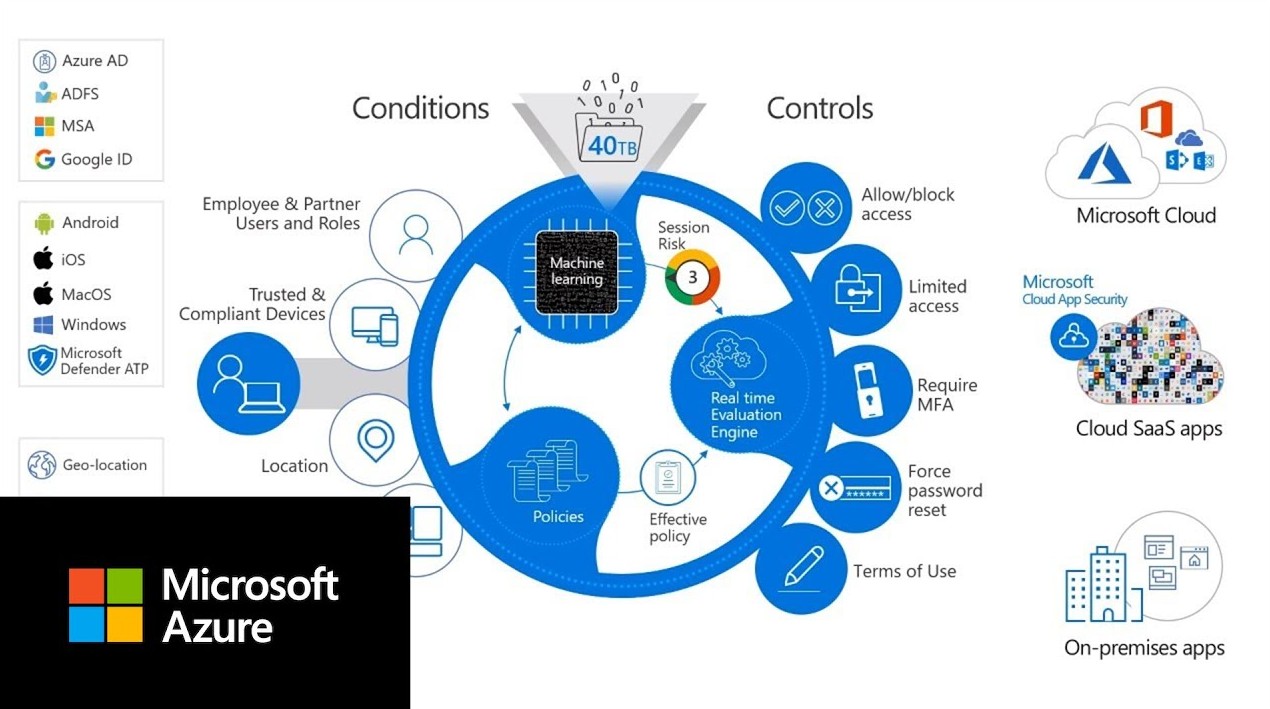
Therefore, Microsoft 365 is often chosen by large corporations or businesses operating in the finance, banking, and healthcare sectors due to their stringent compliance requirements.
7. Integrated AI Assistant
The rapid development of artificial intelligence is completely changing the way we work in office environments.
Google Gemini is integrated directly into Gmail, Docs, Sheets, and Meet. Users can have AI write emails, summarize documents, translate content, generate ideas, or assist with text creation in just seconds.
Gemini is particularly strong in natural language processing tasks and supports in-browser workflows.
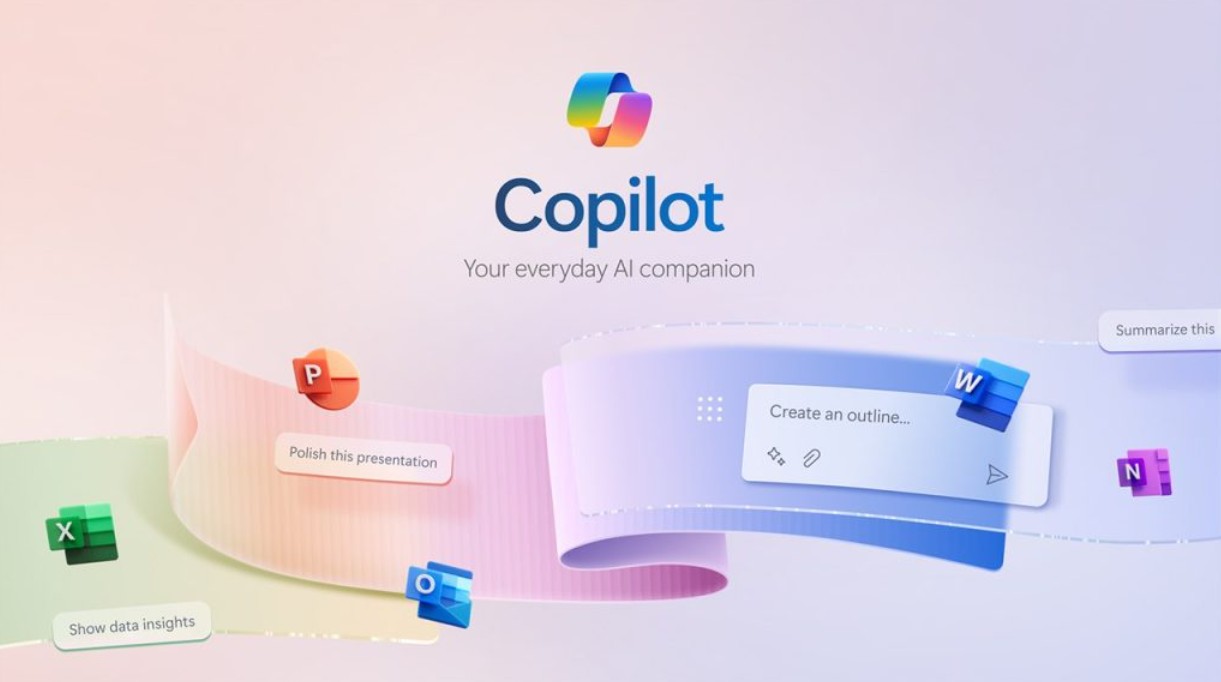
Microsoft Copilot truly shines in data-intensive business environments. Copilot can analyze complex Excel spreadsheets, suggest formulas, create charts, aggregate data, write reports, summarize Teams meetings, and assist with programming.
By leveraging data from the entire Microsoft ecosystem, Copilot delivers significant value to businesses with complex operational processes.
8. System Administration
A robust system needs effective management tools to ensure stable operation.
Google Admin Console is designed to be simple and intuitive. Administrators can create accounts, assign permissions, manage devices, and set security policies with just a few taps. Even businesses without a dedicated IT team can quickly get familiar with it in a short time.
Microsoft Admin Center is a very broad administration system, encompassing numerous separate dashboards for Exchange, SharePoint, Teams, Defender, Intune, and Entra ID. Administrators often need a good level of technical expertise, and may even need to use PowerShell to configure advanced tasks.
In return, Microsoft offers virtually unlimited customization options, meeting the complex operational requirements of large-scale enterprises.
It can be asserted that there is no single, absolutely better solution. The real value lies in choosing a platform that suits the operating model, employee work habits, IT team management capabilities, and the long-term development strategy of the business. Understanding the differences between Microsoft 365 and G Suite will help businesses make the right investment decisions, optimize work efficiency, and create a solid foundation for future digital transformation.





















VIP Products








Best Selling Products
Freepik Premium Account
59 USD
Upgrade Genuine Office 365
49 USD
Upgrade genuine Capture One account
120 USD
Adobe Premiere Pro Account
99 USD
MidJourney Account
29 USD
ChatGPT Plus Account (GPT-4)
16 USD
Upgrade Duolingo Super
29 USD
Plugin Retouch4me
69 USD
Genuine Adobe Illustrator account
99 USD
Adobe Photoshop Copyright - Full App
120 USD
Autodesk All App Account Copyright
120 USD
Windows 10 & 11 Pro Key
36 USD
Capcut Pro 1 Year
39 USD
Genuine Cheap Canva Pro
39 USD
Copyright Adobe Lightroom Account
59 USD