Best Selling Products

Plugin Retouch4me
69 USD

Adobe Photoshop Copyright - Full App
120 USD

Copyright Adobe Lightroom Account
59 USD

Capcut Pro 1 Year
39 USD

Genuine Adobe Illustrator account
99 USD

Upgrade genuine Capture One account
120 USD

Autodesk All App Account Copyright
120 USD

Upgrade Genuine Office 365
49 USD

Freepik Premium Account
59 USD

Genuine Cheap Canva Pro
39 USD

Adobe Premiere Pro Account
99 USD

Windows 10 & 11 Pro Key
36 USD

ChatGPT Plus Account (GPT-4)
16 USD

Upgrade Duolingo Super
29 USD

MidJourney Account
29 USD
No PowerPoint Needed! Here Are 5 of the Most Professional AI Slide Creation Software of 2025
Nội dung
- 1. What are AI slide creation tools?
- 2. Benefits of using AI tools to create slides
- 2.1. Save time
- 2.2. High level of professionalism
- 2.3. Flexible and easy to use
- 2.4. Updating modern design trends
- 3. A compilation of the 5 best AI tools for creating high-quality slides.
- 3.1. AI Range
- 3.2. Canva
- 3.3. Mindshow
- 3.4. PopAI
- 3.5. Genially
You don't need to be a designer to create impressive presentations.
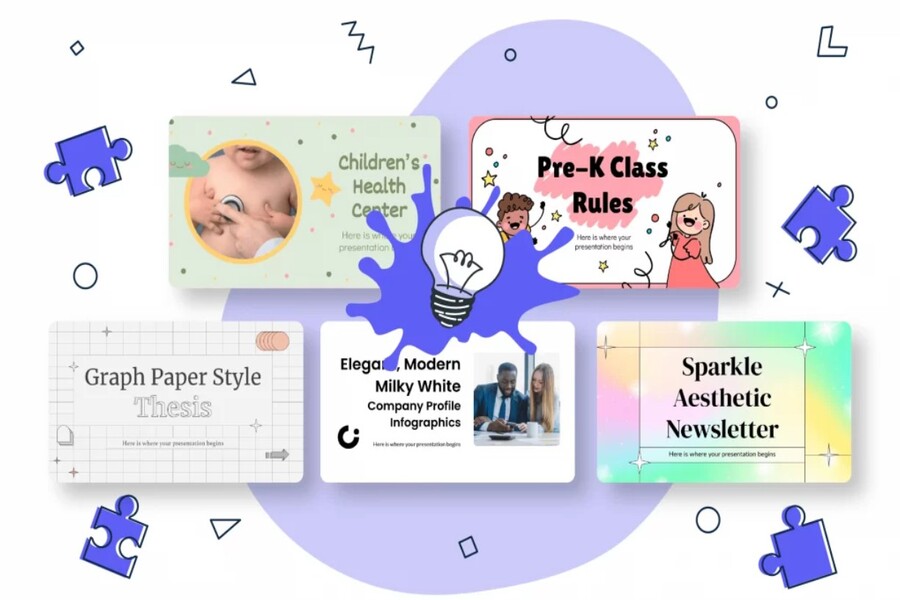
The emergence of artificial intelligence (AI) has completely changed that. Today, you don't need to be a design expert to create a professional presentation. With just a few simple steps, AI tools can automatically generate slides with a logical layout, harmonious colors, and eye-catching effects. This not only saves time but also brings greater professionalism and consistency to your presentation. In this article, we will explore AI slide creation tools, why they are becoming an inevitable trend of the times, and especially discover the Top 5 best slide creation software of 2025 , platforms trusted by millions worldwide.
1. What are AI slide creation tools?
AI slide creation tools are platforms that utilize artificial intelligence to automate the presentation design process. Instead of starting from a blank page, users simply input text, a topic, or an outline. The AI will automatically process the data, analyze the context, and generate a complete presentation with appropriate layout, color scheme, and imagery.
These tools typically operate based on natural language processing (NLP) and machine learning technologies. Thanks to this, the system can understand the content you want to convey and automatically select a corresponding presentation style. For example, if you input content for a business presentation, the tool will choose neutral colors, a serious font, and a clean layout. Conversely, if you are creating a lecture for students, the software will choose a more youthful style, bright colors, and more lively illustrations.
What's remarkable is that today's AI tools go beyond simply organizing content; they also support creating charts, infographics, inserting videos, adding animations, and even suggesting presentation content. Some platforms even have the ability to learn user habits to improve suggestions in subsequent uses.
Thanks to these features, AI slide creation is becoming an inevitable trend in the digital age, where efficiency and professionalism are paramount.
2. Benefits of using AI tools to create slides
It's no coincidence that millions of people worldwide have switched to using AI tools for presentation design. Compared to manual methods, applying artificial intelligence offers many superior benefits, from saving time to improving the quality of content and presentation.
2.1. Save time
One of the most obvious benefits of using AI to create slides is speed. While it used to take hours, even days, to complete a presentation, now it can be done in minutes. You simply input the text or topic, and the system automatically designs a complete slide with a logical layout and appropriate illustrations.
AI not only shortens the workflow but also significantly reduces the brainstorming phase. Many people often spend hours just thinking about how to arrange content logically, which colors to choose to stand out, or where to place the title. AI will solve all those problems by relying on pre-trained design principles, ensuring the final product is both scientifically sound and aesthetically pleasing.
For businesses, this benefit is multiplied many times over when they have to prepare numerous presentations weekly or monthly. Reducing design time not only increases productivity but also allows the team to focus more on content and strategy.
2.2. High level of professionalism
Not everyone has design skills, but anyone can create professional slides using AI tools. Modern software is programmed based on standard graphic design principles, ensuring harmonious layouts, balanced colors, and consistent style across pages.
This is especially important in business or educational environments, where professionalism is demonstrated through the smallest details. A presentation with a clear layout, subtle colors, and appropriate visuals will significantly increase credibility and persuasiveness. AI ensures that every visual element is optimally arranged, helping presenters feel more confident in front of an audience.
2.3. Flexible and easy to use
AI slide creation tools are designed with an extremely user-friendly interface. Users don't need technical skills or design experience to use them easily. You simply drag, drop, or edit directly in your web browser; no complex software installation is required.
Furthermore, most tools work online, allowing you to work anytime, anywhere, even on your mobile phone. This is especially helpful for people who travel frequently or need to update presentations at the last minute.
Another notable feature is the ability to collaborate in real time. Team members can edit, comment on, and contribute ideas directly on the slides without the cumbersome process of sending files back and forth. This improves teamwork efficiency and minimizes errors.
2.4. Updating modern design trends
Design is a constantly changing field, and not everyone has the time to keep up with the latest trends. However, today's AI tools are regularly updated with diverse template libraries that reflect the newest design styles in the world.
From minimalist and flat design to gradient and neumorphism, you can easily find them all on these platforms. Using modern templates not only makes presentations more visually appealing but also demonstrates the presenter's professionalism and up-to-date knowledge.
Some tools also incorporate storytelling elements that help structure content in a coherent narrative style, allowing the audience to not only watch but also feel the message. This is a major difference between traditional slides and AI-assisted slides.
3. A compilation of the 5 best AI tools for creating high-quality slides.
Currently, the market offers dozens of AI-powered slide creation tools, but not all platforms are truly effective and user-friendly. Below are five of the most prominent names, highly regarded by designers, marketers, and teachers worldwide.
3.1. AI Range
Gamma AI is dubbed the "all-powerful presentation assistant" thanks to its ability to transform ideas into complete slides in just minutes. Users only need to input a topic or preliminary outline, and Gamma will automatically generate slides with sophisticated design and logical layout.
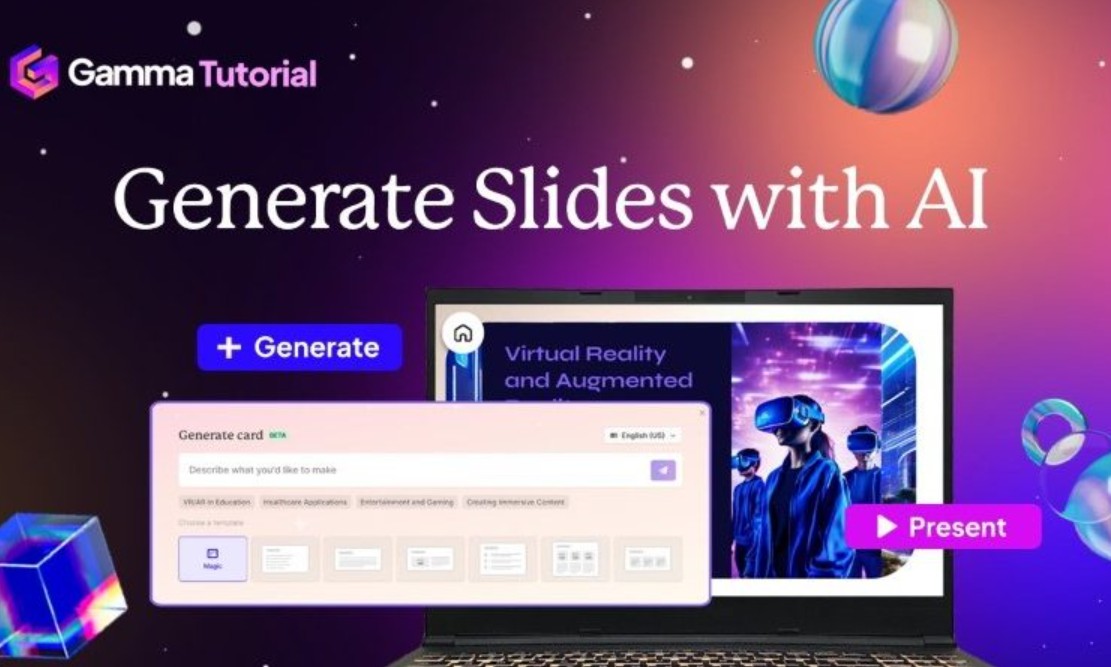
Gamma AI's greatest strength lies in its superior contextual understanding. The software can analyze content to select the appropriate presentation style: formal, creative, or minimalist, depending on the intended use. Furthermore, Gamma allows direct editing within the web interface and supports sharing via links, enabling viewers to interact directly without needing to download files.
For those who frequently give professional presentations or work in corporate environments, Gamma AI is a top choice due to its perfect combination of speed, aesthetics, and flexibility.
3.2. Canva
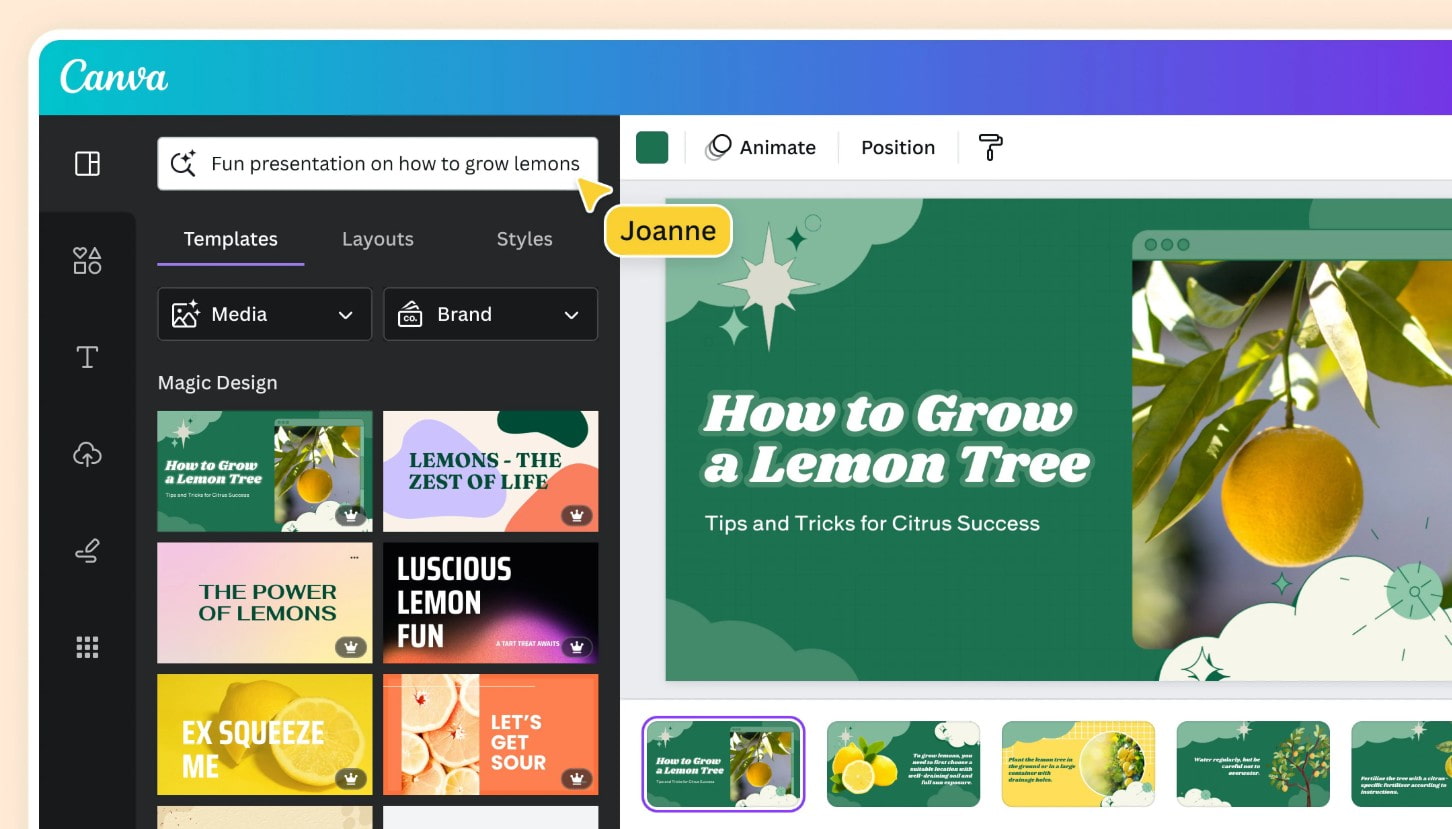
Canva is an online design tool that is already familiar to millions of users worldwide. What makes Canva stand out is its user-friendly interface, rich template library, and powerful AI capabilities for automatically creating slides.
Canva's "Magic Design" feature lets you import content, images, or themes, and the system automatically suggests suitable layouts, fonts, and colors. Additionally, Canva offers millions of ready-made graphic elements, videos, icons, and backgrounds, making it easy to create unique presentations without leaving the platform.
Real-time collaboration capabilities, brand synchronization, and support for exporting files in multiple formats make Canva an indispensable tool for both individuals and businesses.
3.3. Mindshow
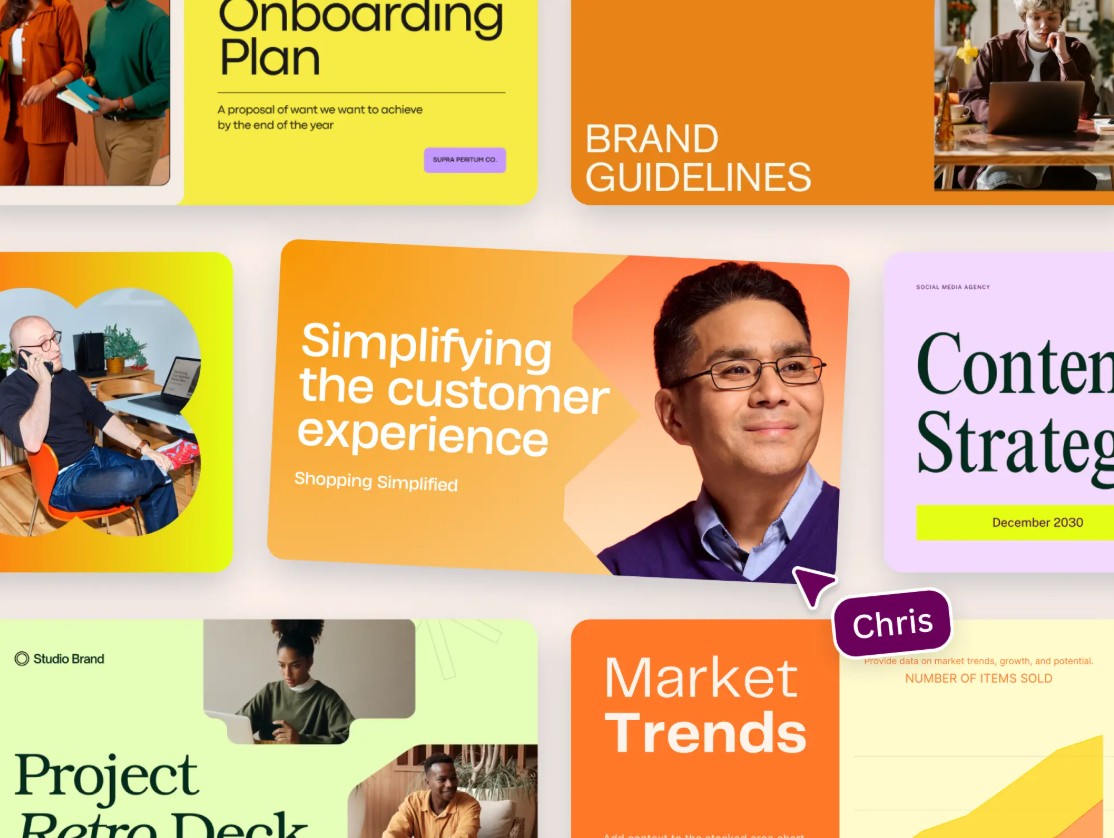
If you want your presentation to be as engaging as a short film, Mindshow is the ideal choice. This tool uses artificial intelligence to transform ideas into a sequence of highly narrative images, animations, and dialogue.
Mindshows don't just create slides; they create a captivating visual experience. Every piece of content you input is analyzed by AI to determine the emotion and message, then selects appropriate animation effects and illustrative characters.
3.4. PopAI
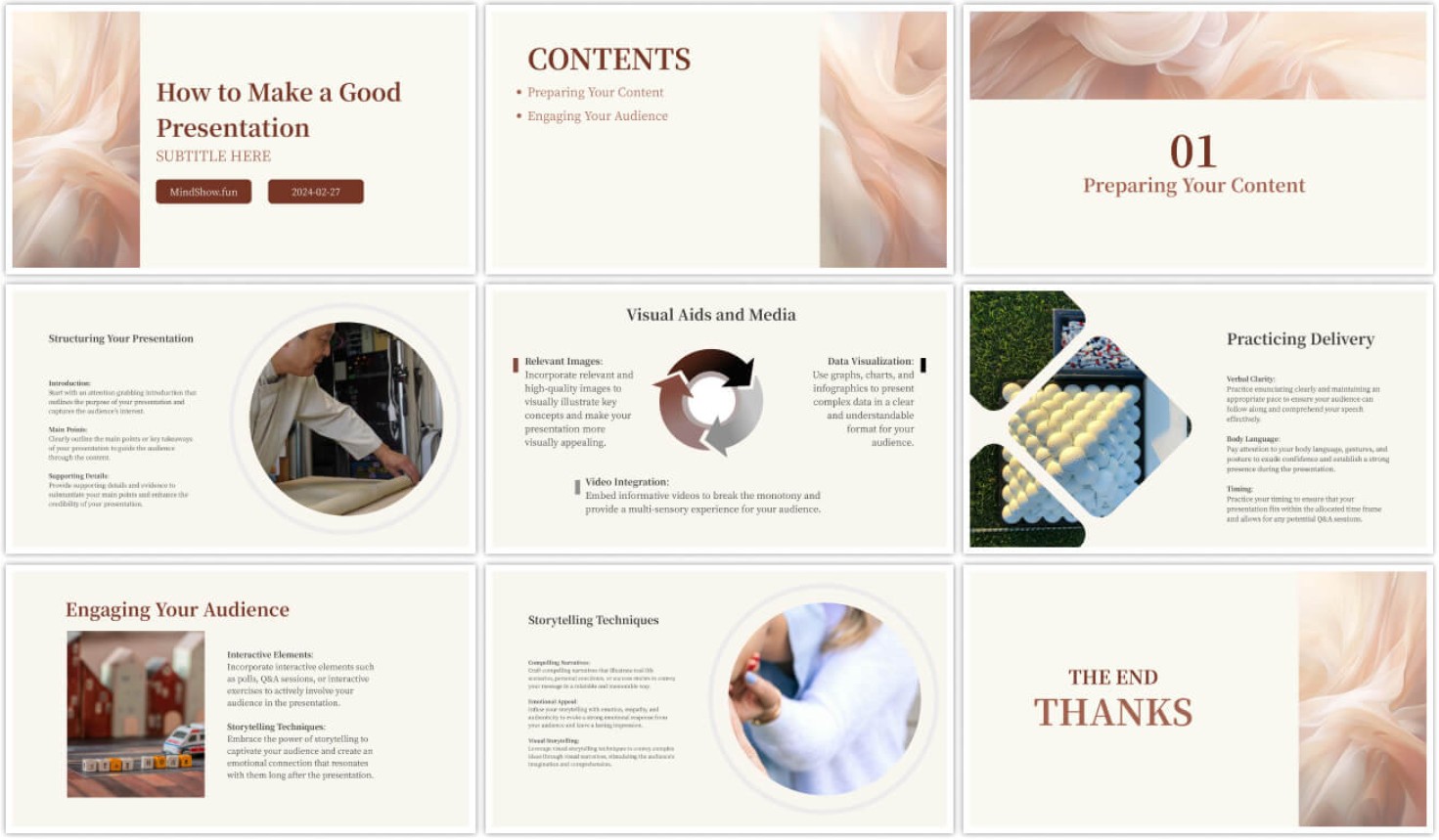
PopAI is a new tool but has quickly gained popularity thanks to its ability to create slides extremely quickly. You simply enter the content or description, and PopAI will automatically transform it into a complete presentation with a professional design.
A notable feature of PopAI is its intelligent content synchronization. When you edit the original text, the system automatically updates all related slides, saving considerable time. PopAI's AI can also suggest suitable titles, illustrations, and charts, making presentations more engaging and insightful.
With its simple, user-friendly interface and impressive processing speed, PopAI is particularly suitable for those working with tight deadlines or who don't have much time for the design phase.
3.5. Genially
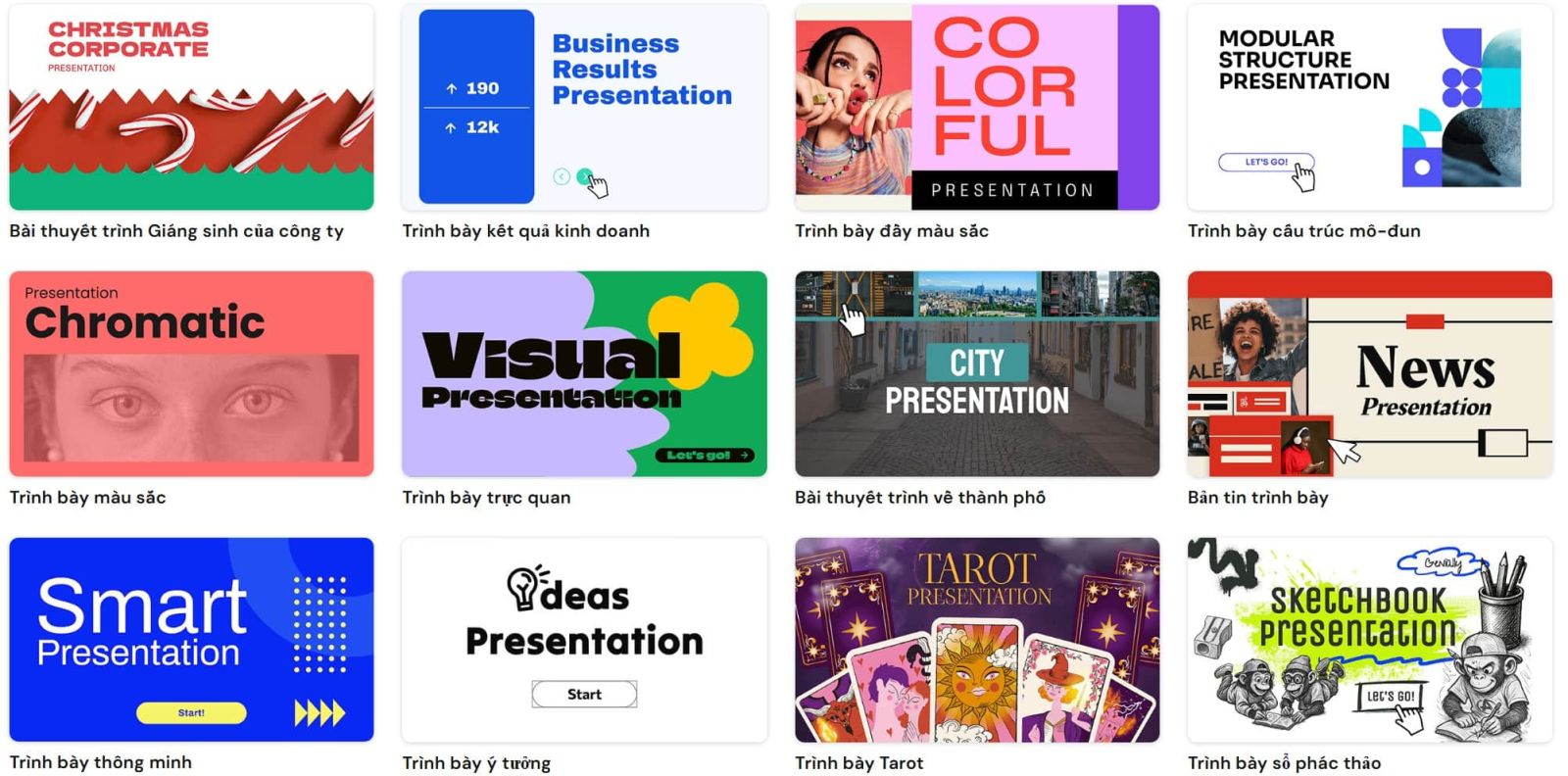
Genially is a slide creation platform designed to transform every presentation into an interactive experience. Unlike traditional PowerPoint, Genially allows users to add dynamic elements such as videos, quizzes, games, or direct links within each slide.
The AI in Genially helps users choose suitable design styles, suggests images, transition effects, and even how to arrange content effectively. Genially's strength lies in its high level of personalization: you can easily add your brand logo, adjust colors, or rearrange the layout to your liking.
Genially is not only used in education, but it is also very popular in the field of marketing, where businesses want to create highly interactive slides to impress customers.
Artificial intelligence has ushered in a new era for content design and presentation. Tools like Gamma, Canva, Mindshow, PopAI, and Genially not only save users time but also deliver superior aesthetic quality. Each platform has its own strengths, suitable for different purposes, from learning and business to content creation.





















VIP Products








Best Selling Products
Plugin Retouch4me
69 USD
Adobe Photoshop Copyright - Full App
120 USD
Copyright Adobe Lightroom Account
59 USD
Capcut Pro 1 Year
39 USD
Genuine Adobe Illustrator account
99 USD
Upgrade genuine Capture One account
120 USD
Autodesk All App Account Copyright
120 USD
Upgrade Genuine Office 365
49 USD
Freepik Premium Account
59 USD
Genuine Cheap Canva Pro
39 USD
Adobe Premiere Pro Account
99 USD
Windows 10 & 11 Pro Key
36 USD
ChatGPT Plus Account (GPT-4)
16 USD
Upgrade Duolingo Super
29 USD
MidJourney Account
29 USD