Best Selling Products

Upgrade genuine Capture One account
120 USD

Copyright Adobe Lightroom Account
59 USD

Genuine Adobe Illustrator account
99 USD

Genuine Cheap Canva Pro
39 USD

ChatGPT Plus Account (GPT-4)
16 USD

Freepik Premium Account
59 USD

Adobe Photoshop Copyright - Full App
120 USD

Upgrade Genuine Office 365
49 USD

Autodesk All App Account Copyright
120 USD

Windows 10 & 11 Pro Key
36 USD

Plugin Retouch4me
69 USD

Upgrade Duolingo Super
29 USD

Adobe Premiere Pro Account
99 USD

MidJourney Account
29 USD

Capcut Pro 1 Year
39 USD
Secrets to designing eye-catching YouTube thumbnails.
Nội dung
Among the hundreds of videos that appear every day, the thumbnail is the first point of contact. Learn how to create eye-catching thumbnails that clearly convey your message and effectively increase click-through rates. A practical solution for growing YouTube channels.
1. What are thumbnails on YouTube?
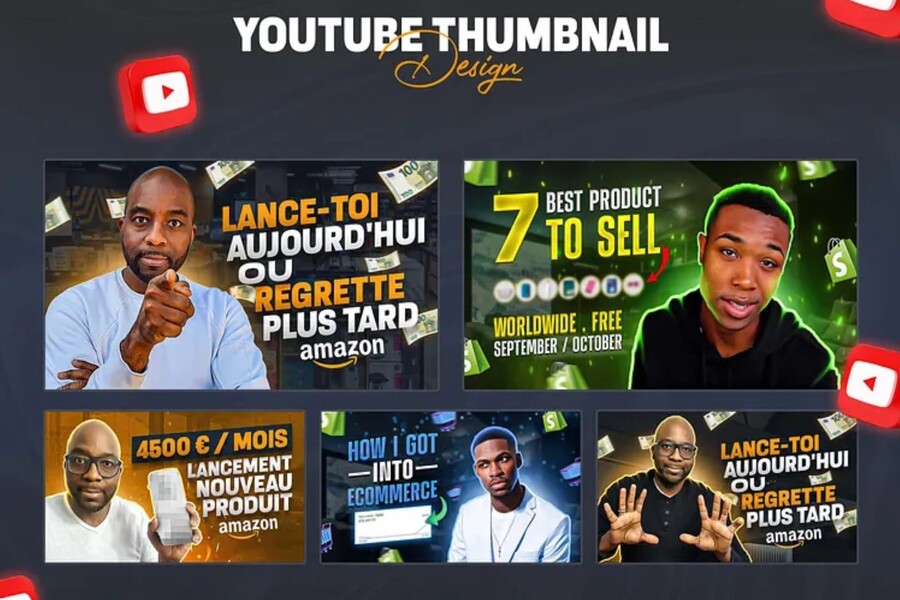
A YouTube thumbnail is a small image representing a video, appearing before viewers decide to click to watch the content. Thumbnails are displayed in various locations such as the YouTube homepage, search results, suggested video lists, personal channel pages, and when sharing videos on other social media platforms.
Technically, thumbnails typically have a standard size of 1280 x 720 pixels, a 16:9 aspect ratio, a maximum file size of 2MB, and common formats such as JPG, PNG, or GIF. However, the true value of a thumbnail lies not in its technical specifications, but in its ability to convey a message in an instant .
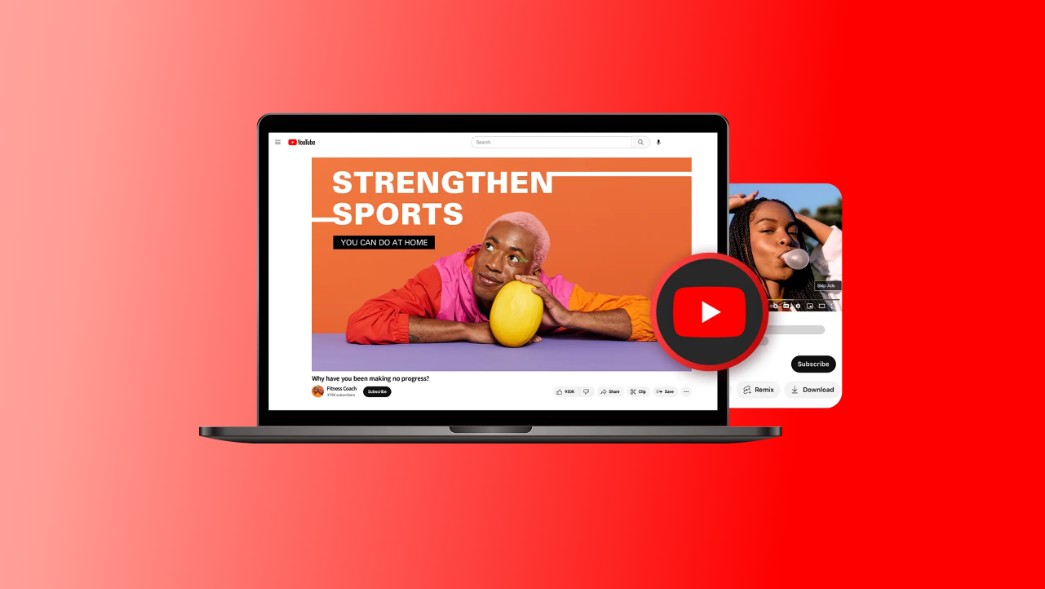
When users scroll through YouTube, they don't carefully read every single title. Instead, their brains prioritize processing images first. The thumbnail is the first thing that catches the eye, creating an initial impression of the video. In just 1–3 seconds, viewers unconsciously decide whether the video is worth pausing for or continuing to scroll past.
In essence, thumbnails are a combination of graphic design, visual psychology, and content strategy. A good thumbnail doesn't need to say too much, but it should be intriguing, stimulate curiosity, and make viewers want to explore the content behind it.
2. The importance and role of thumbnails in YouTube
On YouTube, users regularly browse hundreds of videos every day. Among them, the thumbnail is the first thing that catches their attention. An attractive thumbnail will create curiosity and encourage viewers to click on the video to learn more. Conversely, if your thumbnail is bland, lacks visual appeal, or fails to convey the core content, the video is highly likely to be skipped, no matter how catchy the title is.
Thumbnails directly impact the click-through rate (CTR) , a crucial metric in YouTube's algorithm. A high CTR leads YouTube to believe the video is engaging and prioritizes distribution to a wider audience. This creates a positive feedback loop: good thumbnail → more clicks → more video recommendations → increased views and subscribers.
Beyond short-term performance, thumbnails play a crucial role in building channel branding . Maintaining a consistent thumbnail design in terms of color, font, layout, and image usage helps viewers develop brand recognition. A quick glance will allow them to identify your videos without needing to read the channel name.
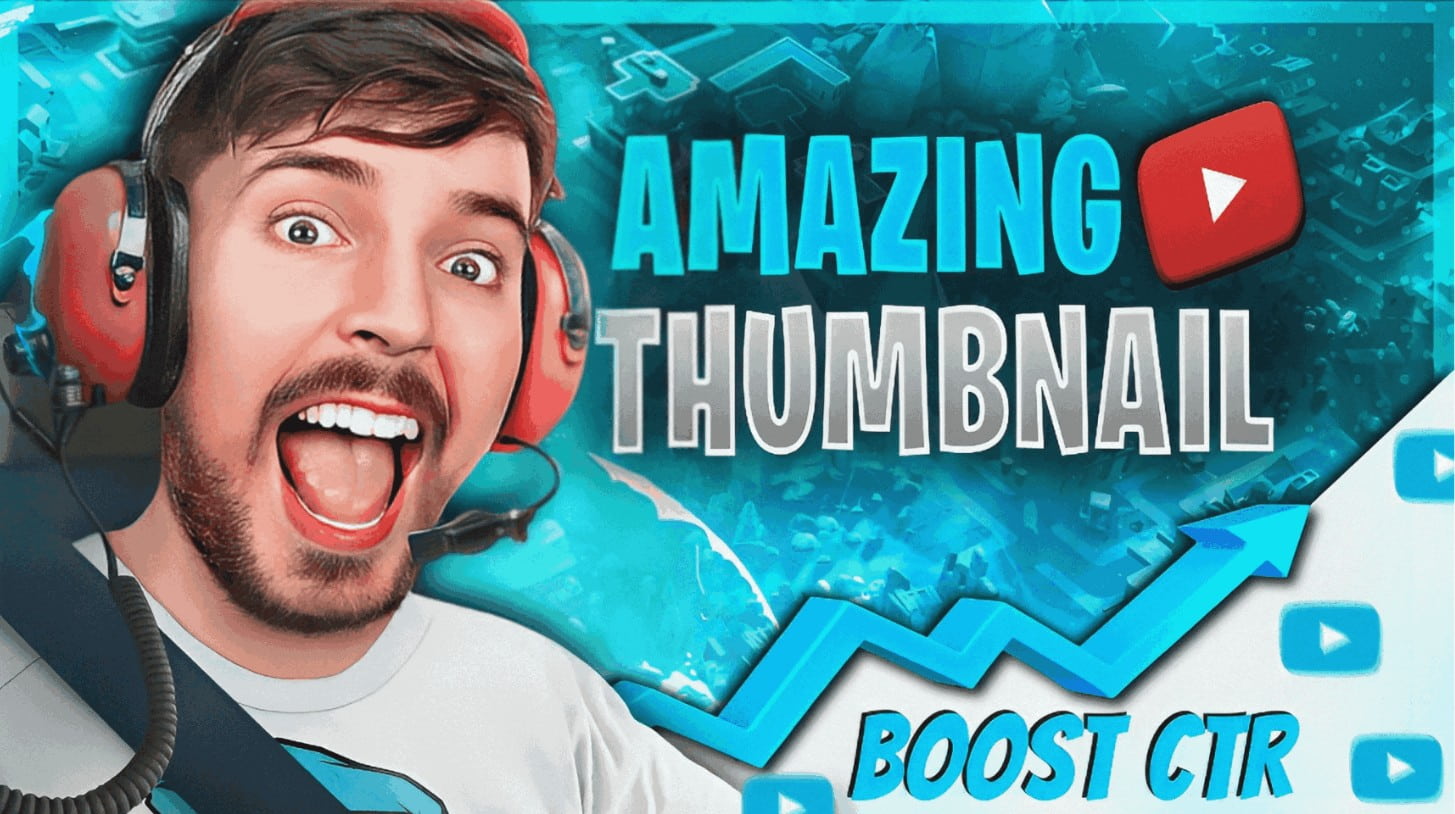
Furthermore, thumbnails help set viewer expectations. A thumbnail that accurately reflects the video's content will help viewers feel satisfied after watching, thereby increasing watch time and reducing bounce rates. Conversely, if the thumbnail is misleading or overly sensationalist, viewers may feel deceived, leading to a negative experience and negatively impacting the channel's reputation.
Therefore, thumbnails are not just an aesthetic element, but a strategic tool to help you reach, attract, and retain your audience on YouTube.
3. How to design attractive thumbnails
When editing videos and designing an attractive and effective thumbnail, you need to approach this with the mindset of a designer and a content marketer. A thumbnail is not simply a beautiful image, but a purposeful layout created to attract viewers.
The first factor to consider is the size and resolution of the image . A quality thumbnail should be sharp and not pixelated or blurry when displayed on different devices. A standard resolution of 1280 x 720 pixels ensures that the image displays well on both large and small screens. Using low-resolution images or images that are excessively enlarged will make the thumbnail look unprofessional and reduce its credibility in the eyes of the viewer.
Next comes color and contrast . In the YouTube environment, with countless thumbnails appearing simultaneously, color is key to making your video stand out. Bright, high-contrast colors tend to attract attention more effectively. However, color coordination needs careful control. A harmonious and consistent color palette that matches your channel's style will be more effective than using too many vibrant colors without any focal point.
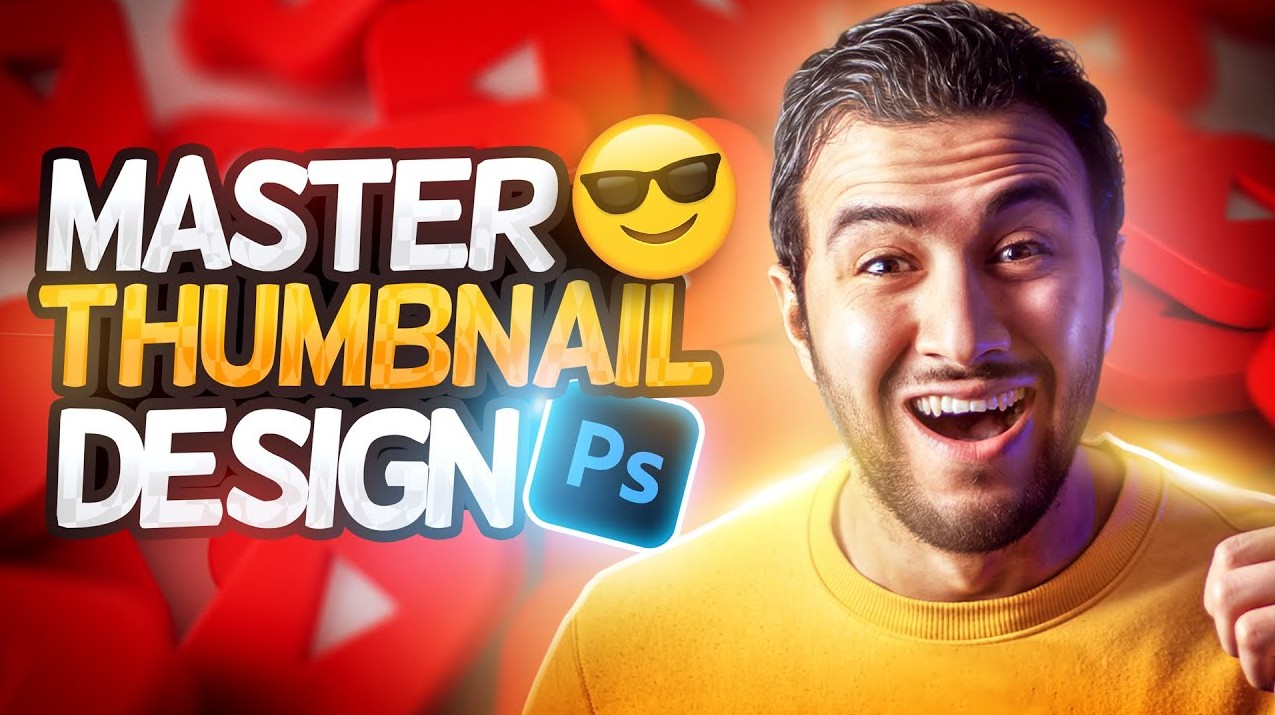
The text on the thumbnail is also extremely important. Because viewers only glance at the thumbnail for a very short time, the message needs to be conveyed quickly, clearly, and forcefully. Short, evocative, or emotionally impactful keywords are often very effective. The font should be large, bold, and have high contrast with the background to ensure readability on both mobile screens.
Furthermore, images of people, especially faces with clear expressions, tend to be more captivating. The human brain tends to pay attention to eye contact and emotions, so using facial images that convey surprise, curiosity, joy, or stress can create a strong emotional connection with the viewer.
To assist in the thumbnail design process, you can use modern editing tools like CapCut . More than just video editing software, CapCut allows you to easily design thumbnails with image editing tools, text addition, filters, and effects. Its user-friendly interface makes it easy for both beginners and professional content creators to quickly produce eye-catching thumbnails that are consistent with their channel's style.
See also: buy YouTube Premium at a cheap price
4. Accurately reflect the video content.
An attractive thumbnail isn't enough; it's crucial that it accurately reflects the video's content . The thumbnail shouldn't be a misleading or deceptive promise just to attract clicks. While this might generate high traffic in the short term, it will damage the channel's credibility and negatively impact YouTube's ranking algorithm in the long run.
Today's viewers are highly sensitive to content that doesn't meet expectations. If the thumbnail shows a problem but the video doesn't address it or only touches on it superficially, viewers will quickly leave. This reduces average watch time, a crucial indicator of video quality.
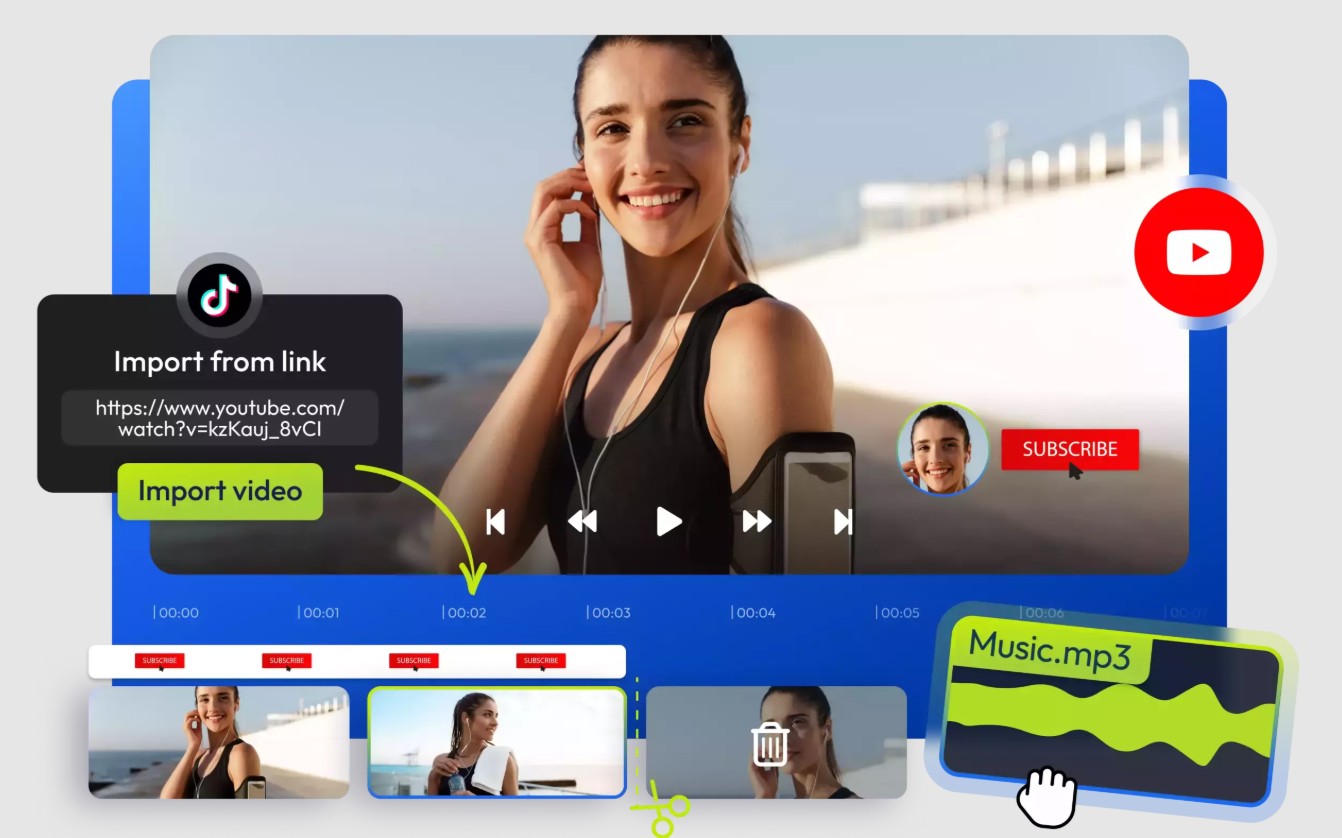
In addition, thumbnails need to be optimized for various devices . YouTube is viewed on computers, phones, tablets, and even TVs. Therefore, when designing thumbnails, you need to ensure that important details such as the main text and image remain clear even when displayed at a small size. Testing thumbnails on multiple devices before uploading is a step that should not be skipped.
A good thumbnail balances three elements: it's engaging, truthful, and easily recognizable. When viewers click on the video and receive the value the thumbnail suggests, they're more likely to trust it and return to watch other videos on your channel. This is the foundation for building a sustainable YouTube channel.
YouTube thumbnails are more than just a small image; they're the key that unlocks the first door for viewers to enter your content. In today's fiercely competitive environment, serious investment in thumbnail design is essential if you want your videos to stand out and achieve high performance.
An effective thumbnail needs to be built on an understanding of user behavior, visual design principles, and a long-term content strategy. When you combine these elements, the thumbnail will not only increase clicks but also contribute to building channel branding, creating trust, and retaining viewers.





















VIP Products








Best Selling Products
Upgrade genuine Capture One account
120 USD
Copyright Adobe Lightroom Account
59 USD
Genuine Adobe Illustrator account
99 USD
Genuine Cheap Canva Pro
39 USD
ChatGPT Plus Account (GPT-4)
16 USD
Freepik Premium Account
59 USD
Adobe Photoshop Copyright - Full App
120 USD
Upgrade Genuine Office 365
49 USD
Autodesk All App Account Copyright
120 USD
Windows 10 & 11 Pro Key
36 USD
Plugin Retouch4me
69 USD
Upgrade Duolingo Super
29 USD
Adobe Premiere Pro Account
99 USD
MidJourney Account
29 USD
Capcut Pro 1 Year
39 USD