Best Selling Products

Genuine Cheap Canva Pro
39 USD

ChatGPT Plus Account (GPT-4)
16 USD

Adobe Premiere Pro Account
99 USD

Capcut Pro 1 Year
39 USD

Plugin Retouch4me
69 USD

Copyright Adobe Lightroom Account
59 USD

Upgrade Duolingo Super
29 USD

Upgrade Genuine Office 365
49 USD

Adobe Photoshop Copyright - Full App
120 USD

Freepik Premium Account
59 USD

Upgrade genuine Capture One account
120 USD

Genuine Adobe Illustrator account
99 USD

Autodesk All App Account Copyright
120 USD

Windows 10 & 11 Pro Key
36 USD

MidJourney Account
29 USD
Secrets to Watching Netflix with a VPN: How to Handle Connection Blockages When Netflix Blocks Your Connection
Nội dung
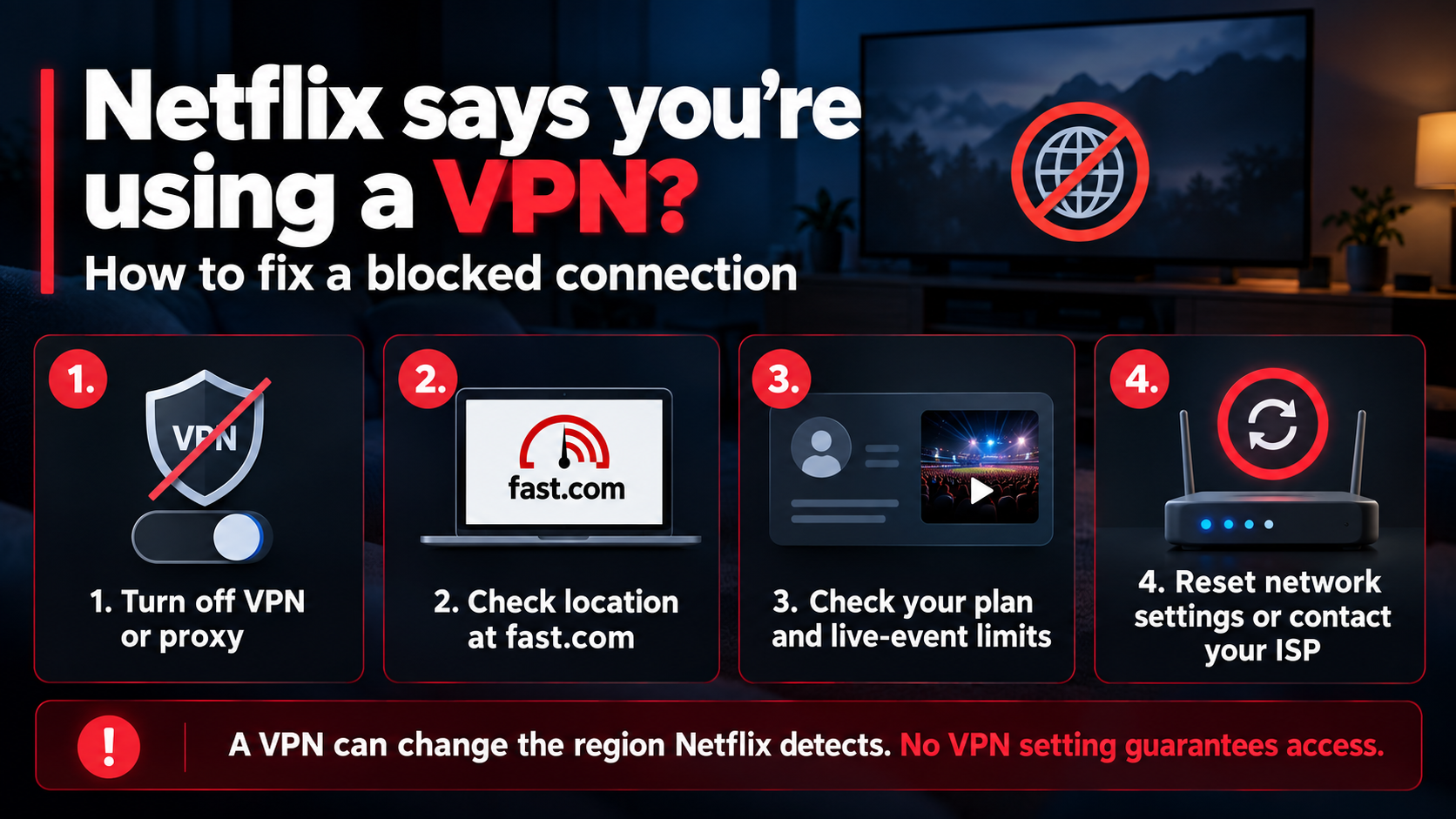
Have you ever eagerly opened Netflix to find a trending movie on social media, typed its name into the search bar, only to get empty results? That''s not a technical error; it''s how Netflix limits content by geographic region. The library of movies and TV shows you see depends entirely on your country of origin.
1. Why does Netflix divide its content by country?
Netflix doesn't intentionally restrict content to annoy viewers; the root cause lies in copyright agreements. Each film or television show is owned by a specific production or distribution company, and streaming rights are negotiated separately for each country. A film might be licensed for broadcast in the United States but not have a similar agreement in Germany or France, resulting in the same Netflix account displaying completely different content depending on the login location.
To ensure content only appears in legally licensed locations, Netflix uses geo-blocking technology. Every time you open the Netflix app or website, the system checks the IP address associated with your internet connection to determine your country. If you are in the United States, content licensed there will be fully displayed. Conversely, if you are in Germany, this content may disappear completely from the interface.
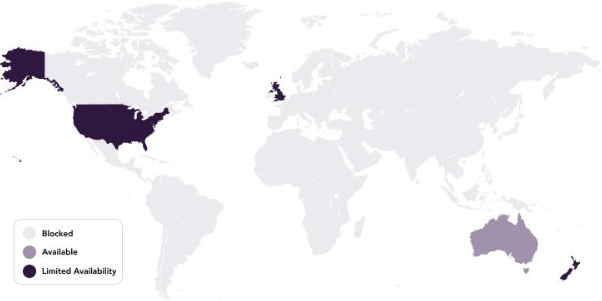
This is also why Netflix invests heavily in producing original content under the Netflix Originals brand. Because Netflix holds all the ownership rights to these products, they don't need to negotiate individually with each country, allowing original films and series to be released simultaneously globally on the same day.
Understanding this mechanism explains why, when you travel abroad, a movie you were watching suddenly disappears from your playlist. It's not an accident; it's simply because you've moved outside the licensed area for that content. That's why many people turn to VPNs to unblock Netflix or change their region to regain access to their favorite movie libraries.
2. How to unblock Netflix on a Mac using a VPN
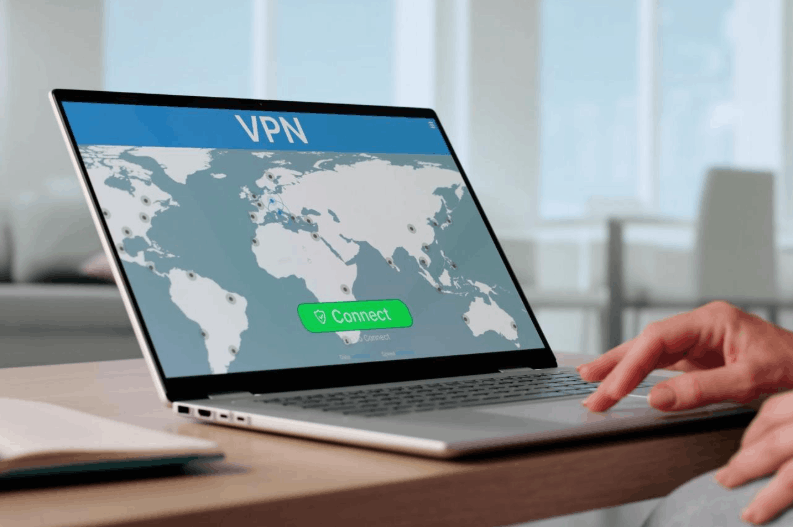
When a movie or show is unavailable in your region, a VPN is the most effective tool to solve the problem. The principle is quite simple. When you activate a VPN, all your internet traffic is routed through a server located in another country; this process is often called geo-swapping. Netflix's system will then identify you as accessing from that country, even though you're actually sitting at home with your familiar Mac.
On a Mac, the most effective way to watch Netflix while using a VPN is to access it through a web browser like Safari or Chrome, rather than using the built-in Netflix app. This is because the native app is much better at detecting VPN traffic than a browser, leading to a significantly higher chance of video playback being blocked.
If Netflix detects you're using a VPN, you might see an error message related to proxy usage or an unblocking tool. Don't worry, this doesn't mean your account is locked; it simply means the system has identified the IP address of the VPN server you're using. To fix this, try disconnecting and reconnecting the VPN, switching to a different server in the same country, or closing and reopening your browser before trying again.
For the smoothest and safest movie-watching experience, follow these steps. First, choose a reputable VPN service that is compatible with various streaming platforms. Then, install the VPN on your Mac and log in to your account. Next, connect to a server located in the country where the content you want to watch is available. After successfully connecting, open Netflix through your web browser instead of the app, log in, and start enjoying your content as usual.
An important note is to always prioritize connecting to high-speed servers to avoid lag, poor image quality, or video streaming errors. Quality VPN services regularly update their server lists to ensure a stable streaming experience. If you still experience proxy errors, the simplest solution is to switch to a different server within the same country or reconnect to the VPN before refreshing the page.
3. The most reliable VPN tools for safely unblocking Netflix.
After understanding the operating principles, the next question is undoubtedly which VPN service to choose to effectively unblock Netflix, ensure stable speeds, and avoid security risks. Below are three of the most prominent names currently available, each with its own unique strengths.
3.1 Cost-effective option: NordVPN
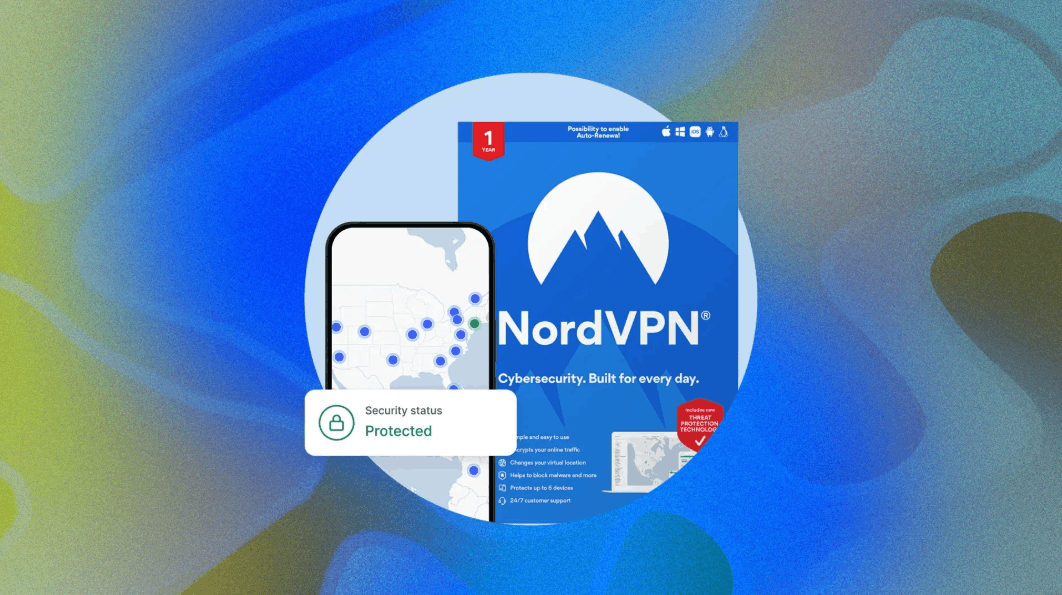
NordVPN is one of the highly-rated VPN services when it comes to unblocking Netflix. With over 7,400 servers spread across 118 countries, NordVPN is able to maintain stable connection speeds no matter where you're accessing from. This robust server infrastructure helps users bypass Netflix's blocking mechanisms without much difficulty. In addition, the service offers dual IP address switching, adding an extra layer of security to the access process.
Another major plus for NordVPN is its affordable pricing. The service comes with a thirty-day money-back guarantee and frequently offers long-term two-year subscription packages for as little as $3 per month, not to mention regular promotional offers.
3.2 Flexible and easy-to-use option: ClearVPN
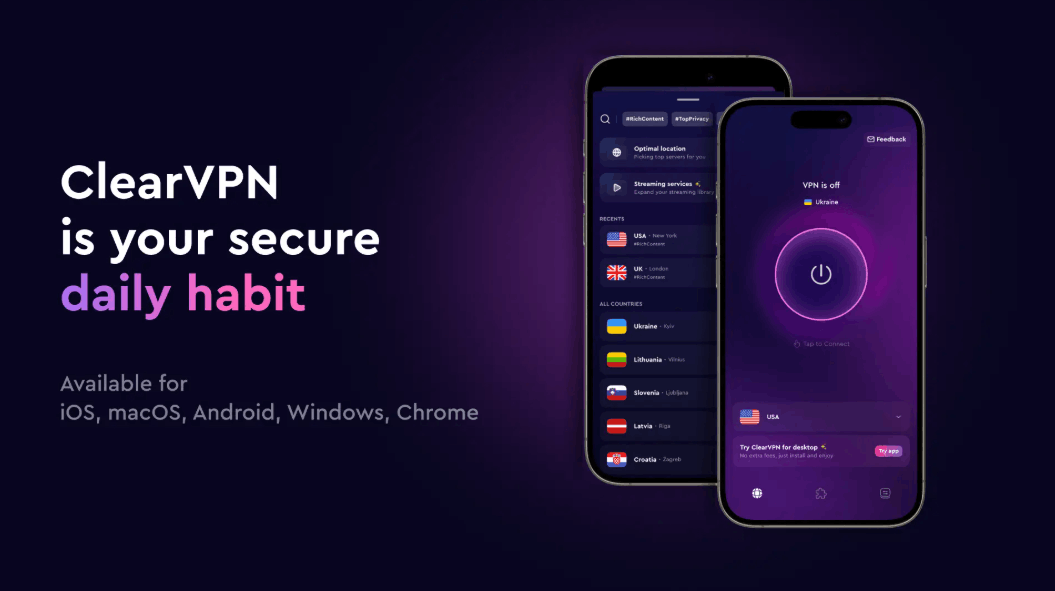
If you prioritize simplicity and don't want to waste time figuring out complex technical settings, ClearVPN is the right choice. This VPN service focuses on simplicity, speed, and one-touch shortcuts, eliminating the need for users to worry about server selection or detailed configuration. Simply choose your goal, such as watching Netflix from a specific country, and ClearVPN will handle the rest.
For example, to watch the UK version of Netflix using ClearVPN, simply open the app, access the streaming service section, select Netflix UK from the displayed list, and wait a few seconds for the connection to complete before starting to watch.
Beyond its Netflix-related features, ClearVPN offers several other convenient shortcuts, such as IP address masking, ad blocking, and malware protection. Each shortcut essentially adjusts a series of small settings within the VPN and optimizes traffic through suitable servers, something that typical users would find difficult to do manually. ClearVPN also works well on mobile devices, allowing you to change your Netflix region directly within the iPhone or iPad app, pre-download content from that region, and watch it offline later.
3.3 Superior Speed Choice: ExpressVPN
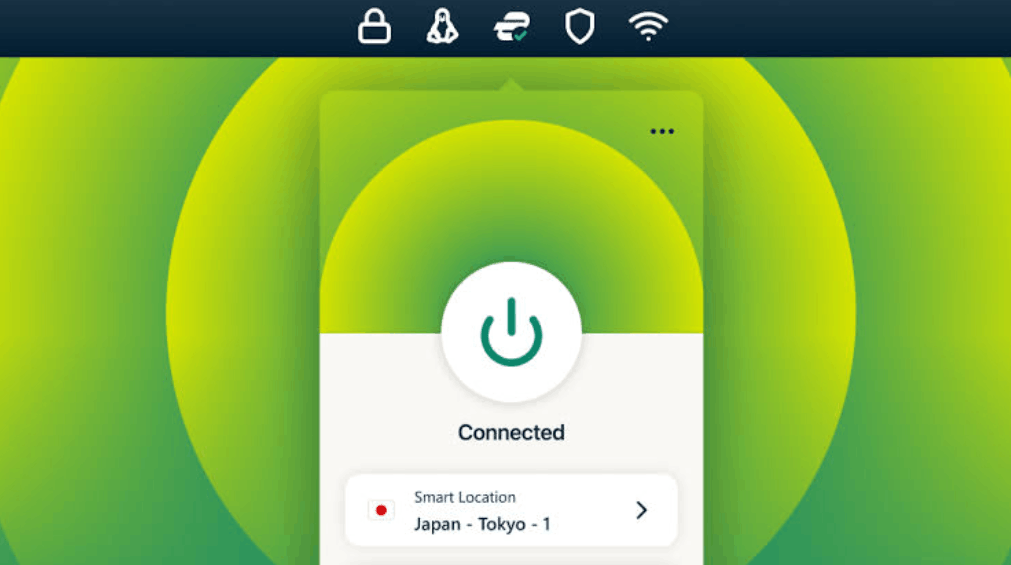
ExpressVPN is another name worth considering, boasting a server network in one hundred and five countries and 24/7 customer support.
This service also comes with many advanced features such as a private DNS system, automatic network blocking when the VPN connection is lost, and traffic routing, allowing you to specifically direct Netflix traffic through the VPN while all other activities on your device continue normally without going through the VPN.
However, the real strength that makes users willing to pay for ExpressVPN is its speed. Regardless of your connection location, the service consistently maintains download speeds above thirty Mbps, more than enough to meet the needs of watching Netflix at the highest picture quality without lag or interruptions.
4. Conclusion
Netflix's country-specific content allocation stems from complex copyright regulations, not from an intentional attempt to make things difficult for viewers. Fortunately, with the help of reputable VPN services, users can legally and safely bypass these geographical restrictions.
If you frequently encounter situations where your favorite movies are unavailable in your region, or want to explore a wealth of content from other countries, a reliable VPN service is key to solving the problem. Depending on your personal needs, you can consider NordVPN if you prioritize affordability, ClearVPN if you desire simplicity and quick operation, or ExpressVPN if speed is your top priority.
Regardless of which tool you choose, the most important thing is to always access Netflix through a web browser instead of an app when using a VPN, and select servers with stable speeds to ensure the smoothest viewing experience. With the detailed instructions in this article, hopefully you will no longer miss any movies or TV shows just because of geographical barriers.





















VIP Products








Best Selling Products
Genuine Cheap Canva Pro
39 USD
ChatGPT Plus Account (GPT-4)
16 USD
Adobe Premiere Pro Account
99 USD
Capcut Pro 1 Year
39 USD
Plugin Retouch4me
69 USD
Copyright Adobe Lightroom Account
59 USD
Upgrade Duolingo Super
29 USD
Upgrade Genuine Office 365
49 USD
Adobe Photoshop Copyright - Full App
120 USD
Freepik Premium Account
59 USD
Upgrade genuine Capture One account
120 USD
Genuine Adobe Illustrator account
99 USD
Autodesk All App Account Copyright
120 USD
Windows 10 & 11 Pro Key
36 USD
MidJourney Account
29 USD