Best Selling Products

Adobe Photoshop Copyright - Full App
120 USD

Upgrade Genuine Office 365
49 USD

Autodesk All App Account Copyright
120 USD

Windows 10 & 11 Pro Key
36 USD

Capcut Pro 1 Year
39 USD

Copyright Adobe Lightroom Account
59 USD

ChatGPT Plus Account (GPT-4)
16 USD

Adobe Premiere Pro Account
99 USD

MidJourney Account
29 USD

Genuine Cheap Canva Pro
39 USD

Genuine Adobe Illustrator account
99 USD

Upgrade Duolingo Super
29 USD

Plugin Retouch4me
69 USD

Upgrade genuine Capture One account
120 USD

Freepik Premium Account
59 USD
The best free AI tool for creating pixel art that you should try.
No advanced drawing skills are required to create beautiful pixel art; you can do so thanks to AI tools. Many platforms even offer free versions with powerful features.
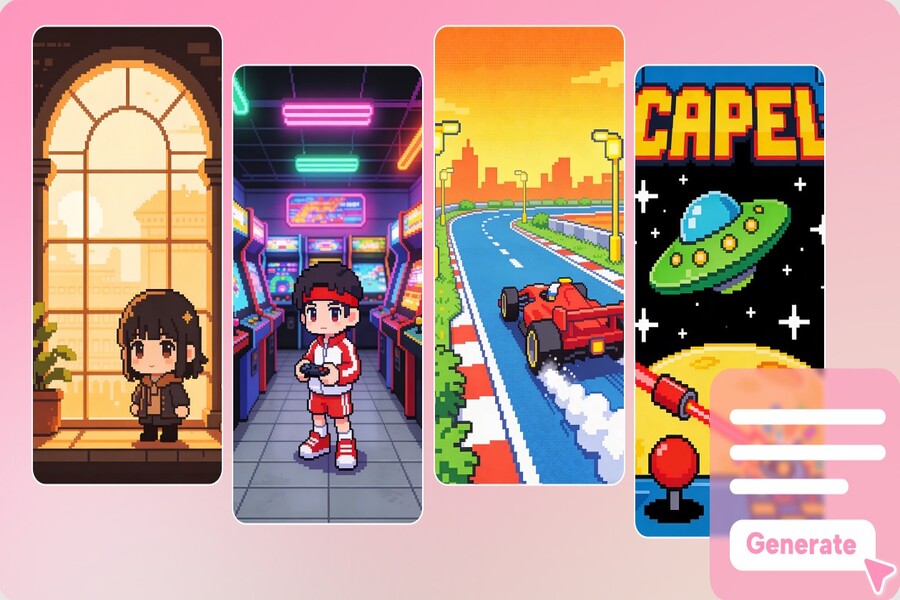
1. Adobe Firefly
Adobe Firefly is an artificial intelligence platform developed by Adobe to support image creation from text descriptions. This tool is built for designers and digital artists, so it offers many powerful features to help users create highly detailed images.
When applied to pixel art, Firefly is capable of creating images that retain a clear pixel structure while still offering subtlety in color and light. This makes pixel art designs look more vibrant than images created manually using traditional methods.
One notable strength of Firefly is its ability to create multiple versions from the same description. Users simply enter a short description of a character or setting, and the system will generate several different images to choose from. This makes the idea testing process faster and more flexible.
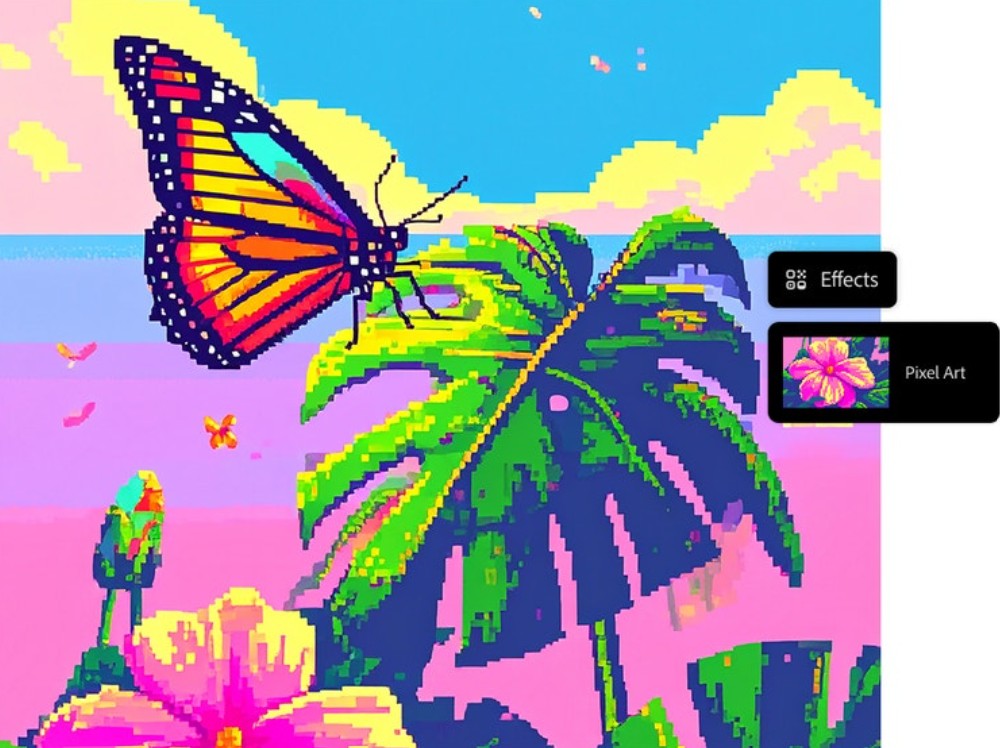
Firefly also offers a variety of editing tools to help users fine-tune images after creation. Users can change colors, add details, or adjust the layout to achieve the desired result. These features are especially useful for game developers or designers who need to create multiple characters and objects in the same style.
However, Firefly may require users to familiarize themselves with some advanced features before using it effectively. Additionally, because it's part of the Adobe ecosystem, some features may require a paid subscription.
2. Midjourney
Midjourney is one of the most popular AI image creation tools available today. The platform is highly regarded by the creative community for its ability to produce highly artistic and creative images.
Although Midjourney isn't specifically designed for pixel art, users can still create pixel art images by using appropriate descriptions. When entering prompts like "pixel art character" or "retro pixel game style," Midjourney can generate impressive designs in a classic game style.
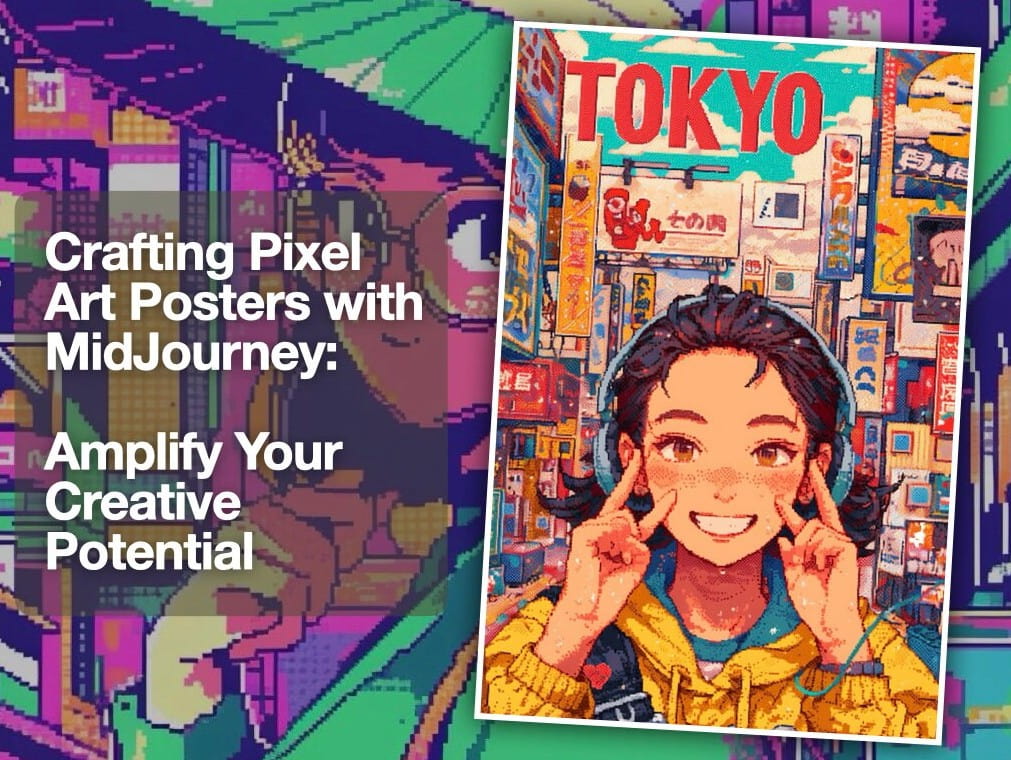
One of Midjourney's appeals is its ability to create unique designs. The resulting images often combine pixel art style with modern artistic elements, delivering creative results that are sometimes difficult to achieve with manual design methods.
Midjourney also has a large user community on the Discord platform. Users can share their work, learn how to write effective prompts, and explore various pixel art styles. This makes the learning and creative process more enjoyable.
However, because Midjourney is a general image creation tool, the results may sometimes not perfectly match the traditional pixel art style. Users may need to make further edits or try different prompts to achieve the desired result.
3. Fotor
Fotor is a fairly popular online photo editing platform. Besides traditional photo editing tools, Fotor also offers AI-powered image creation features, including the ability to create pixel art.
Fotor's greatest strength is its simplicity. Users simply enter a description of the image they want to create, and the system automatically generates the result in a short time. The tool's interface is designed to be user-friendly, making it easy for beginners to use without much design experience.
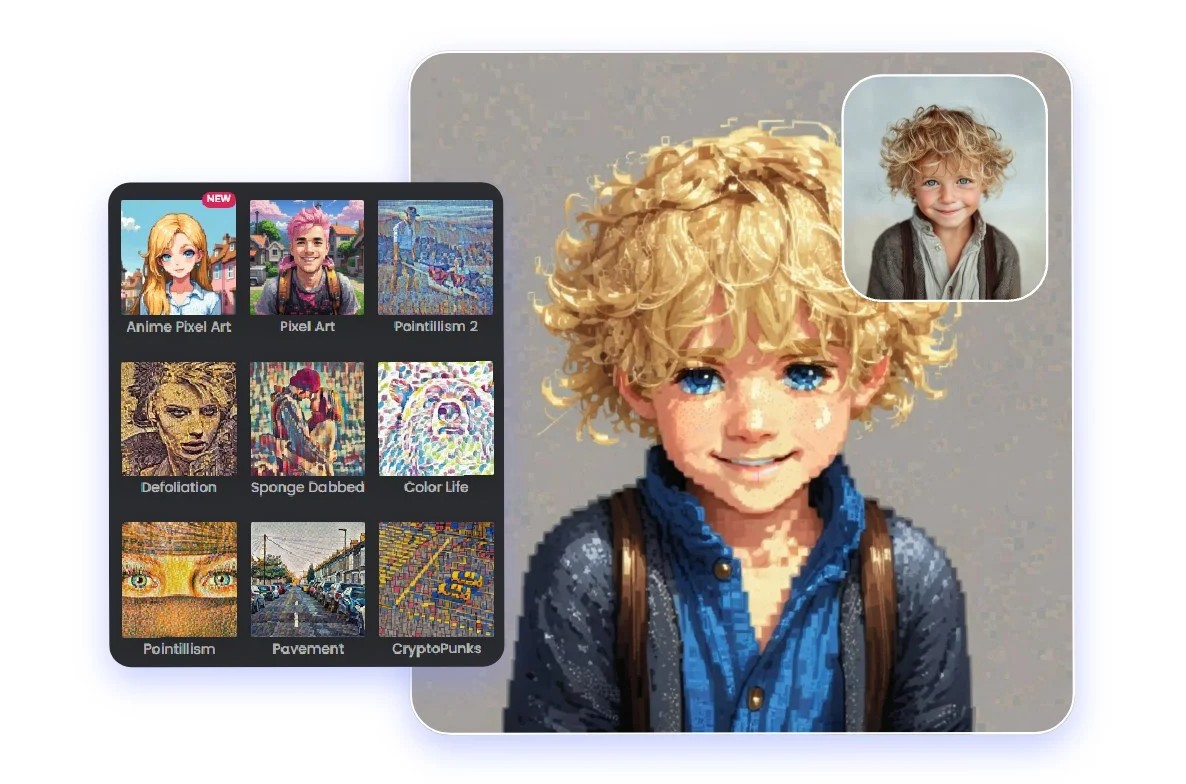
Additionally, Fotor offers a variety of pre-made image templates and styles. Users can choose from these templates to quickly create pixel art without having to write complex prompts. This is especially useful for those who simply want to create basic images for blogs, social media, or personal projects.
However, compared to more sophisticated AI tools, Fotor can produce images with less pixel detail. Therefore, it is better suited for simpler projects or initial experimental ideas.
4. DeepAI
DeepAI is an AI platform that provides a variety of tools for creating images from text descriptions. The tool is designed to be simple and accessible, allowing users to create images in just a few basic steps.
When using DeepAI to create pixel art, users simply need to input a description of the desired character or object. The system will analyze the description and generate the image in seconds. This allows users to quickly transform their ideas into visual images.
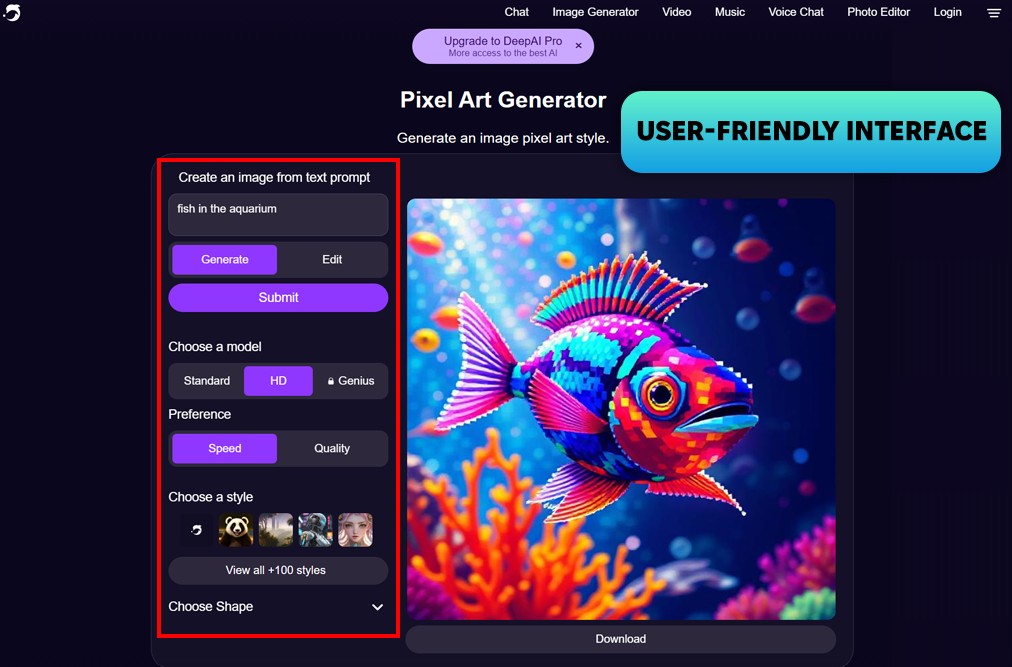
One notable aspect of DeepAI is its very fast processing speed. This tool is suitable for projects that need to generate many images in a short amount of time or for those who want to experiment with many different ideas.
DeepAI also provides APIs for developers. This allows for the integration of pixel art creation capabilities into applications or websites, opening up many possibilities for application in software projects.
However, DeepAI's image quality can sometimes be inconsistent. Some results may lack detail or fail to retain the desired clear pixel art style.
5. Pee
Piskel is a pixel art creation and editing tool specifically designed for this graphic style. Unlike AI generators, Piskel allows users to precisely edit each pixel, providing better control over image detail. Thanks to its ability to zoom in on the canvas and edit individual pixels, designers can create sharp, classic-style pixel art images.
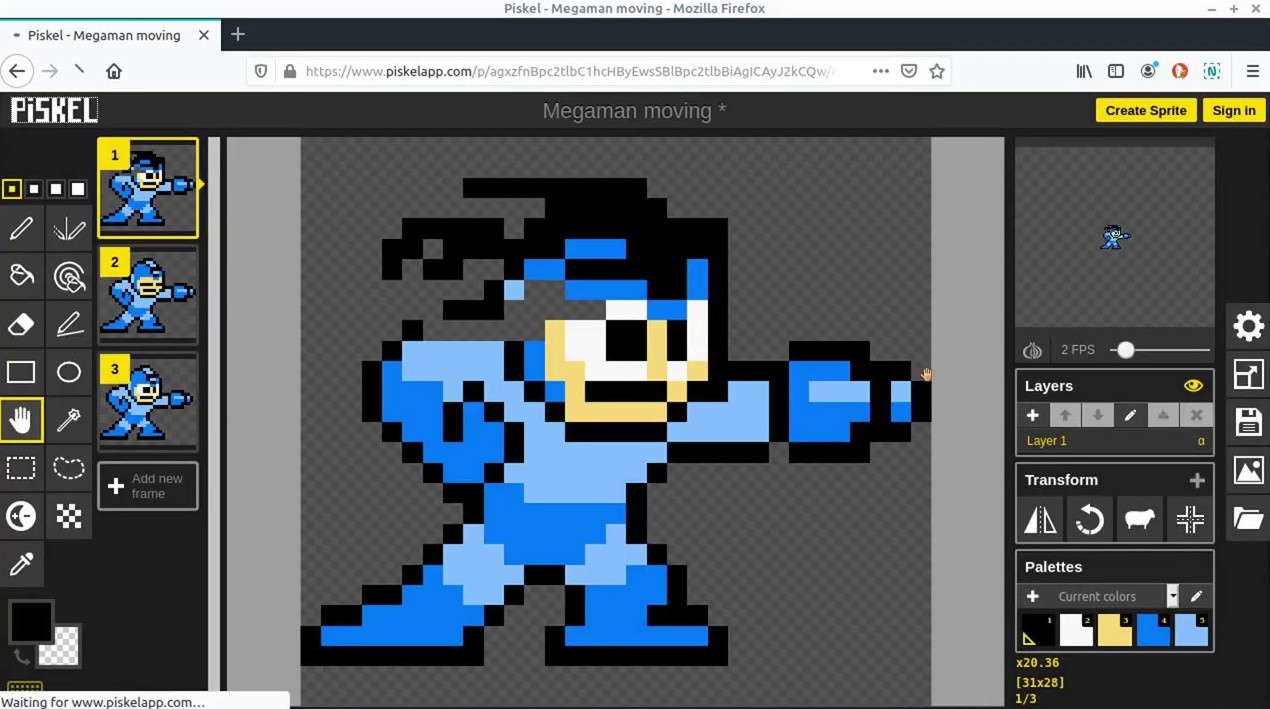
This tool is particularly popular in the indie game development community because it supports sprite and animation creation. Users can create multiple different frames to build movement for characters or objects in the game, then adjust the speed to create smooth animation effects. Piskel also allows exporting sprite sheets or GIF images for direct use in game projects.
Another advantage is that Piskel can be used directly in the browser without needing to install any software. Users can also import images from AI pixel art creation tools and then edit them in Piskel to fine-tune colors and details, resulting in a more accurate and professional final product.
6. FROM-E
DALL-E is an artificial intelligence system capable of generating images from text descriptions in various styles, including pixel art. Users simply input detailed descriptions of the desired character, background, or object, and the system automatically creates a suitable image in seconds. This makes creating pixel art much faster than manual design methods.
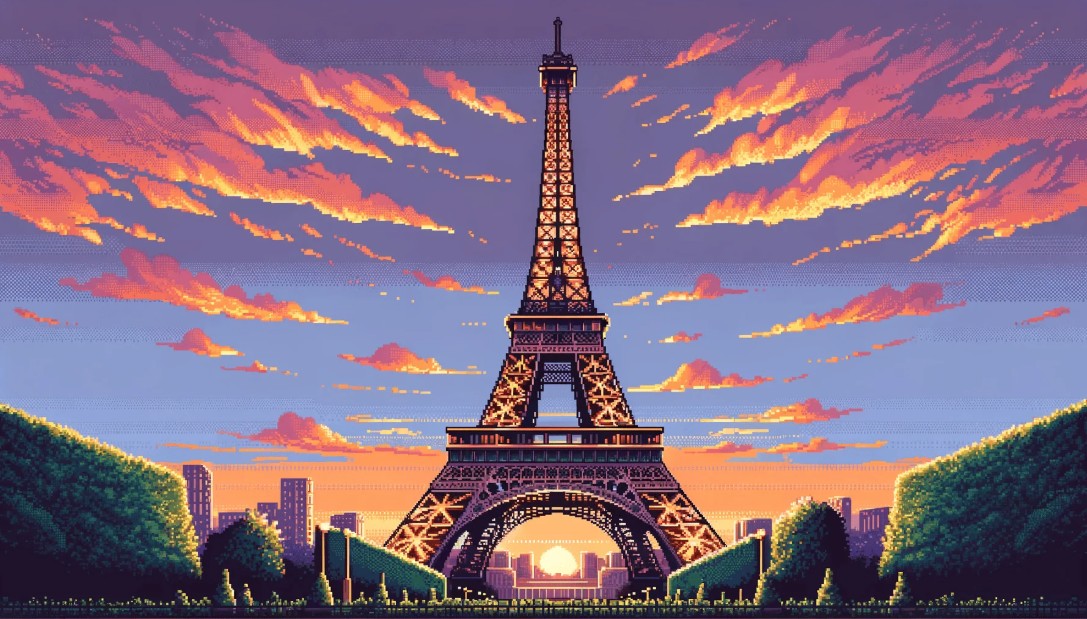
One of DALL-E's strengths is its ability to create multiple variations of the same idea. After entering a description, the system typically provides several different versions for the user to choose from. This makes it easy for designers to experiment with various pixel art styles, from classic 8-bit styles to more modern designs.
Additionally, DALL-E supports image editing through its inpainting feature. Users can change a part of an image, such as the color or details of a character, without having to recreate the entire design. Therefore, this tool is very useful during the idea development phase for games or design projects.
7. PixelLab
PixelLab is an image editing application that allows users to create and edit graphics flexibly. Although not a tool specifically designed for pixel art, PixelLab still supports many useful features such as layer editing, color adjustment, and adding image effects.
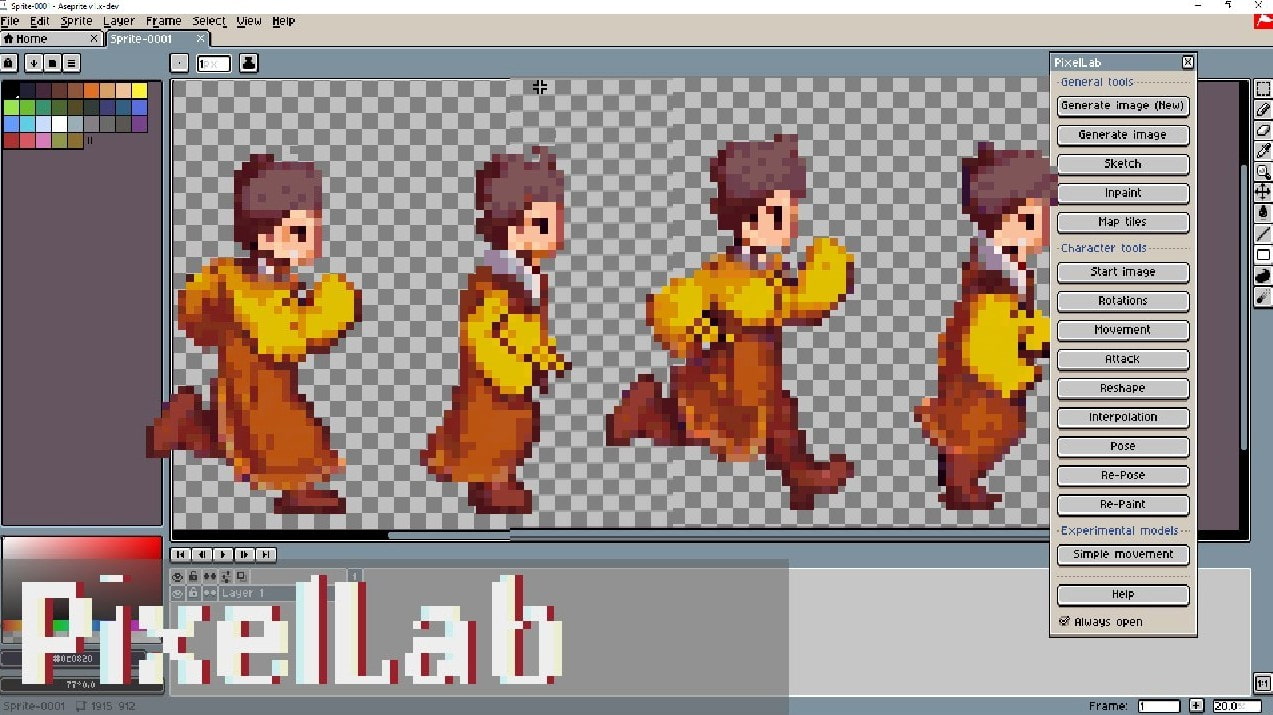
One of PixelLab's strengths is its multi-layer editing system, which makes it easy for users to manage different elements of an image. For example, a design might include separate background, character, and effects layers. Editing each layer individually makes the design process more flexible and precise.
PixelLab also works well on mobile devices, allowing users to edit pixel art directly on their phones or tablets. Thanks to this convenience, the tool is often used to design icons, stickers, or simple graphics for apps and social media.
8. StarryAI
StarryAI is an AI-powered image creation platform that excels at maintaining a consistent design style. This is crucial in game projects or character collections where all images need to share the same artistic style.
When creating pixel art with StarryAI, users can input a detailed description of their desired image, and the system will generate several different versions to choose from. After finding a suitable style, users can use that style to create more images with similar characteristics.
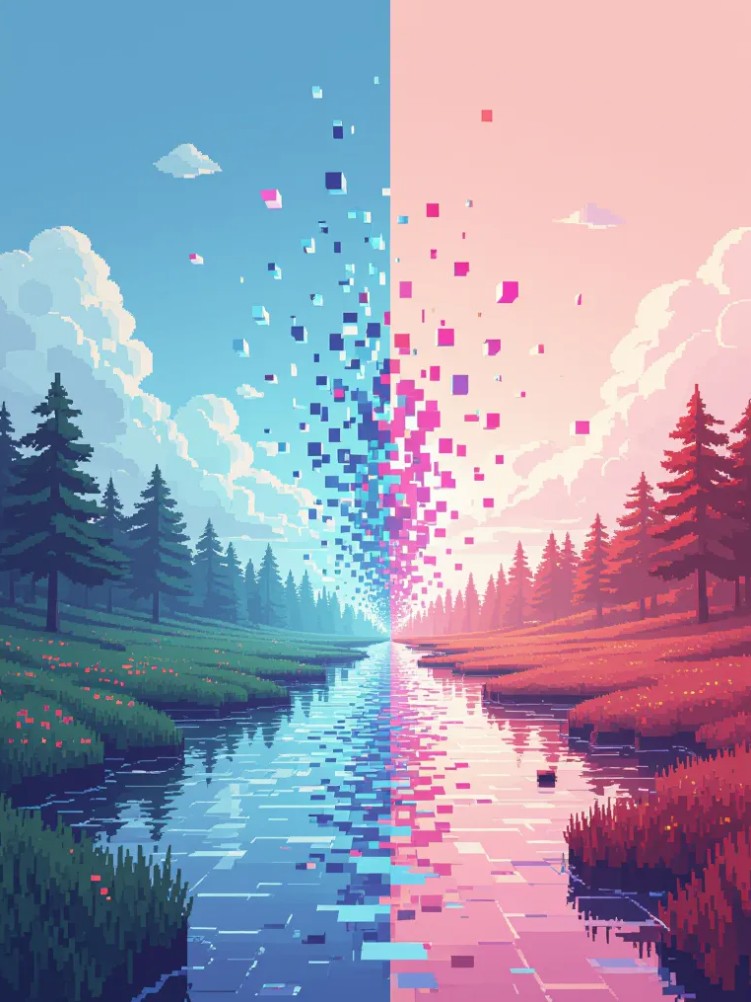
Additionally, StarryAI allows for adjustment of the level of detail and creativity in images. This gives users better control over the final result and ensures that the pixel art images created match the design style of the project.
Each tool on the list has its own strengths. Some platforms focus on image quality and creativity, while others prioritize simplicity and speed. Choosing the right tool depends on the intended use and the complexity of the project.





















VIP Products








Best Selling Products
Adobe Photoshop Copyright - Full App
120 USD
Upgrade Genuine Office 365
49 USD
Autodesk All App Account Copyright
120 USD
Windows 10 & 11 Pro Key
36 USD
Capcut Pro 1 Year
39 USD
Copyright Adobe Lightroom Account
59 USD
ChatGPT Plus Account (GPT-4)
16 USD
Adobe Premiere Pro Account
99 USD
MidJourney Account
29 USD
Genuine Cheap Canva Pro
39 USD
Genuine Adobe Illustrator account
99 USD
Upgrade Duolingo Super
29 USD
Plugin Retouch4me
69 USD
Upgrade genuine Capture One account
120 USD
Freepik Premium Account
59 USD