Best Selling Products

Adobe Premiere Pro Account
99 USD

Genuine Adobe Illustrator account
99 USD

Upgrade Genuine Office 365
49 USD

Capcut Pro 1 Year
39 USD

Upgrade genuine Capture One account
120 USD

Upgrade Duolingo Super
29 USD

Genuine Cheap Canva Pro
39 USD

Copyright Adobe Lightroom Account
59 USD

Autodesk All App Account Copyright
120 USD

Adobe Photoshop Copyright - Full App
120 USD

Windows 10 & 11 Pro Key
36 USD

Plugin Retouch4me
69 USD

ChatGPT Plus Account (GPT-4)
16 USD

Freepik Premium Account
59 USD

MidJourney Account
29 USD
The Difference Between Free and Paid Antivirus Software
Nội dung
- 1. What is Free Antivirus Software?
- 2. What is Paid Antivirus Software?
- 3. Basic Protection Capabilities
- 4. Multi-Layer Real-Time Protection
- 5. Ransomware Protection
- 6. Advanced Firewall
- 7. Securing Online Transactions
- 8. Keylogger Protection
- 9. User Experience and Technical Support
- 10. Who Should Choose Free Software?
- 11. Who Should Choose Paid Software?
Learn about the advantages and disadvantages of each solution to choose the most suitable antivirus software for individuals and businesses.
1. What is Free Antivirus Software?
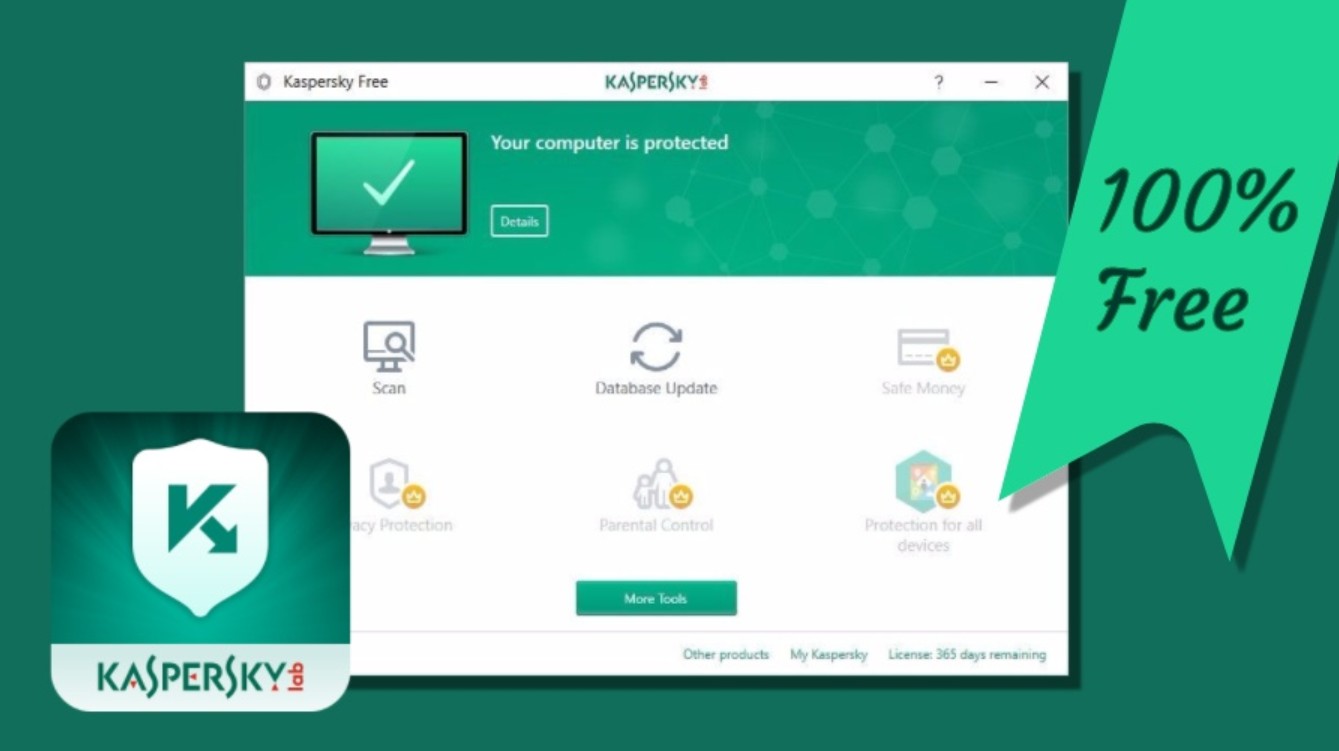
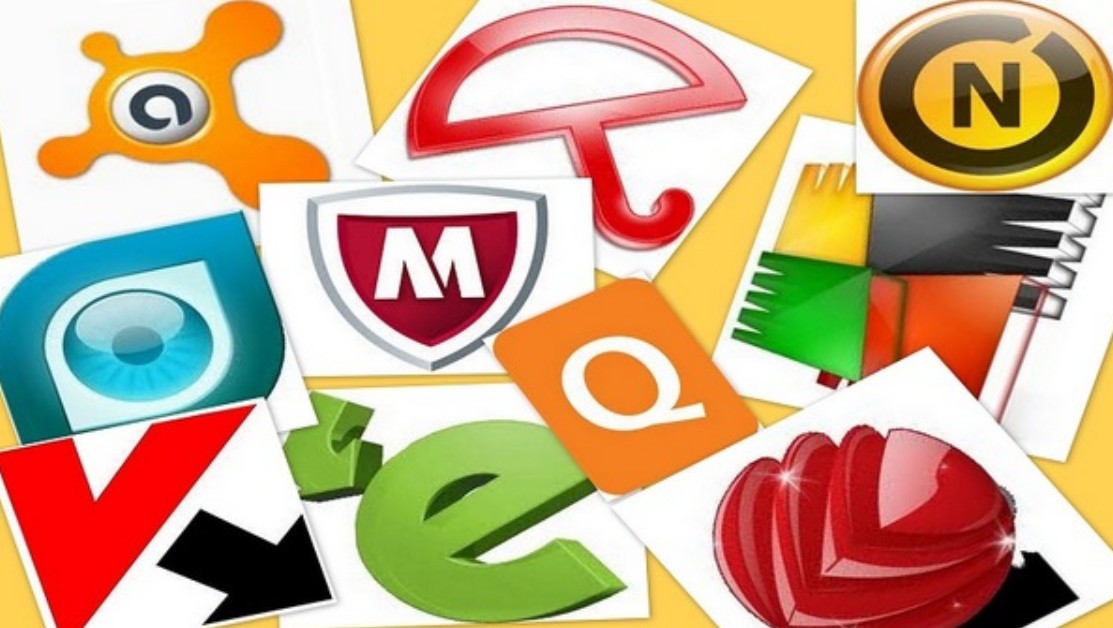
Free antivirus software refers to security solutions offered by technology companies without requiring users to pay for their use. These products typically focus on the core function of detecting, preventing, and removing viruses or common types of malware. Some notable examples include Microsoft Defender, Avast Free Antivirus, AVG Antivirus Free, Avira Free Security, Bitdefender Antivirus Free, and Kaspersky Free. The biggest appeal of these programs is that users can access basic security solutions without incurring costs. In many cases, free software still provides fairly good protection against common internet threats, meeting the needs of students, office workers, or those who use computers for general tasks.
2. What is Paid Antivirus Software?
Paid antivirus software refers to commercial versions developed to provide more in-depth security. Users need to purchase monthly or annual licenses to access all features. Beyond basic virus scanning, paid products are equipped with advanced protection technologies to combat modern cyberattacks. Well-known brands such as Kaspersky Premium, Bitdefender Total Security, Norton 360, ESET Internet Security, and McAfee Total Protection invest heavily in multi-layered security technology, online transaction protection, ransomware protection, and professional technical support. Therefore, paid software is often chosen by those who frequently work with sensitive data or have high security needs.
3. Basic Protection Capabilities
If we only consider the ability to detect common viruses, many free software programs today can perfectly meet the needs of the average user. Major security companies often use the same virus scanning technology for both free and paid versions, so the ability to identify common threats doesn't differ significantly. Users can rest assured against traditional viruses, adware, or common malicious files. However, as cyberattacks become increasingly sophisticated and use more techniques to evade security systems, basic protection is no longer the only factor to consider. This is when the advantages of paid software begin to become more apparent.
4. Multi-Layer Real-Time Protection
One of the biggest differences between free and paid software lies in their ability to provide multi-layered, real-time protection. Free software primarily focuses on scanning files, detecting viruses based on a database of known threats, and blocking them. Paid software, on the other hand, applies multiple layers of protection simultaneously to detect threats as soon as they appear. The system continuously monitors the activity of programs running on the computer, analyzes suspicious behavior, and proactively blocks applications showing signs of danger. This helps prevent attacks before malware can cause damage or steal data. For those who frequently use the internet, download files, or install new software, this proactive protection provides significant peace of mind.
5. Ransomware Protection
Ransomware is currently considered one of the most dangerous types of malware for both individual users and businesses. This type of virus can encrypt all data on a computer and demand a ransom from the victim to regain access. In many cases, data is permanently lost even after the user pays the hacker. Free software can often detect ransomware once the malware sample has been updated in its detection database. However, paid solutions are equipped with advanced behavioral monitoring technology, capable of detecting unusual data encryption processes and preventing them from the outset. This is why many security experts recommend using licensed software if the computer stores work documents, customer data, or other highly valuable information.
6. Advanced Firewall
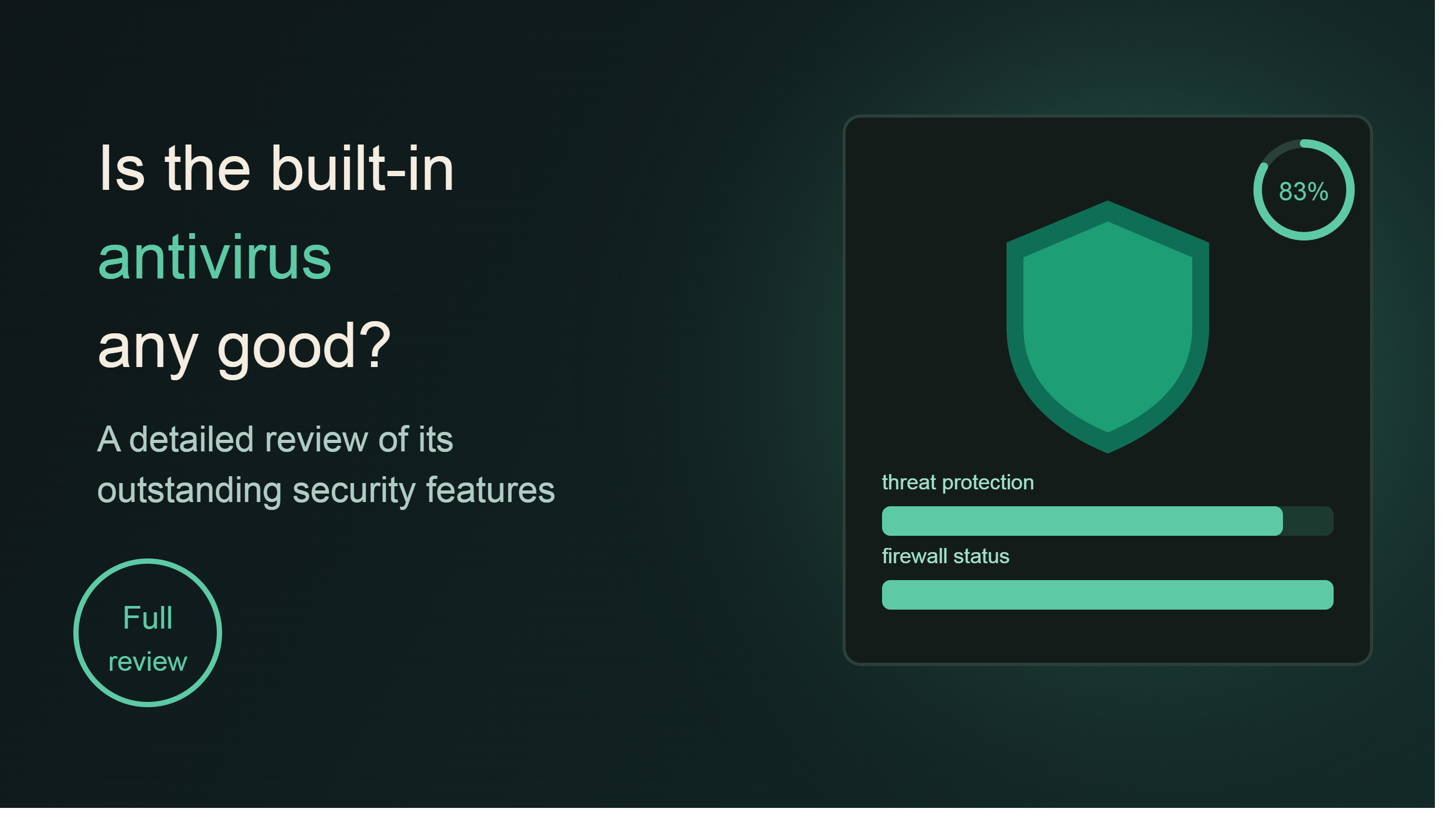
A firewall is a layer of protection that controls network connections to and from a device. While Windows already has a basic firewall built-in, many paid software programs offer advanced firewall systems with more detailed network traffic monitoring and control capabilities. This technology helps detect suspicious connections, prevent hackers from exploiting vulnerabilities, and limit the risk of external intrusion. This is especially important for those who frequently connect to public Wi-Fi networks at cafes, airports, or hotels. Meanwhile, most free software does not include a dedicated firewall or only provides very basic functionality.
7. Securing Online Transactions
Today, online shopping, electronic payments, and internet banking transactions have become commonplace. However, these are also prime targets for malware that specializes in stealing financial information. Paid antivirus software often integrates online transaction security features such as connection encryption, browser protection, and creating a secure payment environment. When users access a bank website or enter credit card information, the system activates a special layer of protection to prevent tracking or data theft. Meanwhile, free versions often lack this feature or offer it only to a very limited extent.
8. Keylogger Protection
Keyloggers are a type of spyware capable of recording all of a user's keystrokes. Through this, hackers can steal login names, passwords, banking information, and other sensitive data. This poses a particular danger to those who frequently transact online or work with important data. Paid software often integrates specialized anti-keylogger technology to protect keystroke data, while free software typically only detects previously identified keylogger patterns. This difference can create a significant gap in internet security.
9. User Experience and Technical Support
Besides security features, user experience is also a crucial factor to consider. Many free software programs often display ads or constantly prompt users to upgrade to a paid version. While this doesn't directly affect protection effectiveness, it can sometimes be annoying during use. Conversely, licensed versions offer a clean interface, fewer intrusive notifications, and better optimization. Furthermore, paid users benefit from direct technical support from the manufacturer via email, phone, or online chat. This is a significant advantage when encountering serious security issues or needing urgent assistance.
10. Who Should Choose Free Software?
For students, office workers, or general users who only use computers for basic learning, work, watching movies, and browsing the web, free software currently available can fully meet basic protection needs. When combined with safe internet habits, avoiding downloading software from unknown sources, and regularly updating the operating system, the level of security provided by free solutions is relatively good.
11. Who Should Choose Paid Software?
Individuals who frequently conduct online banking transactions, own multiple financial accounts, store business data, or work with sensitive information should consider using paid antivirus software. The annual license cost is usually not excessive, but in return, users receive more comprehensive protection against modern threats. This can be seen as a worthwhile investment to minimize the risk of data loss or financial damage in the future.
Both free and paid antivirus software offer different advantages depending on individual needs. Free solutions adequately meet basic protection needs and are suitable for most general users. However, if you frequently conduct online financial transactions, store important data, or are concerned about threats such as ransomware, investing in licensed antivirus software is a worthwhile option. With multi-layered real-time protection, advanced firewalls, keylogger protection, secure banking transactions, and 24/7 technical support, paid solutions provide a more comprehensive level of security, giving users peace of mind in today's increasingly complex digital environment.





















VIP Products








Best Selling Products
Adobe Premiere Pro Account
99 USD
Genuine Adobe Illustrator account
99 USD
Upgrade Genuine Office 365
49 USD
Capcut Pro 1 Year
39 USD
Upgrade genuine Capture One account
120 USD
Upgrade Duolingo Super
29 USD
Genuine Cheap Canva Pro
39 USD
Copyright Adobe Lightroom Account
59 USD
Autodesk All App Account Copyright
120 USD
Adobe Photoshop Copyright - Full App
120 USD
Windows 10 & 11 Pro Key
36 USD
Plugin Retouch4me
69 USD
ChatGPT Plus Account (GPT-4)
16 USD
Freepik Premium Account
59 USD
MidJourney Account
29 USD