Best Selling Products

Upgrade genuine Capture One account
120 USD

Autodesk All App Account Copyright
120 USD

ChatGPT Plus Account (GPT-4)
16 USD

Adobe Premiere Pro Account
99 USD

Freepik Premium Account
59 USD

Upgrade Genuine Office 365
49 USD

Plugin Retouch4me
69 USD

Adobe Photoshop Copyright - Full App
120 USD

Upgrade Duolingo Super
29 USD

MidJourney Account
29 USD

Genuine Cheap Canva Pro
39 USD

Capcut Pro 1 Year
39 USD

Genuine Adobe Illustrator account
99 USD

Windows 10 & 11 Pro Key
36 USD

Copyright Adobe Lightroom Account
59 USD
The shocking truth: Bluetooth can wipe out your bank account in just minutes.
Nội dung
- 1. Bluetooth technology
- 2. Unforeseen consequences of leaving Bluetooth on constantly.
- 2.1. Bluejacking: An annoying but not harmless type of attack.
- 2.2. Bluesnarfing: Hackers steal data silently.
- 3. Track location and collect data.
- 4. How can I protect myself?
- 4.1. Turn off Bluetooth when not in use.
- 4.2. Set the device to “Undiscoverable” mode.
- 4.3. Disable automatic reconnection
- 4.4. Update your operating system regularly.
- 4.5. Never accept calls from strangers.
- 4.6. Controlling application access permissions
- 4.7. Using a VPN
- 5. Bluetooth and the story of "convenience at the cost of safety"
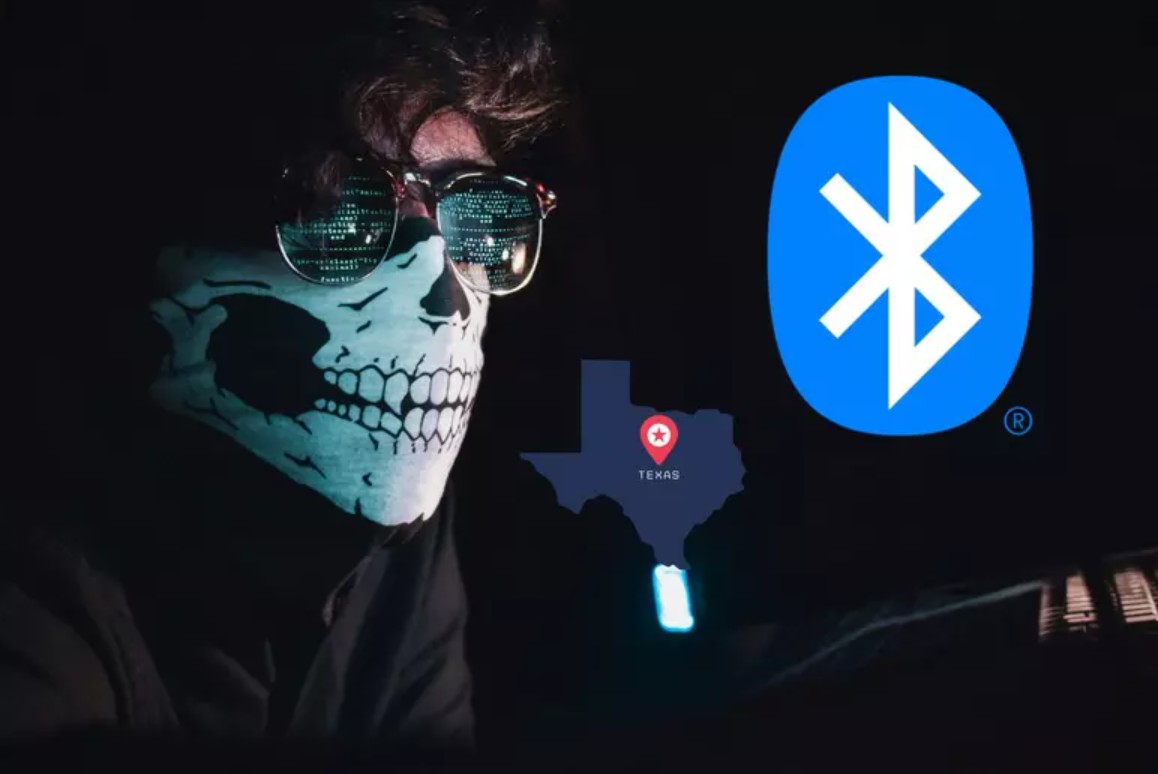
A seemingly harmless habit—leaving Bluetooth on all the time—can turn your phone in your pocket into a wide-open gateway for hackers.
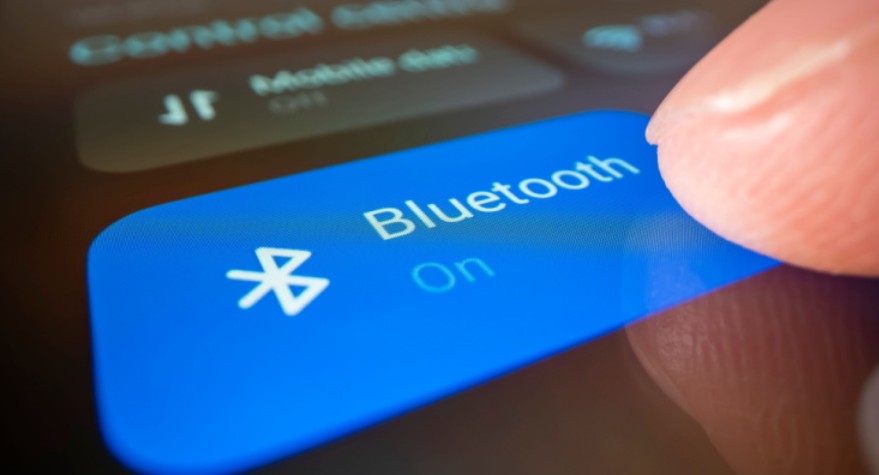
We've almost become accustomed to keeping Bluetooth on 24/7, ready to connect at any time. However, behind this convenience lies a dark side that few people realize: the risk of serious data security breaches or even the theft of your bank account without your knowledge.
Bluetooth is no longer just a "short-range data transmission" technology as many people think. In the wrong hands, it becomes a gateway to your device. When the habit of "always keeping Bluetooth on" becomes the default, users are unknowingly exposing their personal information to millions of lurking hackers.
1. Bluetooth technology
Bluetooth was created with a noble purpose: to enable devices to communicate with each other wirelessly, providing maximum freedom for users. Since its standardization in the late 1990s, Bluetooth has evolved through many generations, gradually becoming faster, farther-reaching, and smarter. Now, simply by turning on Bluetooth, you can synchronize data between your phone and laptop, listen to music through wireless headphones, share files, or control your TV in an instant.
However, every step toward convenience comes with a new layer of risk. Bluetooth is designed to be constantly "listening," which means it's always emitting an identifying signal—a kind of trace that helps other devices detect you. In crowded environments like airports, shopping malls, or cafes, those signals become easy targets for hackers.
The scary thing is that Bluetooth doesn't need an internet connection to be exploited. Hackers only need to be within the signal range, which is a radius of a few meters to tens of meters, to start looking for vulnerabilities. If your device isn't properly secured, or your operating system hasn't been updated with the latest patches, hackers can easily infiltrate, install malware, or gain remote control.
2. Unforeseen consequences of leaving Bluetooth on constantly.
Cybersecurity experts around the world have repeatedly warned that leaving Bluetooth on 24/7 is like putting up a "door open, come in" sign in front of your house.
When a device always has Bluetooth enabled, it continuously broadcasts signals searching for and responding to connection requests. This allows hackers to pinpoint your location, track your device, and initiate particularly dangerous attacks, the most common of which are Bluejacking and Bluesnarfing.
2.1. Bluejacking: An annoying but not harmless type of attack.
Bluejacking is a long-standing attack method that allows malicious actors to send disruptive messages, advertisements, or other disruptive content to nearby Bluetooth devices. While initially intended as harassment, it can now be used to trick users into clicking on links containing malware, paving the way for more serious attacks.
Many people often ignore "strange" notifications, assuming they are just system errors or spam, but in reality, a single accidental tap can compromise the device.
2.2. Bluesnarfing: Hackers steal data silently.
If Bluejacking is the "prelude," then Bluesnarfing is the real attack. An attacker can access data on your phone or tablet without your knowledge, including contacts, messages, emails, photos, and especially login information for banks, e-wallets, or personal accounts.
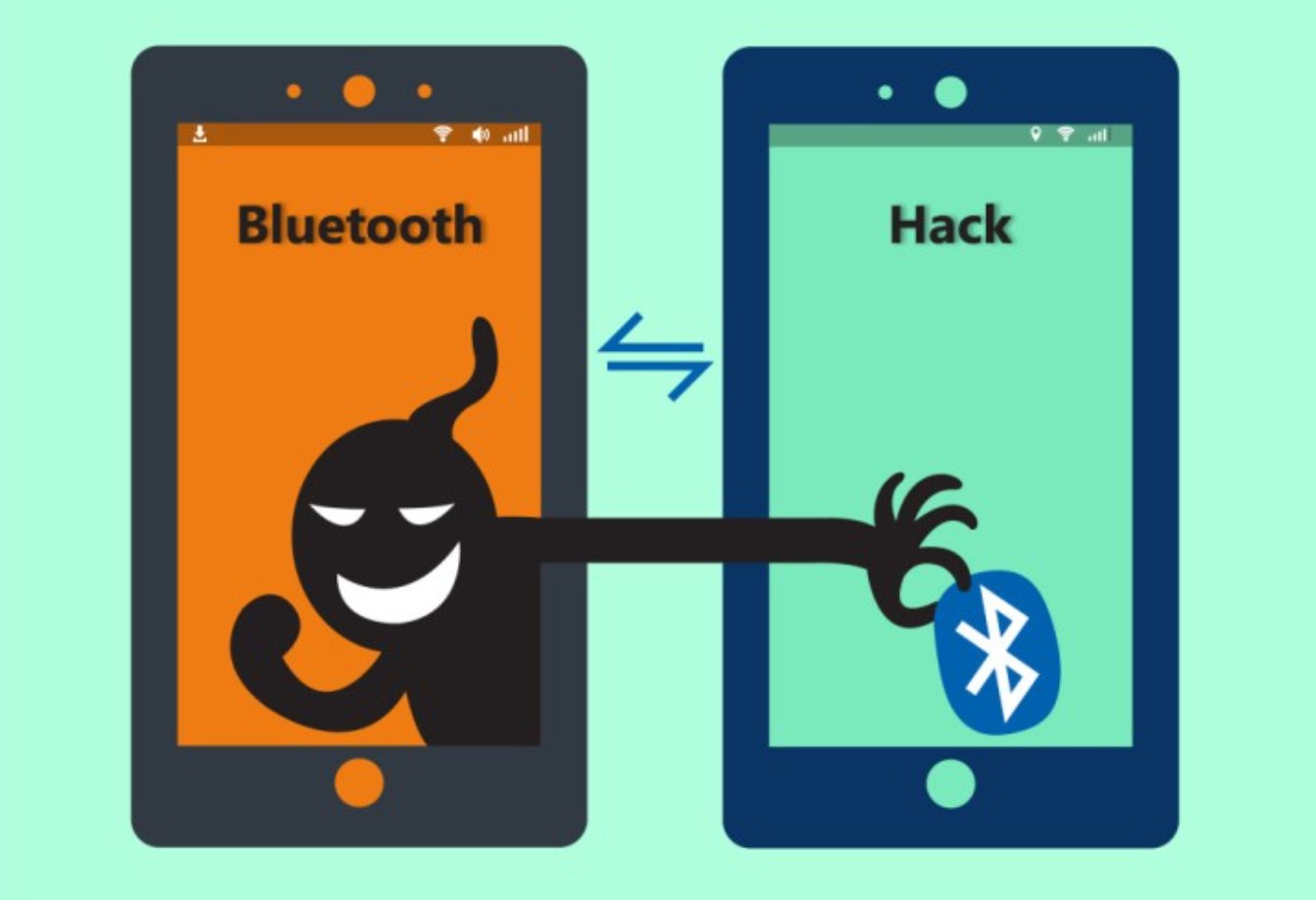
Once this data is leaked, the consequences can be very serious. Hackers can impersonate you to open credit cards, take out online loans, or conduct fraudulent banking transactions. In many cases, victims don't realize it until their accounts are emptied or they receive calls demanding repayment of a loan that seemingly came out of nowhere.
The scariest thing is that Bluesnarfing leaves almost no trace. You won't see any warnings or notifications on your phone; everything happens silently, quickly, and is almost undetectable to the naked eye.
3. Track location and collect data.
Bluetooth is not just a data gateway; it's also an invisible tracking tool. Many people don't realize that Bluetooth devices constantly transmit signals to maintain connectivity. These signals, in turn, become a valuable source of information that allows systems and even hackers to track your location.
In the commercial environment, Bluetooth beacon technology is used by retailers to analyze customer behavior: where they go, which areas they stop at, what products they interact with, and how long they spend at each store. This data is used for marketing purposes, but its operating principles can be exploited by hackers or organizations that collect data illegally.
Simply by moving around with Bluetooth enabled, your device's MAC address can be recorded at multiple locations. When this data is linked together, hackers can reconstruct your travel history, determine your daily habits, and even know which banks you frequent and at what times—information extremely useful for targeted attacks.
This threat extends to wearable devices such as smartwatches, fitness trackers, or medical devices. If a hacker can penetrate the Bluetooth connection between the device and the phone, they can access biometric data, heart rate, blood pressure, location, and even private medical information. Some older medical devices lack sufficient security, making exploitation easier than ever.
4. How can I protect myself?
The good news is that you can absolutely minimize the risks without having to abandon Bluetooth entirely. The key is to use it wisely and cautiously.
4.1. Turn off Bluetooth when not in use.
This is the "golden rule" in security. If you don't need to connect headphones, watches, or other smart devices, turn off Bluetooth immediately. This habit not only helps protect your data but also saves battery life on your devices.
In particular, always turn off Bluetooth in public places such as airports, train stations, shopping malls, or crowded cafes.
4.2. Set the device to “Undiscoverable” mode.
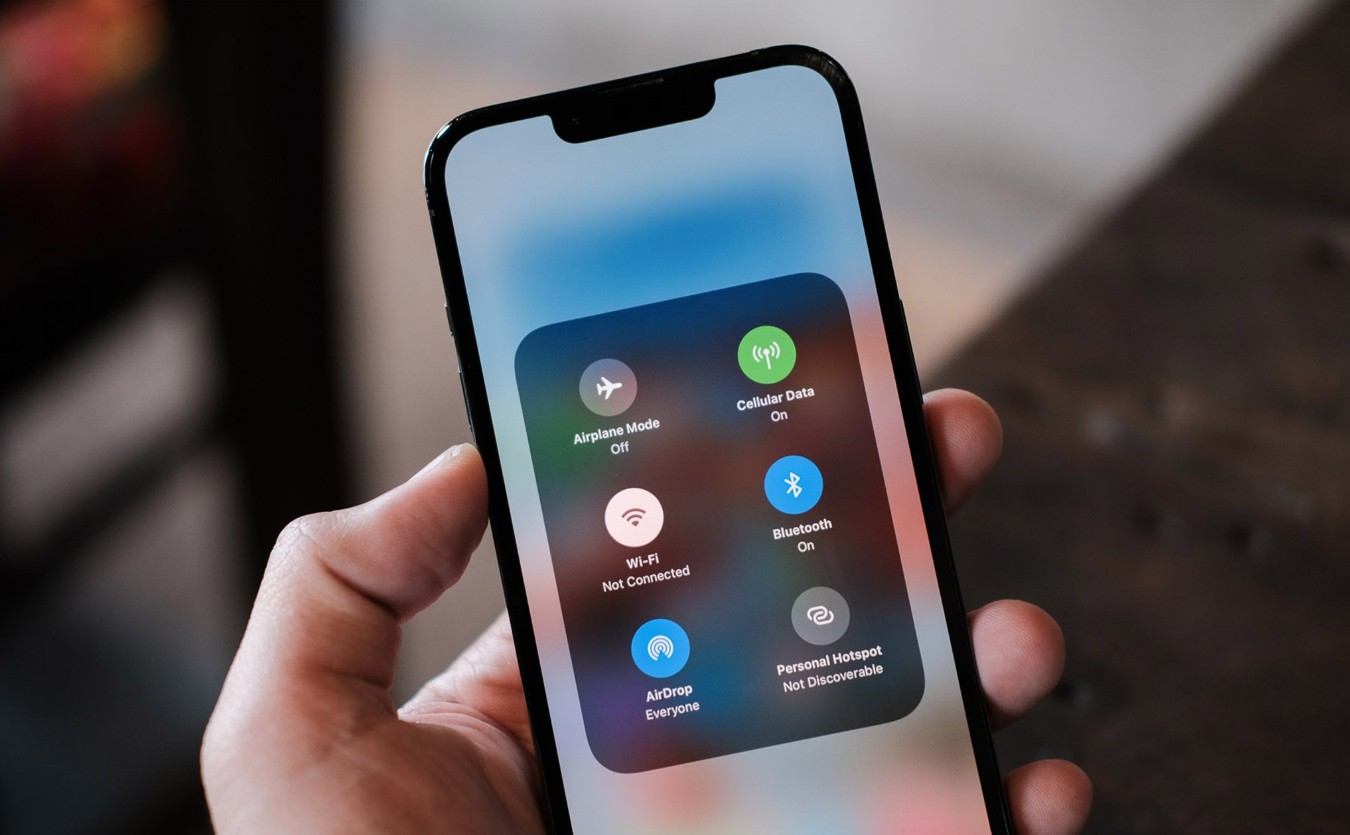
If you must enable Bluetooth, go to Settings > Bluetooth > Hide device (or “Invisible Mode”). In this mode, unfamiliar devices will not be able to detect you in the pairing list, minimizing the possibility of being targeted.
4.3. Disable automatic reconnection
Some phones have an option to automatically reconnect to previously paired devices. While convenient, this creates a major security vulnerability, as hackers can spoof the signal from the old device. It's best to disable this feature in "Advanced Bluetooth Settings".
4.4. Update your operating system regularly.
Software updates aren't just for new features; they're also a crucial shield against security vulnerabilities. Many people mistakenly believe that simply turning off Bluetooth is enough, but in reality, vulnerabilities like BlueBorne allow hackers to control your phone even when you're not actively connected. A small update can protect you from significant risks.
4.5. Never accept calls from strangers.
If your device receives an unexpected pairing request, reject it immediately. Hackers often impersonate familiar devices to trick users.
4.6. Controlling application access permissions
Many apps request Bluetooth, Wi-Fi, or location permissions, sometimes just to collect user data. Regularly check the permission list in " Settings > App Permissions " and revoke unnecessary permissions.
4.7. Using a VPN
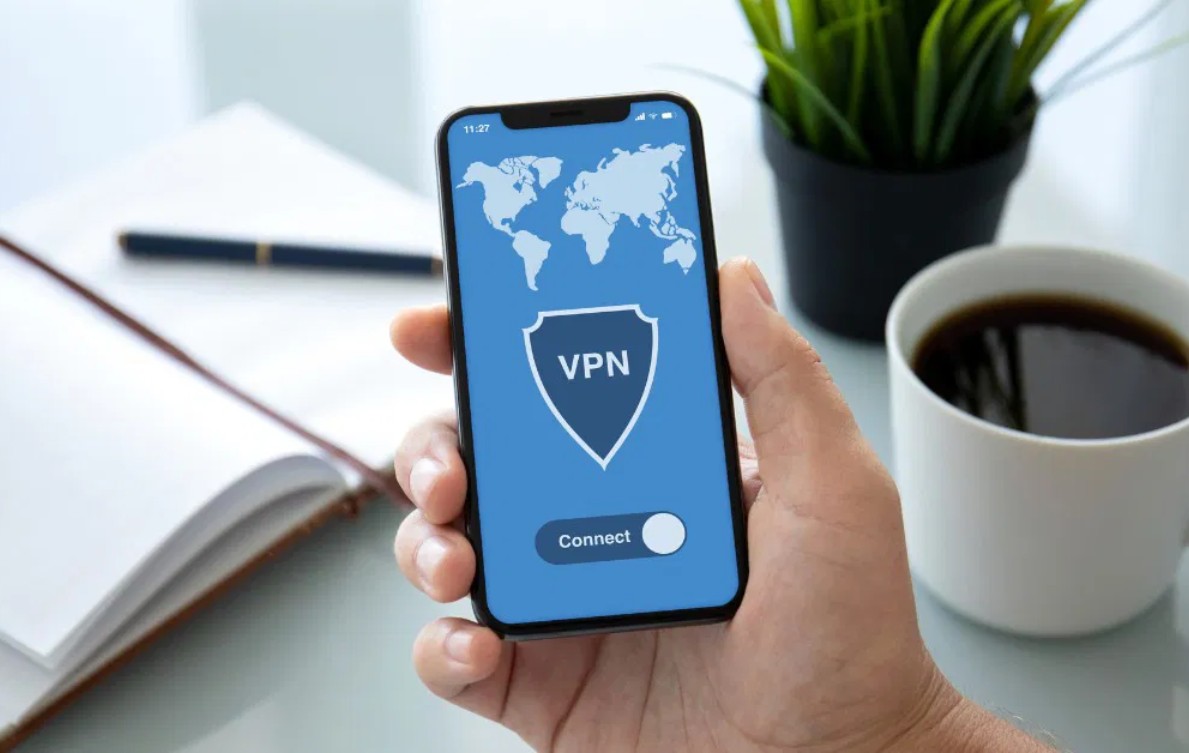
A VPN (virtual private network) can encrypt data traffic and hide your IP address, reducing the risk of tracking or attacks. While Bluetooth is an internal connection, when used in conjunction with online applications, a VPN helps ensure more secure data transmission.
5. Bluetooth and the story of "convenience at the cost of safety"
Bluetooth isn't inherently bad; the problem lies in how we use it. In a world where everything is connected, users are increasingly losing sight of the line between convenience and security. A single tap to listen to music, share data, or control a smart device is fantastic, but it can also open the door for hackers if you're not careful.
The đáng thing is that most users are unaware of this risk. They leave Bluetooth on all the time, pair devices indiscriminately, store sensitive data on their phones, and log into numerous bank accounts and e-wallets without adequate protection. Meanwhile, hackers are becoming increasingly sophisticated; just a small oversight is enough for them to steal all personal data.
Technology is created to serve humanity, but if people forget how to control it, they will become victims of that very convenience.
Bluetooth is the clearest example: a simple, useful tool, but it can also be the key to unlocking personal data. Therefore, the most important thing is not fear, but safety awareness: turn Bluetooth on when needed, turn it off when finished, and always update your device to patch the latest security vulnerabilities.
In an age where a single touch can create an entire virtual world, sometimes, turning it off is the way to protect your real world.





















VIP Products








Best Selling Products
Upgrade genuine Capture One account
120 USD
Autodesk All App Account Copyright
120 USD
ChatGPT Plus Account (GPT-4)
16 USD
Adobe Premiere Pro Account
99 USD
Freepik Premium Account
59 USD
Upgrade Genuine Office 365
49 USD
Plugin Retouch4me
69 USD
Adobe Photoshop Copyright - Full App
120 USD
Upgrade Duolingo Super
29 USD
MidJourney Account
29 USD
Genuine Cheap Canva Pro
39 USD
Capcut Pro 1 Year
39 USD
Genuine Adobe Illustrator account
99 USD
Windows 10 & 11 Pro Key
36 USD
Copyright Adobe Lightroom Account
59 USD