Best Selling Products

MidJourney Account
29 USD

Copyright Adobe Lightroom Account
59 USD

Capcut Pro 1 Year
39 USD

Adobe Premiere Pro Account
99 USD

Upgrade Duolingo Super
29 USD

Plugin Retouch4me
69 USD

Freepik Premium Account
59 USD

ChatGPT Plus Account (GPT-4)
16 USD

Upgrade genuine Capture One account
120 USD

Windows 10 & 11 Pro Key
36 USD

Autodesk All App Account Copyright
120 USD

Genuine Cheap Canva Pro
39 USD

Upgrade Genuine Office 365
49 USD

Genuine Adobe Illustrator account
99 USD

Adobe Photoshop Copyright - Full App
120 USD
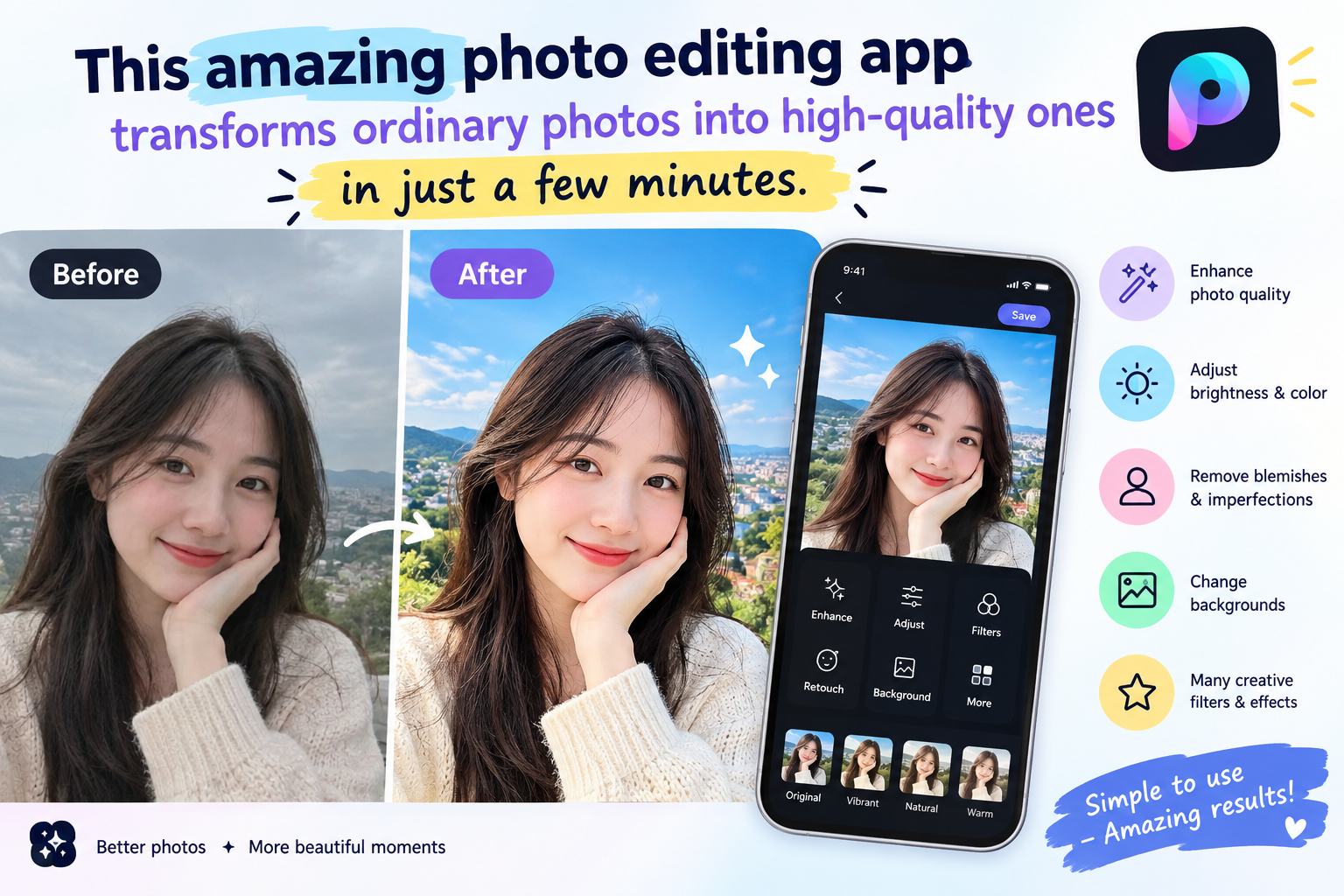
This amazing photo editing app transforms ordinary photos into high-quality ones in just a few minutes.
Nội dung
- 1. Why should you use photo editing apps on your phone?
- 2. What features should a good photo editing app have?
- 3. Top photo editing apps used by many people.
- 3.1. Lightroom
- 3.2. Snapseed
- 3.3. VSCO
- 3.4. PicsArt
- 3.5. Canva
- 4. How to edit photos to look natural using apps
- 5. Tips for choosing photo colors that suit different styles.
- 6. How to edit portrait photos to look beautiful yet natural.
- 7. Beautiful photo editing apps for every need.
- 8. Conclusion
A beautiful photo doesn''t always require a fancy camera or professional photography skills. With good lighting, the right angle, and a good photo editing app, you can transform simple pictures into bright, vibrant, and stylish images. From adjusting colors and brightening faces to removing unwanted details and adding effects, modern photo editing apps offer a wealth of convenient tools right on your phone. If you frequently post photos to Facebook, Instagram, TikTok, or simply want to capture beautiful moments in your own unique way, choosing the right app will make the editing process much faster.
1. Why should you use photo editing apps on your phone?
Smartphones are now practically with users in every moment. Therefore, editing photos directly on a smartphone offers significant convenience. Without needing to open a computer or use complex software, you can edit a photo immediately after taking it and share the results in just a few minutes.
Interestingly, current apps are no longer limited to basic operations. Beginners can start with pre-set filters, while creative users can adjust each parameter to create their own unique style.
-
Edit photos quickly right on your phone.
-
Many attractive filters and effects are available.
-
Supports adjustment of brightness, color, and contrast.
-
There are tools for cropping, rotating, and resizing images.
-
Some apps support removing unwanted objects or details.
-
Easily save photos and share them on social media.
2. What features should a good photo editing app have?
Not every app with many tools is suitable for everyone. A good app should have an easy-to-use interface, clear controls, and meet common photo editing needs. If you're a beginner, simple features will help you get started faster. Meanwhile, experienced users are usually interested in the ability to customize color and control detail.
Before downloading an app to your phone, you can prioritize the following features:
-
Adjusting lighting: Helps to make the image brighter and balance dark and bright areas.
-
Color adjustment: Change saturation, color temperature, and hue to create your own style.
-
Filters: Suitable for quick photo adjustments without requiring too much manipulation.
-
Crop and rotate: This helps to create a neater image composition.
-
Remove objects: Eliminate small details that distract from the image.
-
Portrait mode: Helps to highlight the face and features in the photo.
-
Add text and stickers: Create images for stories, commemorative photos, or social media content.
-
Save high-quality images: This minimizes image quality degradation after editing.
@old
3. Top photo editing apps used by many people.
The current market for photo editing apps offers a wide variety of choices, from apps specializing in color correction to tools focused on beautifying, designing, or creating images. Each app has its own strengths, so you should choose based on the style of photos you usually take.
3.1. Lightroom
Lightroom is a popular choice for those who enjoy color grading photos. The application offers numerous tools to control lighting, color, and detail, resulting in photos with more consistent colors.
Lightroom's appeal lies in its deep level of customization. You can start with a pre-set preset and then further adjust it to suit your preferences.
-
Adjust brightness, contrast, and highlights/dark areas.
-
Customize each color group individually.
-
There are many presets to suit different photo styles.
-
Suitable for travel, everyday life, fashion, and landscape photos.
3.2. Snapseed
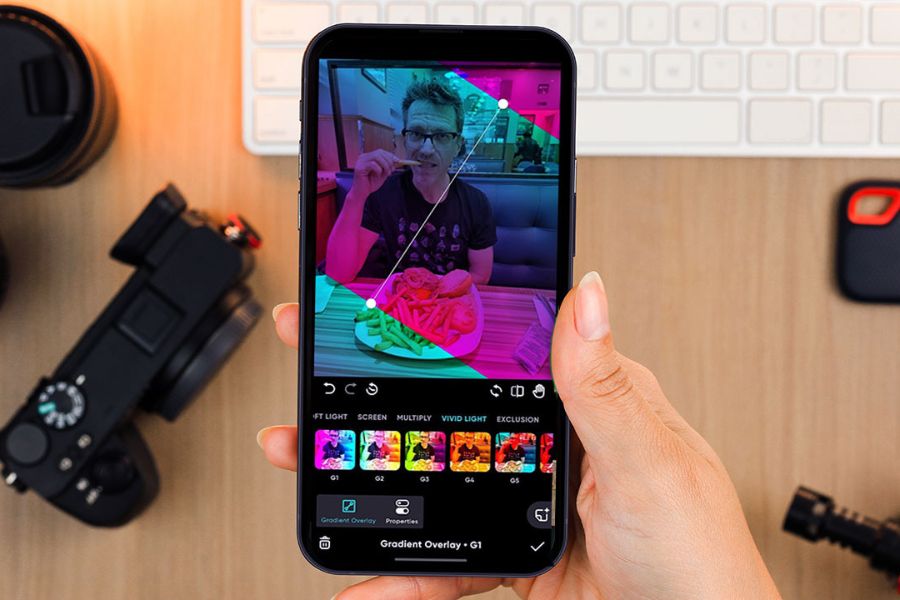
Snapseed is popular for its relatively intuitive interface, yet it still offers many useful photo editing tools. The app is suitable for both beginners and those who want to make more in-depth adjustments to their images.
In addition to basic color correction features, Snapseed also has many tools to help process specific areas of an image. This is especially useful when you want to adjust a part of the image without changing the entire frame.
-
Adjust the brightness and color.
-
Highlight the details in the image.
-
There are tools to adjust each area individually.
-
Supports many popular editing formats.
-
You can save the image after you've finished.
3.3. VSCO
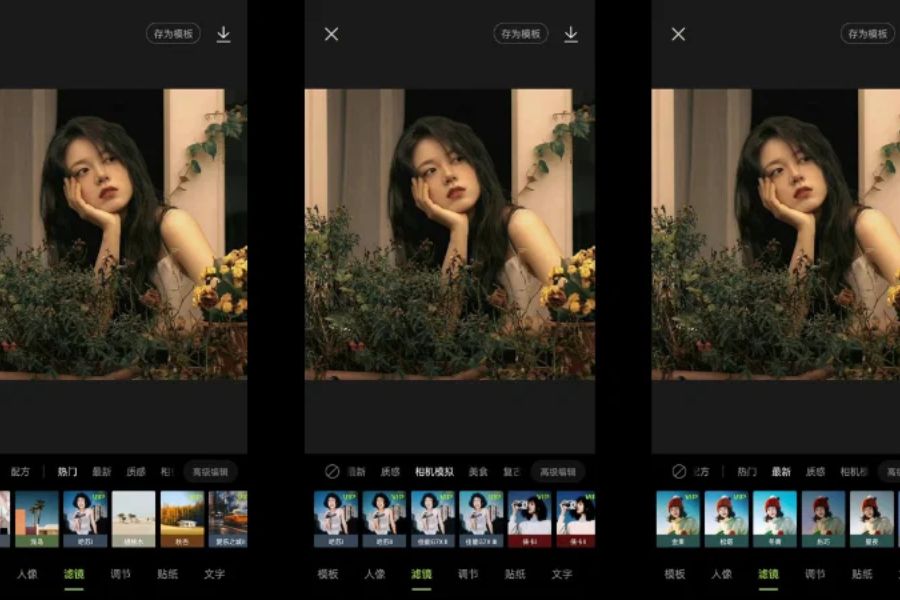
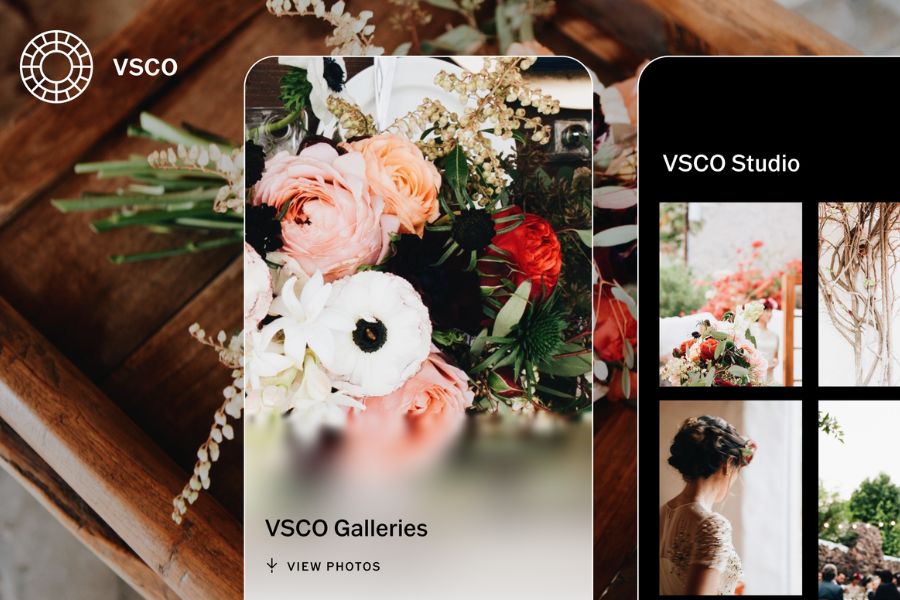
If you love photos with soft, artistic colors and a film-like feel, VSCO is a name worth considering. The app stands out with its filter system that allows you to change the atmosphere of your photos with just a few taps.
VSCO is especially suitable for those who want to build a consistent image style on social media. Instead of over-editing, you can choose a suitable color tone and apply it to multiple photos.
-
Many filters have a film-like style.
-
The intensity of the effect can be adjusted.
-
Supports brightness and color adjustment.
-
Suitable for everyday life, travel, and lifestyle photos.
3.4. PicsArt
PicsArt focuses more on creativity than just color correction. The app offers a variety of tools for photo collage, adding text, stickers, effects, and creating personalized designs.
If you frequently create photos for social media or want to transform an ordinary photo into a more eye-catching image, PicsArt can meet many needs in a single application.
-
Combine multiple photos.
-
Add text and stickers.
-
Create a creative effect.
-
Cut and edit objects.
-
There are many design examples to refer to.
3.5. Canva
Canva is commonly known as a design tool, but the application also offers many convenient photo editing features. Canva's strength lies in its extensive library of templates, making it easy for users to create images for various purposes.
From photos for Facebook and Instagram to posters, stories, and product advertisements, Canva simplifies the design process, especially for those with little graphic design experience.
-
Basic photo editing.
-
Add text and images.
-
There are many design options.
-
Supports creating images for social media.
-
Multiple elements can be combined in a single design.

4. How to edit photos to look natural using apps
Editing photos beautifully doesn't mean you have to boost every parameter to the maximum. An image that's too bright, has overly saturated colors, or has overly strong effects can sometimes make the image lose its natural look. The secret lies in adjusting just enough to make the photo look better while still maintaining a realistic feel.
You can start by following these simple steps:
-
Step 1: Choose a photo with relatively good composition and lighting.
-
Step 2: Crop the image to remove unnecessary parts.
-
Step 3: Adjust brightness and contrast.
-
Step 4: Balance the color temperature so the image is neither too yellow nor too blue.
-
Step 5: Slightly increase the saturation if the image colors are too pale.
-
Step 6: Choose a filter that suits the overall look.
-
Step 7: Double-check before and after adjustments to avoid over-adjusting.
-
Step 8: Save the image at a quality suitable for your intended use.
A helpful tip is to adjust one element at a time instead of changing all the parameters at once. Once you're familiar with the application, you'll easily identify areas for improvement and those that should remain unchanged.
@old
5. Tips for choosing photo colors that suit different styles.
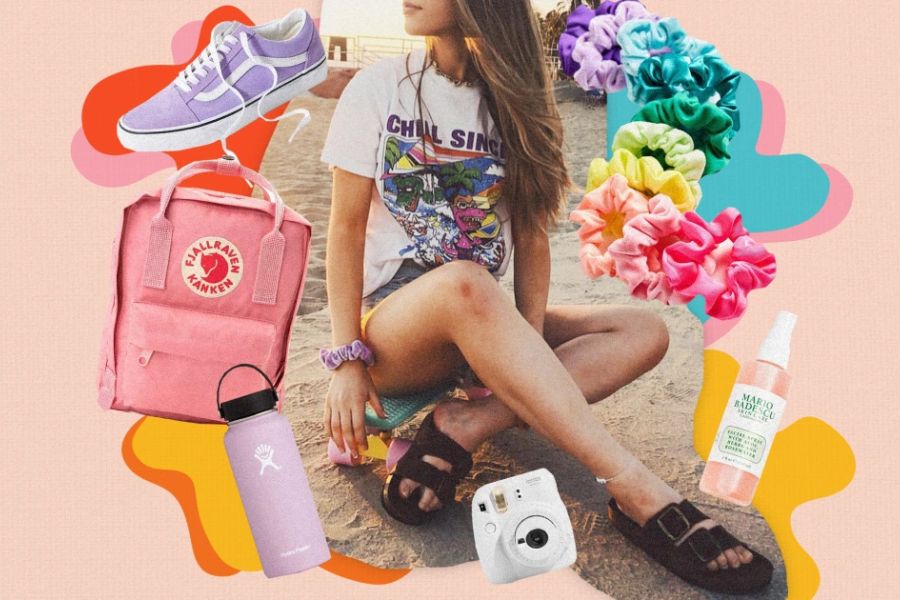
Color plays a huge role in the emotion a photograph conveys. The same frame can completely change the feeling of the image when switched to warm tones, cool tones, or a film-like color scheme. Therefore, instead of chasing a trending filter, you should choose colors based on the content and atmosphere of the photograph.
Here are some color styles you can try:
-
Warm tones: Suitable for photos of coffee shops, sunsets, families, or everyday moments.
-
Cool tones: Create a modern, light feel and are suitable for cityscapes.
-
Film tone: Evokes a nostalgic feel, suitable for street and lifestyle photography.
-
Bright tones: Suitable for fashion photography, rooms with plenty of light, or product photography.
-
Darker tones: Create a deeper and more distinctive feel.
-
Pastel tones: Suitable for gentle, cute photos.
It's important that the photos in the same album have relatively consistent colors. This will make the overall profile or photo set look more harmonious and distinctive.
6. How to edit portrait photos to look beautiful yet natural.
Portrait photos are among the most edited types of photos. However, using too many beauty effects can make faces look unnatural. Some photo editing apps now allow users to control the level of enhancement, so you should prioritize subtle changes.
When editing portrait photos, keep these in mind:
-
Balance the lighting on your face.
-
Reduce the intensity of shadows if the image is underexposed.
-
Adjust the skin tone to a moderate level.
-
Make the eyes clearer, but don't increase the intensity too much.
-
Avoid using high-level smoothing effects.
-
Preserve some of the natural details on the face.
-
Check the image at its actual size before saving.
A beautiful portrait is often not the most heavily edited. Naturalness, harmonious lighting, and appropriate colors are the elements that give the image lasting appeal.
7. Beautiful photo editing apps for every need.
There isn't one app that suits all users. Someone who enjoys color grading will have different needs than someone who specializes in creating photos for social media. Therefore, determine your primary purpose before making a choice.
You can refer to the following selection guidelines based on your needs:
-
For advanced color correction: Lightroom or Snapseed are preferred.
-
If you like film colors: You could try VSCO.
-
If you want to combine photos and add effects, PicsArt is the right choice.
-
Want to design images for social media? Canva has many useful templates.
-
For quick photo editing: Choose an app with pre-set presets and filters.
-
Regularly edit portrait photos: Prioritize apps with tools for adjusting faces and lighting.
-
To create your own style: Use an app that allows you to adjust each parameter individually instead of relying entirely on filters.
Using one or two familiar apps can also save you time. Once you've mastered adjusting brightness, color, and composition, you can create a consistent photo style without having to experiment with too many tools.
8. Conclusion
A good photo editing app can transform what might seem like a complicated post-processing process into a few simple steps on your phone. From adjusting lighting and color balance to adding effects, combining images, or creating designs, each app has its own strengths and suits different needs. If you're just starting out, you don't need to try too many apps at once. Choose an app with an easy-to-use interface, familiarize yourself with the basic tools, and then gradually explore the advanced features. When you know how to balance color, light, and composition, you can create beautiful, natural photos that reflect your personal style.





















VIP Products








Best Selling Products
MidJourney Account
29 USD
Copyright Adobe Lightroom Account
59 USD
Capcut Pro 1 Year
39 USD
Adobe Premiere Pro Account
99 USD
Upgrade Duolingo Super
29 USD
Plugin Retouch4me
69 USD
Freepik Premium Account
59 USD
ChatGPT Plus Account (GPT-4)
16 USD
Upgrade genuine Capture One account
120 USD
Windows 10 & 11 Pro Key
36 USD
Autodesk All App Account Copyright
120 USD
Genuine Cheap Canva Pro
39 USD
Upgrade Genuine Office 365
49 USD
Genuine Adobe Illustrator account
99 USD
Adobe Photoshop Copyright - Full App
120 USD