Best Selling Products

Upgrade Genuine Office 365
49 USD

Upgrade genuine Capture One account
120 USD

Adobe Photoshop Copyright - Full App
120 USD

Capcut Pro 1 Year
39 USD

Autodesk All App Account Copyright
120 USD

Adobe Premiere Pro Account
99 USD

ChatGPT Plus Account (GPT-4)
16 USD

Genuine Cheap Canva Pro
39 USD

Genuine Adobe Illustrator account
99 USD

Upgrade Duolingo Super
29 USD

MidJourney Account
29 USD

Freepik Premium Account
59 USD

Plugin Retouch4me
69 USD

Windows 10 & 11 Pro Key
36 USD

Copyright Adobe Lightroom Account
59 USD
Top 4 image noise reduction software alternatives to Lightroom
Nội dung
Lightroom Classic offers a powerful Denoise tool, but it''s not necessarily the best choice for all image processing needs.
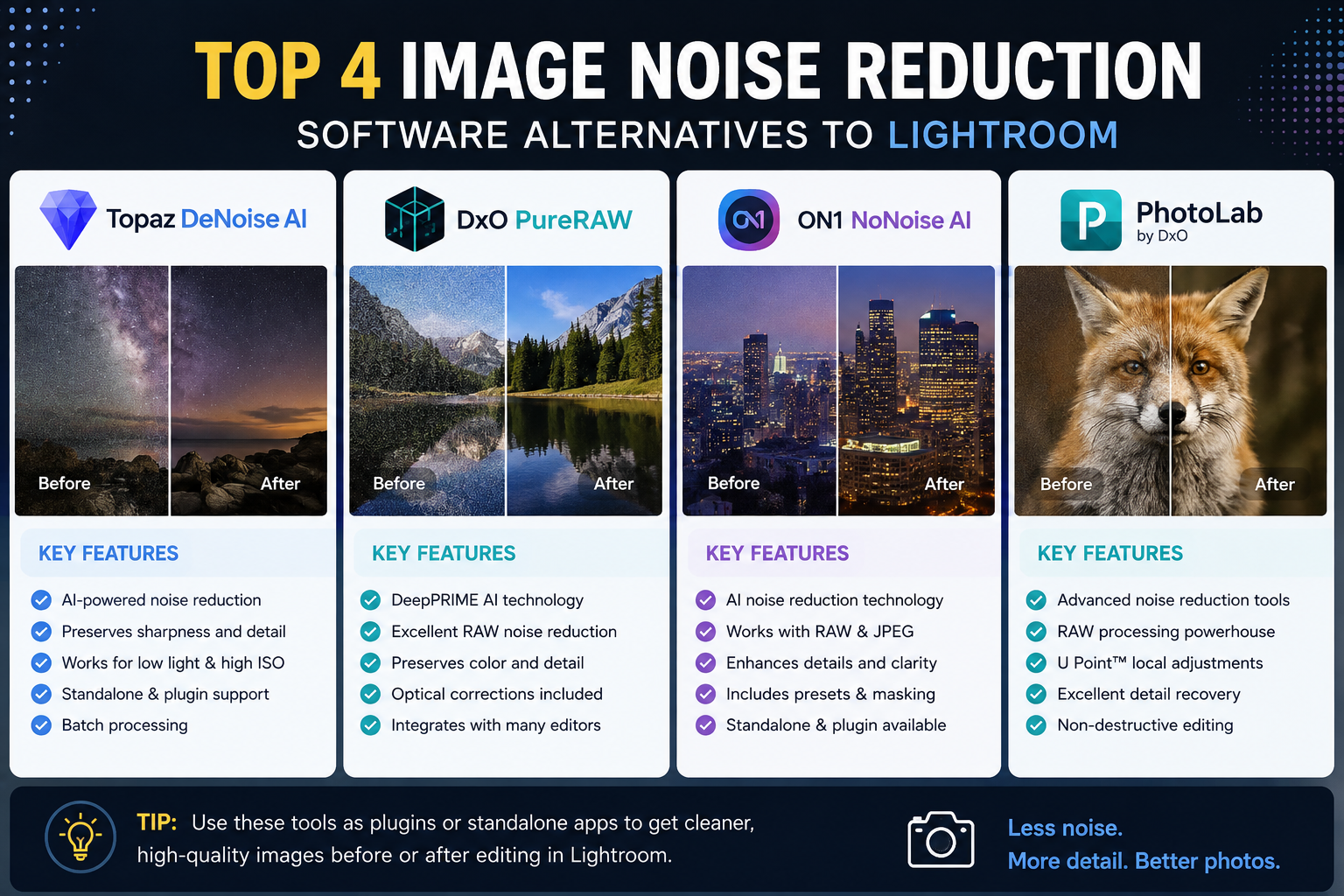
1. Why should you use third-party tools?
Lightroom Classic's built-in tools offer a major advantage in terms of convenience. Users can import photos, manage their library, adjust colors, reduce noise, and export images all in a relatively seamless process.
The Denoise tool is particularly useful when working with RAW images. It can significantly reduce noise in photos taken at high ISO while still preserving most of the important detail.
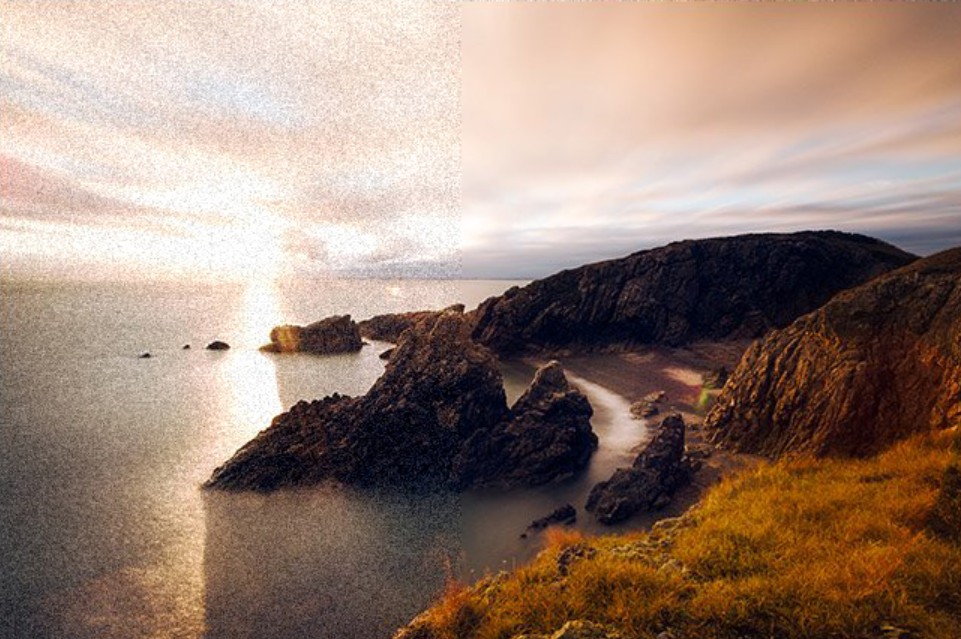
However, everyone's image processing needs are different. Some photographers want more precise control over how noise reduction algorithms affect specific areas of the image. Others prioritize the ability to restore sharpness after noise reduction or want to combine noise reduction with lens correction, increasing detail and improving image quality.
This is why specialized third-party software can be a suitable option.
These applications often offer more granular control over the noise reduction process. Some software can run independently, while others can be used as part of an editing workflow with Lightroom Classic.
Most of the applications mentioned below are paid software and offer free trials. Therefore, you can download them, use them on your actual photos, and evaluate their quality before deciding to purchase a license.
2. DxO PureRAW
DxO PureRAW is a noteworthy option if your primary goal is to process RAW images before importing them into Lightroom Classic.
PureRAW's functionality is similar to Lightroom's Denoise tool . The software uses specialized image processing algorithms to analyze RAW data and create a version of the image with improved noise reduction.
What makes PureRAW so appealing to many users is its ability to combine noise reduction with other DxO image processing technologies.
The new version offers more customization options and uses more advanced algorithms for image processing. In addition to noise reduction, the software can also apply DxO's outstanding optical corrections.
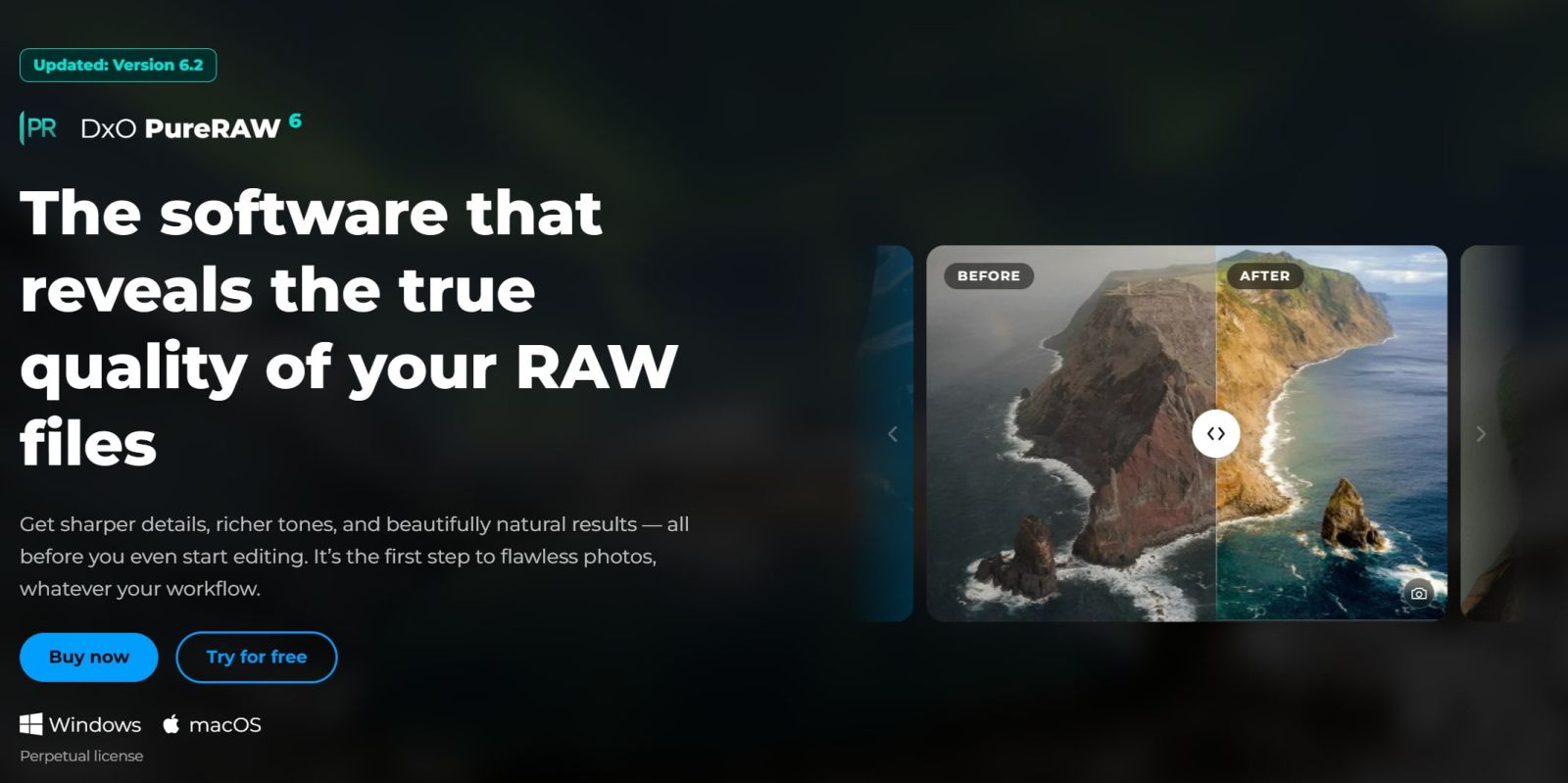
These adjustments can include vignetting, chromatic aberration, and sharpening . As a result, PureRAW focuses not only on removing noise but also on creating a higher-quality image file right from the start of the post-processing process.
Another advantage is that PureRAW is designed to work with RAW files. This is especially important for photographers because RAW images contain more image data than JPEGs, allowing software to have more information to analyze and process.
The process of using PureRAW is quite simple. You select the RAW image you want to process, the software analyzes it and applies the corresponding algorithms, then sends the results back to your workflow in Lightroom Classic.
If you frequently shoot at high ISO and want a more in-depth RAW processing step before color correction, PureRAW is a solution worth trying.
However, PureRAW isn't a perfect tool for every situation. Excessive noise reduction can still alter texture or make images look unnatural if the settings aren't right. Therefore, checking the image at 100% magnification after processing is still essential.
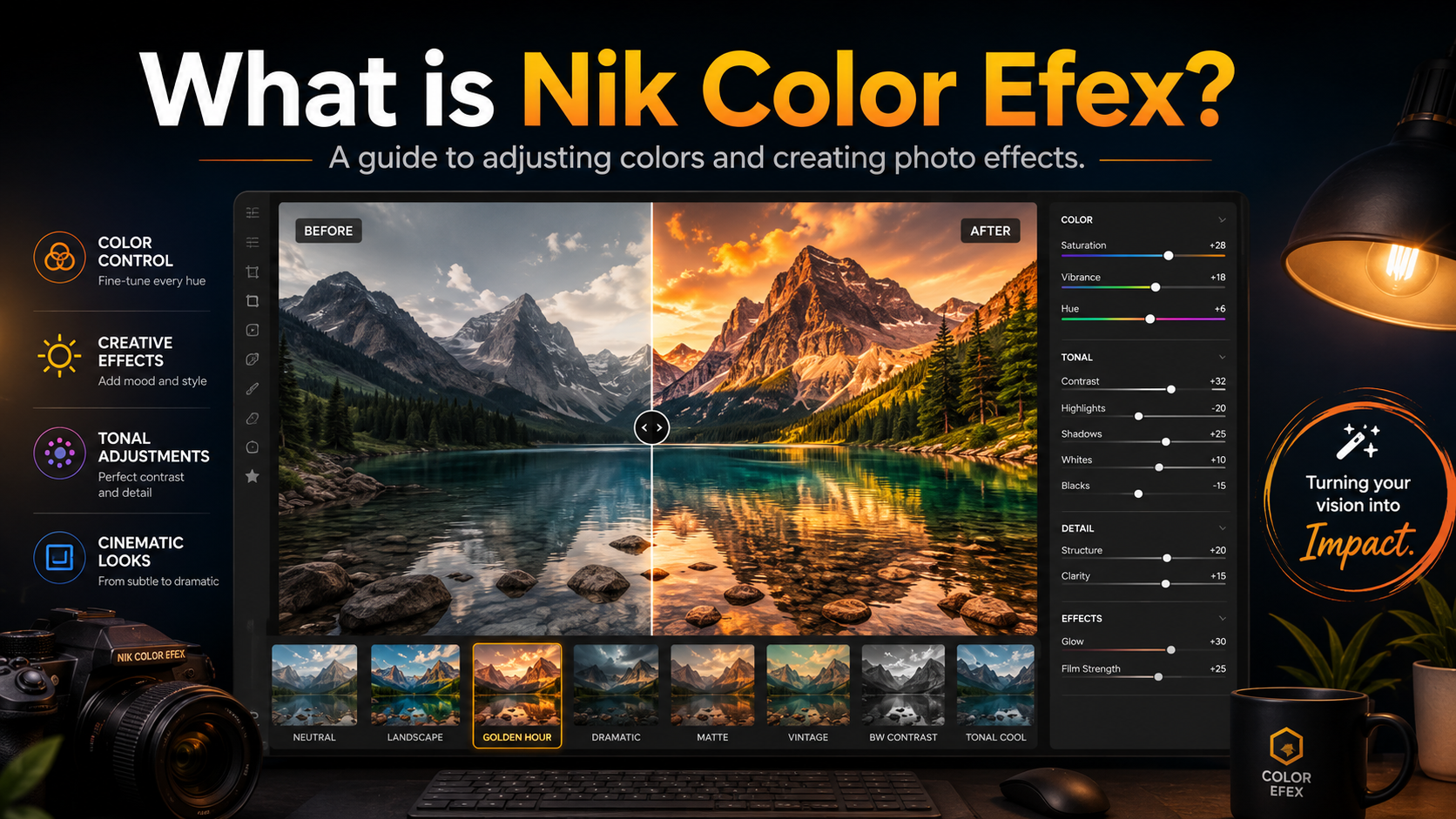
3. DxO Nik Dfine
Another option from the Nik Collection ecosystem is DxO Nik Dfine .
Unlike PureRAW, Dfine focuses on traditional digital image noise reduction methods. This tool is specifically designed for noise control and reduction, rather than attempting to be a comprehensive RAW processing solution.
The most notable feature of Dfine is its ability to control noise reduction on a regional basis within an image.
Dfine supports U-point selections , allowing users to apply different settings to different parts of an image. This feature is particularly useful when the image has uneven noise levels.
For example, a dark area of sky may appear noisier than the main subject. If the same level of noise reduction is applied to the entire image, the subject area may lose unnecessary detail.
With U-point, users can precisely define the area they want to process and adjust settings accordingly. Background areas can receive stronger noise reduction, while areas with more detail are processed more gently.
This approach gives users more control compared to applying a uniform noise reduction setting across the entire image.
Dfine is particularly suitable for those who frequently need to process individual image areas and want more manual control over the post-processing process.
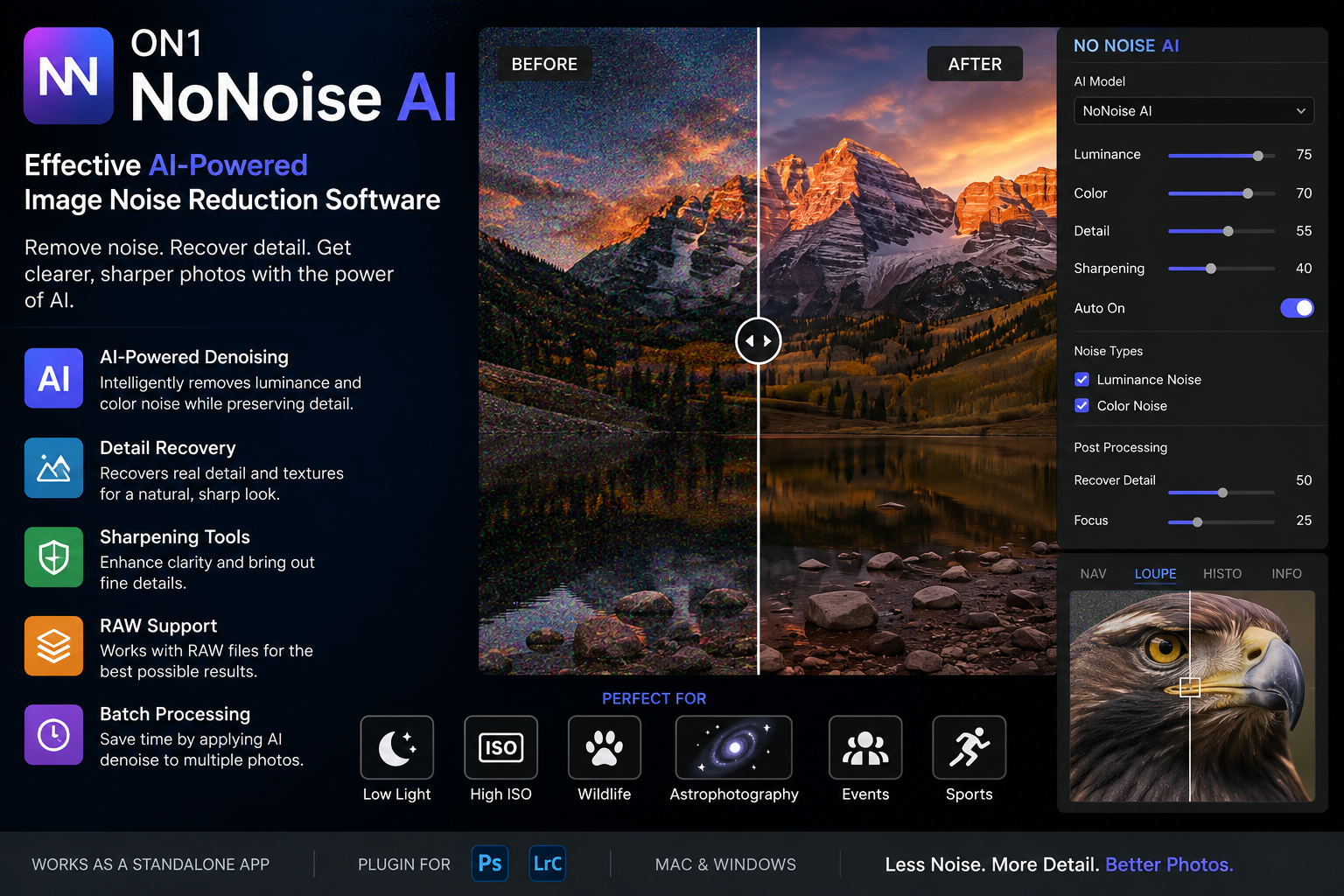
4. ON1 NoNoise AI
ON1 NoNoise AI is another noteworthy option for those who want to use AI technology to reduce noise.
The highlight of this tool lies in its ability to reduce noise while simultaneously attempting to restore sharpness that is often lost during the noise reduction process.
This is a common problem when processing images at high ISO. When noise reduction is too aggressive, the grain may disappear, but at the same time, fine details are softened. The result is a cleaner image, but one that lacks sharpness.
ON1 NoNoise AI focuses on striking this balance. Instead of simply removing noise, the tool aims to preserve or restore important details in the image.
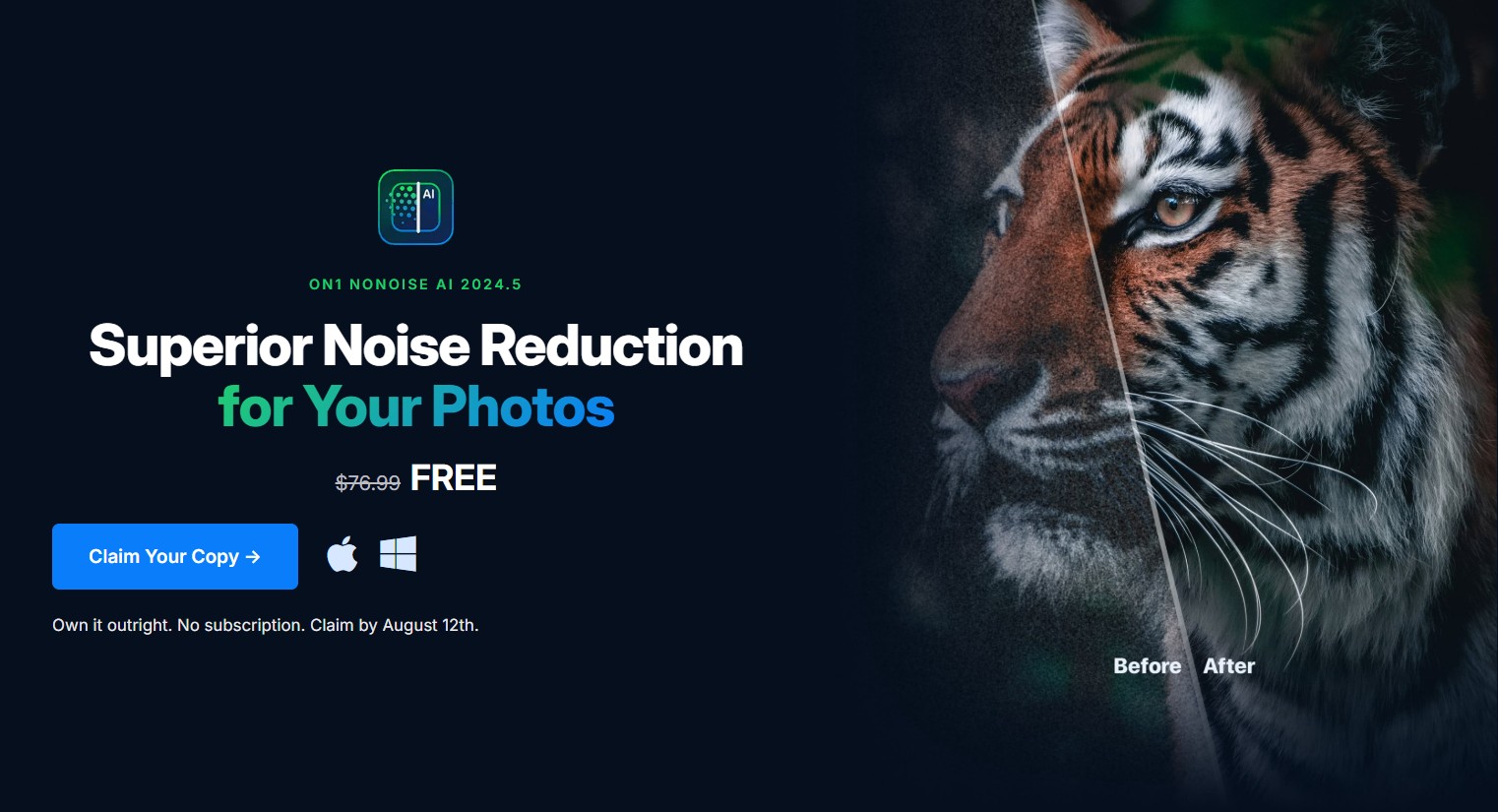
This is especially useful for landscape photos, animal photos, portraits, or photos with a lot of fine texture.
However, like other AI software, the final result depends heavily on the image content. It shouldn't be assumed that the more powerful the processing, the better the image. If the algorithm is applied excessively, the restored details may appear unnatural.
The best approach is to start with moderate processing, then examine the image at 100% magnification to assess critical areas.
5. Topaz Labs Photo AI
Topaz Labs Photo AI is another noteworthy solution in the group of AI-powered image quality enhancement software.
Previously, Topaz Labs offered NoNoise AI as a standalone product. However, this technology is now integrated with several other image enhancement tools within the Photo AI application .
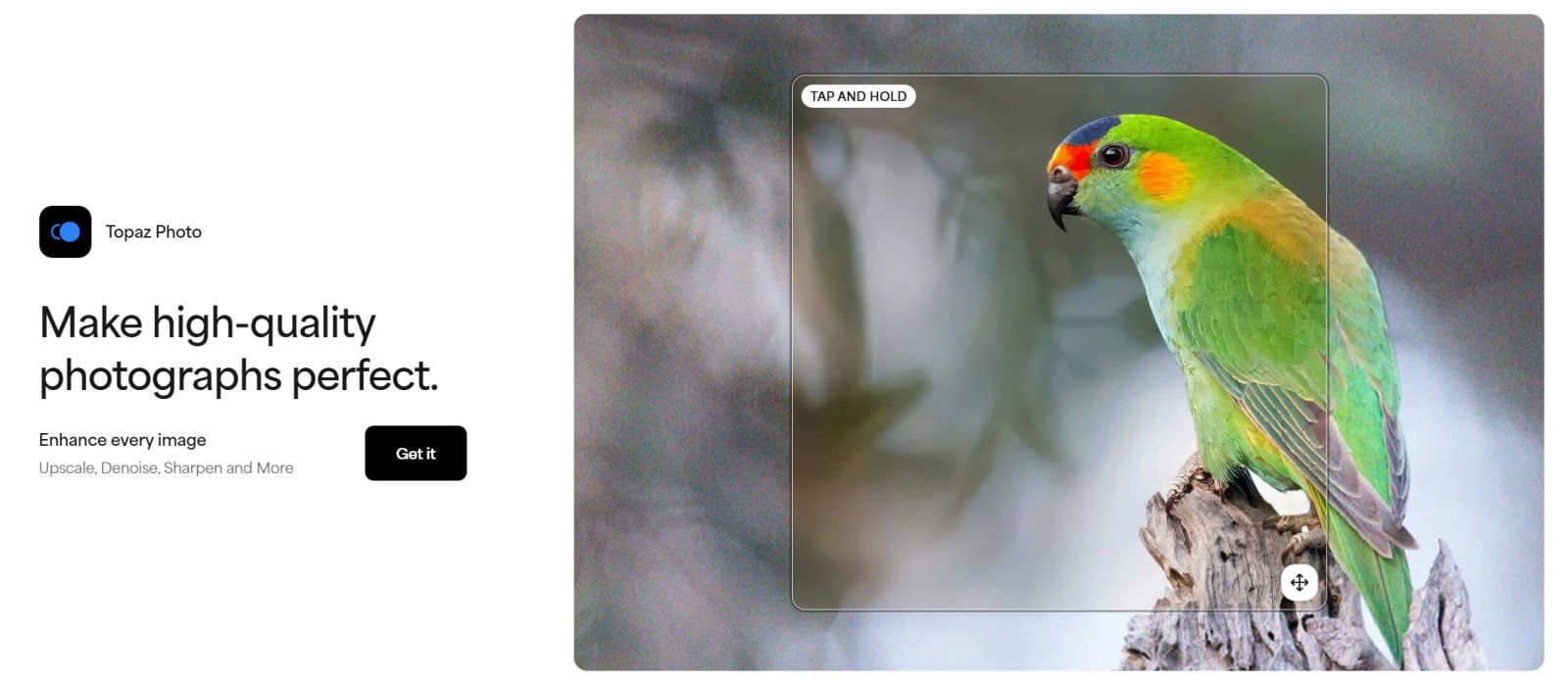
This creates a more comprehensive processing workflow. Instead of focusing solely on noise reduction, users can combine multiple image quality enhancement tools within a single application.
This is a significant advantage if you frequently encounter photos that require addressing multiple issues simultaneously. For example, a photo might suffer from noise due to high ISO, lack sharpness, and need detail improvement.
In this case, using an integrated application with multiple tools can make the post-production process more convenient.
Photo AI is also suitable for those who want to leverage AI to reduce manual editing tasks. However, users should still carefully check the output results, especially in areas with complex textures such as hair, animal fur, leaves, or architectural details.
6. Compare the options
Each software program has different strengths, so no single tool is absolutely suitable for all users.
DxO PureRAW is suitable if you primarily work with RAW images and want an automated processing workflow, while also taking advantage of DxO's optical correction capabilities.
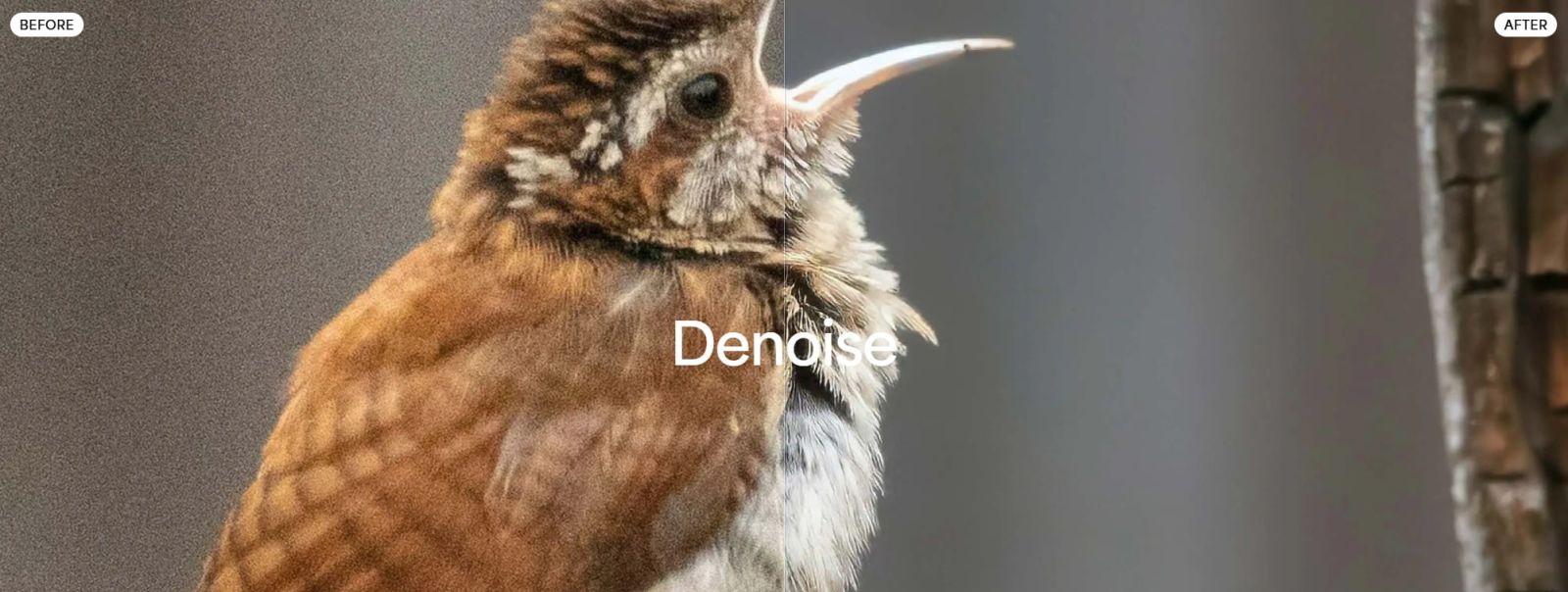
The DxO Nik Dfine is more suitable if you want to control noise reduction in specific areas. Its ability to use U-point is a notable strength for images with uneven noise levels.
ON1 NoNoise AI aims to reduce noise while maintaining sharpness. This could be a suitable option if you are concerned about images becoming soft after noise reduction.
Meanwhile, Topaz Labs Photo AI is suitable for those who want an AI application with multiple image enhancement tools instead of just using a single software program for noise reduction.
It's important not to rely solely on software specifications or advertising. A tool might produce great results for one image but not necessarily the best for another.
7. How to choose the right tool
Before purchasing a license, you should determine the types of images you frequently work with.
If the majority of your photos are RAW images taken with a professional camera, prioritize tools that can leverage RAW data. In this case, DxO PureRAW might be a worthwhile option.
If you frequently need to process individual image regions, Dfine might be a better choice due to its U-point capabilities.
If your biggest problem is that images lose sharpness after noise reduction, ON1 NoNoise AI is a tool worth trying.
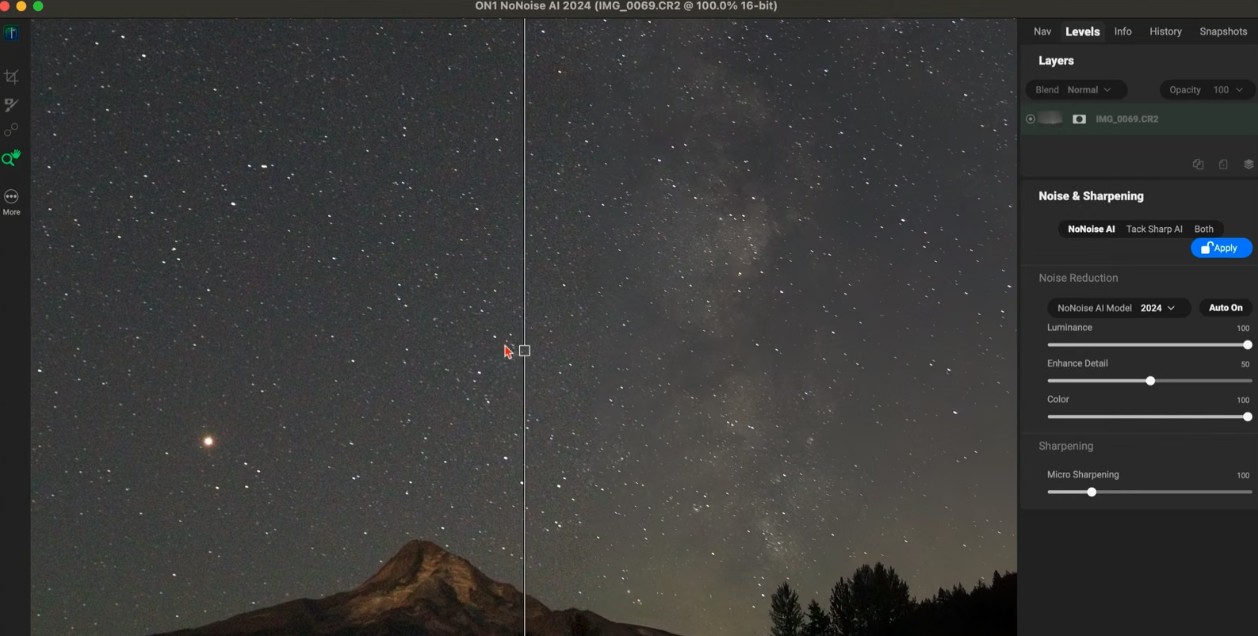
However, if you want a solution that combines noise reduction with various other image enhancement tools, Topaz Labs Photo AI might be a better fit.
Another factor to consider is the workflow. If you're already using Lightroom Classic as your central image management and editing tool, check how third-party software integrates with your existing workflow. The goal isn't just to create a low-noise image, but also to maintain a convenient post-processing workflow.
There isn't one single best option for every situation. The most effective approach is to take advantage of free trials, using your own photos to test and compare results. Once you find the right tool, you can combine it with Lightroom Classic to build a flexible, efficient noise reduction workflow tailored to your post-processing needs.





















VIP Products








Best Selling Products
Upgrade Genuine Office 365
49 USD
Upgrade genuine Capture One account
120 USD
Adobe Photoshop Copyright - Full App
120 USD
Capcut Pro 1 Year
39 USD
Autodesk All App Account Copyright
120 USD
Adobe Premiere Pro Account
99 USD
ChatGPT Plus Account (GPT-4)
16 USD
Genuine Cheap Canva Pro
39 USD
Genuine Adobe Illustrator account
99 USD
Upgrade Duolingo Super
29 USD
MidJourney Account
29 USD
Freepik Premium Account
59 USD
Plugin Retouch4me
69 USD
Windows 10 & 11 Pro Key
36 USD
Copyright Adobe Lightroom Account
59 USD