Best Selling Products

Plugin Retouch4me
69 USD

Genuine Cheap Canva Pro
39 USD

Copyright Adobe Lightroom Account
59 USD

Upgrade genuine Capture One account
120 USD

Adobe Photoshop Copyright - Full App
120 USD

Adobe Premiere Pro Account
99 USD

MidJourney Account
29 USD

Freepik Premium Account
59 USD

ChatGPT Plus Account (GPT-4)
16 USD

Autodesk All App Account Copyright
120 USD

Windows 10 & 11 Pro Key
36 USD

Upgrade Duolingo Super
29 USD

Upgrade Genuine Office 365
49 USD

Genuine Adobe Illustrator account
99 USD

Capcut Pro 1 Year
39 USD
Top 5 best 3D interior rendering software of 2026
Nội dung
- 1. Why is 3D rendering software important in interior design?
- 2. How to choose the right interior rendering software
- 2.1 Image quality and realism
- 2.2 User-friendliness and Learning Curve
- 2.3 Process Integration and Compatibility
- 2.4 Rendering speed and performance
- 2.5 Costs and Licensing Procedures
- 3. Five of the best interior rendering software programs to invest in in 2026
- 3.1 Autodesk 3Ds Max - A comprehensive modeling platform
- 3.2 VRay - A flexible choice for projects of all sizes
- 3.3 Corona Renderer, realistic with minimal settings.
- 3.4 Lumion: Speed and Emotion for Presentations
- 3.5 Enscape: Render directly within the design software
- 4. Software evaluation and selection methods
In the modern interior design industry, a realistic rendering is no longer just an add-on presentation but has become a sales tool, a persuasive tool, and a decision-making tool. The question for every studio, architect, or independent designer is which software to invest in to achieve high image quality while maintaining deadlines and profitability. This article analyzes the role of rendering software, core selection criteria, and five of the most worthwhile solutions to consider in 2026.
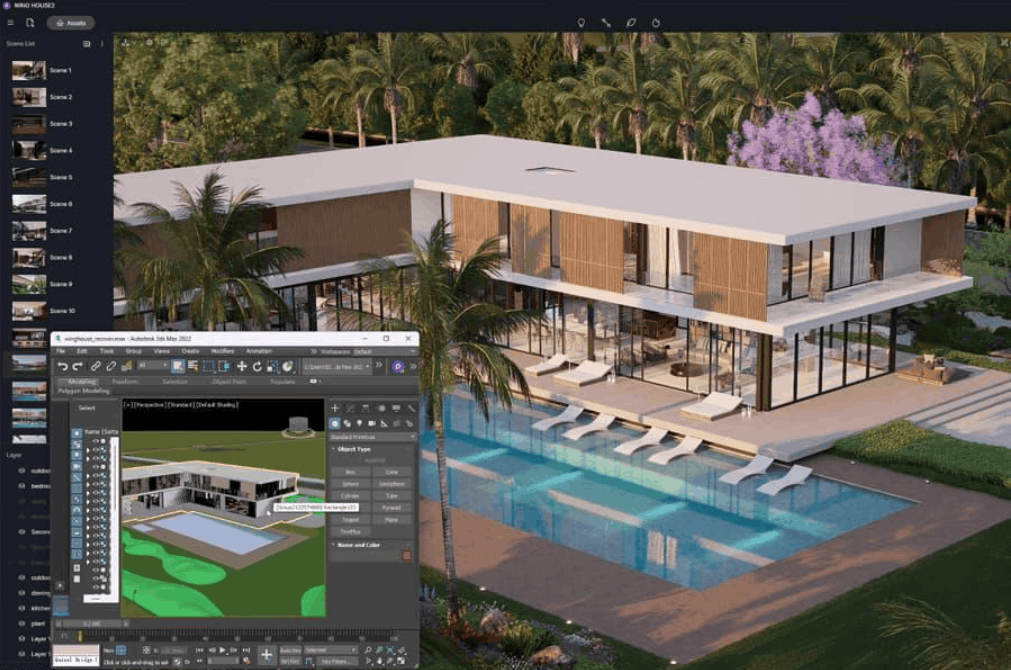
1. Why is 3D rendering software important in interior design?
The shift from 2D drawings to a visual 3D environment has completely changed how interior design projects are marketed and implemented. A realistic rendering not only provides aesthetic value but also bridges the gap between abstract ideas and the actual space. When clients see natural light streaming through windows, the colors of materials, and the sheen of each surface, they can make decisions faster and with more confidence. This clarity helps limit the risk of needing revisions during the construction phase, where every mistake is far more costly than in the design phase.
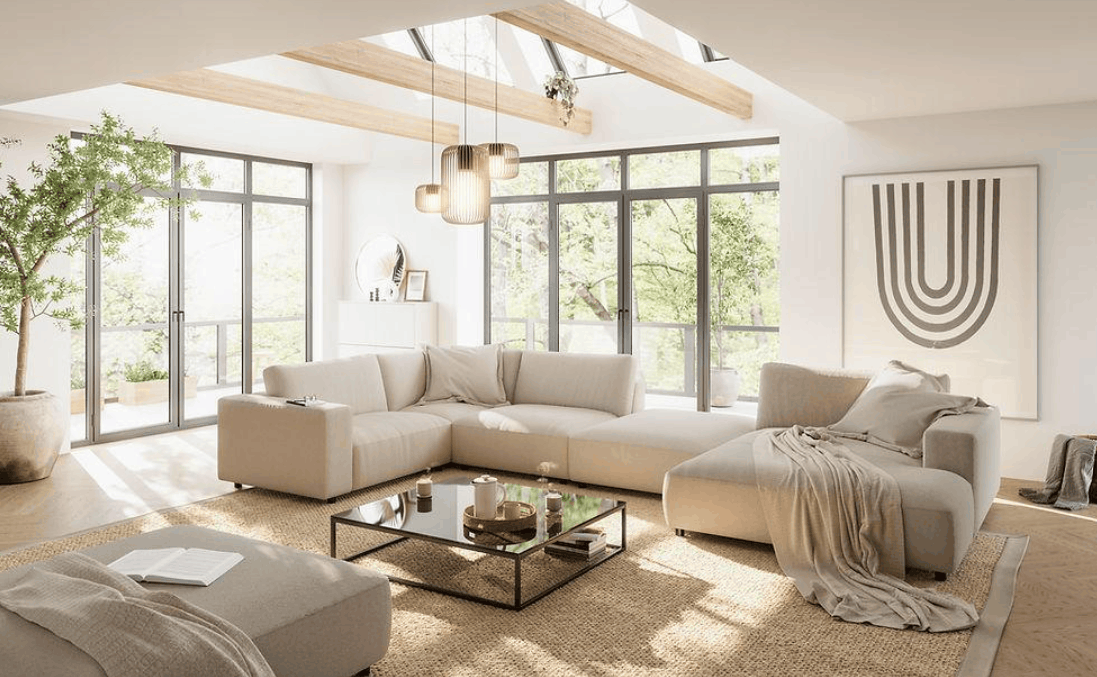
Beyond aesthetics, suitable software allows for rapid iteration of design solutions. In a competitive market, the ability to present five different lighting scenarios in a single meeting is a significant advantage. This speed also fosters collaboration among designers, architects, clients, and stakeholders. When everyone views a unified 3D image, misunderstandings about spatial relationships or material choices are significantly reduced, leading to smoother approval processes and a more timely project completion.
Customer interaction is also being enhanced by new presentation technologies. Static images are being supplemented by animated videos, virtual reality tours, and real-time virtual walkthroughs. Customers can explore apartments or hotels before construction begins, thereby forming an emotional connection with the design. For real estate developers, this is particularly valuable when selling off-plan projects to distant customers, as it often leads to higher approval rates and greater peace of mind regarding budget.
2. How to choose the right interior rendering software
With dozens of options on the market, the decision should start with your actual operational needs rather than the tool's popularity. The five criteria below are factors to consider carefully before committing to any license.
2.1 Image quality and realism
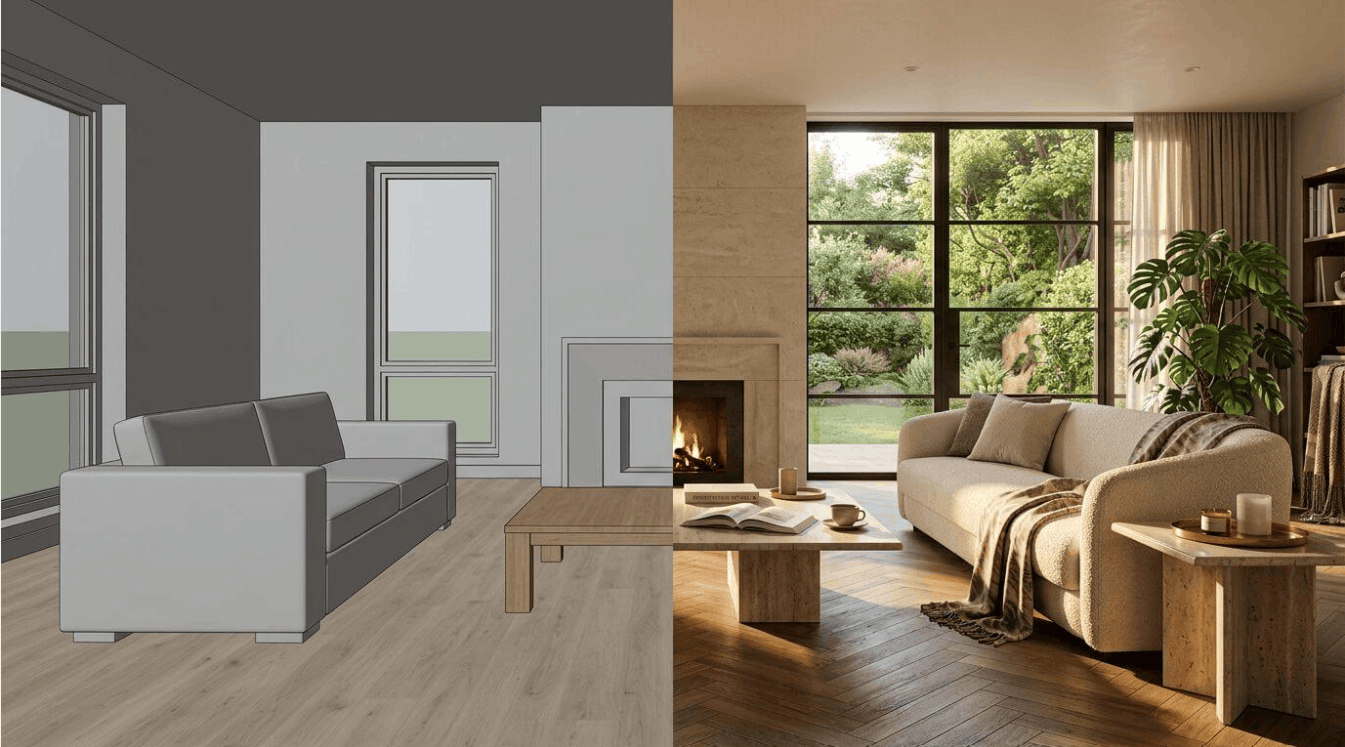
For most professionals, quality and realism are the most important metrics. If your business model relies on high-end marketing materials, you need a tool that convincingly simulates the behavior of physical light. Pay attention to capabilities such as general lighting, condensation effects, accurate reflection modeling, and the ability to reproduce materials like brushed metal or used leather, as these details convey depth and tactile sensation to the viewer. While real-time rendering tools have advanced significantly, offline renderers still hold an advantage in final marketing images, where every pixel needs careful attention.
2.2 User-friendliness and Learning Curve
Time is a limited resource, and the ease of use of software determines how quickly your team can work efficiently. Complex interfaces often come with deeper control, but also require more training time. Compare the learning curve to your team's existing skills. Some tools are designed for technical artists, while others prioritize intuitive drag-and-drop functionality. For smaller studios, a tool that allows designers to render their own work without a visualization specialist often offers a better return on investment.
2.3 Process Integration and Compatibility
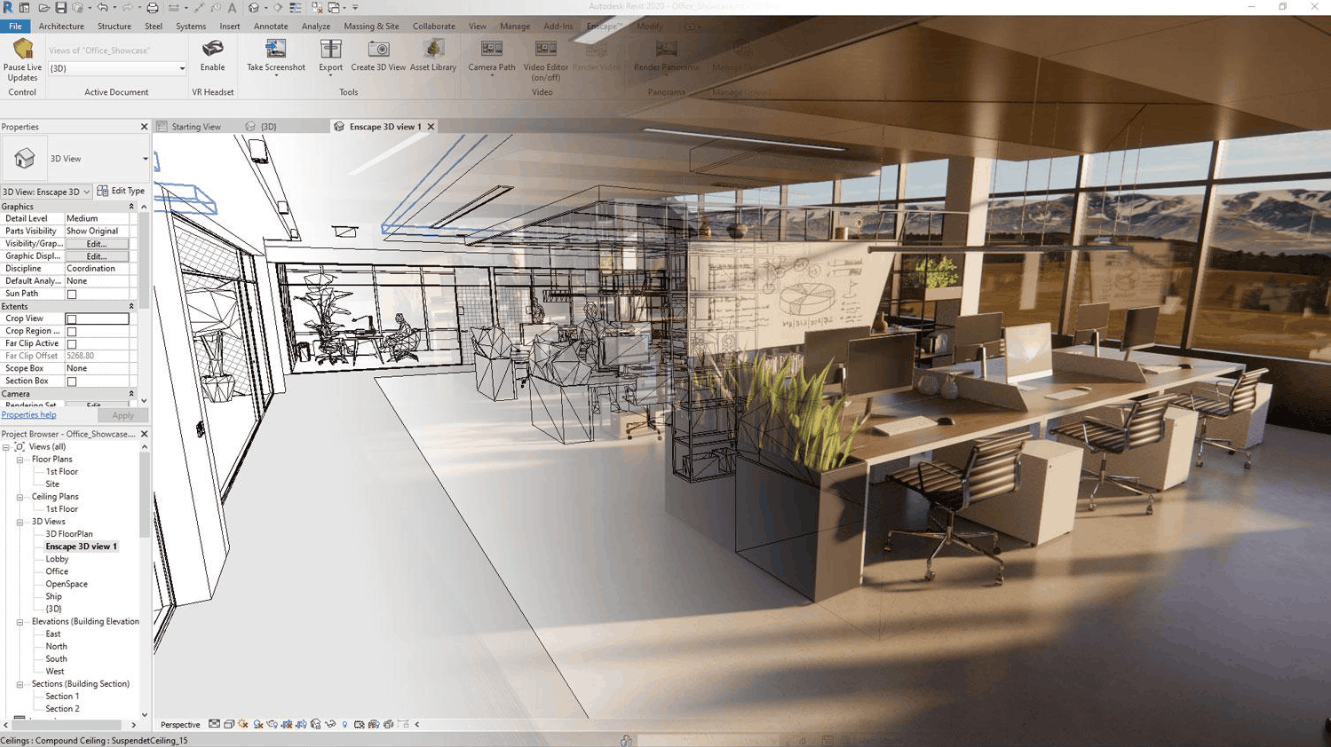
No software operates in isolation. Connecting with CAD and modeling tools is key to maximizing efficiency. If you work with large architectural firms, check for BIM support and ensure the software is compatible with popular standards like Revit, AutoCAD, and SketchUp for accurate geometry transfer. If your work involves motion graphics, prioritize compatibility with Cinema 4D or 3ds Max. Tools that require cumbersome file conversions or manual geometry cleanup will slow down the entire production line.
2.4 Rendering speed and performance
Rendering speed directly determines the number of options you can generate in the same amount of time. Real-time tools provide instant feedback, which is very useful in client meetings. However, for the final product, you need to balance hardware requirements and output quality. While GPU acceleration has become a general trend, many renderers still rely on the CPU to handle complex scenes. Determine if your current configuration can handle the workload, or whether you need a significant upgrade to achieve acceptable rendering times.
2.5 Costs and Licensing Procedures
Cost structures vary widely among different tools. Some operate on a subscription model, others require perpetual licenses, and annual costs need to account for both maintenance and updates. Licensing terms can also limit usage, such as licenses tied to a specific workstation or network licenses allowing sharing among multiple users. Free software is a sensible choice when budgets are tight, but may lack commercial support or advanced features. Always evaluate the total cost of ownership, including training and hardware upgrades, not just the initial license price.
3. Five of the best interior rendering software programs to invest in in 2026
The list below is ranked based on performance, features, and popularity in practice. One point needs to be clarified right from the start. For studios creating highly realistic interior images, the 3ds Max suite with Corona remains the benchmark against which other tools compare. The other options are more suitable if you have specific needs such as maximum control, real-time speed, or workflows closely tied to Revit and SketchUp. The prices listed are reference prices based on US retail prices and may vary by region and time, so you should check the official website before purchasing.
3.1 Autodesk 3Ds Max - A comprehensive modeling platform
Autodesk 3ds Max remains the most widely used master environment for professional interior design projects. The software allows control over almost every aspect of a scene, from polygon modeling and precise UV mapping to lighting systems and scripted task automation. Studios can build customized assets and optimize workflows in their own way, something difficult to achieve with more closed tools. Another major advantage lies in its ecosystem. The deepest libraries of interior design models, materials, and plugins currently available revolve around the 3ds Max world, resulting in faster mass production and abundant resources for both human resources and learning materials.
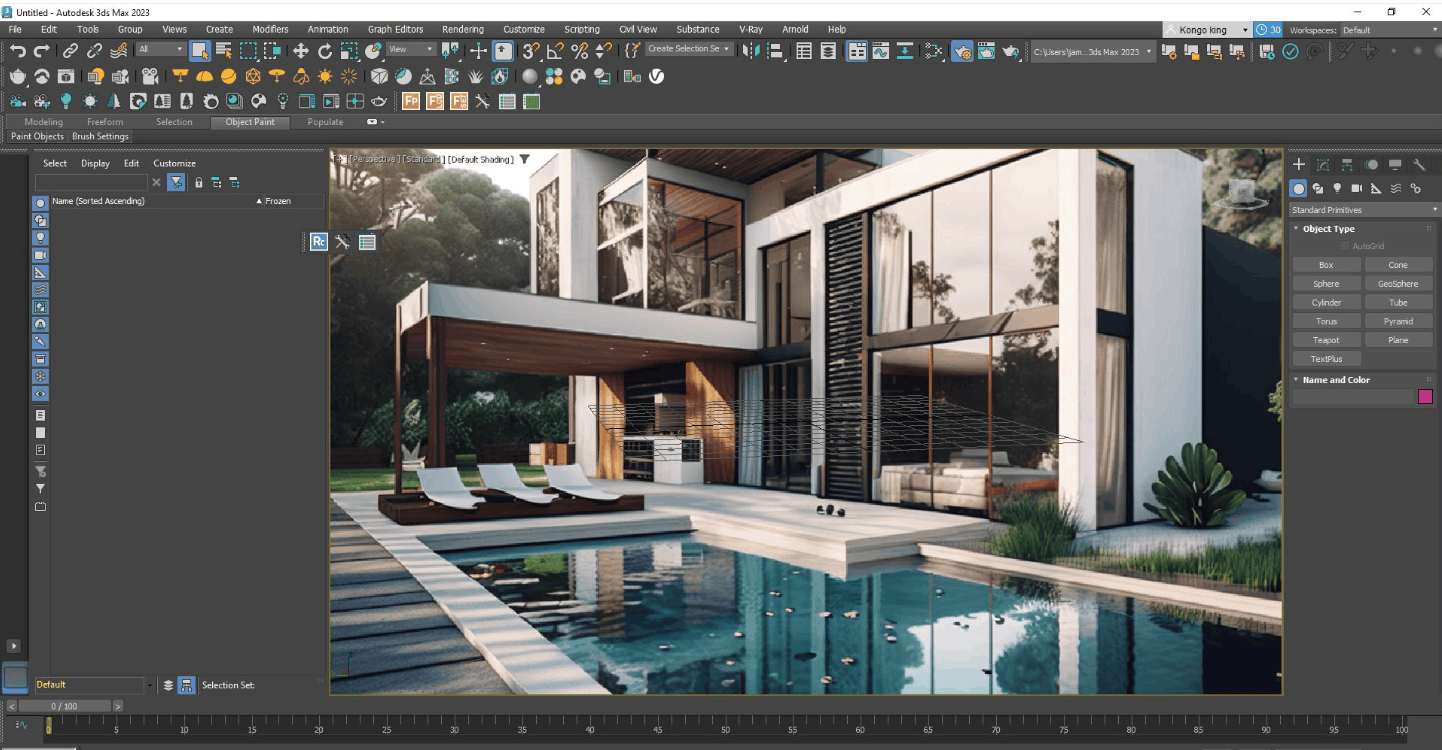
3ds Max 2027 continues to improve the hard surface modeling tools, iteration, scene management, and rendering workflow, and includes the Arnold rendering engine. It's important to note that Autodesk's subscription package only includes the application; VRay and Corona must be purchased separately. The listed price for a standard subscription in the US is approximately $2,010 per year.
3ds Max's biggest advantages are its power and flexibility, along with its rich plugin ecosystem. Its drawbacks include high hardware requirements, a steep learning curve, and significant costs when adding a rendering engine. The software is particularly well-suited for studios needing maximum control over geometry and lighting, and only truly shines when combined with a powerful rendering engine like Corona or VRay.
3.2 VRay - A flexible choice for projects of all sizes
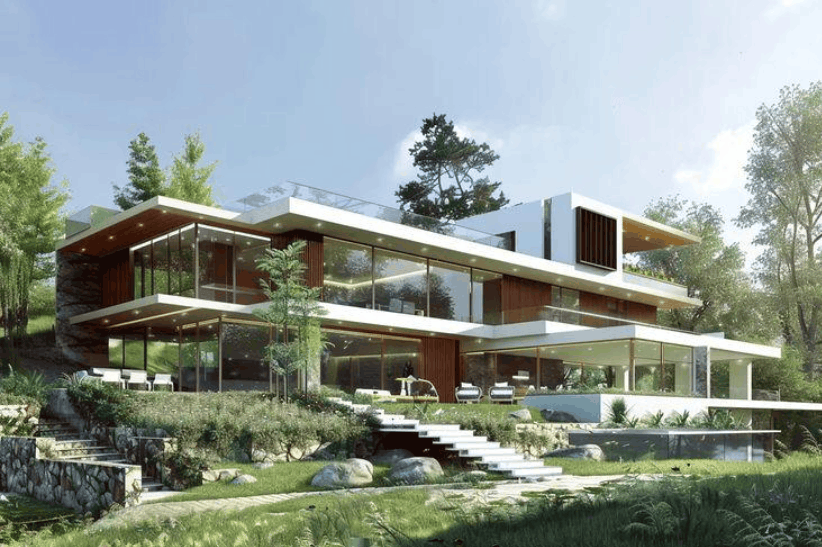
VRay is one of the oldest and most reputable rendering tools in the visualization industry. The tool is designed to accurately simulate physical lighting, producing images with a realism close to that of photography. A key strength of VRay is its versatility. It runs on both CPUs and GPUs, adapting to existing hardware, and is compatible with many main applications such as 3ds Max, SketchUp, Rhino, Revit, Cinema 4D, and Maya. This makes VRay a convenient choice for teams working across multiple platforms.
VRay 7 Update 3 for 3ds Max adds notable features such as native parallax interiors, fast caustics, and the ability to relight Gaussian Splats. In terms of cost, the Solo package is now around $540 per year, about 37% higher than Corona's Solo package.
VRay's advantages include deep control, high realism, and wide support. Its disadvantages include a complex parameter set that can be challenging for beginners, and a often longer setup time. VRay is suitable for studios that need a versatile tool capable of handling both high-quality still images and complex or mixed scenes.
3.3 Corona Renderer, realistic with minimal settings.
Corona Renderer is built on the philosophy of simplification without sacrificing quality. The tool's goal is to minimize technical barriers so artists can focus on creativity instead of struggling with a multitude of parameters. In interior design, Corona handles soft indirect lighting, reflections between surfaces, and material details convincingly right from the default settings—something many other tools require extensive fine-tuning to achieve. Interactive rendering provides instant feedback, while LightMix allows for post-render adjustments instead of having to re-render from scratch, significantly saving time in client-specific editing rounds.
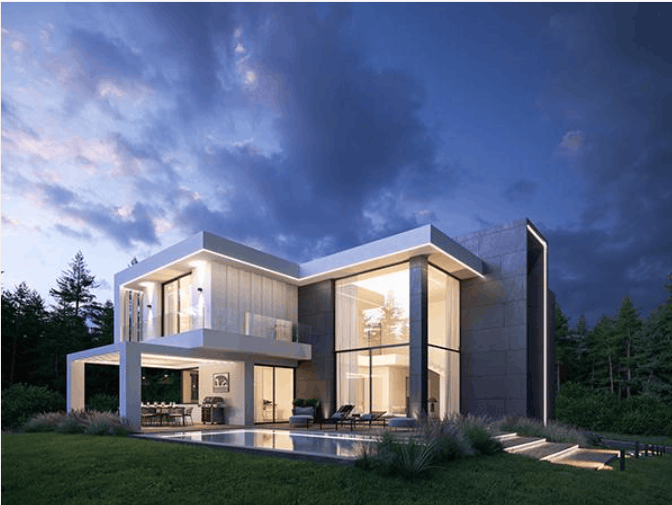
Corona version 15, launching in late May 2026 for 3ds Max and Blender, includes the AI-powered ideation tool Veras, which speeds up the initial design process. The Solo package is priced at approximately $394.80 per year, lower than VRay, making Corona even more attractive to small and medium-sized studios.
Corona's advantages include excellent interior quality, fast setup, a rich material library, and reasonable cost. Its limitations are a narrower application range compared to VRay, primarily revolving around 3ds Max, Cinema 4D, and Blender. It's an ideal choice for designers seeking the highest level of realism with minimal configuration effort, and when combined with 3ds Max, it forms the standard suite for high-end interior design studios.
3.4 Lumion: Speed and Emotion for Presentations
Lumion is real-time rendering software for architects and designers who need fast and emotionally rich results. Lumion's strength lies in its ability to create vibrant environments with minimal effort. Its extensive content library, including plants, people, furniture, and weather effects, allows for the creation of a complete scene in a short amount of time. Animated videos can be completed in hours instead of days, and its virtual reality capabilities allow clients to experience the space intuitively. Lumion 2026 focuses on refining the process, such as the area object placement tool which allows for the overlay of nature onto large or irregularly shaped outdoor areas.
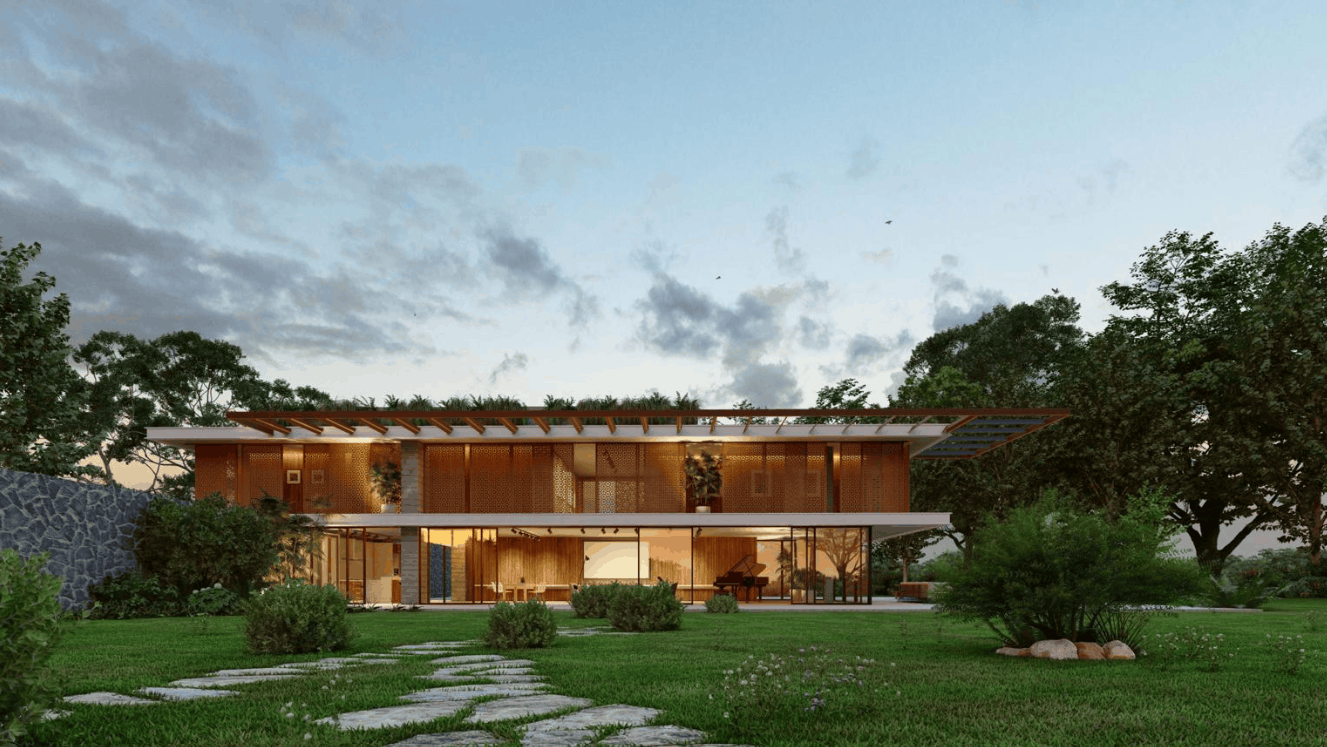
In terms of price, Lumion currently offers View, Pro, and Studio plans. The Pro plan costs around $1,149 per year, and users should budget for additional costs for powerful hardware and annual upgrades. Lumion's strengths include speed, ease of use, and impressive visual effects. Its weaknesses are lower control over physical accuracy compared to offline renderers, and a higher price point within the real-time rendering segment. Lumion is suitable for those who need fast, emotionally engaging presentations with short loops.
3.5 Enscape: Render directly within the design software
Enscape integrates directly into design software, completely eliminating the need for file export. The tool runs as a plugin for Revit, SketchUp, Rhino, Archicad, and Vectorworks, allowing you to see results during modeling. Any changes to materials, furniture, or lighting are updated instantly, and with a single click, you can enable virtual reality, allowing clients to enter the space from the very beginning of the design process. With its continuous iterative workflow between design and approval, it's one of the most time-saving tools available.
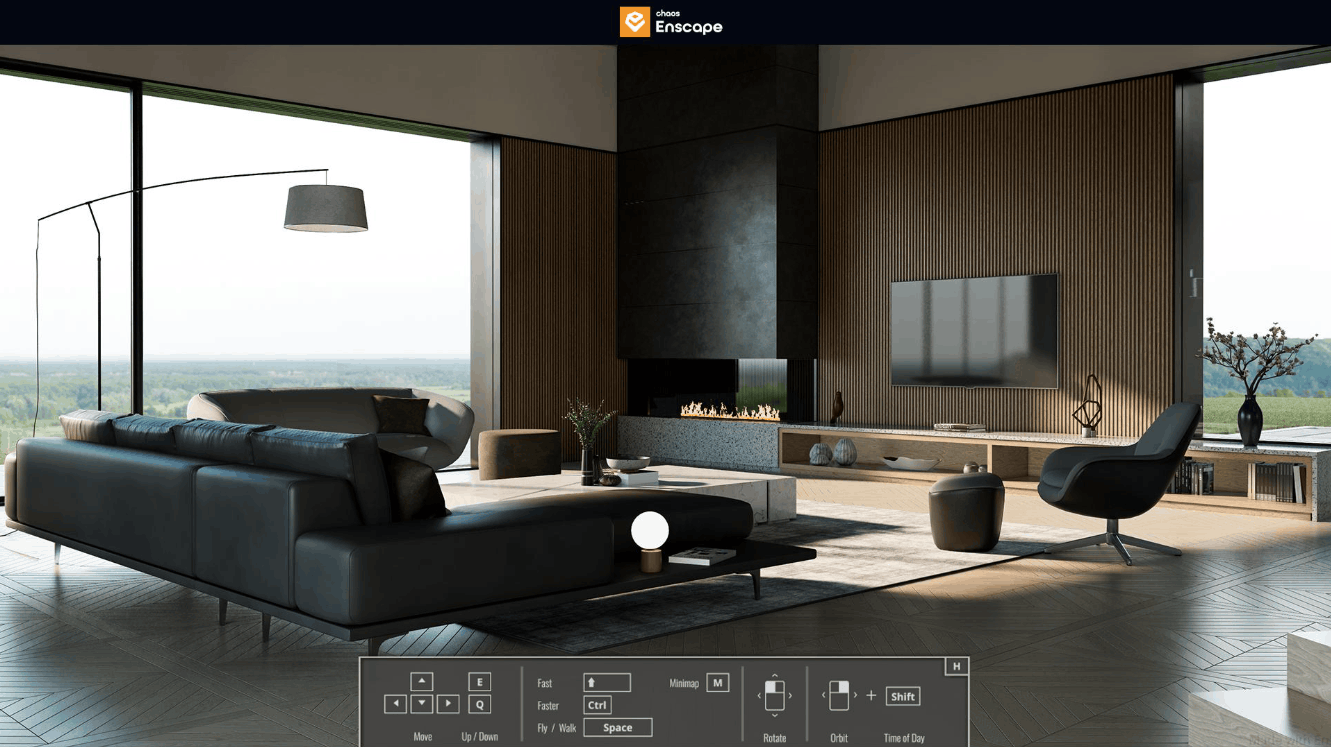
Enscape is priced on a subscription model, with the Solo plan costing approximately $574.80 per year and the Premium plan approximately $634.80 per year, not including the cost of the main software. Chaos also recommends using NVIDIA RTX series graphics cards to take advantage of hardware ray tracing. Enscape's advantages include a seamless workflow, ease of learning, and real-time feedback. Its disadvantages are that the image quality is good enough for presentations and design reviews, but not as good as offline rendering in high-end marketing materials. Enscape is best suited for iterative design and in-person client meetings.
4. Software evaluation and selection methods
The list in this article is based on a multi-layered market analysis. First, each platform is considered in terms of quality and realism, ensuring the output images meet professional standards. Next, speed is measured by the ratio between rendering time and the quality obtained across various hardware configurations, because a tool that is beautiful but too slow will increase the operating costs of the studio.
We also assess workflow compatibility, ensuring tools integrate seamlessly into existing design processes without creating additional intermediate steps. Furthermore, we consider pricing and licensing models, learning curves, and industry popularity, as popularity often leads to a wealth of shared resources, documentation, and assets. Data is compiled from professional user feedback, developer technical documentation, and market updates up to 2026. This approach ensures recommendations reflect practical application rather than hype, providing decision-makers with a reliable reference point.
In summary, if your goal is to create the most beautiful interior images possible, the combination of 3ds Max and Corona remains a benchmark. If cross-platform flexibility is needed, VRay is a strong alternative. If speed and presentation are prioritized, Lumion and Enscape will significantly shorten the approval cycle. The key is to choose the tools based on how you actually work, and to calculate the total cost of ownership before investing.





















VIP Products








Best Selling Products
Plugin Retouch4me
69 USD
Genuine Cheap Canva Pro
39 USD
Copyright Adobe Lightroom Account
59 USD
Upgrade genuine Capture One account
120 USD
Adobe Photoshop Copyright - Full App
120 USD
Adobe Premiere Pro Account
99 USD
MidJourney Account
29 USD
Freepik Premium Account
59 USD
ChatGPT Plus Account (GPT-4)
16 USD
Autodesk All App Account Copyright
120 USD
Windows 10 & 11 Pro Key
36 USD
Upgrade Duolingo Super
29 USD
Upgrade Genuine Office 365
49 USD
Genuine Adobe Illustrator account
99 USD
Capcut Pro 1 Year
39 USD