Best Selling Products

Capcut Pro 1 Year
39 USD

Windows 10 & 11 Pro Key
36 USD

Genuine Cheap Canva Pro
39 USD

ChatGPT Plus Account (GPT-4)
16 USD

Autodesk All App Account Copyright
120 USD

Adobe Photoshop Copyright - Full App
120 USD

Copyright Adobe Lightroom Account
59 USD

Plugin Retouch4me
69 USD

Freepik Premium Account
59 USD

Upgrade Duolingo Super
29 USD

MidJourney Account
29 USD

Upgrade genuine Capture One account
120 USD

Genuine Adobe Illustrator account
99 USD

Adobe Premiere Pro Account
99 USD

Upgrade Genuine Office 365
49 USD
Top Apps for Editing Ultra-Sharp HD Videos: Upgrade Visual Quality from Your Phone
Nội dung
- 1. The trend of creating content with high-resolution video.
- 1.1. The importance of HD quality in video
- 1.2. Challenges when exporting video on mobile devices
- 1.3 Image quality determines viewer retention rate.
- 1.4 The convenience of editing directly on mobile devices
- 2.1. Ability to decode and process the original format
- 2.2. The diversity of image editing tools
- 2.3 Ability to export files while maintaining original resolution
- 2.4 Color filter system and intelligent AI tools
- 3. Detailed review of the top HD video editing apps currently available.
- 3.1. CapCut - The national tool for creators
- 3.2. Adobe Premiere Rush - Excellence from the Adobe ecosystem
- 3.3. VN Video Editor - The power of realistic image processing
- 3.4. InShot - Simple yet highly effective
- 4. Instructions on how to set up HD video output without image distortion.
- 4.1. Step 1: Check the quality of the source blanks.
- 4.2. Step 2: Customize publishing parameters in the application
- 4.3. Step 3: Posting on social media correctly
- 5. Introducing video enhancement technology solutions at appvip.ai
- 6. Important things to keep in mind when editing large videos on your phone.
- 6.1. Free up storage space
- 6.2. Equipment temperature control
- 6.3 Do not enable high-quality uploads on social media apps.
- 7. Conclusion
Discover the top apps for editing sharp HD videos while preserving the original quality. Learn how to easily edit professional videos on your phone.
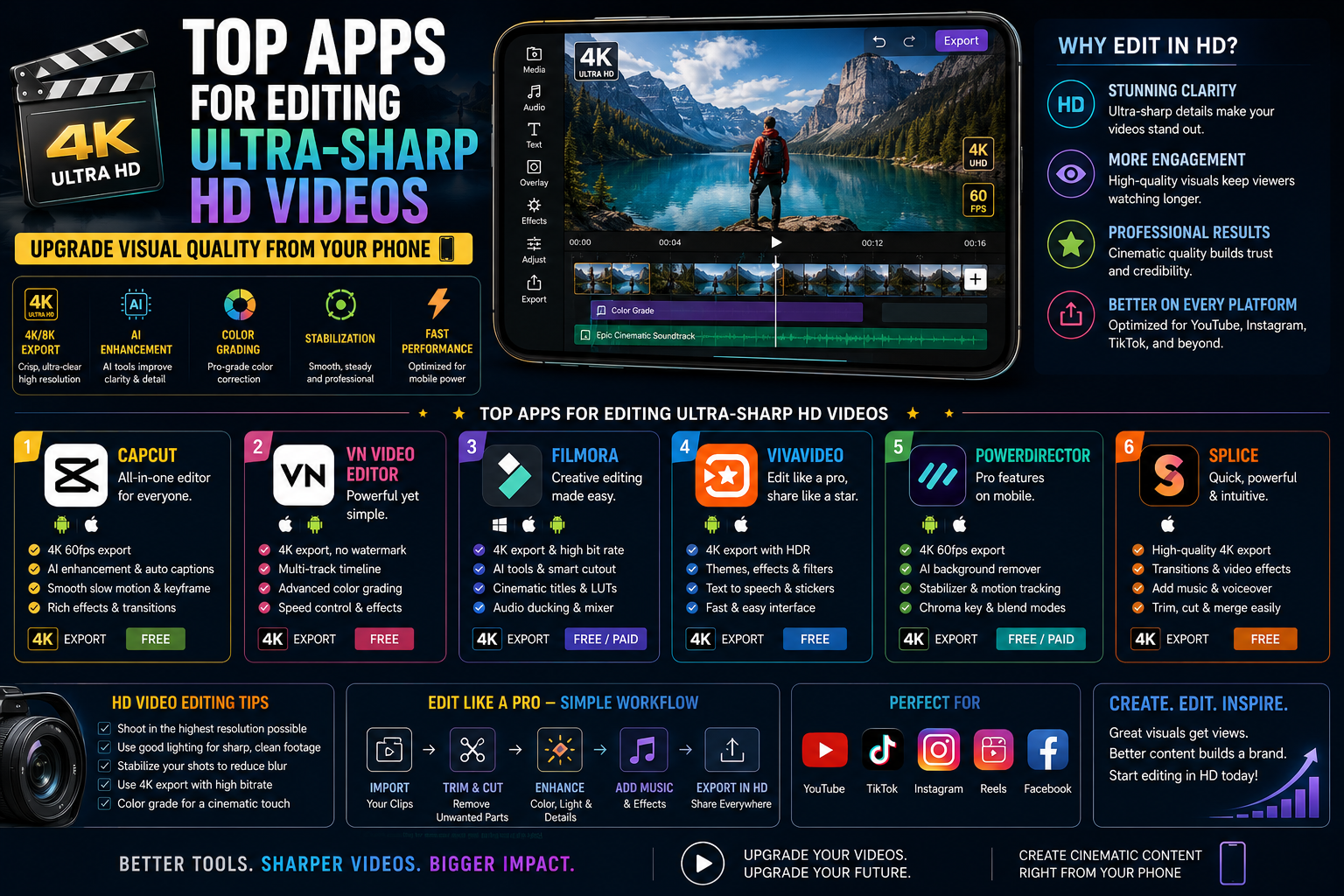
1. The trend of creating content with high-resolution video.
Internet users are becoming increasingly discerning when it comes to both vertical and horizontal media products. A video with good content but blurry or pixelated will quickly be ignored.
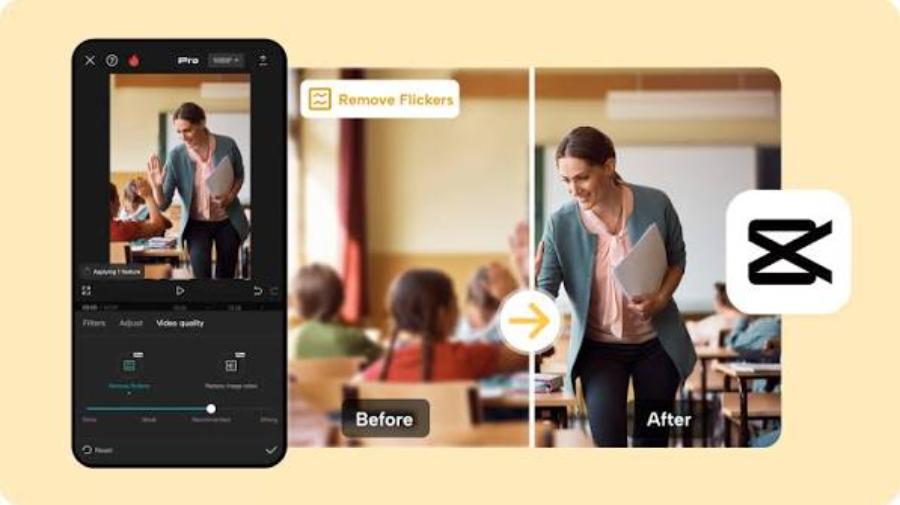
1.1. The importance of HD quality in video
Clear images help convey the full range of emotions, context, and details of the message. HD ($1280 x 720 pixels) or Full HD ($1920 x 1080 pixels) resolution has become the minimum standard for social media algorithms to prioritize distribution and reach a larger audience.
1.2. Challenges when exporting video on mobile devices
Many users encounter the problem of having sharp video recordings that become blurry after editing and exporting. This is often due to the editing application automatically compressing the file size or incorrect output parameter settings. Choosing the right tool will completely resolve this issue.
1.3 Image quality determines viewer retention rate.
The sharpness of the image directly impacts the emotions and experiences of social media users. When you upload a video in Full HD or 4K resolution, the algorithms of major platforms will prioritize distributing it to a wider audience. Clear images help convey the message completely and demonstrate the author's serious investment in their product.
1.4 The convenience of editing directly on mobile devices
Today's smartphone hardware is powerful enough to handle demanding graphics tasks. Using mobile apps significantly reduces rendering time, allowing users to edit anytime, anywhere without relying on bulky computer setups. With just a few taps and swipes, a raw video can be transformed into a cinematic work of art.
2. Criteria for choosing a professional-grade HD video editing app
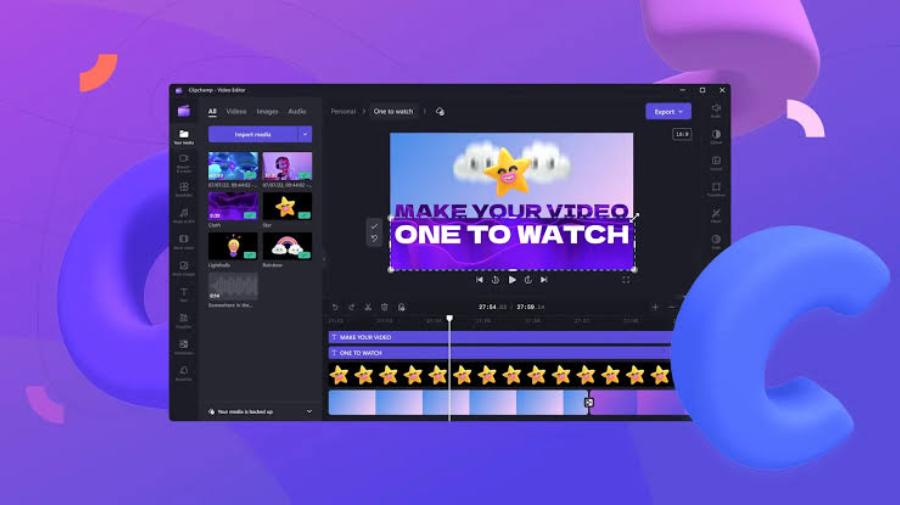
For a copywriter or digital filmmaker, evaluating tools needs to be based on clear technical standards to ensure optimal work performance.
2.1. Ability to decode and process the original format
A good application should be able to read large file formats from high-end devices or smartphones without lag. Good compatibility with H.264 or H.265 codecs is a big plus.
2.2. The diversity of image editing tools
In addition to basic cropping and merging, the software needs to provide advanced features such as white balance, color curve adjustment, contrast control, and sharpness enhancement to optimize display quality.
2.3 Ability to export files while maintaining original resolution
The most important criterion for a high-quality application is that it does not reduce the bit rate of the original file during encoding. Many free applications often compress the file size, causing a significant degradation in output quality. Reputable software always provides the option to export files from 1080p, 2K to 4K with a stable 60fps frame rate.
2.4 Color filter system and intelligent AI tools
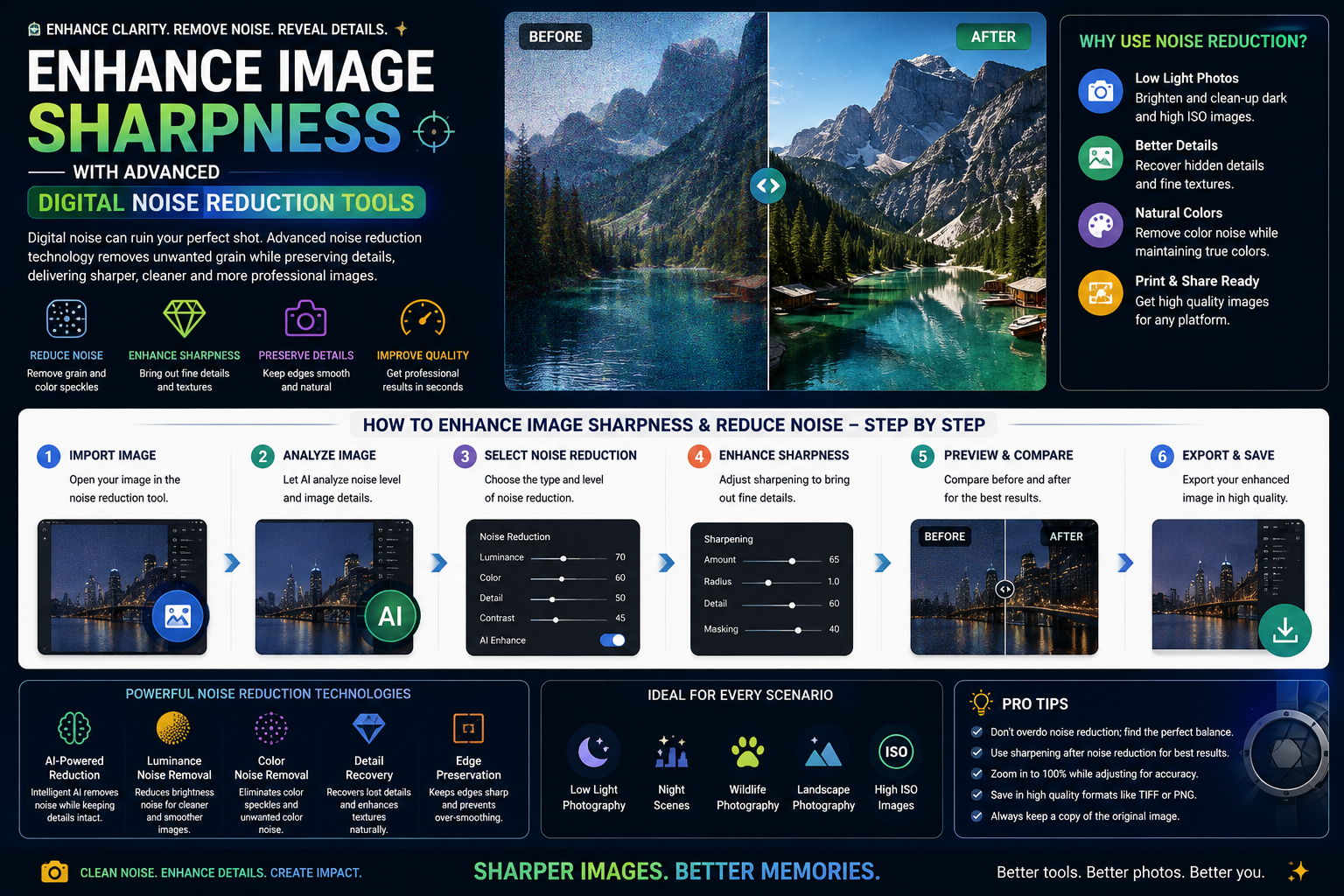
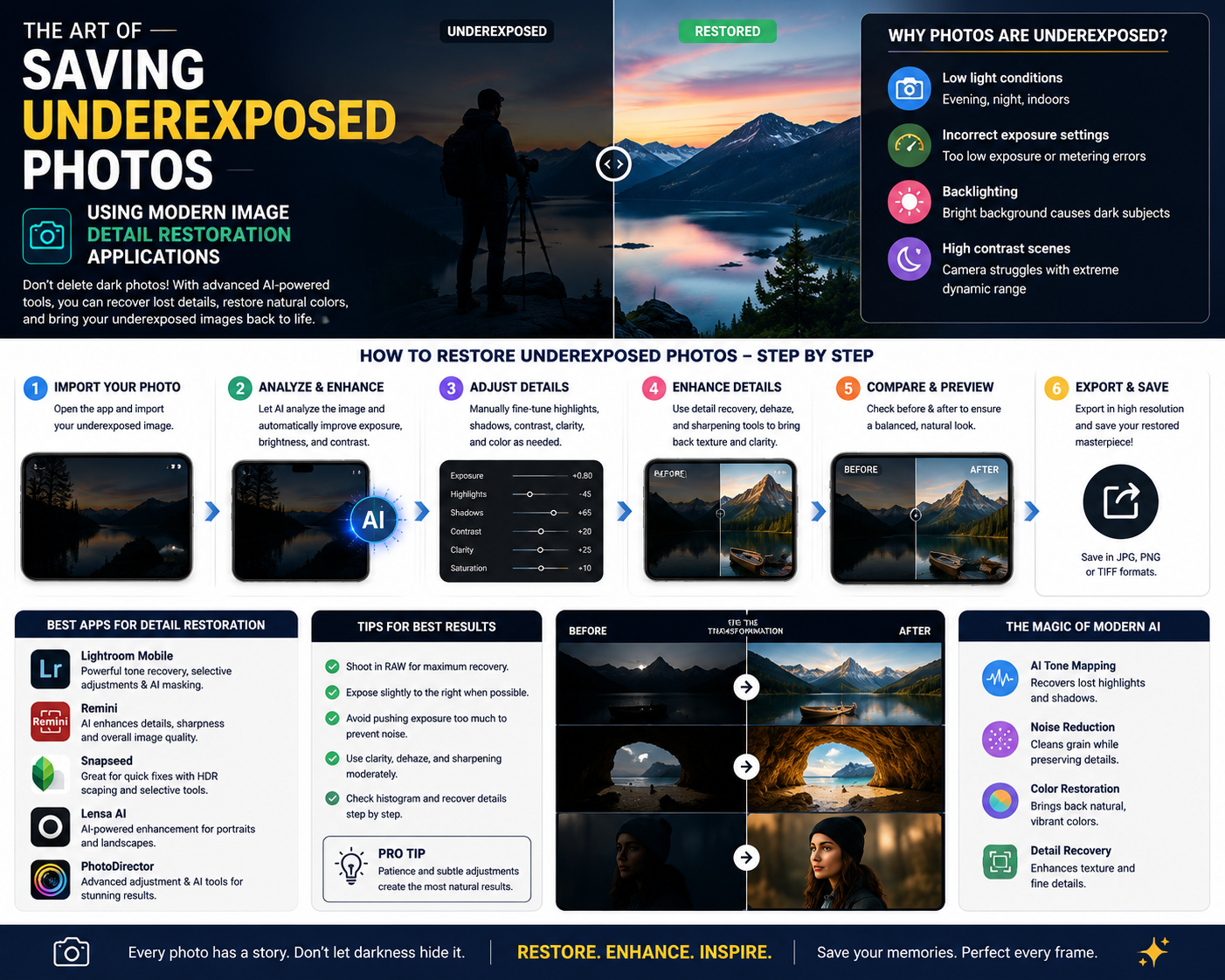
Besides sharpness, color is the soul of a film. A good application needs to have a rich collection of color filters, the ability to customize detailed parameters such as contrast, highlights, shadows, and saturation. In particular, the integration of artificial intelligence (AI) technology helps to automatically sharpen blurry details and effectively reduce noise in low-light conditions.
3. Detailed review of the top HD video editing apps currently available.
The mobile app market offers hundreds of options, but here are some of the most outstanding in terms of maintaining and enhancing image quality.
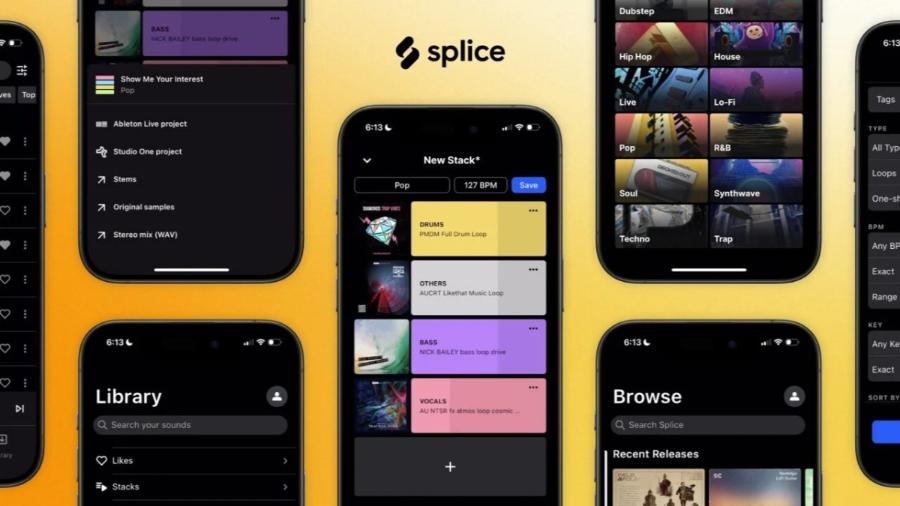
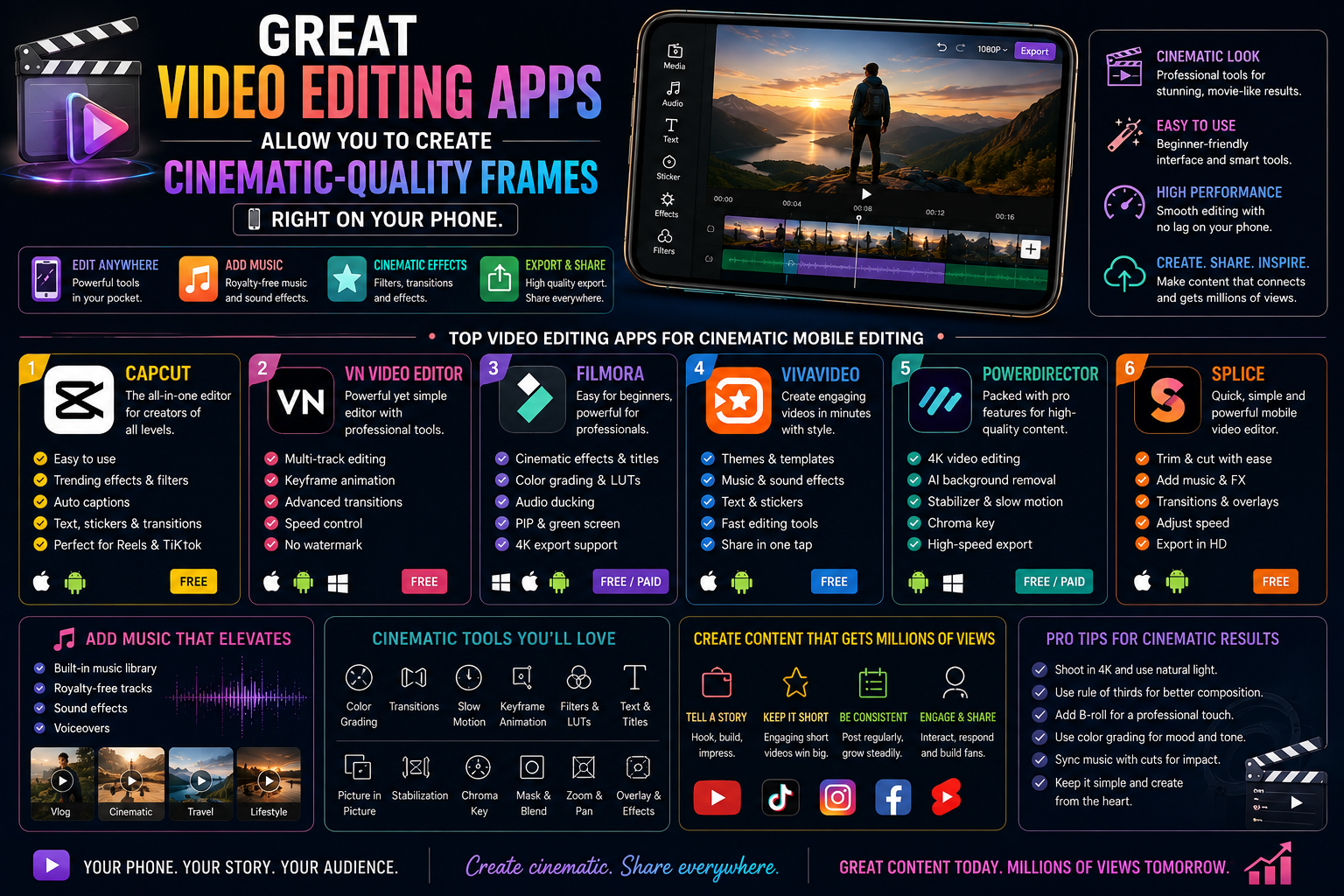
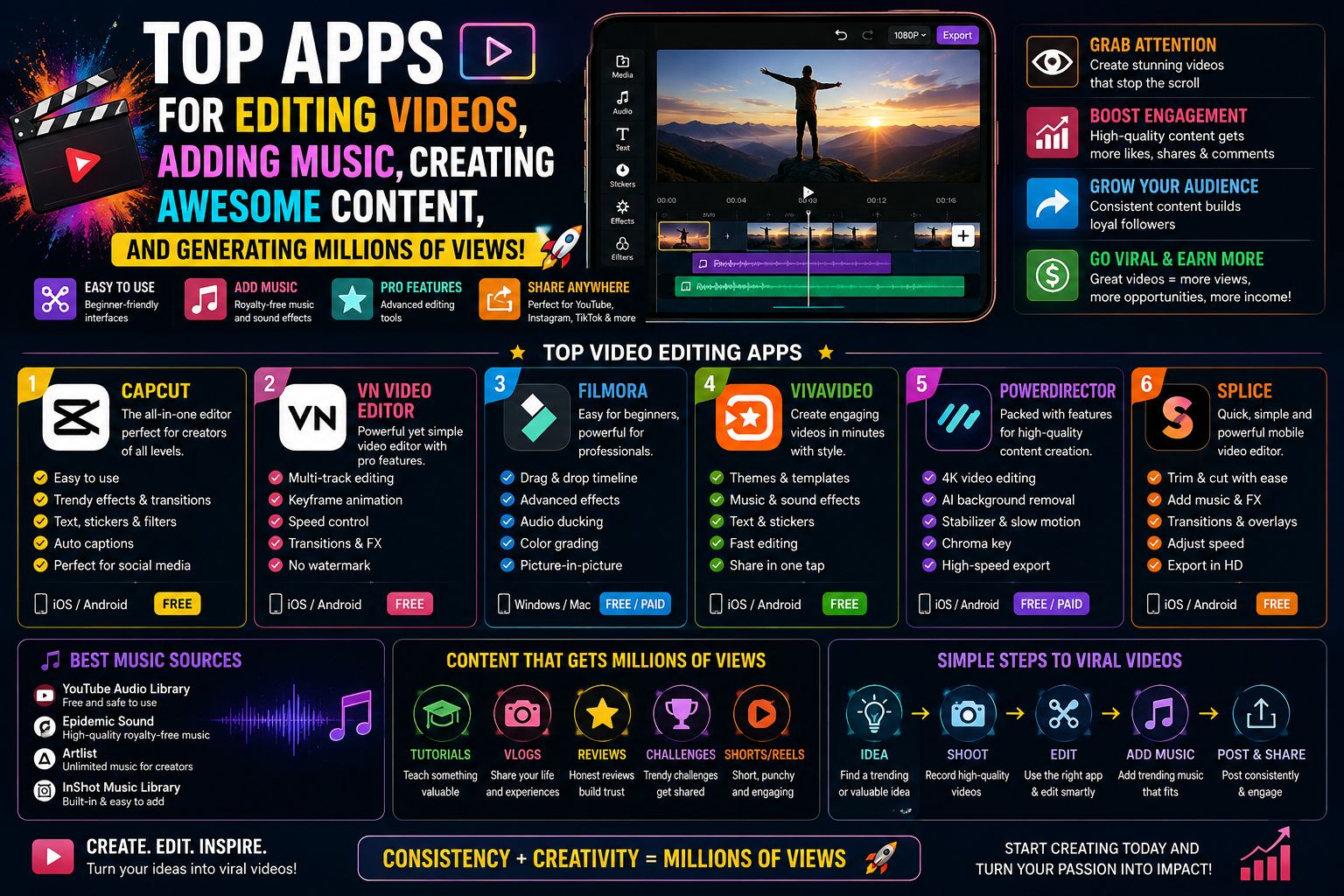
3.1. CapCut - The national tool for creators
At the top of the list of most popular software is undoubtedly CapCut. It's not just a trend-setting app, but also an incredibly powerful image editing tool.
-
Advantages: Intuitive interface, a huge library of effects, and completely free for basic features. Users can easily customize and publish in 1080p or 2K/4K format at 60fps.
-
Disadvantage: Sometimes lag issues occur on low-configuration machines when processing very large files.
3.2. Adobe Premiere Rush - Excellence from the Adobe ecosystem
Inheriting the legacy of the legendary PC video editing software, this mobile version delivers a truly professional experience.
-
Advantages: Superior color management capabilities, brightness and sharpness adjustment toolbars work with extreme precision. The output video retains smooth detail at high contrast ranges.
-
Disadvantage: Requires a monthly subscription fee to use all advanced features.
3.3. VN Video Editor - The power of realistic image processing
If you're looking for a free app that doesn't add watermarks and maintains perfect image quality, VN is an app you can't miss.
-
Advantages: Supports importing and exporting uncompressed original video, professional timeline interface similar to that on a computer. Sharpening and color filter adjustment features work very naturally.
-
Disadvantage: The library of background music and transition effects is not as extensive as that of competitors.
3.4. InShot - Simple yet highly effective
InShot is suitable for those who want quick editing but still require the output to be in HD or higher resolution.
-
Advantages: Extremely fast aspect ratio adjustment, well optimized for social media platforms. The sharpening slider effectively handles blurry details.
-
Disadvantage: The free version contains many ads that interrupt the workflow.
4. Instructions on how to set up HD video output without image distortion.
Having a good application is only a necessary condition; the sufficient condition is knowing how to set the correct technical parameters before exporting the file.
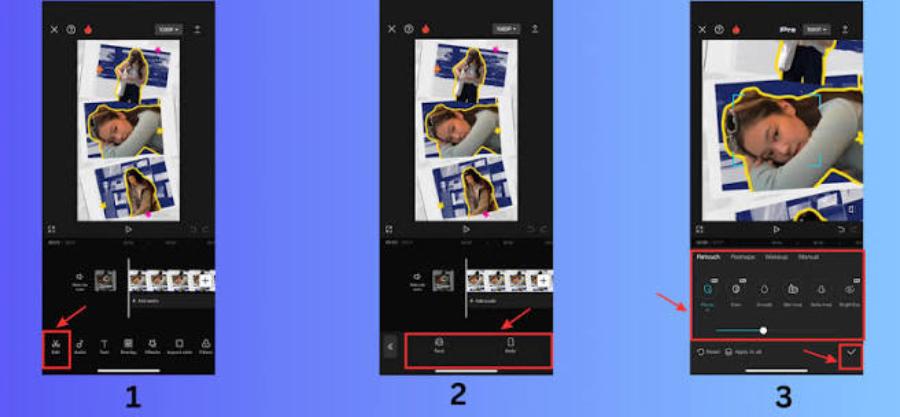
4.1. Step 1: Check the quality of the source blanks.
Ensure the original video is recorded at the highest possible resolution on your device. Avoid using downloaded videos from the internet that have undergone multiple compressions as editing material.
4.2. Step 2: Customize publishing parameters in the application
Once you have finished editing, go to the file export settings and adjust the parameters according to the following standards:
-
Resolution: Select a minimum of 1080p.
-
Frame Rate: Choose 30fps or 60fps depending on your desired smoothness.
-
Bitrate: Select High or adjust the slider towards maximum to retain the most image detail.
4.3. Step 3: Posting on social media correctly
Many platforms have a hidden "Upload High Quality" feature in their account settings. Make sure you enable this feature before uploading videos to avoid the algorithm automatically compressing the resolution to a lower level.
5. Introducing video enhancement technology solutions at appvip.ai
For older footage or footage shot in low light conditions resulting in graininess, you can access the online platform appvip.ai . This system integrates modern artificial intelligence technology to automatically restore detail, remove noise, and quickly upscale low-quality videos to standard HD and 4K resolution without requiring complex post-production skills.
6. Important things to keep in mind when editing large videos on your phone.
Processing high-resolution multimedia files consumes a significant amount of mobile device hardware resources.
6.1. Free up storage space
HD and 4K videos are very large. Full device memory will cause the application to crash midway through rendering (exporting the file). Maintain at least three times the estimated size of the output video as free space.
6.2. Equipment temperature control
When your phone gets too hot, the operating system will automatically reduce CPU performance to cool it down, resulting in slow video output or frame drops. Remove your phone case and avoid editing videos while charging.
6.3 Do not enable high-quality uploads on social media apps.
By default, online platforms will enable mobile data saving mode to reduce server bandwidth. Unless you go into your account settings to activate the "Upload at highest quality" option, the system will automatically compress your files to an extremely low resolution.
7. Conclusion
Mastering HD video editing applications enhances the value of your work in the eyes of viewers. Investing time in understanding the technical specifications and maximizing the power of filters and enhancement tools will give you a significant competitive advantage in the digital space. Choose the application that best suits your workflow and start creating sharp, impressive videos today.





















VIP Products








Best Selling Products
Capcut Pro 1 Year
39 USD
Windows 10 & 11 Pro Key
36 USD
Genuine Cheap Canva Pro
39 USD
ChatGPT Plus Account (GPT-4)
16 USD
Autodesk All App Account Copyright
120 USD
Adobe Photoshop Copyright - Full App
120 USD
Copyright Adobe Lightroom Account
59 USD
Plugin Retouch4me
69 USD
Freepik Premium Account
59 USD
Upgrade Duolingo Super
29 USD
MidJourney Account
29 USD
Upgrade genuine Capture One account
120 USD
Genuine Adobe Illustrator account
99 USD
Adobe Premiere Pro Account
99 USD
Upgrade Genuine Office 365
49 USD