Best Selling Products

Upgrade genuine Capture One account
120 USD

Copyright Adobe Lightroom Account
59 USD

MidJourney Account
29 USD

Adobe Photoshop Copyright - Full App
120 USD

Autodesk All App Account Copyright
120 USD

Genuine Cheap Canva Pro
39 USD

Adobe Premiere Pro Account
99 USD

ChatGPT Plus Account (GPT-4)
16 USD

Windows 10 & 11 Pro Key
36 USD

Upgrade Genuine Office 365
49 USD

Freepik Premium Account
59 USD

Capcut Pro 1 Year
39 USD

Plugin Retouch4me
69 USD

Genuine Adobe Illustrator account
99 USD

Upgrade Duolingo Super
29 USD
Top apps for listening to YouTube music with the iPhone screen off – extremely convenient!
Nội dung
- 1. Top apps for listening to YouTube music with the iPhone screen off.
- 1.1. Safari
- 1.2. Cốc Cốc
- 1.3. YouListen
- 1.4. YouTube Premium
- 2. Benefits of using the YouTube music app with the iPhone screen off.
- 3. Which YouTube app should I use when the iPhone screen is off?
- 4. Security tips when using the YouTube music app on iPhone
- 5. Conclusion
Want to listen to music on YouTube while commuting, doing housework, or relaxing without keeping your iPhone screen constantly on? Instead of keeping the screen on throughout the music playback, you can choose from several apps and browsers that support background audio playback. This makes the music listening experience more convenient, especially if you frequently listen to playlists, podcasts, or videos with primarily audio content. Currently, there are many options available for iPhone users, from free browsers like Safari and Cốc Cốc to the YouListen music app and YouTube Premium service. Each option has its own advantages in terms of cost, background playback capabilities, ads, and convenience. In the article below, let''s explore the characteristics of each app to choose the solution that best suits your needs.
1. Top apps for listening to YouTube music with the iPhone screen off.
If you frequently listen to music on YouTube, choosing an app that supports background playback will give you more flexibility when using your iPhone. Instead of having to keep the screen constantly on, you can switch to doing something else or lock your phone while continuing to enjoy your favorite content. Here are four options worth considering.
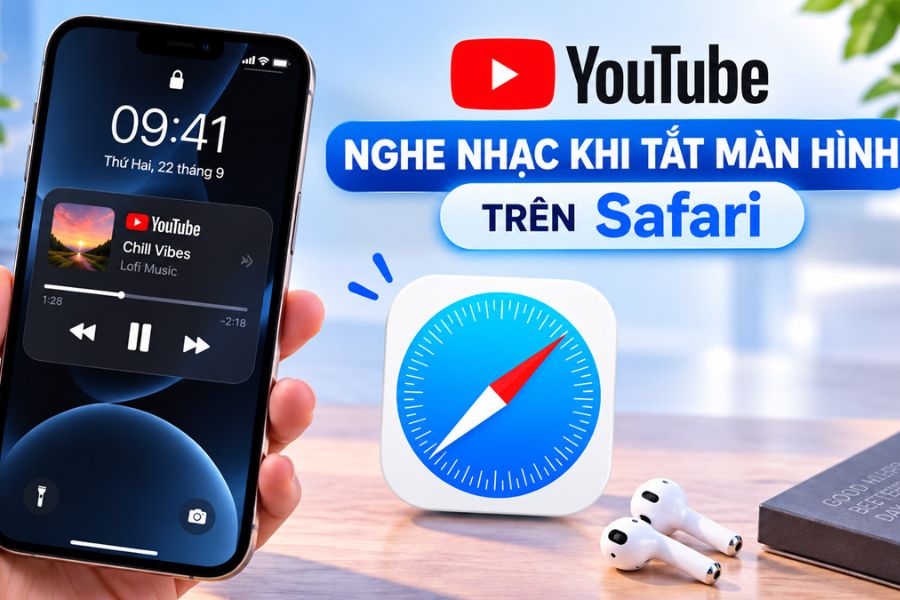
1.1. Safari
Safari is the browser built-in by Apple on iPhones, allowing users to access YouTube directly without downloading additional apps. With its familiar interface, simple operation, and no installation fee, Safari is suitable for those who want to listen to music online without installing too much software. You just need to open the browser, access YouTube, and search for the song or playlist you want to listen to.
However, Safari isn't a reliable background music playback solution guaranteed by YouTube. The ability to continue playback when the screen is locked can vary depending on the iOS version, browser, and how the content is played. YouTube now offers official background playback through the Premium plan on supported mobile devices. Therefore, if you're using Safari, consider this an experimental option rather than expecting continuous background music playback.
-
Platform: iPhone, iPad, and other Apple devices that support Safari.
-
Cost: Free.
-
Advantages: Available on iPhone, easy to use, no need to install an additional browser.
-
Limitations: Background playback is unstable and cannot replace the official features of YouTube Premium.
1.2. Cốc Cốc
Cốc Cốc is a noteworthy browser for those looking for an app to listen to YouTube music with the iPhone screen off without paying for a subscription upfront. The browser claims to support background YouTube playback on mobile devices, while also integrating ad blocking and other features to enhance video viewing and music listening. This gives users more options when they want to listen to their favorite music while working, studying, or traveling.
On iPhone, you can open YouTube using Cốc Cốc and use video playback and pinning features following the browser's instructions if the current version supports it. After setting it up correctly, you can try locking the screen to check if the audio continues playing. Additionally, the playlist feature makes it more convenient to switch between different content. However, the actual functionality may vary depending on the app version and YouTube's policies, so be sure to check directly on your device before using it regularly.
-
Platform: iOS and other platforms supported by Cốc Cốc.
-
Cost: Free to download and use basic features.
-
Advantages: Features include background music playback, ad blocking, and content management.
-
Limitations: Some operations or features may vary depending on the version and service policy.
1.3. YouListen
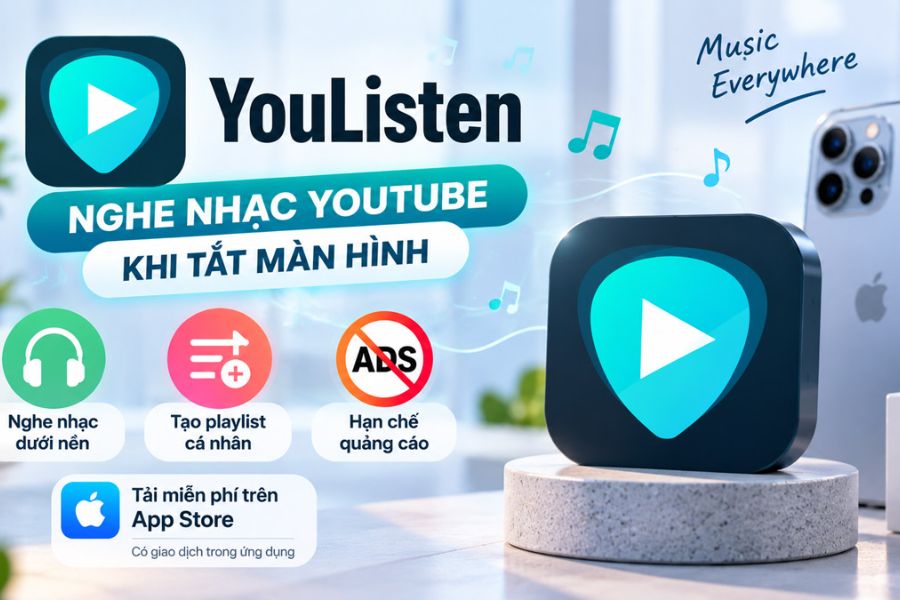
YouListen is a music app for iPhone and iPad, designed for convenient listening to music, podcasts, and online content. Its appeal lies in its ability to play audio even when the screen is off, combined with the ability to create personalized playlists. If you often listen to music while exercising, working, or before bed, YouListen could be a suitable choice for building your favorite playlists and playing them continuously without much effort.
According to the information on the App Store, YouListen supports background music playback without ads interrupting the audio. However, this does not mean the app is completely ad-free, as it may still offer in-app ads or in-app purchases to remove them. Before using it, you should also carefully review the privacy information, in-app transactions, and compatibility with your current iOS version. This is a necessary step to ensure an experience that suits your needs and phone usage habits.
-
Platform: iPhone and iPad.
-
Cost: Free to download, with in-app transactions.
-
Advantages: Supports background playback, playlist creation, and listening to various types of online content.
-
Limitations: There may be advertisements outside of the audio content, and you need to check the privacy policy.
1.4. YouTube Premium
If you want to listen to YouTube music with your iPhone screen off using the official method, YouTube Premium is the preferred option. This is YouTube's paid subscription service, supporting background playback on the YouTube and YouTube Music apps on supported mobile devices. After subscribing to a suitable plan, you can open songs, lock the screen, or switch to another app while still listening to the audio, without having to find ways to set up background playback through a browser.
Besides background playback, YouTube Premium offers a less ad-impacted video viewing experience and allows you to download supported content for offline viewing or listening. This is a plus for those who use YouTube daily or have a habit of listening to long playlists. However, the service has recurring fees, and some promotional content intentionally inserted by creators into videos or podcasts may still appear. You should check the membership package prices displayed in Vietnam before subscribing, as fees and offers may change over time.
-
Platform: YouTube and YouTube Music on supported devices.
-
Cost: Payment is based on a membership package.
-
Advantages: Official background streaming, offline content downloads, and reduced ads depending on your plan.
-
Limitations: Requires recurring fees; direct content inserted by the creator may still appear.
Affordable, official YouTube upgrade
2. Benefits of using the YouTube music app with the iPhone screen off.
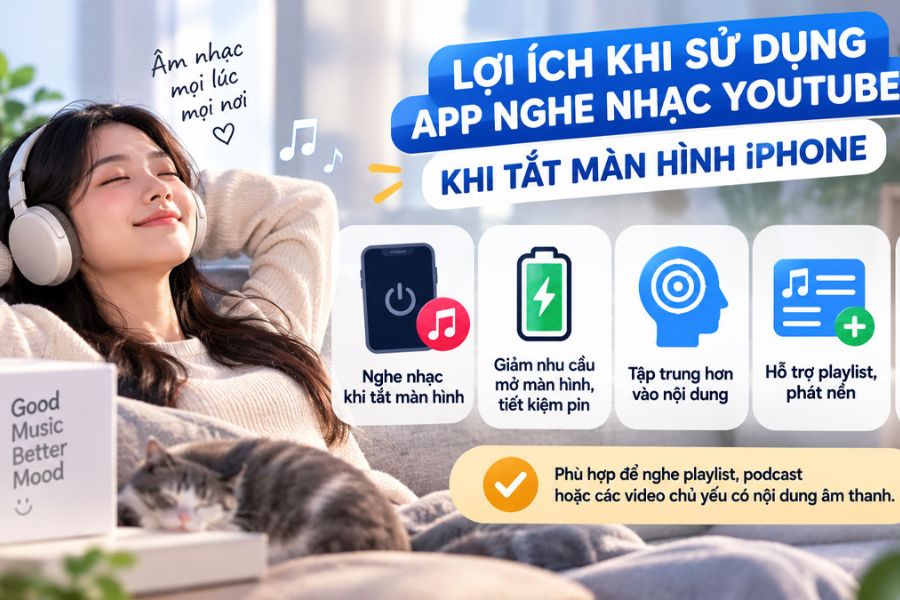
Some apps also integrate features that make the music listening experience more convenient, such as playlist management, song skipping, continuous playback, or ad blocking. This means you don't need to constantly unlock your phone to find the song you were listening to. Depending on the app, users can also choose free or paid options to use features that suit their personal needs.
The notable benefits include:
-
Battery saving in many situations: Turning the screen off reduces power consumption from the screen, but it doesn't guarantee a significant increase in battery life.
-
Convenient music listening: You can continue enjoying the sound while doing other things or keeping your phone in your pocket.
-
Better focus: No need to constantly look at the screen, limiting distractions from irrelevant video content.
-
Playlist management is easy: Some apps support saving lists of frequently listened-to songs, podcasts, or other content.
-
There are several pricing options: You can use a free browser or subscribe to a paid service if you need a more stable and complete experience.
3. Which YouTube app should I use when the iPhone screen is off?
For those who watch YouTube daily and want to minimize setup, YouTube Premium is a more convenient option thanks to its official background playback feature. Although it requires a fee, this service offers a seamless integration with the YouTube ecosystem, as well as support for offline content downloads and reduced ads based on member benefits.
You can refer to the following comparison table to make a quicker decision:
When making your choice, you should also consider compatibility with your iOS version, ease of use, and privacy information. Not every app that runs in the background on one device will work exactly the same on another. If long-term stability is your priority, choose a solution with clearly advertised features and developer support.
4. Security tips when using the YouTube music app on iPhone
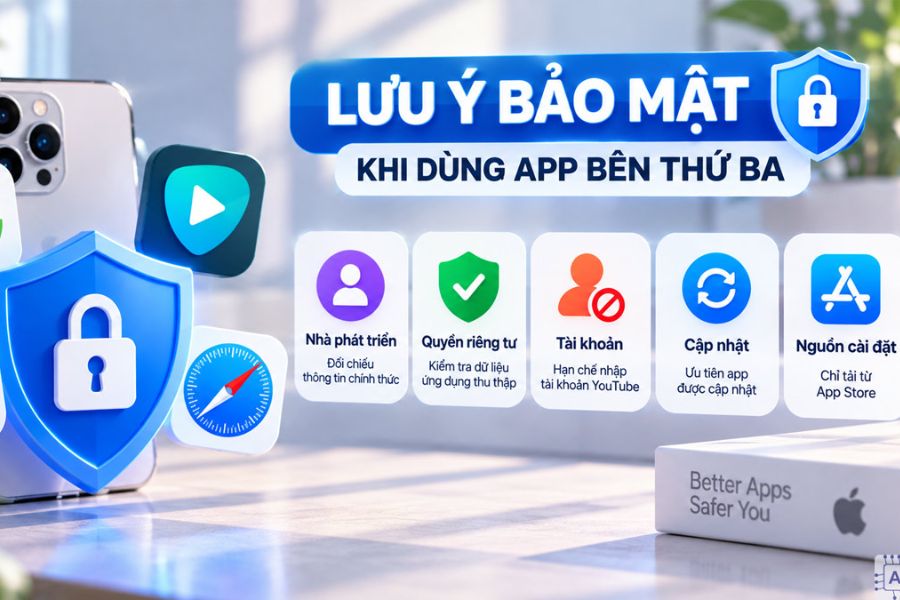
Before installing and using the YouTube music app to listen to music with the iPhone screen off, please note the following points:
-
Check the developer: See the developer's name, support information, and user reviews on the App Store.
-
Read the privacy policy: Find out if the app may collect browsing history, device identifiers, or usage data.
-
Limit unnecessary logins: Do not provide your Google or YouTube account passwords to untrusted apps.
-
Be cautious with access permissions: Only grant permissions that are truly necessary for the application to function.
-
Prioritize updated applications: New versions may fix bugs, improve compatibility, and enhance security.
-
Download from official sources: Prioritize the App Store or distribution channels announced by the developer, and avoid installing files from unknown sources.
Additionally, you should check the service's terms of use and note that the functionality of third-party apps may change when YouTube updates its policies or the iOS operating system is upgraded. If the app stops playing when the screen is locked, check your settings, update to the latest version, or switch to an alternative instead of installing tools from unknown sources.
5. Conclusion
There are many options for listening to YouTube music with the iPhone screen off, from Safari and Cốc Cốc to YouListen and YouTube Premium. Each solution suits different needs: Safari is convenient because it's readily available, Cốc Cốc is suitable for those who want to try the free background playback feature, YouListen supports playlist management, and YouTube Premium offers the official background playback experience and many additional benefits. If you frequently listen to music on YouTube, you should prioritize an app with clear background playback, stable operation, and a transparent privacy policy. Consider the cost, practical features, and convenience level to choose the most suitable option, allowing you to enjoy music on your iPhone without keeping the screen constantly on.





















VIP Products








Best Selling Products
Upgrade genuine Capture One account
120 USD
Copyright Adobe Lightroom Account
59 USD
MidJourney Account
29 USD
Adobe Photoshop Copyright - Full App
120 USD
Autodesk All App Account Copyright
120 USD
Genuine Cheap Canva Pro
39 USD
Adobe Premiere Pro Account
99 USD
ChatGPT Plus Account (GPT-4)
16 USD
Windows 10 & 11 Pro Key
36 USD
Upgrade Genuine Office 365
49 USD
Freepik Premium Account
59 USD
Capcut Pro 1 Year
39 USD
Plugin Retouch4me
69 USD
Genuine Adobe Illustrator account
99 USD
Upgrade Duolingo Super
29 USD