Best Selling Products

Autodesk All App Account Copyright
120 USD

Capcut Pro 1 Year
39 USD

Adobe Premiere Pro Account
99 USD

ChatGPT Plus Account (GPT-4)
16 USD

Plugin Retouch4me
69 USD

Genuine Cheap Canva Pro
39 USD

Genuine Adobe Illustrator account
99 USD

Copyright Adobe Lightroom Account
59 USD

Windows 10 & 11 Pro Key
36 USD

Freepik Premium Account
59 USD

Upgrade Genuine Office 365
49 USD

MidJourney Account
29 USD

Upgrade genuine Capture One account
120 USD

Upgrade Duolingo Super
29 USD

Adobe Photoshop Copyright - Full App
120 USD
Top Google Workspace backup solutions that businesses can't ignore.
Nội dung
Given the increasing risk of data loss, choosing the optimal backup solution is essential.
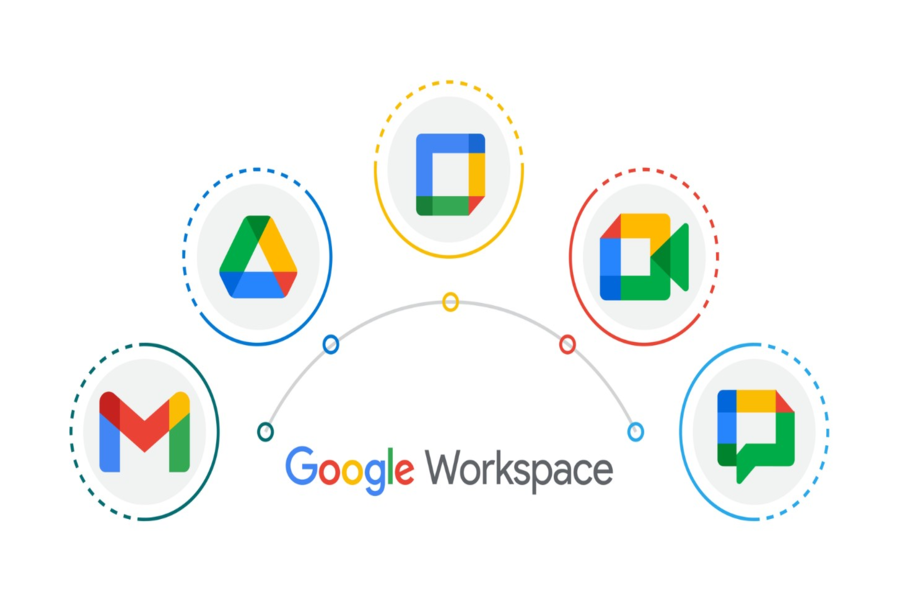
Google Workspace, with its convenience, stability, and powerful remote working capabilities, has become a familiar platform for millions of businesses worldwide. However, the convenience of cloud computing does not mean that data will be completely "immune" to risks such as accidental deletion, synchronization errors, malware attacks, system failures, or even intentional actions from within the organization.
Google is only responsible for its infrastructure, while the data is entirely the responsibility of the business. This means that if an employee accidentally deletes an email, a Drive file is encrypted by ransomware, or a document is overwritten and a critical version is lost, Google cannot help you recover it. This is why more and more businesses are turning to specialized backup solutions to ensure data recovery in all situations.
In this article, we'll explore how to choose an effective backup solution for Google Workspace by analyzing the most popular tools currently available. Furthermore, the article will provide important considerations when building a backup strategy, ensuring your business is always prepared for any data breaches.
1. Choosing an effective backup solution for Google Workspace
Choosing the right backup solution isn't simply about finding software that can store data. More importantly, businesses need to consider factors like rapid recovery, automation levels, security, integration capabilities, and long-term operating costs. Each backup solution reflects a unique philosophy in its approach to data management, resulting in different user experiences and effectiveness.
Below is a comprehensive overview of the top-rated Google Workspace backup solutions currently available.
1.1. Acronis Cyber Protect Cloud
Acronis Cyber Protect Cloud is one of the most comprehensive backup solutions for businesses, particularly suitable for large organizations requiring high security. Beyond just backup functionality, this platform integrates malware protection, ransomware protection, and IT resource management tools. Essentially, it's a complete security, backup, and management ecosystem designed for multi-device and multi-platform environments.
Acronis provides full backup capabilities for Gmail, Google Drive, Google Calendar, Google Contacts, and Shared Drives. The system supports granular recovery, meaning businesses can recover individual emails or small files instead of having to restore the entire system. Another strength is its ransomware protection thanks to AI technology that analyzes anomalies in data. This is particularly useful in the context of increasingly sophisticated cyberattacks targeting cloud platforms.
Businesses can also manage backups by unit, group, or user, easily assigning permissions and monitoring backup activities through a central dashboard. While not the cheapest solution, Acronis offers the highest level of peace of mind for organizations requiring maximum security.
1.2. Backupify
Backupify is one of the most popular Google Workspace backup tools thanks to its simplicity, stability, and very fast deployment capabilities. Its intuitive interface makes it easy for businesses to monitor the backup process without needing a highly skilled technical team. What makes Backupify a favorite choice for many small and medium-sized businesses is the optimal balance between price and quality.
This solution supports backing up Gmail, Drive, Calendar, Contacts, and Classroom, and automates backup schedules by day or hour. In the event of a failure, you can restore data with just a few simple steps. Backupify also supports restoring an employee's entire account before they leave the company, preventing the loss of important documents or emails for businesses.
Another notable strength is the ability to store backup data indefinitely. This provides businesses with flexibility when they need to access old data for legal, auditing, or internal dispute resolution purposes. Backupify also ensures compliance with security standards such as SOC 2 and ISO 27001, further enhancing reliability.
1.3. Synology Active Backup
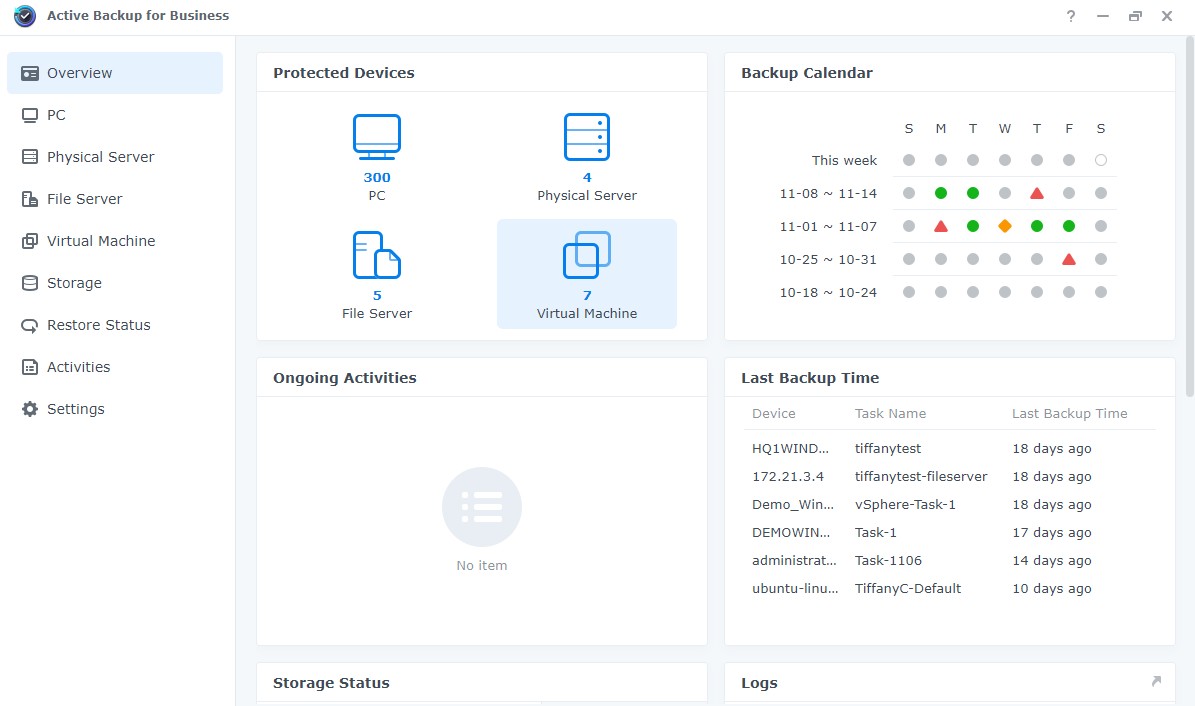
Synology Active Backup is an on-premise backup solution suitable for businesses that want complete control over their storage systems. Unlike cloud-based tools that operate entirely over the internet, Synology requires businesses to own a Synology NAS to act as a local storage repository. This creates significant advantages in terms of security, access speed, and internal data management capabilities.
Active Backup provides comprehensive backups for Google Workspace, including Gmail, Drive, Shared Drive, and related applications. Its biggest strength lies in its deduplication mechanism, which significantly reduces storage space by eliminating duplicate data. This results in substantial storage cost savings, especially for businesses with hundreds or thousands of users.
Additionally, Synology offers version-based recovery, making it easy for businesses to retrieve specific records of documents in Drive or email. With on-premises storage, recovery speeds are also superior to over-the-air backups. For businesses with strict privacy requirements or restrictions on moving data to the cloud, Synology is definitely a worthwhile option.
1.4. CubeBackup
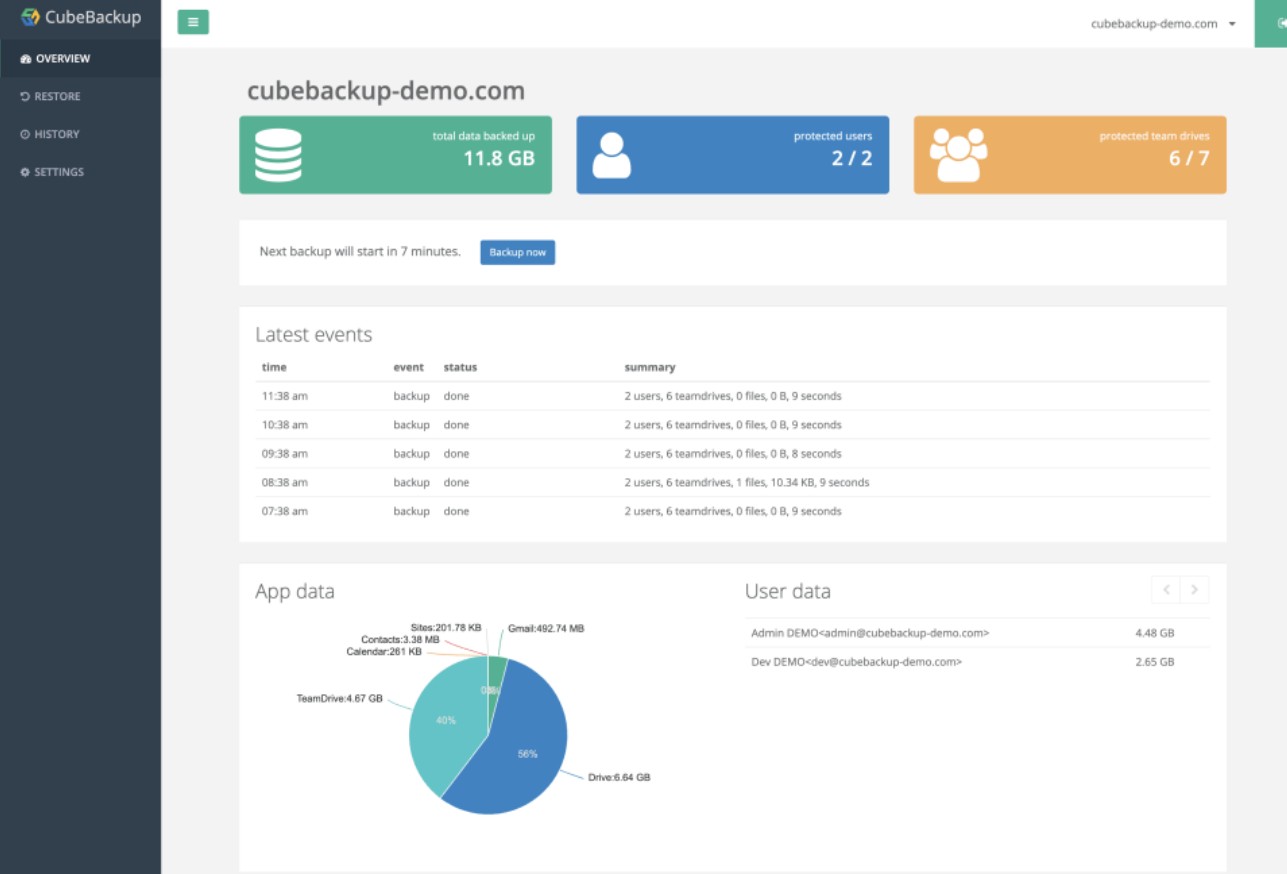
CubeBackup is a highly-rated Google Workspace backup solution known for its cost-effectiveness while still providing essential features. It's particularly well-suited for small and medium-sized businesses or schools using Workspace for Education. CubeBackup allows businesses to choose to store data on their internal servers or on cloud platforms such as AWS, Google Cloud, or Azure.
CubeBackup's biggest strength lies in its simple and user-friendly deployment. It doesn't require a complex technical team; businesses can install and configure it themselves in a short time. The tool supports automatic backups of Gmail, Drive, Contacts, Calendar, Keep, and Shared Drives.
With its robust encryption mechanism and detailed user permission control capabilities, CubeBackup fully meets security standards. Furthermore, its significantly lower licensing costs compared to larger solutions offer a major advantage for organizations with limited IT budgets but still want to ensure data security.
1.5. Afi.ai
Afi.ai is a next-generation backup solution that utilizes artificial intelligence to optimize performance, accelerate recovery, and enhance protection against ransomware. It's a popular choice for young businesses and technology companies due to its attractive, intuitive interface and high level of automation.
Afi.ai can detect anomalies in data systems and proactively create backups before damage spreads. This is especially useful when businesses experience ransomware attacks or unusual synchronization errors. Its ability to quickly restore data in real time also helps minimize downtime.
A key advantage of Afi.ai is its ability to restore entire user accounts with just one click. When new personnel replace existing staff, the IT department can easily transfer all of the old data to the new one without manual intervention. Additionally, the tool provides clear auditing features, helping businesses manage who accesses backup data and what actions they perform.

1.6. Spanning Backup
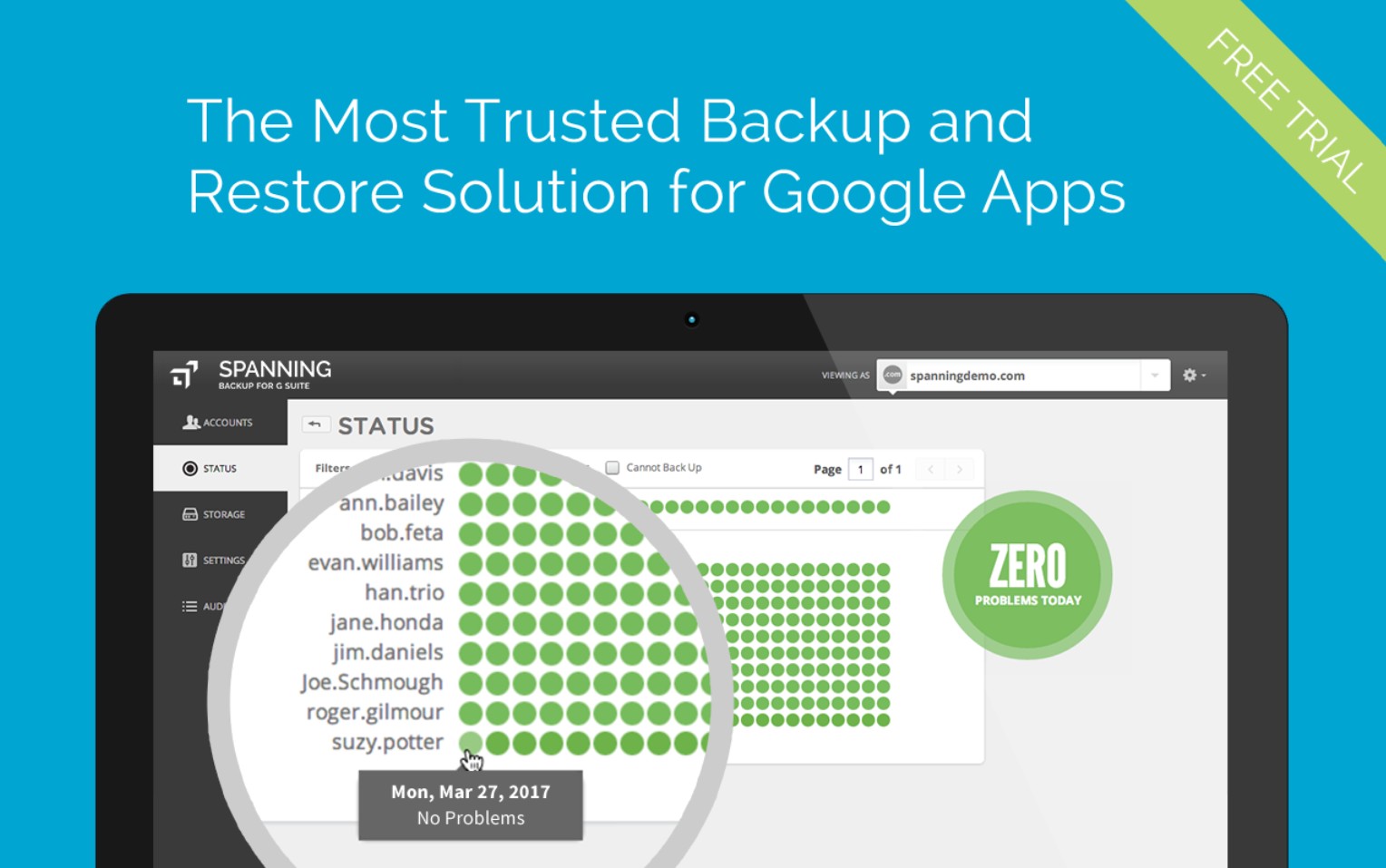
Spanning Backup is one of the oldest and most reputable backup solutions on the market, notable for its stability and ease of operation. A key feature of Spanning is its ability to automatically back up continuously without interrupting user activity on Google Workspace.
This platform fully supports Gmail, Drive, Calendar, Contacts, and Sites. Notably, Spanning allows end users to recover data themselves without needing technical support. This significantly reduces the workload for IT teams in large businesses.
Spanning also ensures data is stored in multiple locations, increasing redundancy and reducing the risk of mass data loss. Strong encryption technology and compliance with international security standards give businesses peace of mind when storing critical data.
2. Some things to note when backing up Google Workspace
Regardless of the chosen solution, businesses still need to build a well-structured backup strategy to ensure long-term effectiveness. This depends not only on the tools used, but also on the internal processes and data management practices of the entire organization.
Businesses first need to accurately define their backup needs, including the type of data to be saved, the frequency of backups, the desired retention period, and the desired recovery speed. An effective backup strategy doesn't necessarily mean saving everything forever, but rather optimizing based on the actual value of the data.
When implementing backups, attention must be paid to access control to prevent unauthorized interference. Too many people should not be granted access to the backup data repository, as this is a sensitive area containing important information.

Regular testing is also crucial. Many businesses schedule automatic backups but don't actually test whether the data is recoverable. Monthly or quarterly testing helps ensure the system is functioning correctly and is ready to respond when problems occur.
Additionally, businesses should consider multi-layered security for backups, including data encryption during storage, encryption during transmission, and multi-factor authentication. This minimizes risks in the context of increasingly sophisticated cyberattacks.
Data is the backbone of every business. And in a world where work increasingly relies on cloud technology, proactively backing up Google Workspace is not only a smart choice but a necessity to ensure business continuity.





















VIP Products








Best Selling Products
Autodesk All App Account Copyright
120 USD
Capcut Pro 1 Year
39 USD
Adobe Premiere Pro Account
99 USD
ChatGPT Plus Account (GPT-4)
16 USD
Plugin Retouch4me
69 USD
Genuine Cheap Canva Pro
39 USD
Genuine Adobe Illustrator account
99 USD
Copyright Adobe Lightroom Account
59 USD
Windows 10 & 11 Pro Key
36 USD
Freepik Premium Account
59 USD
Upgrade Genuine Office 365
49 USD
MidJourney Account
29 USD
Upgrade genuine Capture One account
120 USD
Upgrade Duolingo Super
29 USD
Adobe Photoshop Copyright - Full App
120 USD