Best Selling Products

Windows 10 & 11 Pro Key
36 USD

Freepik Premium Account
59 USD

Upgrade Genuine Office 365
49 USD

Copyright Adobe Lightroom Account
59 USD

Plugin Retouch4me
69 USD

Capcut Pro 1 Year
39 USD

Adobe Photoshop Copyright - Full App
120 USD

Upgrade genuine Capture One account
120 USD

Autodesk All App Account Copyright
120 USD

MidJourney Account
29 USD

Adobe Premiere Pro Account
99 USD

Genuine Cheap Canva Pro
39 USD

Genuine Adobe Illustrator account
99 USD

Upgrade Duolingo Super
29 USD

ChatGPT Plus Account (GPT-4)
16 USD
Why should businesses back up Google Workspace? The truth many people don't know.
Nội dung
- 1. What is backup for Google Workspace?
- 2. Why do I need to back up my Google Workspace files?
- 2.1. Minimize human error.
- 2.2. Combating Malware and Ransomware Attacks
- 2.3. Avoid intentional deletion actions.
- 2.4. Meeting compliance requirements
- 2.5. Flexible data recovery
- 3. Classification of Backup Models for Google Workspace
Many organizations believe that data on Google Workspace is “unforgettable,” but the reality is quite the opposite.
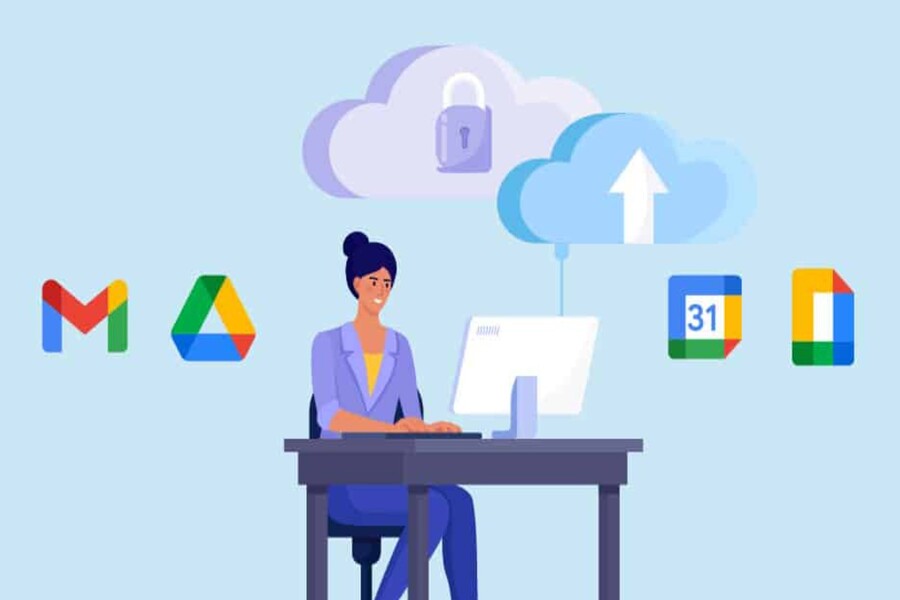
Google Workspace, with its familiar suite of tools like Gmail, Drive, Docs, Sheets, and Calendar, is a popular choice for millions of businesses worldwide due to its convenience, scalability, and real-time collaboration capabilities. However, despite its outstanding advantages, Google Workspace is not entirely immune to data loss risks. Many businesses believe that "Google stores everything, so it's impossible to lose it," but in reality, most data loss incidents originate from the users themselves or factors beyond Google's control. Without a clear backup strategy, businesses risk operational disruptions, loss of critical information, damage to brand reputation, and even significant financial losses.
Therefore, implementing a comprehensive backup solution for Google Workspace is becoming an increasingly essential element in an organization's overall security strategy. This article will help you understand what Google Workspace backup is, why businesses need it, and why backups are not just an option but a mandatory task in modern operations.
1. What is backup for Google Workspace?
Backup for Google Workspace is the process of backing up data from applications within the Google ecosystem, including Gmail, Google Drive, Google Docs, Google Sheets, Google Calendar, Google Contacts, and Google Sites, to a separate, independent, and recoverable storage system. This could be third-party cloud storage, a dedicated backup system, or the company's own servers.
This is completely different from the concept of "temporary recovery" or "trash archive" available in Google Workspace. Google's built-in tools only support data recovery for a limited time and depend on the policies of each category. An email deleted from the trash will be gone completely after 30 days, and a permanently deleted Drive file cannot be recovered without a separate backup.
A true backup creates a parallel copy of the data, separate from the primary source, ensuring that all important documents can always be recovered in any situation. This is the only way to guarantee the integrity, continuity, and security of Google Workspace data.

2. Why do I need to back up my Google Workspace files?
Google Workspace is designed to be very secure, but no system can be completely protected from risks. Incidents can arise from human error, technical malfunctions, cyberattacks, and legal compliance requirements that businesses are obligated to meet.
Here are five of the most important reasons why businesses cannot ignore backing up their Google Workspace.
2.1. Minimize human error.
According to numerous security surveys, over 70% of data loss incidents originate from user error. These errors can be as simple as accidentally deleting emails, overwriting documents, or deleting a large folder on Google Drive without realizing the consequences. With operations being performed continuously every day, the possibility of human error is unavoidable.
An employee leaving the company may accidentally or intentionally delete data before leaving. An inexperienced user might corrupt a team document, with no way to revert to a previous version. Unfortunately, Google's default system doesn't store old versions long enough for businesses to recover them.
Backups act as a "safety net." When data is deleted or incorrectly edited, businesses only need a few minutes to retrieve the correct version, minimizing losses and ensuring uninterrupted workflow. This is something that the features integrated into Google Workspace cannot guarantee.
2.2. Combating Malware and Ransomware Attacks
Ransomware is the biggest threat to businesses today. When attacked, entire files on Google Drive can be encrypted or their contents altered. Hackers can even delete data and demand a ransom from the business to recover the information. Although Google has many strong layers of security, it still cannot completely protect users from attacks involving phishing emails or malicious files.
One of the dangerous characteristics of ransomware is its ability to spread rapidly and automatically synchronize with cloud systems. When a file is encrypted on a computer, the file synchronized to Google Drive is also encrypted, making recovery extremely difficult without a separate backup.
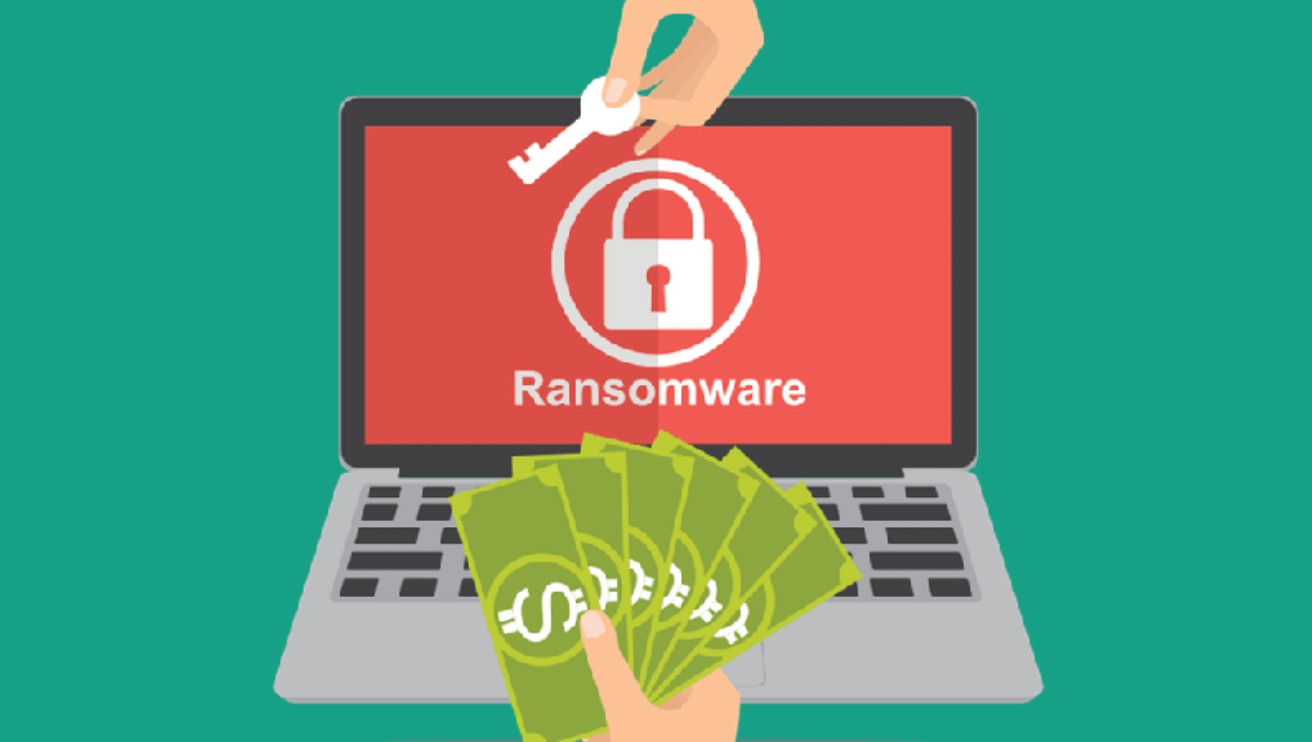
Dedicated backup solutions allow businesses to store data in an environment completely separate from Google Workspace, preventing malware from affecting backups. If ransomware attacks occur, you can restore clean data immediately without paying any ransom.
2.3. Avoid intentional deletion actions.
Internal corporate risks are always a sensitive but very real issue. A disgruntled employee, a terminated partnership, or a compromised account can directly delete critical data such as contract emails, financial spreadsheets, or project documents.
These actions are sometimes difficult to detect and even harder to recover from if the business does not have a backup system.
Google has mechanisms to help administrators recover some types of data, but these are time-limited and do not guarantee the recovery of all data. In a business environment, where data may be relevant to legal liabilities or litigation, the lack of a standalone backup can have very serious consequences.
A proactive backup system provides long-term storage history and the ability to precisely trace each record, making it easier for administrators to identify the cause, timing, and quickly recover deleted data.
2.4. Meeting compliance requirements
Many industries, such as finance, insurance, education, healthcare, and e-commerce, have very strict regulations regarding data management and storage. Standards like GDPR, HIPAA, ISO 27001, or legal regulations on accounting and auditing require businesses to maintain long-term copies of data, ensuring the ability to recover it when needed.
Google Workspace was not designed as a long-term storage system for compliance purposes, but rather to support collaboration and online work. Therefore, businesses cannot rely solely on Google's default functionality to meet legal requirements.
Backups provide an extra layer of security, ensuring data is retained for the required timeframe and readily available for audits. This not only protects businesses from legal risks but also builds trust with customers, partners, and government regulatory bodies.
2.5. Flexible data recovery
A data loss incident doesn't always require a full system recovery. Sometimes a business only needs to retrieve a specific email, a single file, or a previous day's version of a document. Flexibility in recovery is essential to ensure work can resume quickly without impacting the overall system.
The backup solution allows users to precisely select the data to restore, including individual files, emails, calendars, or entire accounts. Restoration can be performed for disabled users or former employees, helping to preserve critical internal company information.
Resilience also helps businesses maintain continuity of operations. Regardless of any disruptions, work can resume almost immediately without significant loss of time, cost, or resources.
3. Classification of Backup Models for Google Workspace
Backup solutions for Google Workspace can now be implemented in various models depending on the needs and scale of the business. Each model has its own advantages, but the ultimate goal remains to protect data safely, quickly, and effectively.
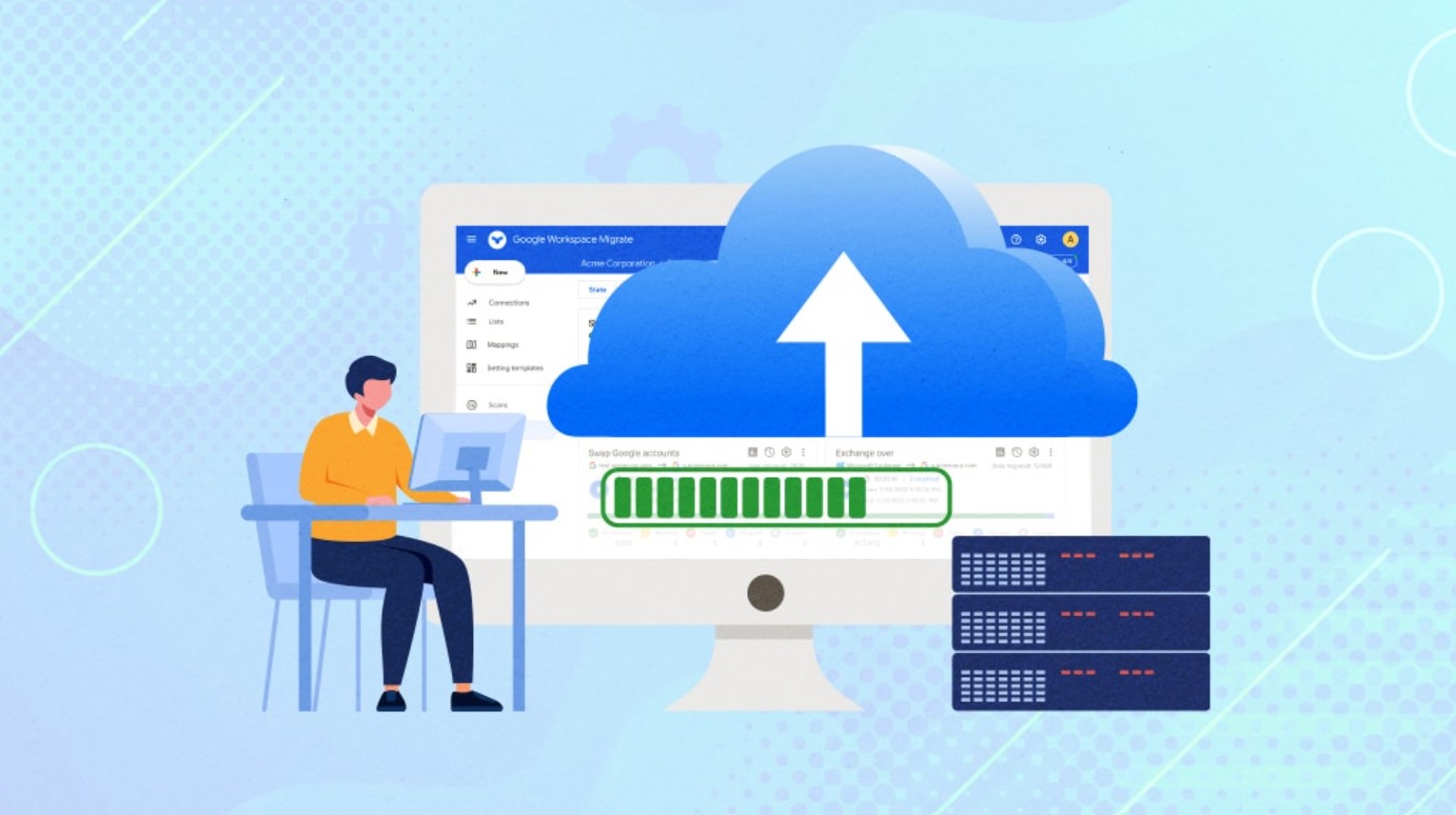
The most common model is cloud backup, where data is backed up to a third-party, independent cloud environment. This is the optimal choice for most businesses because it requires no hardware investment, is easily scalable, and ensures remote recovery in any situation.
Another model is on-premise backup. Google Workspace data is downloaded and stored on the company's own servers. This method is suitable for organizations with specific internal security requirements or those who want complete control over their storage infrastructure.
Finally, there's the hybrid model, which combines cloud and physical servers. Businesses can leverage both the flexibility of the cloud and the security of an on-premises system. This model is complex but offers the highest level of protection and is often chosen by large organizations or industries with specific requirements.
Regardless of the model a business chooses, establishing a clear backup strategy, setting backup cycles, and testing the feasibility of recovery remain the most important factors.
Google Workspace is a powerful, flexible, and almost indispensable ecosystem for modern businesses. However, data stored on any platform faces the risk of loss. As businesses become increasingly dependent on digital data, implementing a professional backup solution for Google Workspace is no longer an option but a necessity.
Backups help businesses avoid human error, protect data from malware attacks, prevent intentional data deletion, meet legal requirements, and ensure flexible recovery capabilities in all situations. Most importantly, backups create a "last line of defense," helping businesses maintain operational continuity and protect their valuable data assets.





















VIP Products








Best Selling Products
Windows 10 & 11 Pro Key
36 USD
Freepik Premium Account
59 USD
Upgrade Genuine Office 365
49 USD
Copyright Adobe Lightroom Account
59 USD
Plugin Retouch4me
69 USD
Capcut Pro 1 Year
39 USD
Adobe Photoshop Copyright - Full App
120 USD
Upgrade genuine Capture One account
120 USD
Autodesk All App Account Copyright
120 USD
MidJourney Account
29 USD
Adobe Premiere Pro Account
99 USD
Genuine Cheap Canva Pro
39 USD
Genuine Adobe Illustrator account
99 USD
Upgrade Duolingo Super
29 USD
ChatGPT Plus Account (GPT-4)
16 USD