Best Selling Products

Copyright Adobe Lightroom Account
59 USD

Autodesk All App Account Copyright
120 USD

Upgrade Genuine Office 365
49 USD

Genuine Cheap Canva Pro
39 USD

Adobe Photoshop Copyright - Full App
120 USD

Freepik Premium Account
59 USD

Genuine Adobe Illustrator account
99 USD

Windows 10 & 11 Pro Key
36 USD

MidJourney Account
29 USD

Upgrade Duolingo Super
29 USD

Adobe Premiere Pro Account
99 USD

Plugin Retouch4me
69 USD

ChatGPT Plus Account (GPT-4)
16 USD

Capcut Pro 1 Year
39 USD

Upgrade genuine Capture One account
120 USD
Upgrade to the official ChatGPT Plus, unlock many useful AI features at Sadesign.
Nội dung
- 1. What is ChatGPT Plus?
- 2. Key features when upgrading to ChatGPT Plus
- 2.1. Experience a more powerful AI model.
- 2.2. Creating AI images based on your own ideas.
- 2.3. Rapid data and document analysis
- 2.4. Deep Research supports in-depth research.
- 2.5. Programming and Problem-Solving Support
- 3. Who should upgrade to ChatGPT Plus?
- 4. Simple guide to upgrading ChatGPT Plus
- 5. Why should you upgrade to ChatGPT Plus at Sadesign?
- 6. Some things to note before upgrading to ChatGPT Plus
- 7. Conclusion
In the era of rapidly developing artificial intelligence, ChatGPT is becoming a familiar assistant for many people in their studies, work, and content creation. However, the free version sometimes doesn''t adequately meet the needs of frequent use, especially when handling complex requests or leveraging advanced AI features. This is also why ChatGPT Plus is gaining increasing attention. With this paid package, users can access many useful tools, improve work efficiency, and save considerable time. If you are looking for a more comprehensive ChatGPT experience, you can check out Sadesign''s ChatGPT Plus upgrade service at an affordable price and with dedicated support.
1. What is ChatGPT Plus?
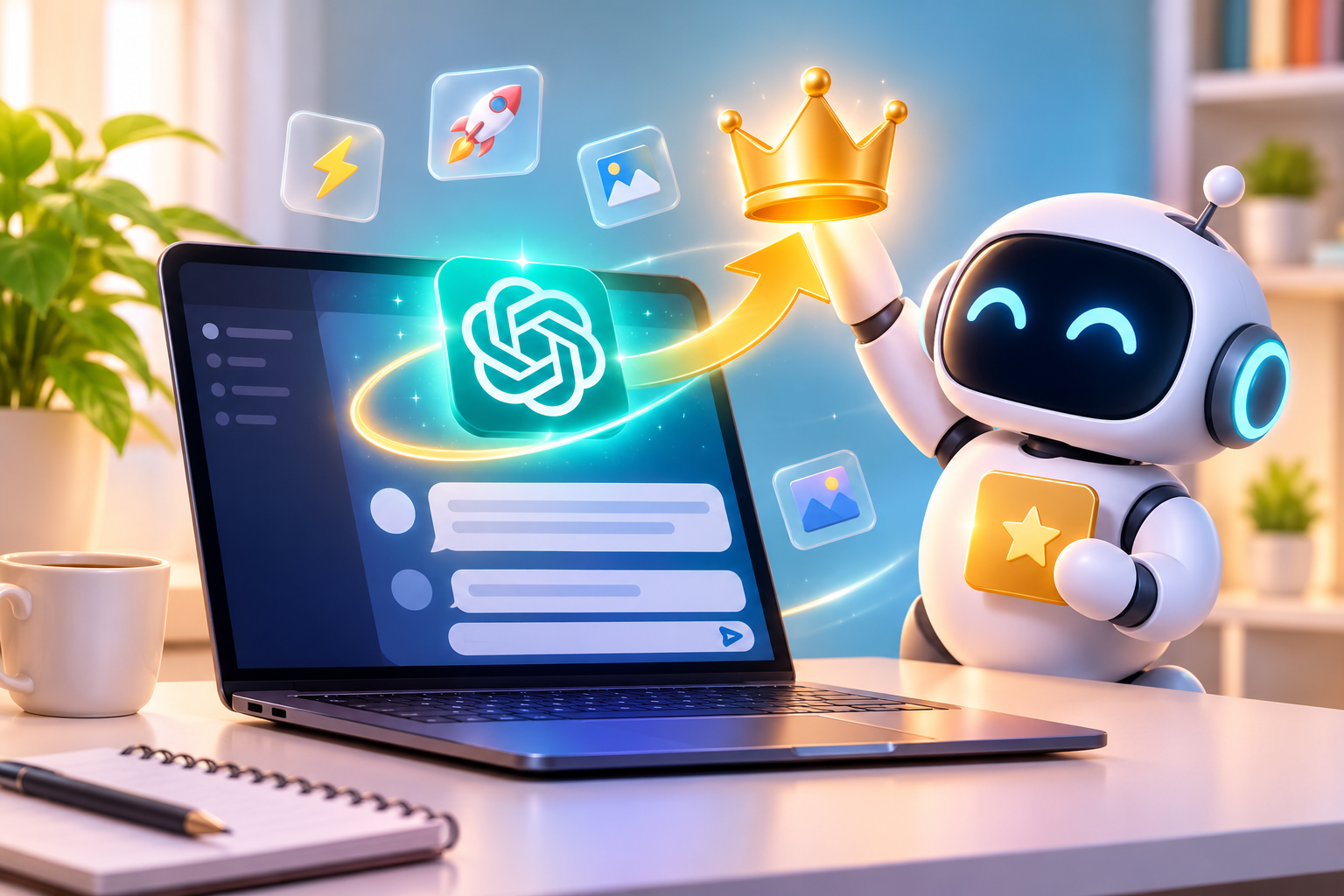
ChatGPT Plus is a paid subscription package from OpenAI, designed for those who want to utilize ChatGPT more frequently and in greater depth. Compared to the free account, the Plus package offers higher usage limits for many models and tools, and expands the ability to handle tasks such as content writing, data analysis, information research, image creation, and working with document files.
This is a suitable option for many user groups, from students and office workers to content creators and online business owners.
Some notable benefits of ChatGPT Plus include:
-
Access advanced AI models: Support in solving complex requests requiring multi-step reasoning and analysis.
-
Higher usage limits: More uses of models and tools compared to the free version, subject to current limitations.
-
AI-powered image creation: Assists in building images based on descriptions, serving design, communication, and content creation.
-
Document analysis: Multiple supported file formats can be uploaded to summarize, extract information, and analyze data.
-
In-depth research: Assisting in understanding complex topics, synthesizing information, and building systematic content.
-
Prioritizing user experience: Having priority access under certain usage conditions makes the work process more convenient.
2. Key features when upgrading to ChatGPT Plus
The appeal of ChatGPT Plus lies not only in its simple chat functionality but also in its ability to support various tasks. With an upgrade, users can leverage additional AI tools to transform initial ideas into concrete content, images, and work results.
2.1. Experience a more powerful AI model.
ChatGPT Plus provides access to advanced AI models with improved language processing, analysis, and reasoning capabilities. This allows users to ask in-depth questions, request multi-step problem solutions, or develop detailed plans.
For example, instead of simply asking AI to write a short introduction, you can provide keywords, target audience, and communication goals, allowing ChatGPT to build content with a clearer structure and better direction.
2.2. Creating AI images based on your own ideas.
The image creation feature allows users to transform text descriptions into visual images. You can request ChatGPT to build illustrations, promotional images, wallpapers, or other creative designs for your work.
Some practical applications:
-
Create promotional images for your online store.
-
Design illustrations for articles and social media content.
-
Transform creative ideas into visual images.
-
Edit the image based on the reference image and specific requirements.
-
Experiment with different design styles.
This is a useful feature for marketers, designers, and content creators, especially when they need to quickly test multiple ideas.
Upgrade to Official ChatGPT Plus
2.3. Rapid data and document analysis
ChatGPT Plus supports uploading document files for AI to read, analyze, and process information. Instead of spending time reviewing each page of data, you can ask ChatGPT to search for important content, summarize, or explain difficult sections.
This feature can be applied in many situations:
-
Summarize content from PDF and Word files.
-
Analyze spreadsheets and Excel data.
-
Search for important information within a long document.
-
Compare the content between multiple files.
-
Assists in generating reports from provided data.
2.4. Deep Research supports in-depth research.
Deep Research is a useful feature for those who frequently need to research and synthesize information. The tool can perform multi-step research processes, refer to online sources, and build structured reports.
You can use this feature to learn about the market, research competitors, synthesize specialized knowledge, or prepare documents for a project. Thanks to its ability to systematize information, the research process becomes more convenient.
2.5. Programming and Problem-Solving Support
For tech professionals, ChatGPT Plus can become an assistant for writing and testing source code. Users can request explanations of algorithms, find errors in code, suggest optimization methods, or receive guidance on building a specific function.
Even if you don't have much programming experience, you can still use ChatGPT to learn the basics and practice step-by-step.
3. Who should upgrade to ChatGPT Plus?
Not everyone needs a paid plan, but if you frequently work with AI or need to handle many tasks throughout the day, ChatGPT Plus will provide many practical benefits.
Those who should consider upgrading include:
-
Office staff: Assisting with email drafting, report writing, planning, and document processing.
-
Marketers: Create advertising content, develop campaign ideas, and conduct customer research.
-
Content Creator: Writing video scripts, social media posts, SEO content, and creating visuals.
-
Students: Assistance with explaining concepts, summarizing materials, and preparing presentations.
-
Programmer: Assists in writing code, analyzing bugs, and finding solutions to technical problems.
-
Online shop owner: Research products, create sales content, and develop a business plan.
If you only need ChatGPT for simple Q&A, the free version may be sufficient. Conversely, for frequent work and the need for more advanced tools, ChatGPT Plus is a worthwhile option.
4. Simple guide to upgrading ChatGPT Plus
Users can register for ChatGPT Plus directly on the ChatGPT homepage via their personal account. The process is relatively easy and does not require complex technical knowledge.
The basic upgrade steps are as follows:
Step 1: Log in to your ChatGPT account
Access the website https://chatgpt.com and log in using your existing OpenAI account. Please double-check your login email to avoid accidentally upgrading the wrong account.
Step 2: Select the package upgrade option.
On the ChatGPT interface, find the package upgrade section or the service package registration section. The system will display the available options for users to choose from.
Step 3: Select ChatGPT Plus
Select the Plus package to view information about benefits, pricing, and registration conditions. Please read the information carefully before confirming.
Step 4: Complete the payment
Make the payment using a method supported by OpenAI. After the transaction is successful, your account will be updated with access rights corresponding to the subscription package.
Step 5: Check your account
Return to the ChatGPT interface and check your subscription status. Once Plus is activated, you can start experiencing the enhanced features according to your current benefits.
5. Why should you upgrade to ChatGPT Plus at Sadesign?
If you don't want to spend a lot of time learning about the payment and upgrade process, you can check out Sadesign's services. They provide solutions to help you upgrade your account and software for studying, working, and creating content.
Instead of researching various registration methods on their own, users can contact Sadesign for advice on a package that suits their needs and budget. Some notable advantages of choosing their services include:
-
Affordable cost: There are more upgrade options available at prices that fit the budgets of many users.
-
Dedicated support: Receive advice and guidance during the upgrade process, and get answers to any questions you may have while using the service.
-
Convenient process: Assisting users in understanding the steps to register and activate their accounts.
-
Save time: No need to research the upgrade process yourself.
-
Multiple technology services: You can also find more solutions for software upgrades and other AI tools at Sadesign.
To protect your rights, before making a payment, you should clearly ask about the type of account provided, its validity period, login instructions, support policies, and warranty conditions. Also, prioritize transparent upgrade methods and avoid sharing your password or verification code unnecessarily.
6. Some things to note before upgrading to ChatGPT Plus
To use the Plus package effectively and avoid potential problems, users should carefully review the registration terms and conditions as well as the accompanying benefits.
Some important notes:
-
Account verification: Make sure you are logged in with the correct account you want to upgrade.
-
Check the validity period: Clearly confirm the service package's validity period before making payment.
-
Check your rights: Features and usage limits may change according to OpenAI's policies.
-
Information security: Do not provide passwords, OTP codes, or sensitive information to untrustworthy parties.
-
Leverage the right features: Choose tools based on your actual needs to maximize the value of the Plus package.
-
Track renewals: Check your payment and renewal information to proactively manage your expenses.
Additionally, users should be aware that ChatGPT may provide inaccurate information. Therefore, for important content related to finance, law, or professional matters, you should verify the information from reliable sources.
7. Conclusion
Upgrading to ChatGPT Plus is the right solution for those who want to further leverage the power of artificial intelligence in their work and life. From content writing and document analysis to in-depth research and image creation, the Plus package offers many useful tools to save time, improve efficiency, and expand creative possibilities. If you're looking for convenient and affordable upgrade support, you can check out Sadesign 's services . With dedicated consultation and a clear support process, Sadesign will help you have more options to start experiencing ChatGPT Plus more effectively.





















VIP Products








Best Selling Products
Copyright Adobe Lightroom Account
59 USD
Autodesk All App Account Copyright
120 USD
Upgrade Genuine Office 365
49 USD
Genuine Cheap Canva Pro
39 USD
Adobe Photoshop Copyright - Full App
120 USD
Freepik Premium Account
59 USD
Genuine Adobe Illustrator account
99 USD
Windows 10 & 11 Pro Key
36 USD
MidJourney Account
29 USD
Upgrade Duolingo Super
29 USD
Adobe Premiere Pro Account
99 USD
Plugin Retouch4me
69 USD
ChatGPT Plus Account (GPT-4)
16 USD
Capcut Pro 1 Year
39 USD
Upgrade genuine Capture One account
120 USD