Best Selling Products

Upgrade genuine Capture One account
120 USD

Adobe Photoshop Copyright - Full App
120 USD

Upgrade Duolingo Super
29 USD

ChatGPT Plus Account (GPT-4)
16 USD

Windows 10 & 11 Pro Key
36 USD

Genuine Cheap Canva Pro
39 USD

Autodesk All App Account Copyright
120 USD

Upgrade Genuine Office 365
49 USD

MidJourney Account
29 USD

Freepik Premium Account
59 USD

Adobe Premiere Pro Account
99 USD

Capcut Pro 1 Year
39 USD

Copyright Adobe Lightroom Account
59 USD

Genuine Adobe Illustrator account
99 USD

Plugin Retouch4me
69 USD
What is Claude Design? Discover its outstanding features from A to Z.
Nội dung
- 1. What is Claude Design?
- 2. Key features of Claude Design
- 2.1. Transforming text into design
- 2.2. Create a variety of visual product types
- 2.3. Creating an interactive prototype
- 2.4. Synchronizing the brand identity system
- 2.5. Supports multiple data entry methods
- 2.6. Modify the design according to requirements.
- 2.7. Export and transfer of design
- 3. Who is Claude Design suitable for?
- 4. What are the terms and conditions for using Claude Design?
- 5. Advantages and Disadvantages of Claude Design
- 6. Conclusion
In the context of rapidly developing artificial intelligence, creating a professional design has become simpler thanks to AI support. Instead of spending a lot of time manipulating graphic design software, users can now transform ideas into visual interfaces with just a few sentences of description. A prominent example is Claude Design, a tool that supports website design, interactive prototyping, and many other creative content. So what is Claude Design, what are its notable features, and how can it be used? Let''s explore the details with Sadesign below!
1. What is Claude Design?
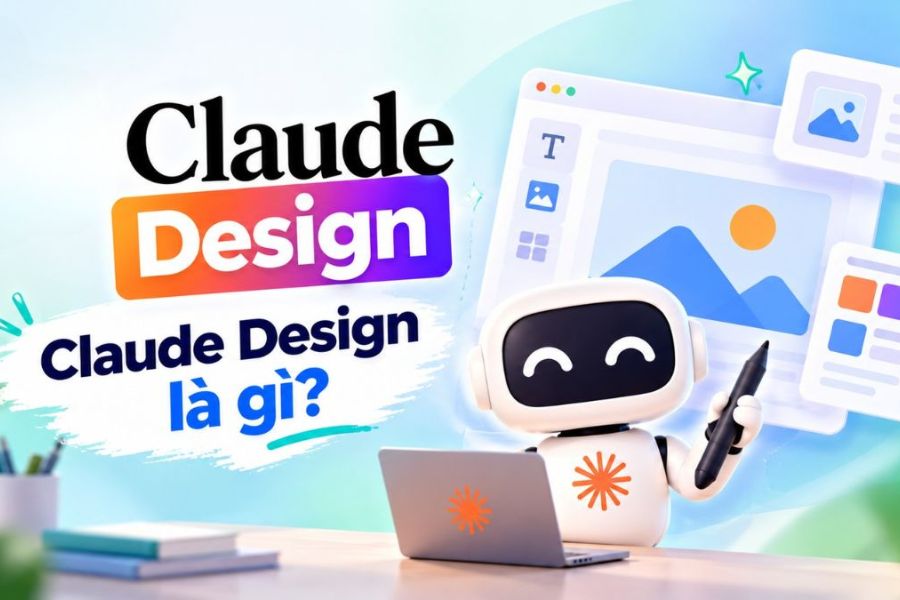
Claude Design is an AI-powered application design tool introduced by Anthropic Labs on April 17, 2026. The platform allows users to create website interfaces, applications, interactive prototypes, presentation slides, and visual documents through commands in natural language. A key feature is that users don't need to be proficient in professional design software. Simply describe your ideas, desired layout, and style, and the AI will analyze the requirements to create an initial design. You can then continue to refine it until you achieve the desired result. Some of Claude Design's key capabilities include:
-
Create website and application interfaces from text.
-
Build a prototype to simulate the user experience.
-
Design slides, infographics, and marketing materials.
-
Receive images, source code, and reference documents.
-
Support in implementing a brand identity system.
-
Export designs to various formats for your work.
2. Key features of Claude Design
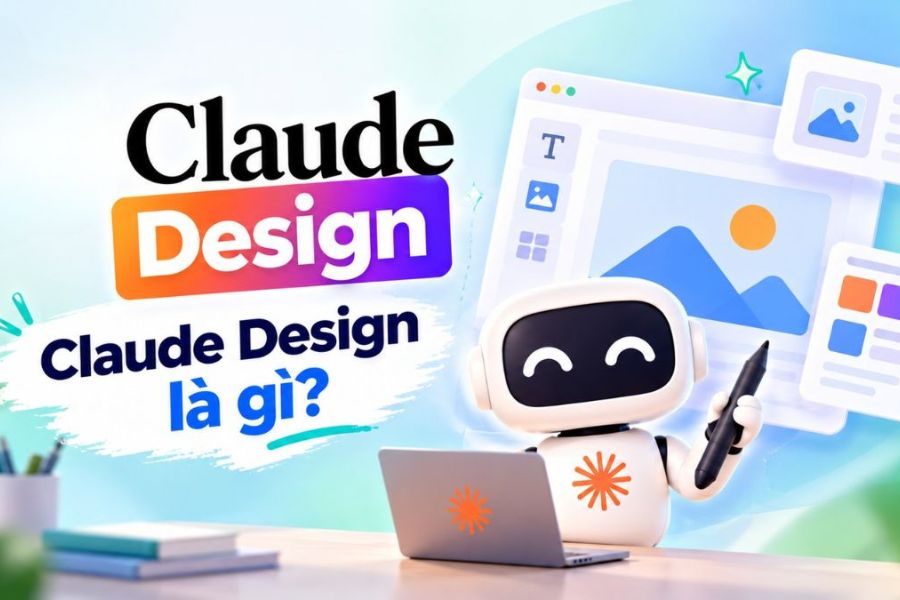
Claude Design boasts numerous features to support the creative process, from building initial layouts to editing and publishing designs.
2.1. Transforming text into design
Users simply need to enter a description of the content, colors, layout, and intended use. The AI will analyze the request and create a corresponding design without requiring manual intervention. For example, you might request a website for selling products with a minimalist color scheme, a brand introduction area, a product list, and a buy button. Claude Design will build the initial interface based on the description.
This feature is suitable for:
-
Create a landing page to introduce your product.
-
Design a data management dashboard.
-
Sketch of the mobile application interface.
-
Build a sales website.
-
Experiment with different design styles.
2.2. Create a variety of visual product types
Claude Design not only supports website design, but also caters to various content creation needs. Users can choose the product type that best suits their work purposes without having to start from a blank design.
Key content formats include:
-
Website interface: Homepage, landing page, about us page, and sales page.
-
Application interface: Login screen, profile page, and functional areas.
-
Prototype: A simulation of how a user interacts with a website or application.
-
Presentation slides: Presenting the project, business plan, and report.
-
Visual materials: Infographics, brochures, and marketing materials.
Thanks to this versatility, Claude Design can support a wide range of tasks, from product conceptualization to presentation material preparation.

2.3. Creating an interactive prototype
Claude Design supports the creation of prototypes, allowing users to visualize how a website or application will work before it goes into actual development.
Instead of just looking at static images, you can simulate actions such as pressing buttons, switching pages, or opening functional areas. This makes evaluating the interface and user experience more intuitive.
Some benefits of this feature:
-
Check the layout and workflow of the interface.
-
Identify any inconsistencies before you start programming.
-
It's easy to present ideas to clients.
-
Facilitates communication between designers and programmers.
-
Saves time on adjustments during the development process.
2.4. Synchronizing the brand identity system
Another notable feature of Claude Design is its ability to accept and apply design systems. Users can provide source code, slides, documentation, or branding resources for the AI to refer to.
From this data, the tool can identify elements such as color, typography, interface components, and presentation style. Then, appropriate standards will be applied to new designs.
This feature offers several benefits:
-
Maintain a consistent brand color scheme and style.
-
Minimize the differences between the designs.
-
Saves time setting up layouts.
-
It supports multiple team members working according to the same standards.
However, the availability of Design Systems may depend on Anthropic's account plan and access policies. Users should check the specific terms and conditions before using it.
2.5. Supports multiple data entry methods
In addition to text commands, Claude Design also allows users to provide various types of references to help the AI better understand their ideas.
Some data entry methods that can be used include:
-
Images: Upload a hand-drawn sketch or sample interface.
-
Website link: Provides a reference website for layout and style.
-
Source code: Use existing code to support the design process.
-
GitHub: Provides a repository for the project's source code.
-
Text: Detailed description of design objectives and requirements.
For example, if you already have a design sketch on paper, you can upload the image and ask Claude Design to develop it into a more visual design. This saves time and avoids having to describe the entire idea in detail.

2.6. Modify the design according to requirements.
After creating the initial design, users can continue to interact with the AI to change any unsuitable details. You can request adjustments to colors, font sizes, layout, or the addition of new elements.
Some common editing operations:
-
Change the background color and font style.
-
Rearrange the images and content.
-
Add or remove UI elements.
-
Adjust the layout to your desired style.
-
Refine the design based on feedback.
For best results, you should clearly describe the area that needs editing and the content you want to change. This helps the AI understand your requirements correctly and minimizes impact on already completed sections.
2.7. Export and transfer of design
Once completed, users can export the design for storage, sharing, or continued use in subsequent stages.
Some notable transfer formats and methods include:
-
PDF is used for storing and sharing documents.
-
Use PPTX to continue editing the slides.
-
HTML is used for implementing the user interface.
-
Use a ZIP file to package the related files.
-
Transfer content to tools like Canva, Miro, Replit, or Vercel, depending on their integration capabilities.
In particular, Claude Design also supports the transfer of designs to Claude Code for further development into software products. This allows for a more convenient connection between the ideation and technical implementation processes.
3. Who is Claude Design suitable for?
Thanks to its simple usage and ability to create various types of content, Claude Design is suitable for both professional designers and those with little experience. Some of the groups who can benefit from this tool include:
-
UI/UX Designer: Generates ideas, tests layouts, and creates prototypes.
-
Product Manager: Sketches interfaces, describes features, and presents product ideas.
-
Business founder: Create a website and presentation materials for the project.
-
Marketing Specialist: Designing landing pages, infographics, and promotional content.
-
Programmer: Build a UI prototype before you start writing code.
-
For design beginners: Bring your ideas to life without mastering specialized software.

4. What are the terms and conditions for using Claude Design?
To use Claude Design, users need a Claude account and must meet the access requirements as per Anthropic's current policy. Several factors should be noted:
-
Account: Log in with your supported Claude account to use this feature.
-
Service plan: Access rights may vary between Free, Pro, Max, Team, and Enterprise.
-
Advanced features: Some capabilities, such as Design Systems, may require a paid plan.
-
Limit: Complex projects or those requiring multiple edits may consume more uses.
-
Business account: Access permissions may depend on the administrator's settings.
5. Advantages and Disadvantages of Claude Design
Claude Design offers many benefits for creative work, however, the tool still has its own strengths and limitations.
Advantage:
-
Easy to use through natural language commands.
-
Create designs quickly and save time.
-
Supports a wide variety of content formats.
-
The design can be flexibly customized to meet specific requirements.
-
It helps connect the design process with software development.
Limit:
-
The results may be inaccurate if the statement lacks information.
-
Some designs require manual adjustments to be perfected.
-
Features and limits depend on the account package.
-
It's not yet possible to completely replace the expertise of a designer.
-
Users should test the content and functionality before using it in practice.
Therefore, Claude Design should be viewed as a creative support tool rather than a complete replacement for human expertise. Combining AI capabilities with design experience will help create higher-quality products.
6. Conclusion
Hopefully, this article has helped you understand what Claude Design is and its outstanding features. With its ability to convert text into design, create prototypes, synchronize branding, and support data export, Claude Design offers many benefits for the creative process. While it still requires user review and adjustments, it's a worthwhile tool to explore if you want to optimize design time and realize your ideas more quickly.





















VIP Products








Best Selling Products
Upgrade genuine Capture One account
120 USD
Adobe Photoshop Copyright - Full App
120 USD
Upgrade Duolingo Super
29 USD
ChatGPT Plus Account (GPT-4)
16 USD
Windows 10 & 11 Pro Key
36 USD
Genuine Cheap Canva Pro
39 USD
Autodesk All App Account Copyright
120 USD
Upgrade Genuine Office 365
49 USD
MidJourney Account
29 USD
Freepik Premium Account
59 USD
Adobe Premiere Pro Account
99 USD
Capcut Pro 1 Year
39 USD
Copyright Adobe Lightroom Account
59 USD
Genuine Adobe Illustrator account
99 USD
Plugin Retouch4me
69 USD