Best Selling Products

Adobe Premiere Pro Account
99 USD

Upgrade Genuine Office 365
49 USD

Capcut Pro 1 Year
39 USD

Copyright Adobe Lightroom Account
59 USD

Autodesk All App Account Copyright
120 USD

Upgrade genuine Capture One account
120 USD

Adobe Photoshop Copyright - Full App
120 USD

Genuine Cheap Canva Pro
39 USD

Genuine Adobe Illustrator account
99 USD

Plugin Retouch4me
69 USD

MidJourney Account
29 USD

ChatGPT Plus Account (GPT-4)
16 USD

Windows 10 & 11 Pro Key
36 USD

Freepik Premium Account
59 USD

Upgrade Duolingo Super
29 USD
What is Dreamina AI Video Generator? Discover the Professional AI Video Creation Tool.
Nội dung
- 1. Dreamina and the modern trend of AI video creation.
- 2. Create cinematic videos from text and images.
- 2.1. Turn ideas into videos in just minutes.
- 2.2. Combining images and text
- 2.3. Ensuring continuity between scenes
- 3. Key Features of Dreamina AI Video Generator
- 3.1. Powerful multimodal system
- 3.2. Controlling professional cinema cameras
- 3.3. Maintaining visual consistency
- 3.4. Audio and background music support
- 3.5. AI Agents Support Creativity
- 4. Benefits of using Dreamina to create AI videos
- 4.1. Significantly reduce production costs.
- 4.2. Increase the speed of content production.
- 4.3. Increase the ability to attract viewers.
- 5. Practical applications of Dreamina
- 5.1. For short-form content creators
- 5.2. For marketers and brands
- 5.3. For filmmakers
- 6. Instructions for using Dreamina AI Video Generator
- 7. Dreamina vs. Sora, Veo, and other AI tools
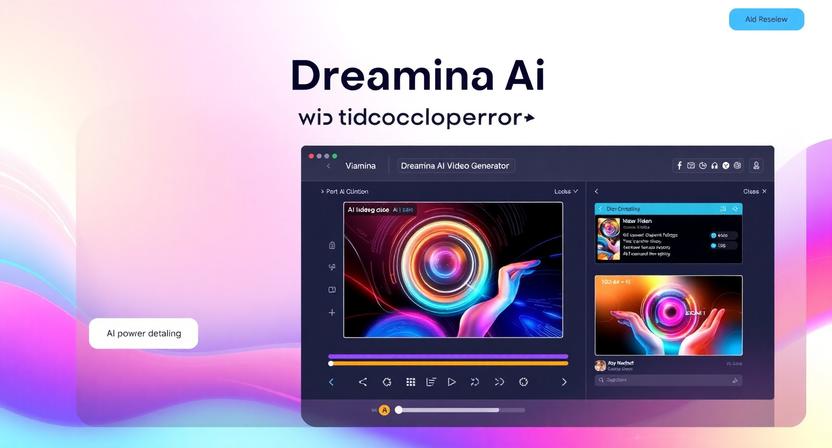
Dreamina AI Video Generator is an AI-powered video creation tool that allows users to transform text prompts or images into dynamic videos in just minutes.
1. Dreamina and the modern trend of AI video creation.
Dreamina AI Video Generator is an AI-powered video creation tool that allows users to transform text prompts or images into dynamic videos in just minutes. This platform was developed to help content creators, marketers, businesses, and filmmakers create high-quality videos without requiring professional filming or editing skills or expensive production equipment.
Unlike traditional video editing tools, Dreamina uses advanced AI models like Seedance 2.0 to automatically create motion, cinematic effects, camera angles, lighting, and storytelling elements based on user descriptions. Simply input a detailed description or upload an image, and the AI will analyze and create a video that matches your initial idea.
One of Dreamina's highlights is its multimodal system , which allows for the combination of text and images in the same creative process. Users can create images using AI first, then convert them directly into videos with high consistency in characters, backgrounds, and visual style.
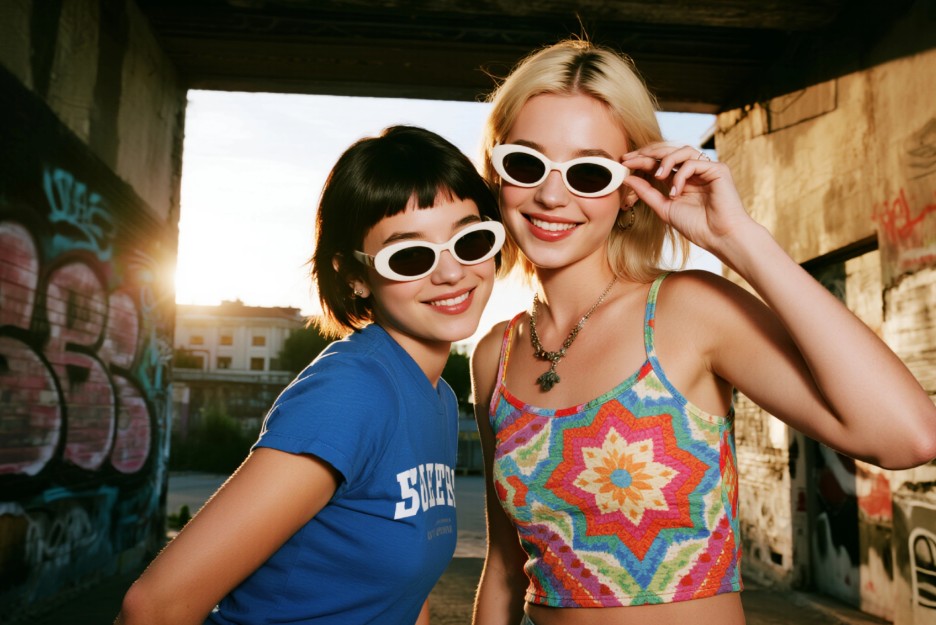
In addition to creating videos from text, Dreamina also supports many advanced features such as cinematic camera motion control, maintaining consistency between frames, creating multiple versions of a video from a single idea, and adding sound or background music to enhance the content's appeal.
2. Create cinematic videos from text and images.
One of Dreamina's most outstanding strengths is its ability to create cinematic videos from input text or image descriptions.
2.1. Turn ideas into videos in just minutes.
Previously, when wanting to produce a commercial or a short film, users had to go through many stages from scriptwriting, finding locations, filming to post-production.
Users simply need to describe the desired scene in detail, including characters, setting, lighting, camera angles, and visual style. The AI will automatically convert those descriptions into a complete video.
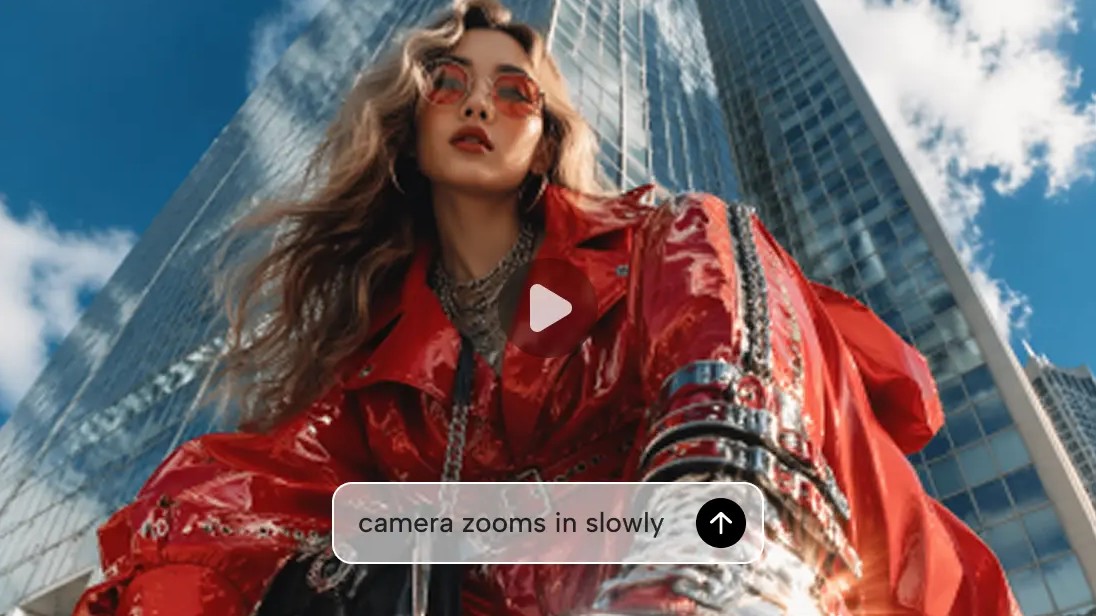
This opens up unlimited creative opportunities for those who do not have access to professional video production tools.
2.2. Combining images and text
Dreamina not only supports creating videos from text but also allows the use of images as input data.
Users can upload personal photos, product images, or AI-generated images such as GPT Image 2 to further convert them into videos.
This capability helps maintain consistency in character, color, and visual style throughout the production process.
2.3. Ensuring continuity between scenes
One of the common limitations of many AI video creation tools is the inconsistency between frames.
Dreamina utilizes a powerful multimedia system to maintain consistent character and setting imagery throughout the video.
As a result, the footage becomes more seamless and feels much more professional.
3. Key Features of Dreamina AI Video Generator
3.1. Powerful multimodal system
Dreamina boasts a state-of-the-art multimodal system that allows for the combination of text, images, and various data sources within a single creative process.
Users can start by creating images with GPT Image 2, then convert them directly into videos within the same platform.
Dreamina's ability to handle multiple data formats makes it more versatile than many conventional AI video creation tools.
In addition, the system supports various image styles, from film, animation, and anime to commercial advertising.
This makes it easy for users to experiment with many creative ideas without having to change their working platform.
3.2. Controlling professional cinema cameras
A compelling video depends not only on beautiful visuals but also on the right camera movement.
Dreamina Seedance 2.0 offers a variety of professional camera movement styles such as:
-
Tracking Shot
-
Orbit Camera
-
Zoom In
-
Zoom Out
-
Dolly Movement
-
Follow Motion
These techniques are usually only seen in professional films or advertising videos.
Now, AI can automatically recreate them without the need for any actual filming equipment.
3.3. Maintaining visual consistency
Consistency is a crucial element in any video production.
Dreamina helps maintain:
-
The central character throughout the video.
-
Matching outfits
-
Color stability
-
The setting was not altered in an unusual way.
This is especially useful when creating branded promotional videos or short films with many different scenes.
3.4. Audio and background music support
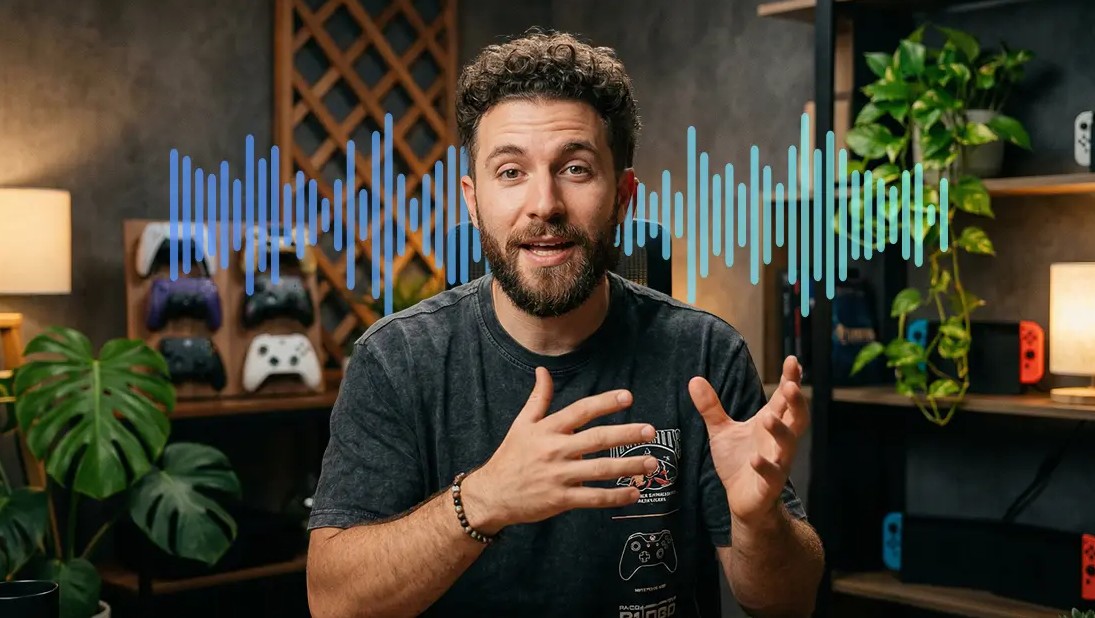
In addition to creating animations, Dreamina also supports sound and background music to enhance the appeal of videos.
Users can combine visual motion with sound rhythm to create a more immersive cinematic experience.
The combination of visuals and sound makes videos more professional and significantly more engaging for viewers.
3.5. AI Agents Support Creativity
Another notable feature is the AI Agent.
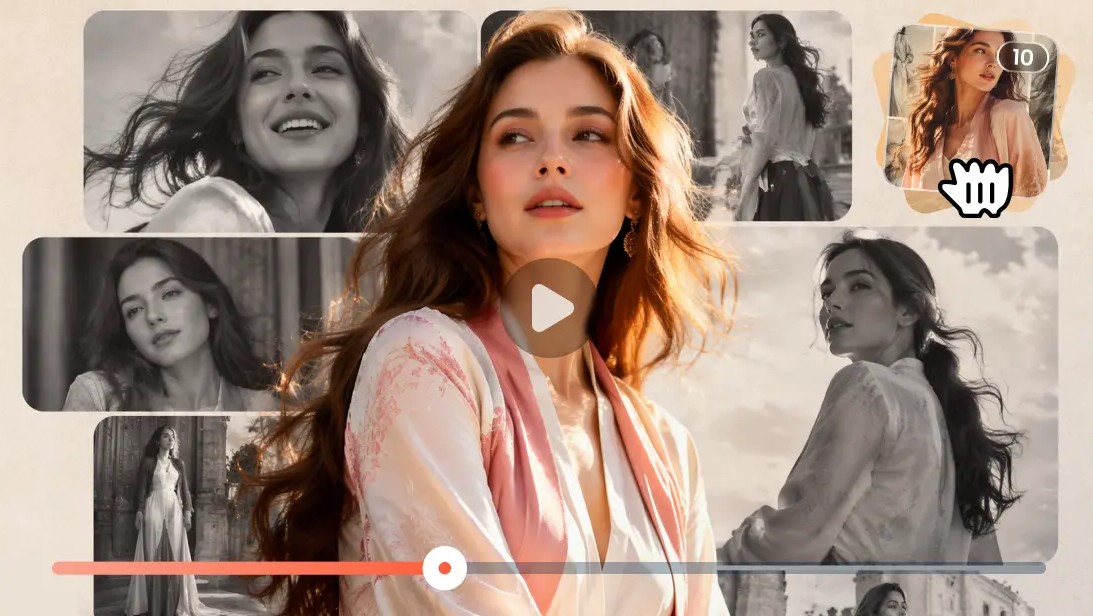
Users can exchange ideas with AI and receive multiple video options from the same original content.
The ability to create up to 8 versions of a video makes it easy for users to compare and choose the most suitable option.
4. Benefits of using Dreamina to create AI videos
4.1. Significantly reduce production costs.
Traditional video production typically requires a large budget for equipment, personnel, and post-production.
Dreamina helps eliminate most of these costs.
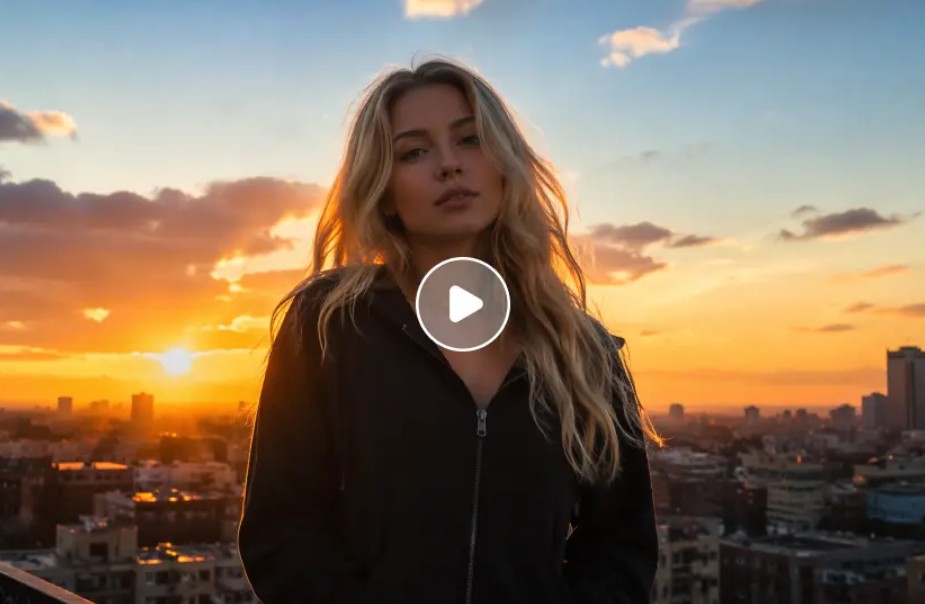
Users do not need:
-
Rent a camera
-
Hire actors
-
Rent a venue
-
Hire a film editing team.
Everything is done using AI on a single platform.
This is a huge advantage for small businesses and independent content creators.
4.2. Increase the speed of content production.
A typical advertising video can take days or even weeks to complete.
With Dreamina, this process only takes 1 to 3 minutes.
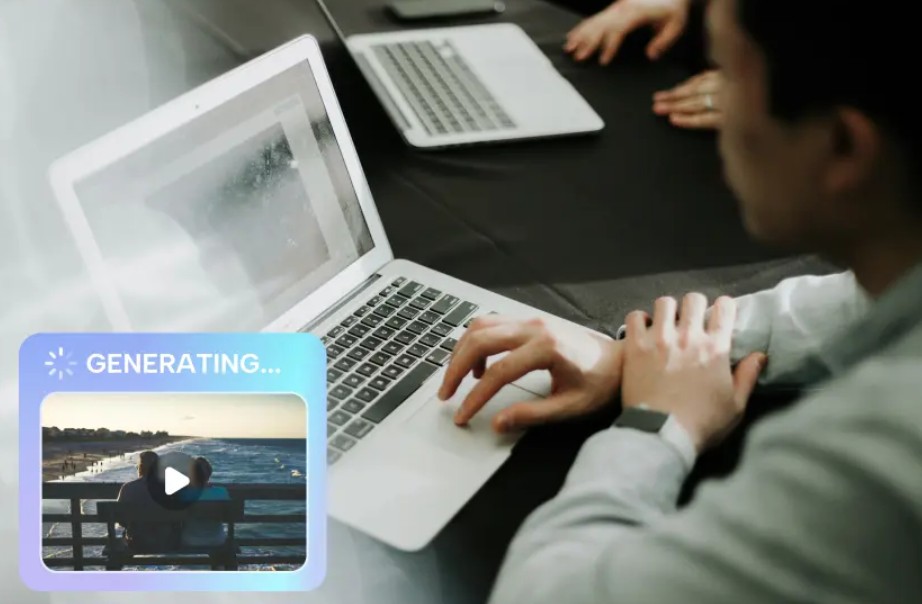
The ability to quickly create and edit allows users to easily experiment with many different ideas before officially implementing them.
4.3. Increase the ability to attract viewers.
Videos with good image quality and engaging storytelling tend to keep viewers on the screen longer.
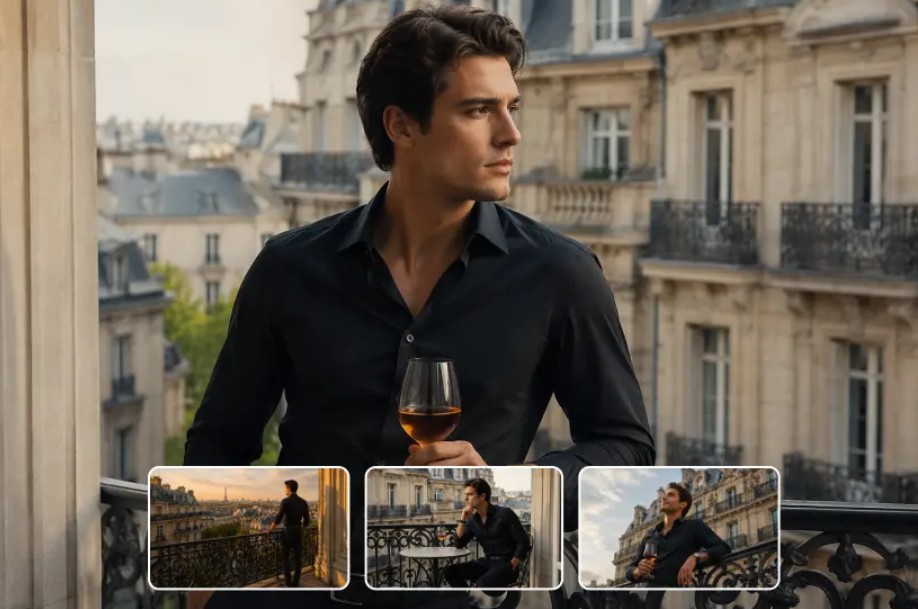
Dreamina helps users create videos with a cinematic style, smooth motion, and engaging content.
5. Practical applications of Dreamina
5.1. For short-form content creators
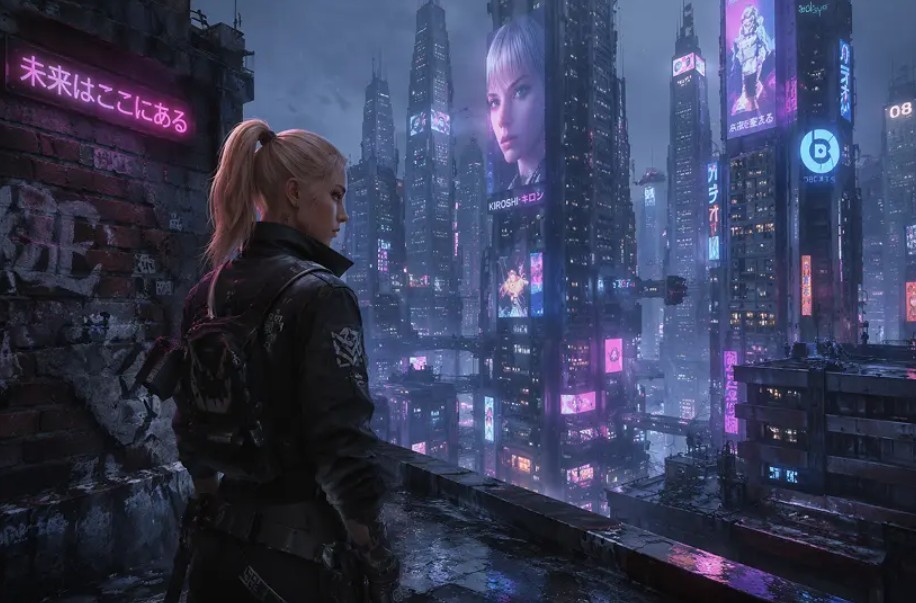
Short videos are currently the dominant trend on TikTok, YouTube Shorts, and Instagram Reels. Dreamina allows for the quick creation of short videos with cinematic effects, eye-catching motion, and trending styles. This enables creators to produce more content in a shorter time while maintaining quality.
5.2. For marketers and brands
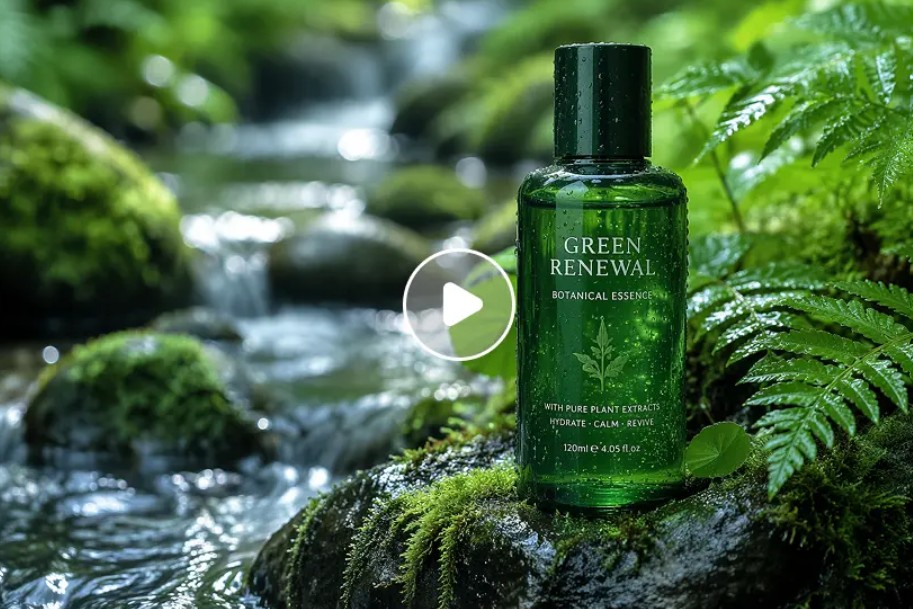
Modern marketing demands continuous video content.
Dreamina helps businesses build:
-
Video advertisement
-
Product introduction video
-
Brand video
-
Social media video
The ability to quickly create multiple versions makes it easy for marketers to test different campaigns.
5.3. For filmmakers
For independent filmmakers, Dreamina is a very effective tool for developing ideas.
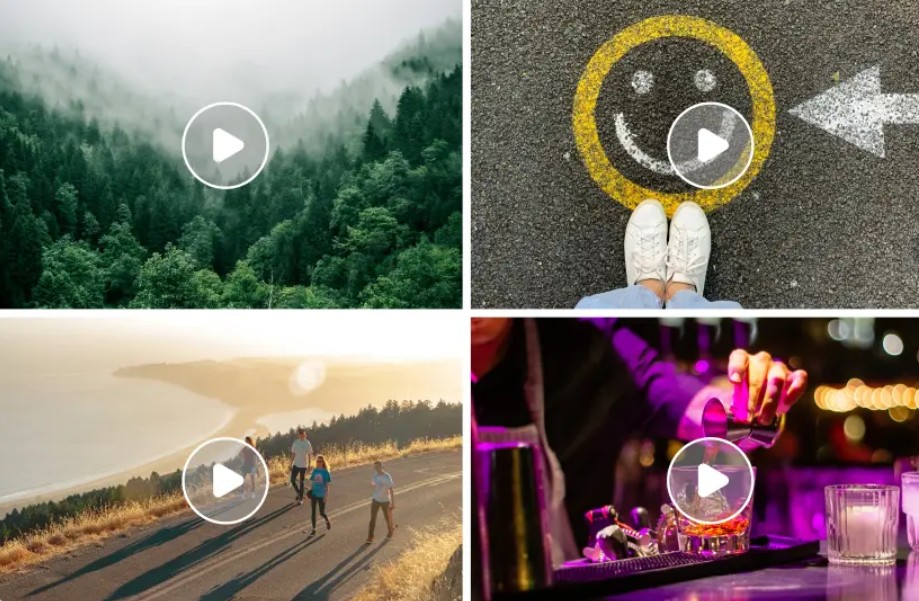
Users can create storyboards, simulate footage, and test camera movements before proceeding with actual production.
This saves time and reduces risks during the project development process.
6. Instructions for using Dreamina AI Video Generator
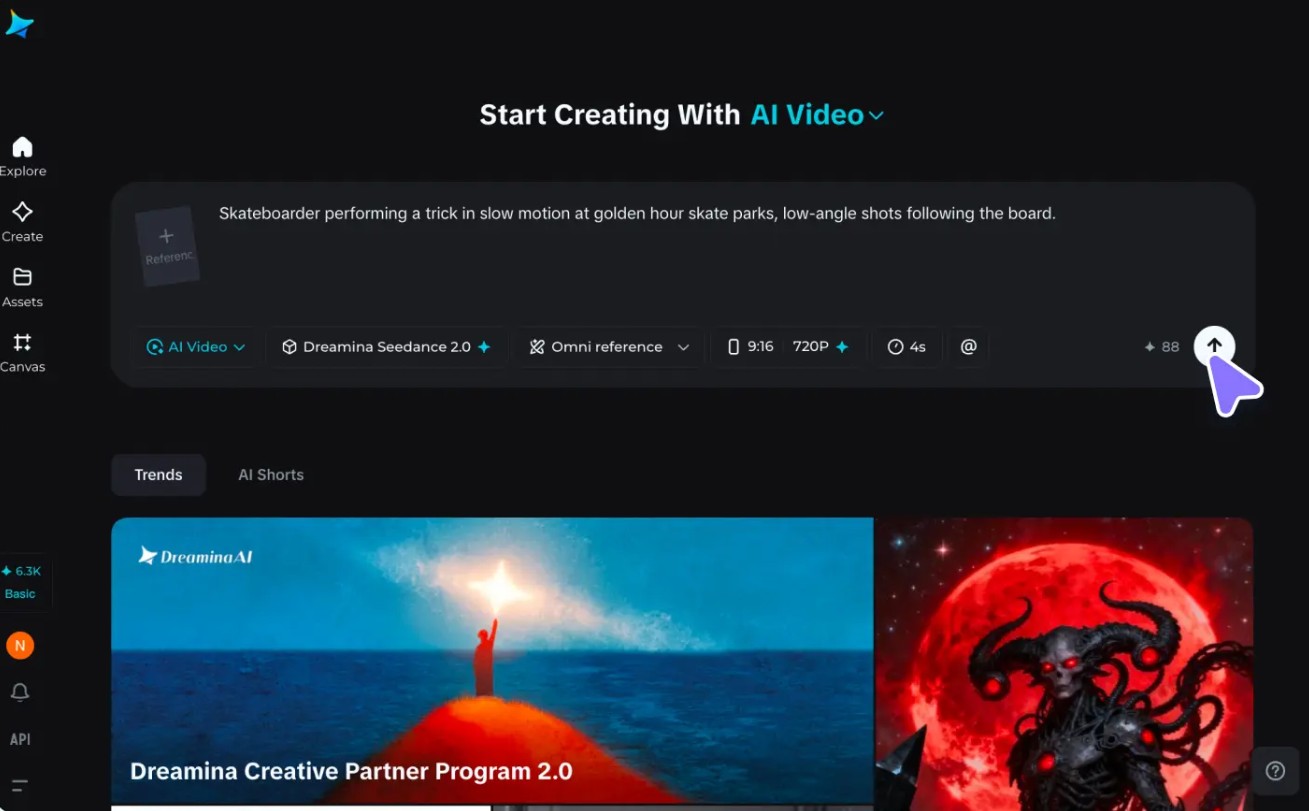
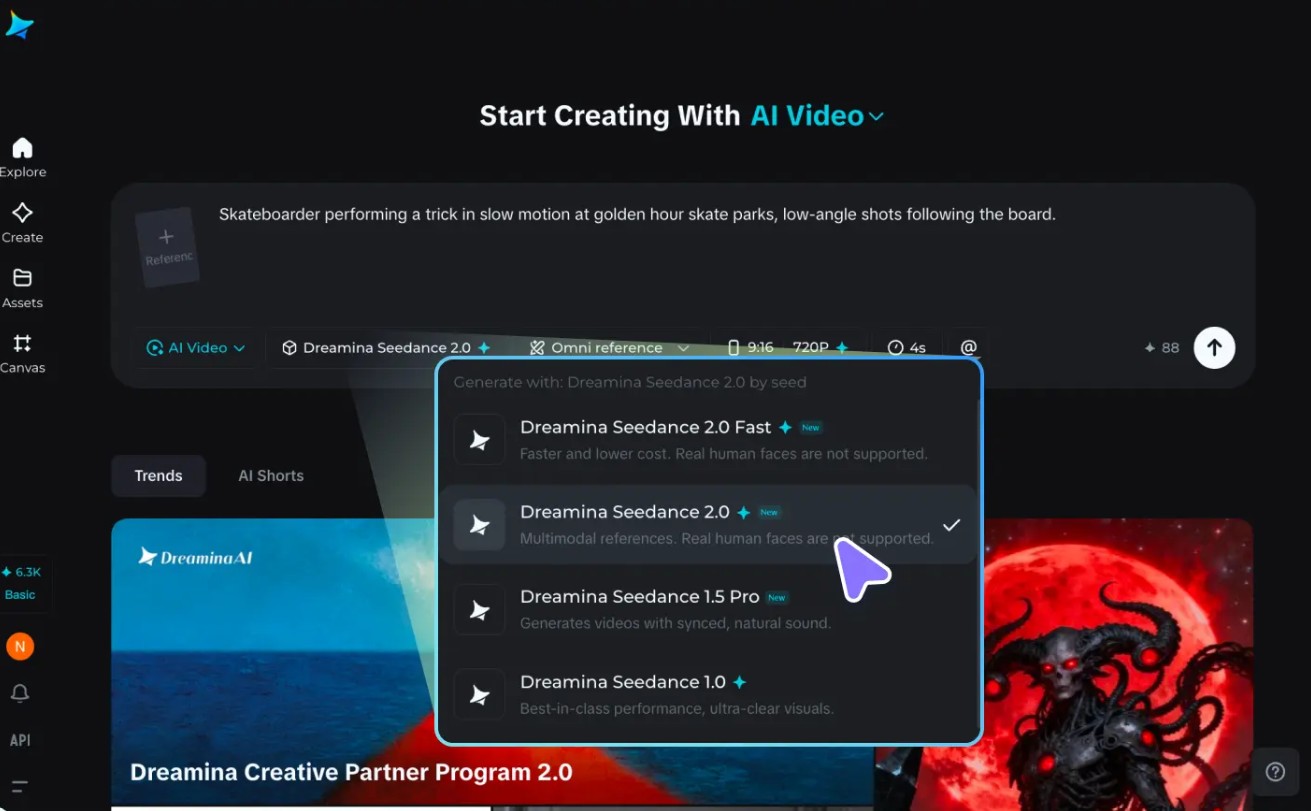
Step 1: Access the AI Image feature and upload a reference image.
Log in to Dreamina and select the "AI Image" feature on the main interface. If you want to create an image based on a specific style or subject, you can click the "Upload" icon to upload a reference image from your device. Using a reference image helps the AI better understand the layout, colors, or style you desire. For example, upload a product image and request an advertising image in a high-end studio style with professional lighting.
"The skateboarder performs a spin on the slope at sunset, low angle, slow motion, cinematic yellow light."
Step 2: Select GPT Image 2 and create the AI image.
Next, select the GPT Image 2 model from Dreamina's list of image creation tools. Set the size, aspect ratio, and resolution to suit your needs, such as social media, websites, or advertising. Then, enter a detailed description in the command box, including the subject, background, lighting, shooting angle, and design style. For example: "A luxurious watch placed on a black marble surface, high-end studio lighting, subtle reflections, a luxury brand advertising style." When finished, press "Generate" to start creating the image.
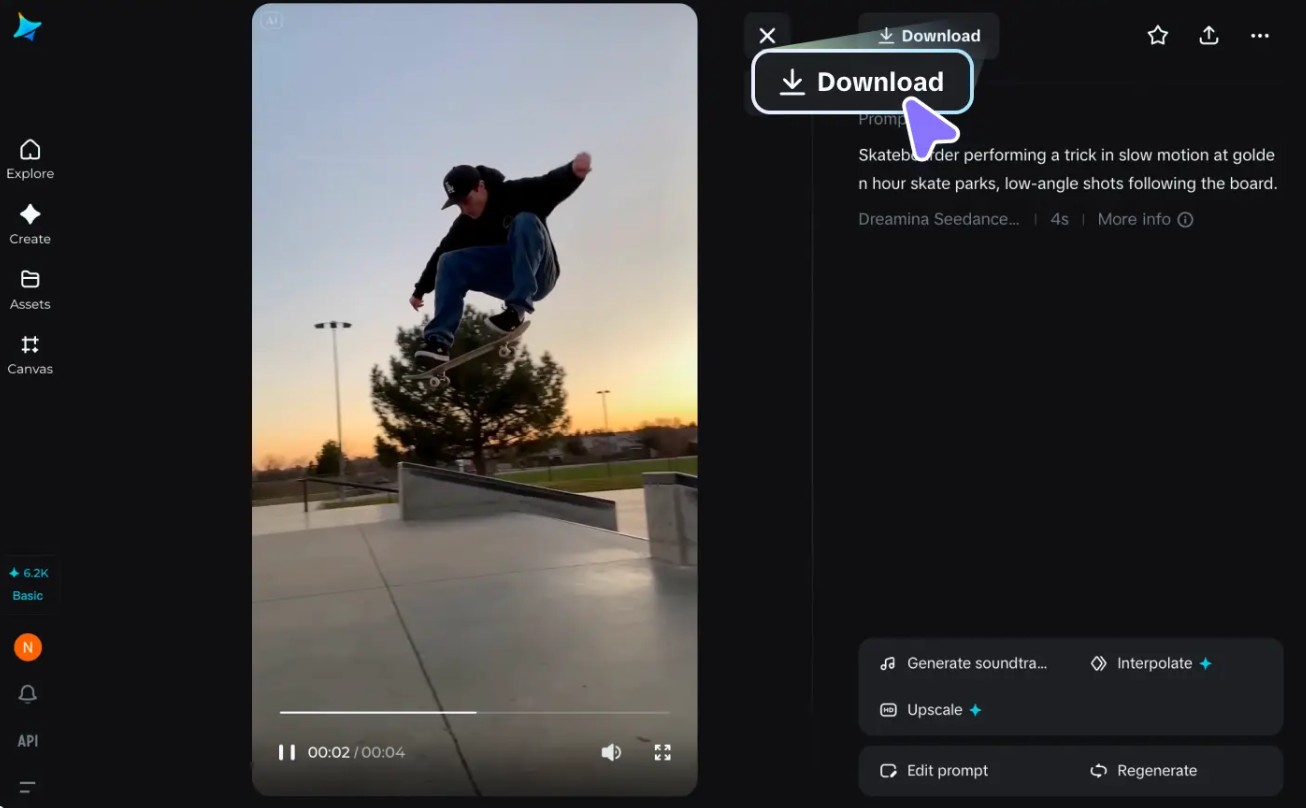
Step 3: Preview, edit, and download
After a few seconds, Dreamina will generate several different image options based on your requirements. Choose the most suitable version and further refine it using built-in tools such as Retouch , Remove , Enhance , or Upscale to improve image quality. Once you are satisfied with the final result, click "Download" to save the high-resolution image to your device and use it for marketing campaigns, social media content, websites, or e-commerce.
7. Dreamina vs. Sora, Veo, and other AI tools
Currently, the AI video market is developing very rapidly with many different solutions.
Sora stands out for its ability to create highly realistic videos from text.
Veo is highly regarded for its strong cinematic control and ability to create high-quality video.
Seedance focuses on camera movement and image consistency.
Dreamina combines many of the advantages of these technologies in a platform that is more accessible to the average user.
The ability to create multiple video variations, AI Agent support, and intuitive workflow make Dreamina an attractive option for both beginners and professional creators.
In the context of the growing demand for video across all digital platforms, mastering AI video tools like Dreamina will help individuals and businesses improve creative efficiency, save costs, and create outstanding products in an increasingly competitive environment.





















VIP Products








Best Selling Products
Adobe Premiere Pro Account
99 USD
Upgrade Genuine Office 365
49 USD
Capcut Pro 1 Year
39 USD
Copyright Adobe Lightroom Account
59 USD
Autodesk All App Account Copyright
120 USD
Upgrade genuine Capture One account
120 USD
Adobe Photoshop Copyright - Full App
120 USD
Genuine Cheap Canva Pro
39 USD
Genuine Adobe Illustrator account
99 USD
Plugin Retouch4me
69 USD
MidJourney Account
29 USD
ChatGPT Plus Account (GPT-4)
16 USD
Windows 10 & 11 Pro Key
36 USD
Freepik Premium Account
59 USD
Upgrade Duolingo Super
29 USD