Best Selling Products

Upgrade Genuine Office 365
49 USD

Adobe Premiere Pro Account
99 USD

Genuine Adobe Illustrator account
99 USD

Capcut Pro 1 Year
39 USD

MidJourney Account
29 USD

Plugin Retouch4me
69 USD

Adobe Photoshop Copyright - Full App
120 USD

Upgrade genuine Capture One account
120 USD

Freepik Premium Account
59 USD

Autodesk All App Account Copyright
120 USD

Copyright Adobe Lightroom Account
59 USD

Upgrade Duolingo Super
29 USD

Windows 10 & 11 Pro Key
36 USD

ChatGPT Plus Account (GPT-4)
16 USD

Genuine Cheap Canva Pro
39 USD
What is Texture? Concept, Classification, and Application of Texture in Graphic Design
Nội dung
- 1. What is texture? Why is texture important in design?
- 2. What types of textures are there?
- 2.1. Tactile Texture: Surface texture that can be perceived by touch.
- 2.2. Visual Texture: Textures simulated using images
- 3. The uses of texture in graphic design
- 4. Applications of Texture in Design Fields
- 5. Tips for using Texture effectively
- 6. Trends in using texture in modern design
- 7. Conclusion
Texture is one of the key elements that helps graphic design, printing, and 3D rendering become more realistic, have depth, and be more emotionally engaging.
1. What is texture? Why is texture important in design?
Texture is a term used to refer to the texture or surface of an object , which can be a physical surface that we can touch or a visual effect designed to create a realistic feel for the viewer.
In graphic design, textures are generally understood as patterns, designs, or images that can mimic materials such as wood, stone, metal, paper, fabric, leather, concrete, water, or abstract effects. They help design objects avoid being flat and monotonous, instead giving them depth, vibrancy, and a closer resemblance to real-world materials.
Textures can easily be found in computer wallpapers, phone backgrounds, advertising posters, websites, games, 3D animations, and printed materials. An old cement wall, natural wood grain, kraft paper surface, or peeling paint can all become textures used in design.

What's special is that texture not only has decorative value but also helps convey emotions. An old paper texture can evoke nostalgia, while a metallic texture brings strength and modernity. Linen fabric texture creates a handcrafted, intimate feel, while glass or crystal textures offer a luxurious and sophisticated beauty.
Thanks to advancements in graphic technology, today's textures have very high resolution, allowing for detailed display even on large screens or when printed in large sizes while maintaining image quality.
2. What types of textures are there?
There are many ways to classify textures; however, in graphic design and fine arts, textures are generally divided into two main groups: Tactile Textures and Visual Textures . Each type has its own characteristics and is suitable for different purposes.
2.1. Tactile Texture: Surface texture that can be perceived by touch.
"Tactile" refers to the sense of touch. This type of texture exists in a physical form, meaning that humans can directly feel it with their hands.
Examples include natural wood surfaces, granite, art paper, canvas fabric, genuine leather, textured tiles, or brushed metal. Each material offers a different tactile feel and contributes to the aesthetic value of the product.
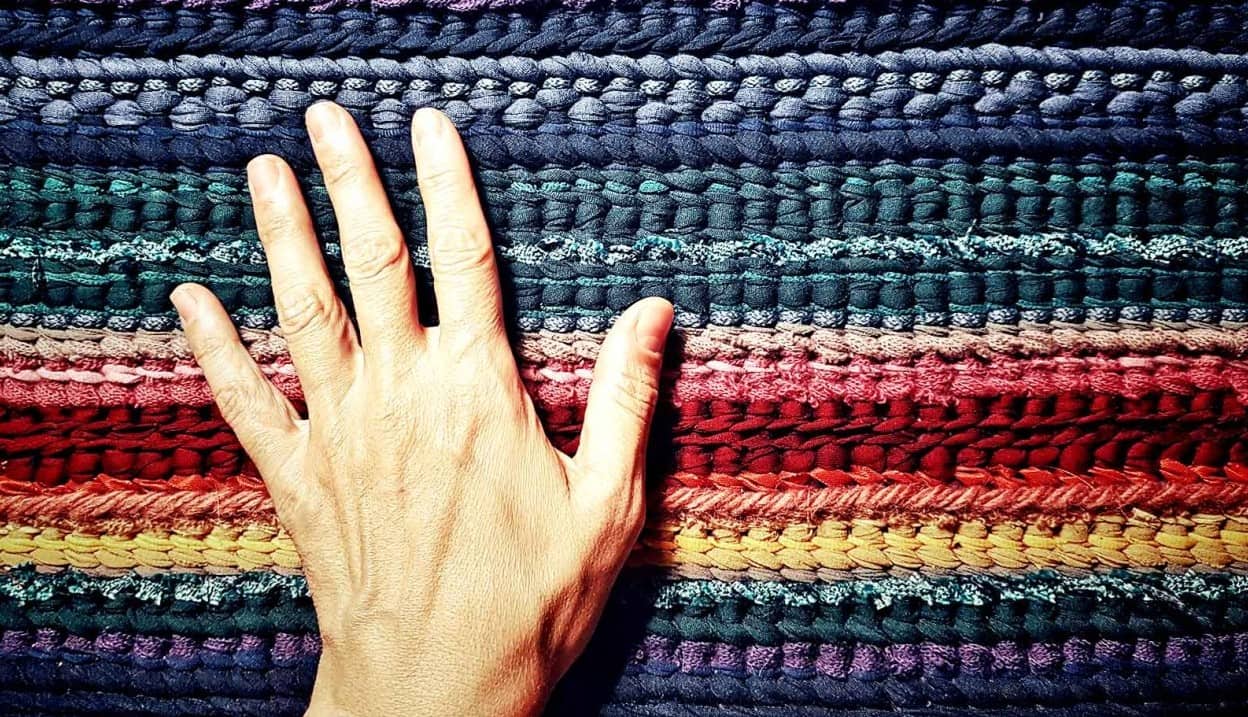
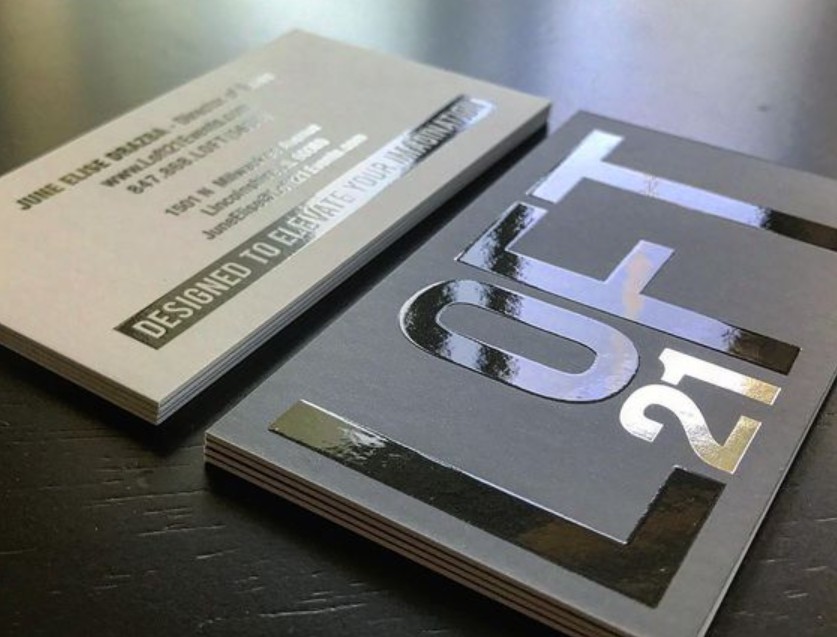
In the printing industry, tactile textures are often created through finishing techniques such as embossing, debossing, spot UV coating, foil stamping, sandblasting, or by selecting papers with special surfaces. These techniques not only enhance visual appeal but also create a tactile experience, increasing brand value.
In traditional fine art, many artists also use thick layers of paint or special materials to create raised surfaces, giving the artwork a lively effect.
2.2. Visual Texture: Textures simulated using images
Visual texture is the most popular type of texture in modern graphic design. These are visual effects created to trick the eye, allowing viewers to perceive the material without touching it.
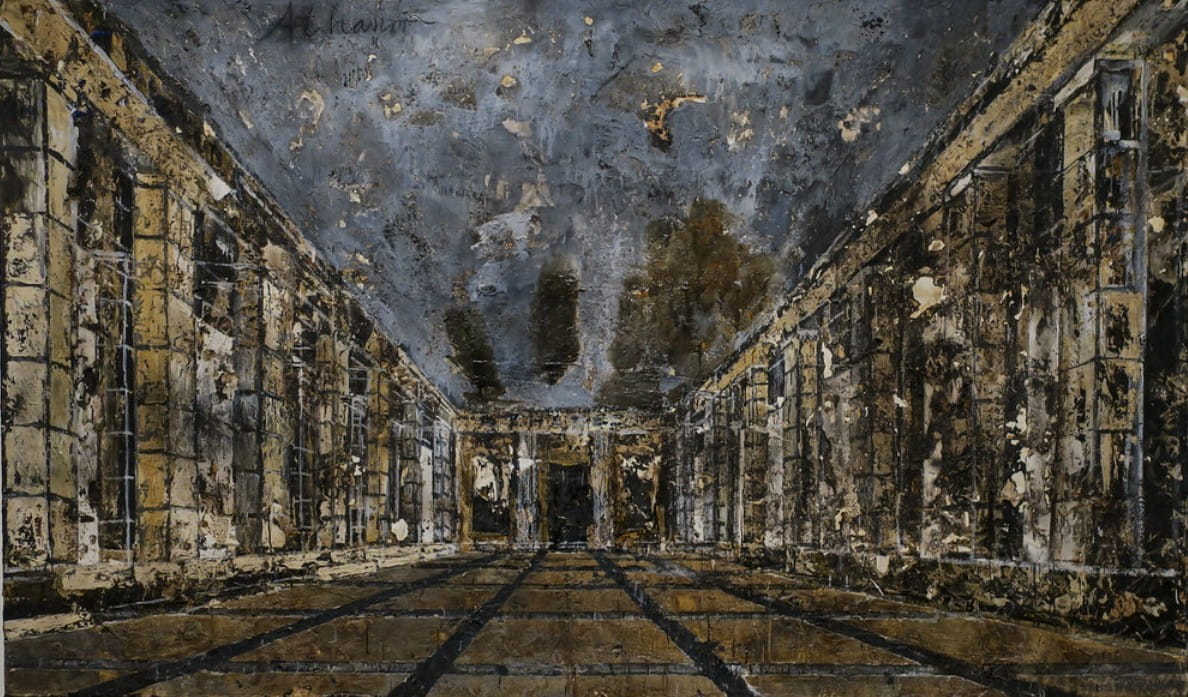
Software like Adobe Photoshop, Illustrator, or Blender allows designers to create countless different textures through images, brushes, patterns, or lighting and shadow effects.
For example, a background image simulating wood can still give viewers the feeling of seeing a real piece of wood, even though it's just a digital image. Similarly, textures like concrete, marble, old paper, or metal are widely used to enhance the realism of designs.
Visual Textures have the advantage of being easy to edit, easy to change colors and sizes, and suitable for most graphic design projects, website interfaces, advertising, 3D modeling, or interior design.
3. The uses of texture in graphic design
Texture is not simply a decorative element; it also plays a crucial role in enhancing design quality and conveying a brand's message.
First and foremost, texture adds depth to an image. A design using only simple colors often feels flat and lifeless. When the right texture is added, objects stand out and have a clearer sense of three-dimensionality.
Texture also helps to increase the realism of a product. In the field of 3D modeling, texture greatly determines the ability to simulate real-world materials. A model of a wooden table will become much more lifelike when high-quality wood grain texture is applied.
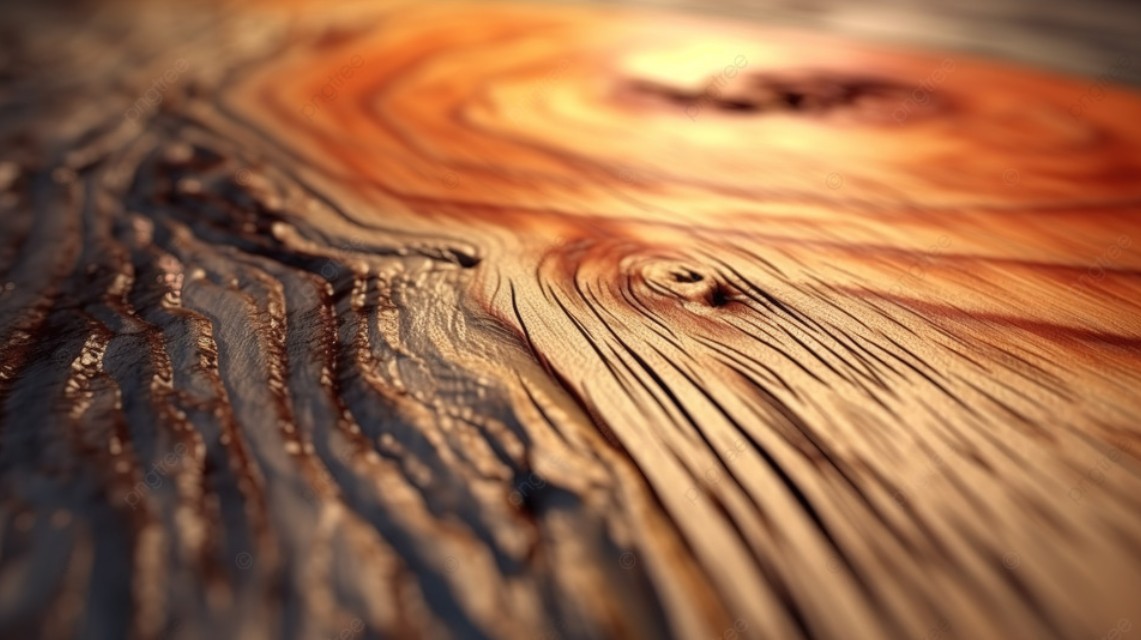
In brand design, texture contributes to building emotion. A natural cosmetics brand might use recycled paper or wood grain textures to emphasize sustainability. Meanwhile, a technology brand often chooses metallic or glass textures to create a modern and premium feel.
Additionally, texture helps highlight important elements in a layout. Combining textured and smooth areas creates contrast, helping viewers focus on the title, images, or main message.
Another very popular application is using textures as backgrounds. Instead of a simple white background, textures like paper, concrete, watercolor, or subtle gradients help make designs more vibrant while maintaining a refined look.
4. Applications of Texture in Design Fields
Today, texture appears in almost all creative fields, from digital design to print and architecture.
In graphic design, textures are used to create posters, banners, brochures, catalogs, packaging, logos, advertising images, and social media content. A suitable texture can help a product stand out without adding too much detail.
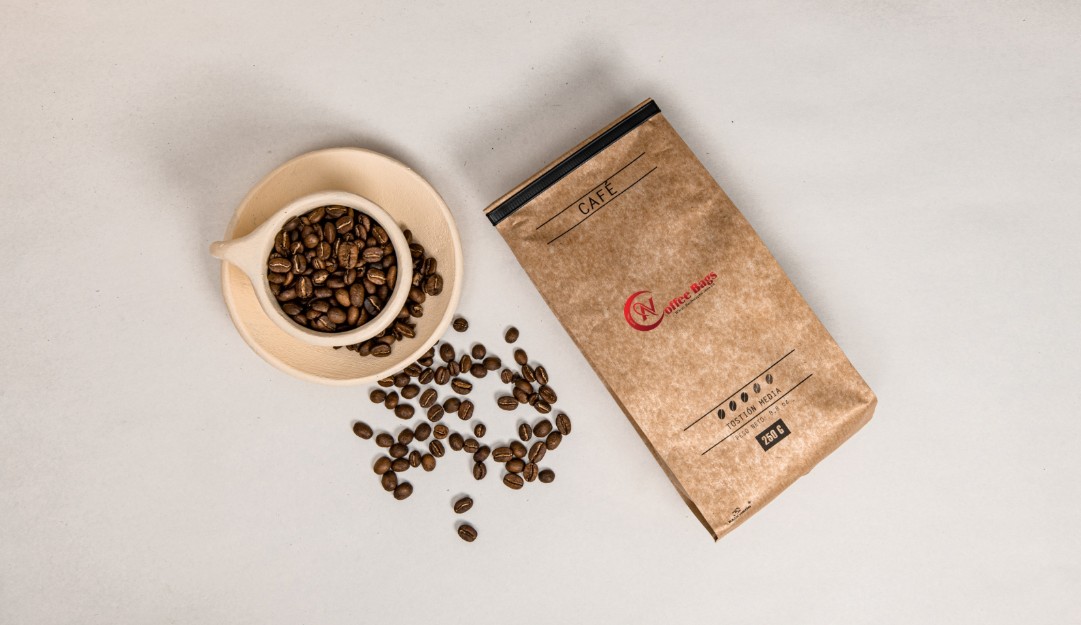
In print design, texture, combined with paper quality and finishing techniques, creates aesthetically pleasing publications. Business cards, gift boxes, catalogs, and product packaging all become more luxurious when texture is used correctly.
In interior design and architecture, textures are used to simulate materials such as wood, stone, brick, glass, or metal in 3D perspective drawings. This helps clients easily visualize the actual space before construction begins.
For website and user interface (UI/UX) design, textures are often used subtly to add depth while maintaining visual appeal. Paper backgrounds, frosted glass effects, or fabric textures are commonly applied to create accents without impacting the user experience.
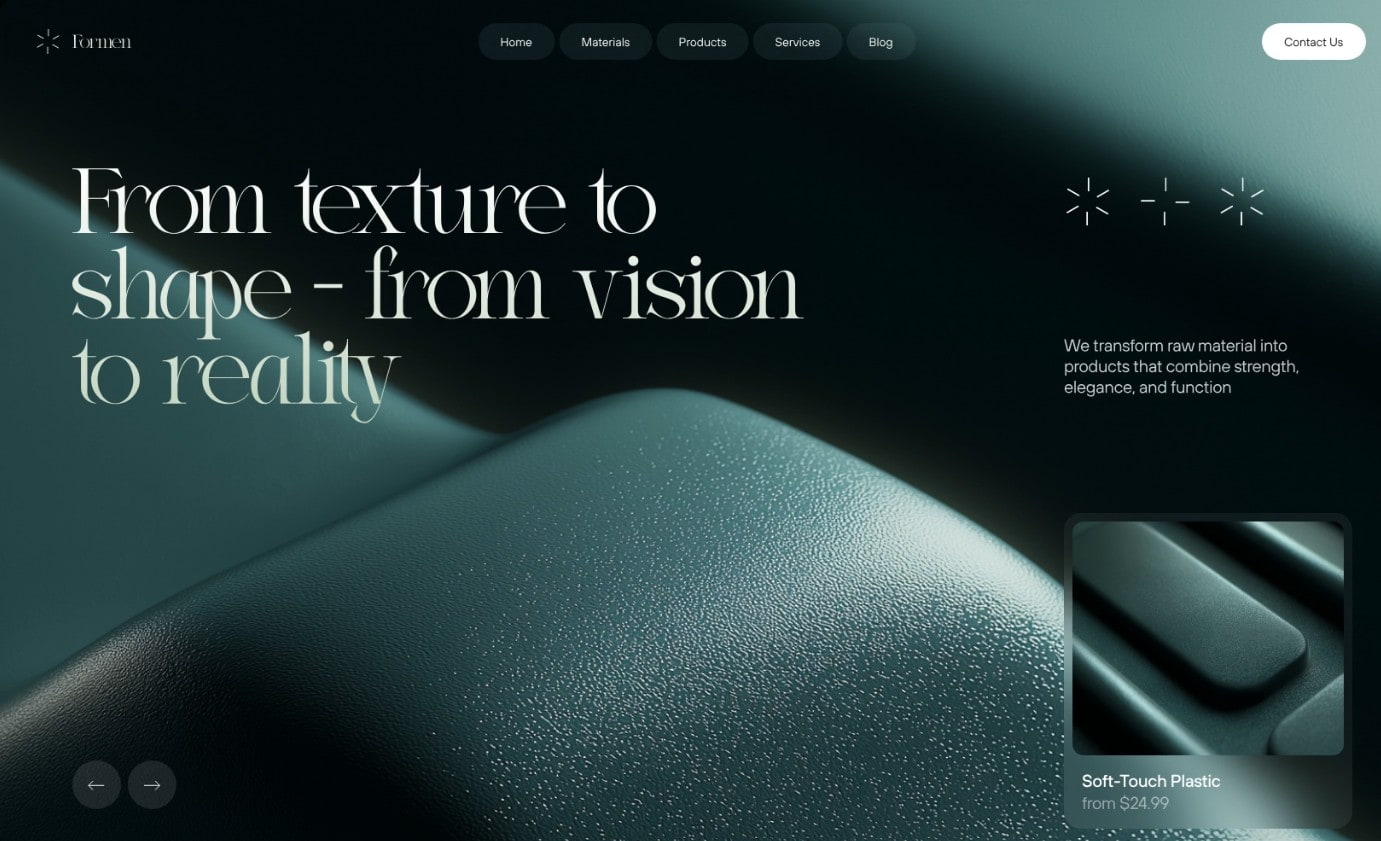
In the 3D gaming and animation industry, textures are almost indispensable. Characters, vehicles, buildings, and environments all require textures to appear realistic and lifelike.
5. Tips for using Texture effectively
Although textures offer many benefits, they need to be used judiciously to avoid making the design look cluttered.
The first step is choosing a texture that suits the brand's style. A high-end brand would suit textures like marble, art paper, or metal. Meanwhile, a youthful brand could use watercolor, gradient, or creative patterns.
Texture shouldn't be too prominent compared to the main content. If the background is too detailed, viewers will have difficulty focusing on the important message or image. Therefore, many designers often reduce opacity, apply blend mode, or slightly blur the texture to create balance.
In addition, texture quality is also very important. Low-resolution textures are prone to image distortion when enlarged or printed, reducing the professionalism of the product. Therefore, it is advisable to prioritize using high-quality textures or reputable, licensed libraries to ensure the best results.
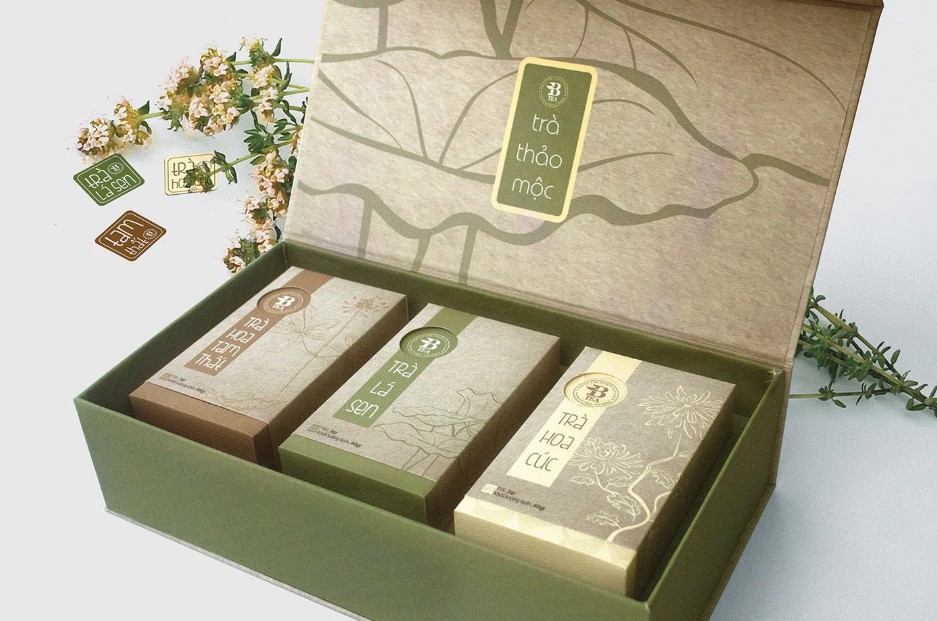
Furthermore, the combination of texture with lighting, color, and typography needs careful consideration to create a harmonious composition. A beautiful texture is only truly effective when it supports the content rather than overpowering other elements.
6. Trends in using texture in modern design
In recent years, texture has evolved from simply a tool for simulating materials into an integral part of design language. Trends like Glassmorphism, Neumorphism, Gradient Texture, and Vintage Texture all demonstrate the increasing importance of this element.
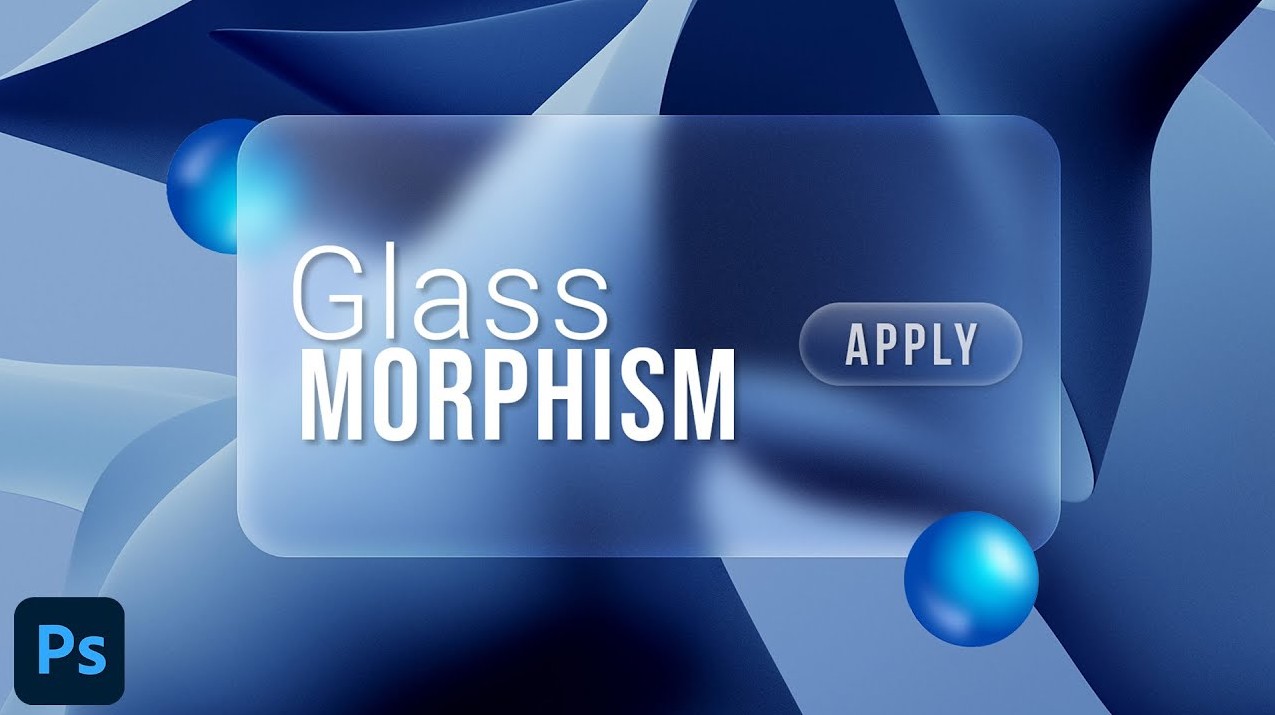
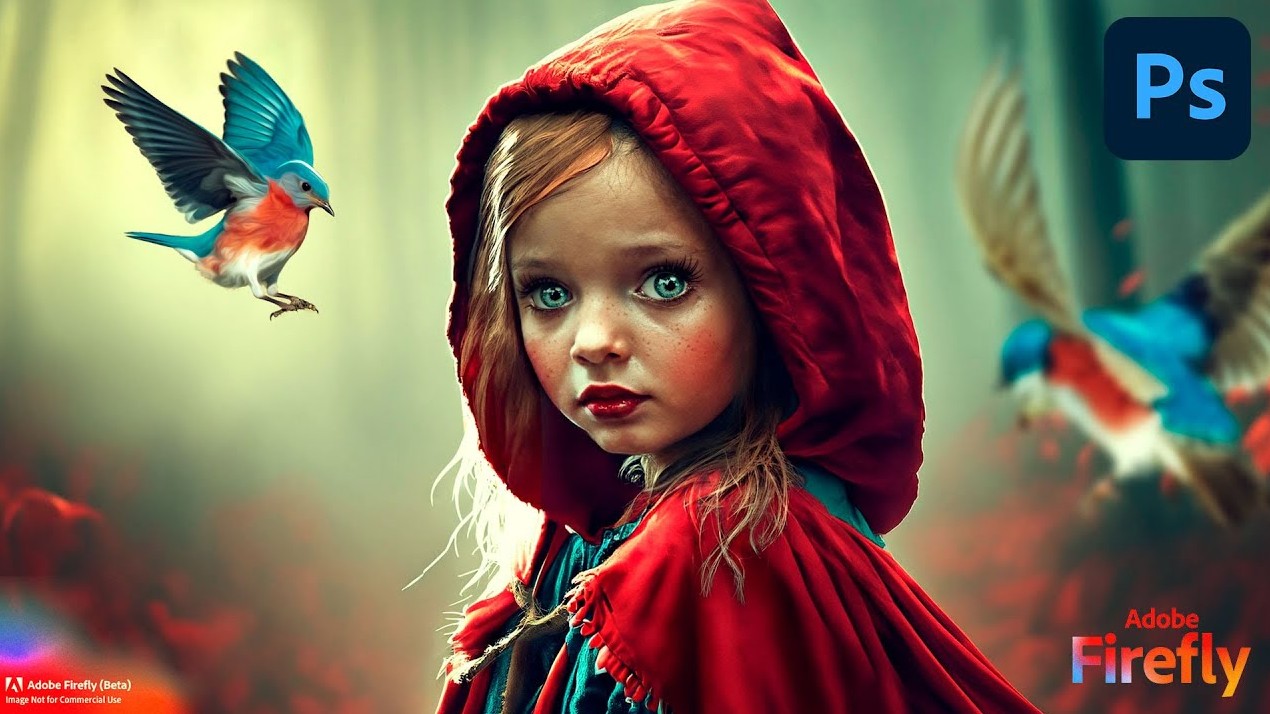
Furthermore, the development of artificial intelligence (AI) has opened up many new opportunities. Tools like Adobe Firefly, Midjourney, and Stable Diffusion can create unique textures from just text commands, saving designers time and expanding their creative possibilities.
In the printing industry, texture continues to be combined with modern finishing techniques such as foil stamping, UV coating, velvet lamination, embossing, and laser cutting to create products that are both visually appealing and offer a unique tactile experience.
7. Conclusion
Texture is a crucial element that makes designs more vibrant, realistic, and emotionally engaging. Whether it's tactile texture or visual texture , each type plays a unique role in enhancing aesthetic value and conveying a message.
Understanding what texture is , how to classify it, its uses, and how to apply it will help designers create more professional and impressive products. In the context of the ever-evolving AI, 3D graphics, and printing technologies, texture will continue to be an indispensable element in creating modern, distinctive, and highly creative designs.





















VIP Products








Best Selling Products
Upgrade Genuine Office 365
49 USD
Adobe Premiere Pro Account
99 USD
Genuine Adobe Illustrator account
99 USD
Capcut Pro 1 Year
39 USD
MidJourney Account
29 USD
Plugin Retouch4me
69 USD
Adobe Photoshop Copyright - Full App
120 USD
Upgrade genuine Capture One account
120 USD
Freepik Premium Account
59 USD
Autodesk All App Account Copyright
120 USD
Copyright Adobe Lightroom Account
59 USD
Upgrade Duolingo Super
29 USD
Windows 10 & 11 Pro Key
36 USD
ChatGPT Plus Account (GPT-4)
16 USD
Genuine Cheap Canva Pro
39 USD