Best Selling Products

Capcut Pro 1 Year
39 USD

Adobe Premiere Pro Account
99 USD

Upgrade Duolingo Super
29 USD

Adobe Photoshop Copyright - Full App
120 USD

MidJourney Account
29 USD

ChatGPT Plus Account (GPT-4)
16 USD

Windows 10 & 11 Pro Key
36 USD

Freepik Premium Account
59 USD

Upgrade genuine Capture One account
120 USD

Genuine Cheap Canva Pro
39 USD

Copyright Adobe Lightroom Account
59 USD

Plugin Retouch4me
69 USD

Genuine Adobe Illustrator account
99 USD

Autodesk All App Account Copyright
120 USD

Upgrade Genuine Office 365
49 USD
What makes the Adobe design software suite so essential for every designer?
Nội dung
- 1. ADOBE PHOTOSHOP
- 1.1. What is Photoshop?
- 1.2. Amazing photo editing capabilities
- 1.3. Designing communication materials
- 1.4. Restoring old photos
- 1.5. Basic 3D modeling support
- 1.6. History of Continuous Development
- 2. ADOBE ILLUSTRATOR
- 2.1. What is Illustrator?
- 2.2. Applications of Illustrator in the Design Industry
- 2.3. Why is Illustrator important?
- 3. ADOBE PREMIERE
- 3.1. What is Premiere used for?
- 3.2. Outstanding Advantages
- 4. ADOBE AFTER EFFECTS
- 4.1. Who is After Effects for?
- 4.2 Strengths of After Effects
- 5. ADOBE INDESIGN
- 5.1. What is InDesign used for?
- 5.2. Why is InDesign important in the publishing industry?
Adobe offers everything from photo editing and video production to advanced design, meeting every need. It's suitable for both beginners and professional designers.
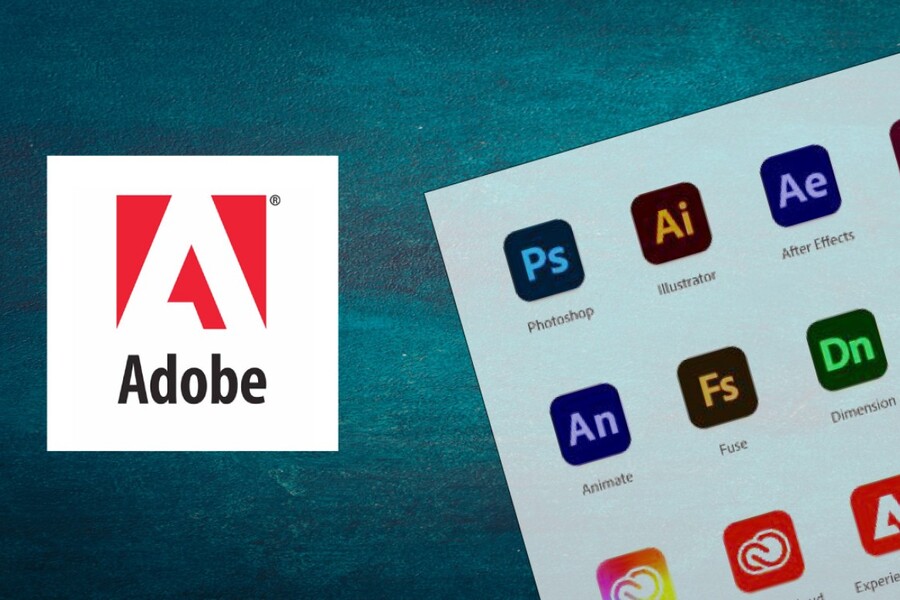
Almost anyone who has ever studied design, video editing, motion graphics, or document publishing has heard of Photoshop, Illustrator, Premiere, After Effects, or InDesign at least once. These tools were created not only to support designers, but are also essential for photographers, marketing and communications professionals, journalists, filmmakers, and digital content creators.
What makes Adobe special is not just its powerful features, but also its continuous development. Every year, Adobe upgrades its technology, especially by integrating artificial intelligence to help users shorten operation time, increase efficiency, and expand creative possibilities.
In this article, we'll delve into each of Adobe's most popular software programs. Not only will you learn how they work, but you'll also discover why they've become legendary in the industry. This will be a useful resource for anyone looking to build a solid foundation in design or considering the right software for their creative career.
1. ADOBE PHOTOSHOP
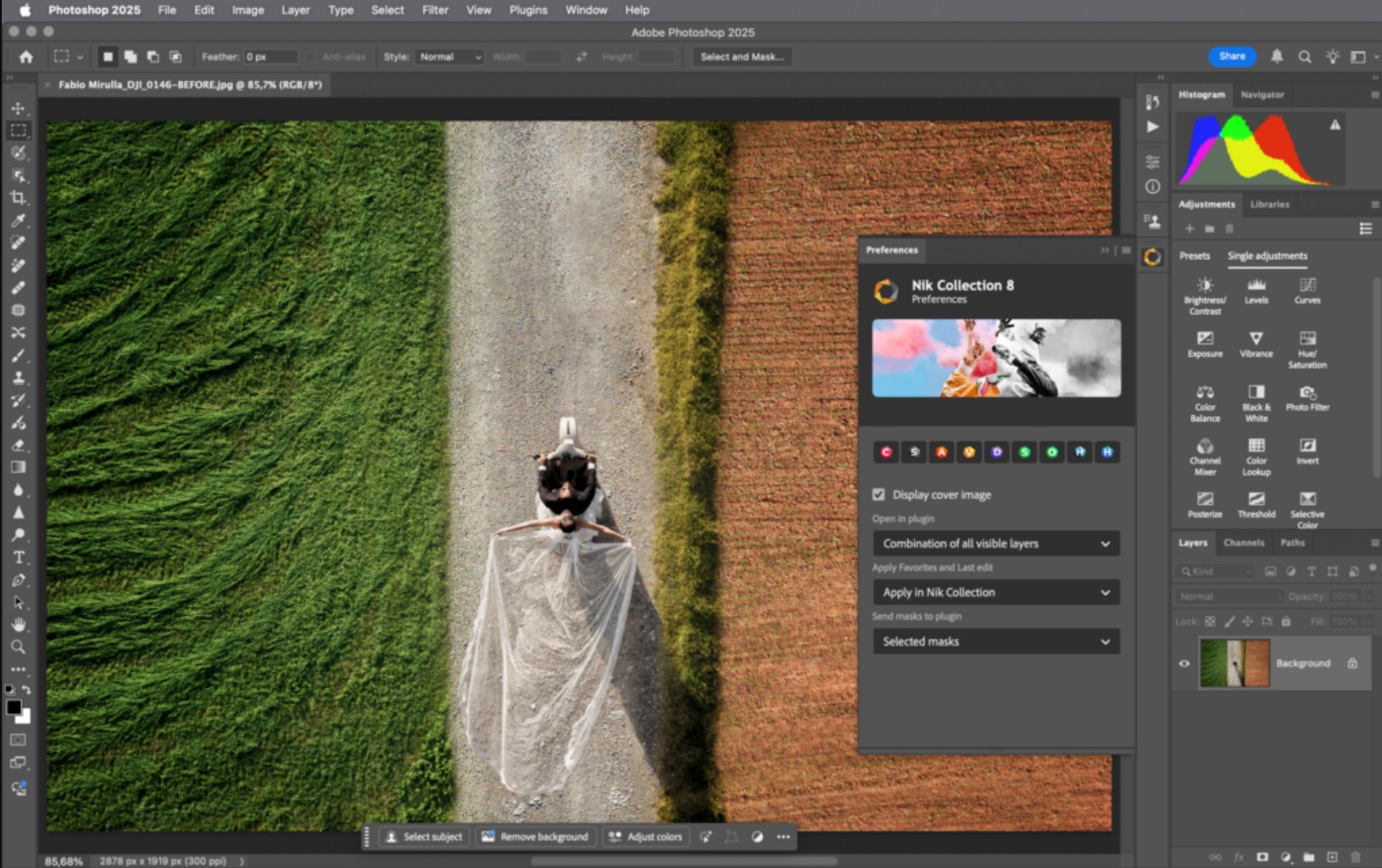
Adobe Photoshop, or simply Ps, is the world's most popular photo editing software. It's not just professional creators who use Photoshop; many ordinary users also choose it as their go-to photo editing tool. Since its release, Photoshop has become the standard in the photo editing industry, to the point that whenever "retouching" is mentioned, people immediately think of Photoshop.
1.1. What is Photoshop?
Simply put, Photoshop is software used to manipulate the surface of images, adjusting color, lighting, composition, details, and even completely changing the content within the image.
Photoshop utilizes a layer system, masks, a rich set of brush tools, and a range of intelligent effects to give users flexibility. Whether you want to adjust a small detail or transform an ordinary photo into a work of art, Photoshop can do it.
1.2. Amazing photo editing capabilities
When you mention Photoshop, the first thing that comes to mind is its incredibly powerful photo editing capabilities. Photoshop allows users to adjust colors, smooth skin, remove blemishes, adjust lighting, change backgrounds, or combine multiple images into a new complex.
Many photographers, from wedding and fashion studios to commercial photographers, consider Photoshop an indispensable tool. With just a few simple steps, you can transform a blurry, overexposed, or imperfect photo into a stunning one.
1.3. Designing communication materials
Photoshop is not limited to photo editing. With its ability to create layouts and flexibly combine images and text, Photoshop has become a key software in designing various media publications such as posters, banners, advertisements, social media posts, website covers, or marketing images.
Its intuitive interface, coupled with easy layer control, makes Photoshop a familiar choice even in professional design companies. While Illustrator is better suited for vector graphics, Photoshop excels at image-based graphics.
1.4. Restoring old photos
One of Photoshop's unique features is image restoration. Old photos that are blurry, scratched, faded, or partially torn can be edited to become clearer and fresher. Photoshop can restore colors, remove scratches, adjust contrast, and "bring back to life" cherished photos.
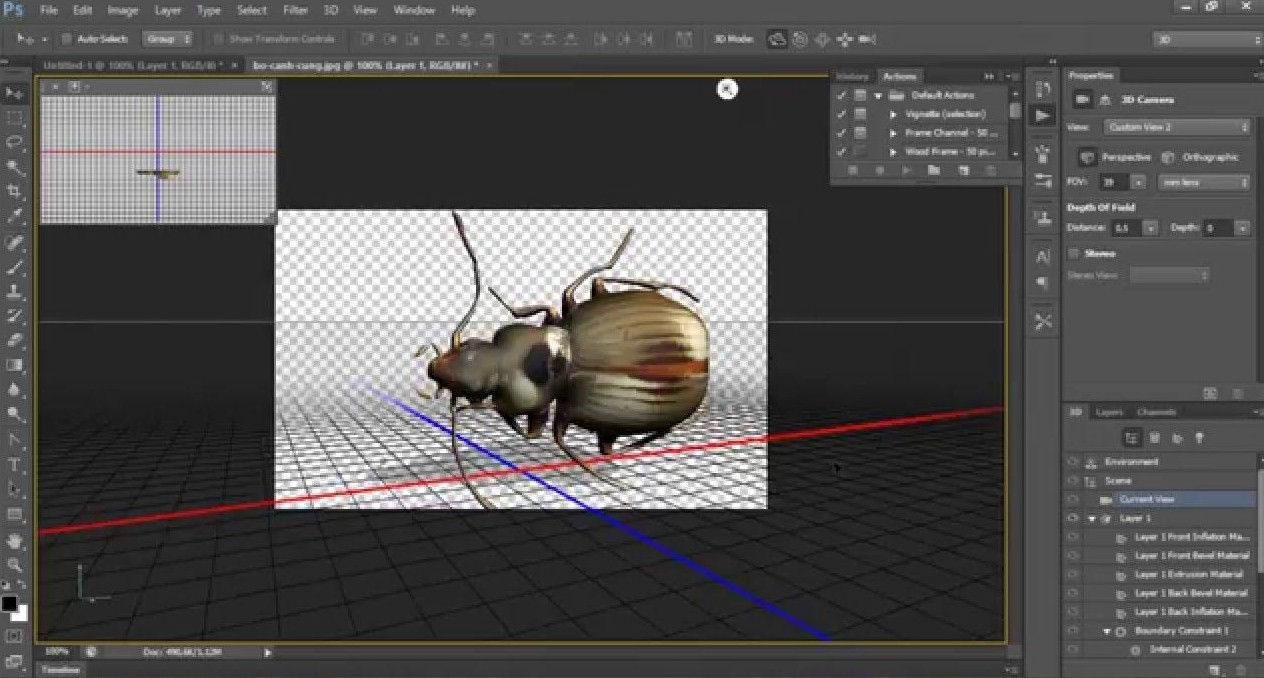
1.5. Basic 3D modeling support
Although not a professional 3D modeling software like Blender or Maya, Photoshop still supports users in creating simple 3D models. This is especially useful for projects that need to combine 2D and 3D in the design process.
1.6. History of Continuous Development
Since the release of Photoshop version 7.0 in 2002, Adobe has continuously improved the software, especially since entering the Creative Cloud (CC) phase. Each version brings improvements in performance, features, and especially artificial intelligence. As a result, Photoshop is not only more powerful but also helps users save considerable time.
2. ADOBE ILLUSTRATOR
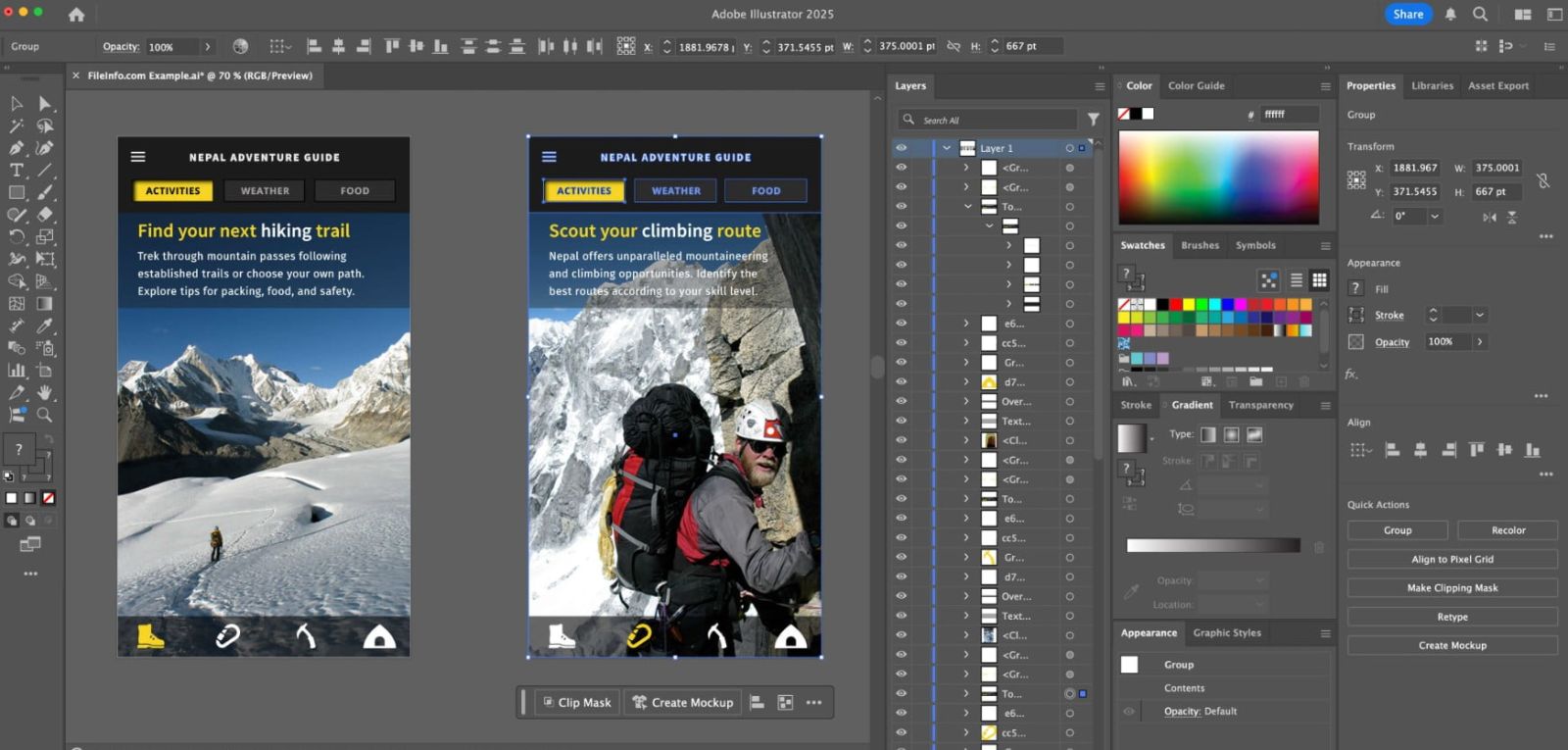
If Photoshop is the benchmark for photo editing, then Illustrator (AI) is the face of vector graphics. Vector graphics allow you to create images with absolute sharpness, without pixelation when enlarged, and with the ability to precisely customize even the smallest details.
2.1. What is Illustrator?
Illustrator is graphic design software specializing in drawing, modeling, and creating illustrations using vector algorithms. This means that even if you enlarge the artwork hundreds of times, the image will retain its sharpness and won't become blurry or pixelated like bitmap images.
This is why Illustrator is widely used in logo design, brand identity, icons, infographics, or projects requiring high precision.
2.2. Applications of Illustrator in the Design Industry
Illustrator is a powerful tool that helps designers create:
• Brand logo
• Professional brand identity
• Icons and illustrations
• Visual infographics
• Minimaps and presentation graphics
• Creative typography
• Comic book or 2D animation illustrations
Thanks to its ability to precisely control lines and colors, Illustrator is particularly well-suited for those working in branding or illustration.
2.3. Why is Illustrator important?
Illustrator is a platform that helps designers create products usable at any size, from small business cards to large billboards. Every line and every drawing is 100% controlled by the user. This is something Photoshop cannot perfectly achieve.
Moreover, AI works very well when combined with other software such as Photoshop (for photo editing), After Effects (for creating motion), or InDesign (for page layout).
3. ADOBE PREMIERE
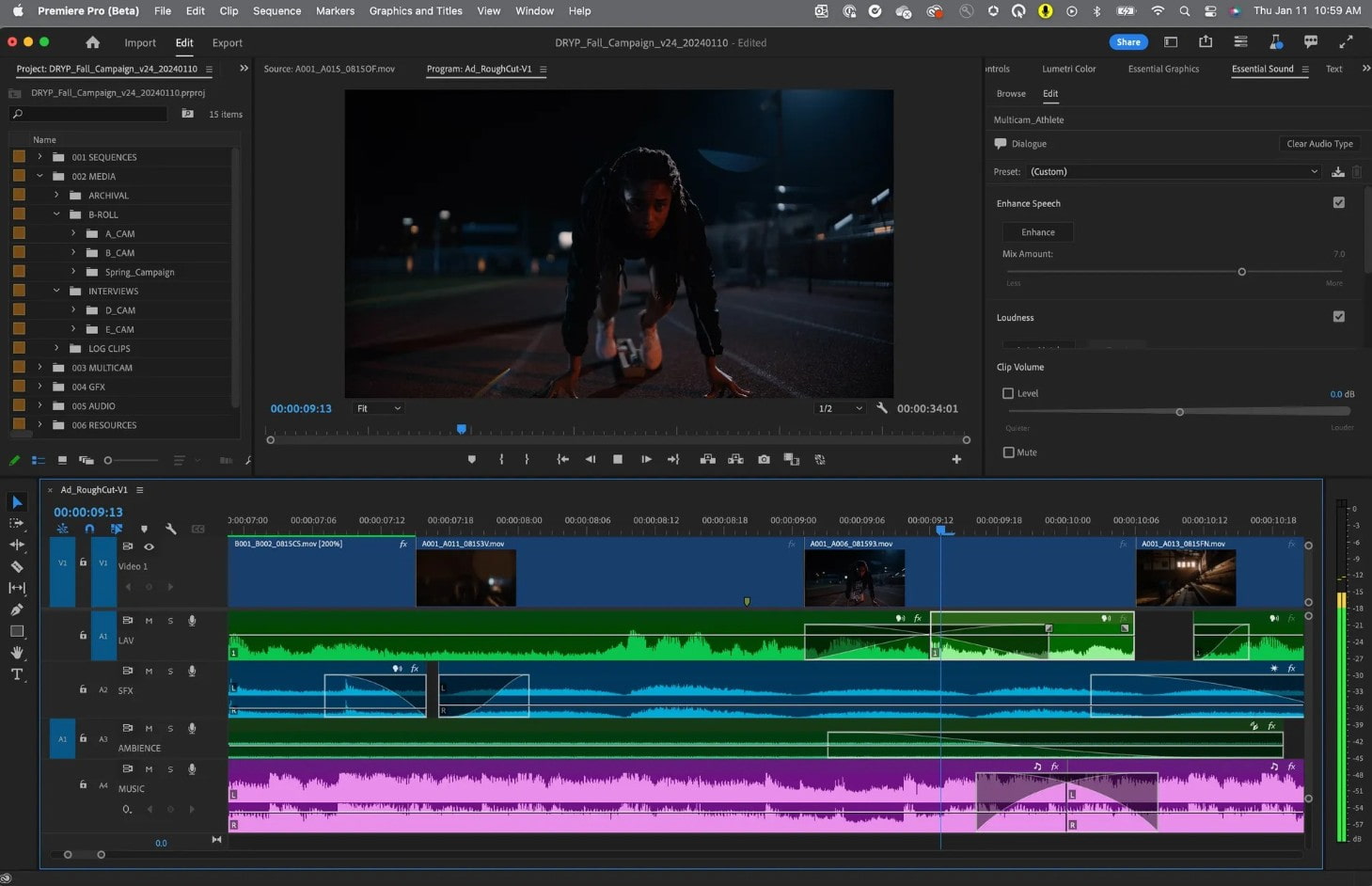
Adobe Premiere is professional video editing software capable of handling everything from simple videos to short films or high-quality advertising projects. With its user-friendly interface, Premiere offers an intuitive experience suitable for both beginners and professionals.
3.1. What is Premiere used for?
Premiere is video editing software that allows you to cut and splice footage, adjust color, add music, add transition effects, add subtitles, and insert images or graphics. It's a familiar tool for vloggers, YouTubers, event filmmakers, and marketing teams in various brands.
Premiere's strengths lie in its ability to smoothly handle large files and its flexibility with many video formats without conversion. Additionally, the software allows users to perform basic audio editing such as noise reduction, volume balancing, and reverb control.
3.2. Outstanding Advantages
The seamless integration between Premiere and Adobe After Effects and Adobe Photoshop is another reason why this software is widely trusted. You can create animations in AE and then import them into Premiere to create a complete video. The process becomes extremely quick and efficient.
Furthermore, Premiere also supports many plugins that help speed up the editing process or add more diverse effects.
4. ADOBE AFTER EFFECTS
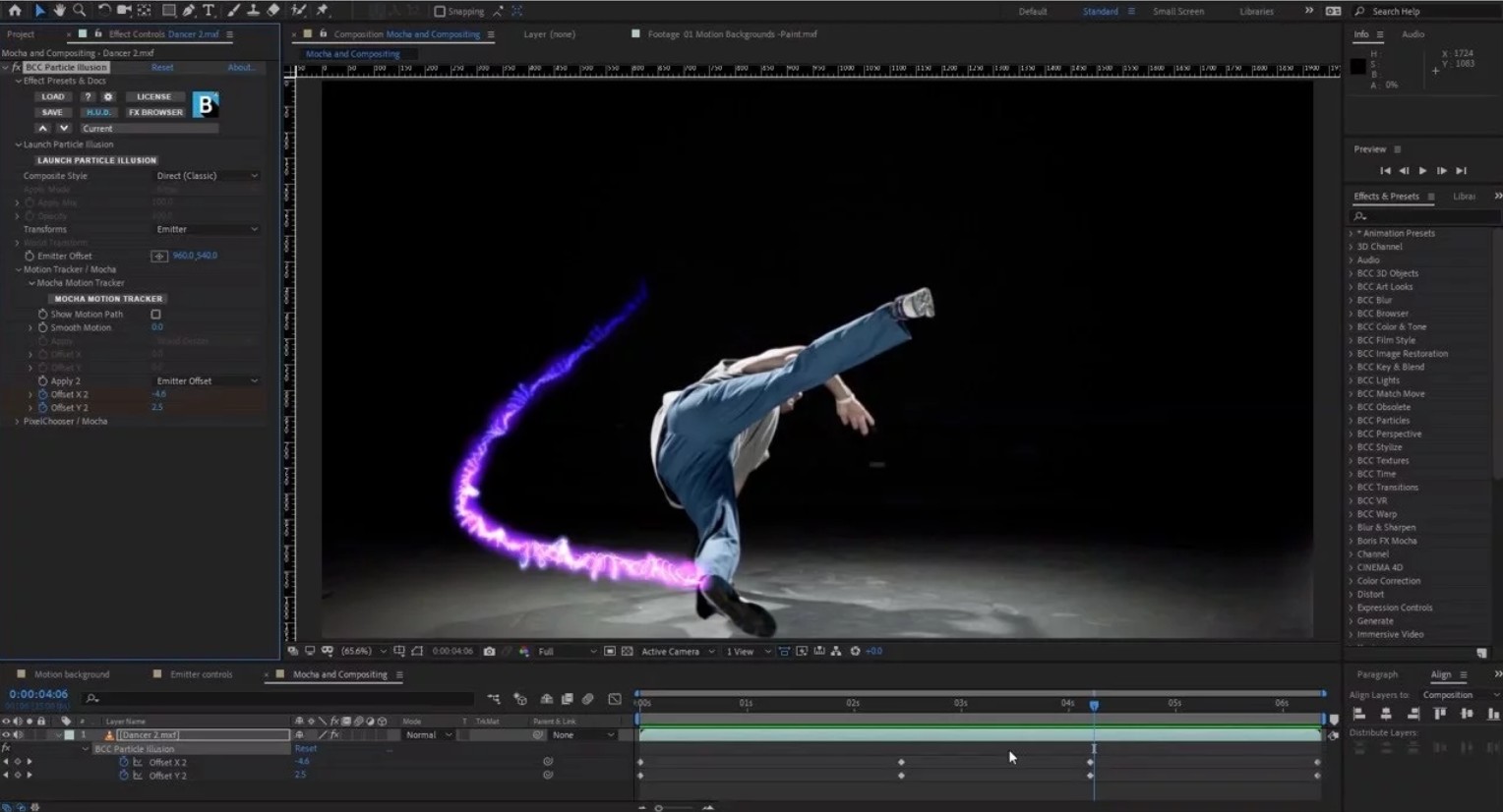
If Premiere is where you edit videos, then After Effects (AE) is where you breathe life into those frames. It's currently the most powerful software for creating motion effects, special effects, and motion graphics.
4.1. Who is After Effects for?
After Effects is suitable for video creators, animators, advertisers, TVC designers, motion designers, or anyone who wants to create impressive animations.
Special effects in blockbuster films, simulated lighting, shattering effects, flying particles, moving typography, or 2D animation can all be handled in AE.
4.2 Strengths of After Effects
After Effects allows users to control the movement of individual frames, letters, and objects. Thanks to its rich effects system and the ability to combine with plugins, AE can create complex animations that are difficult for other software to achieve.
AE's interface is a bit more complex than Premiere, but once you understand the logic behind keyframes and layer movement, you'll see that AE is truly a "magical tool" in the industry.
5. ADOBE INDESIGN
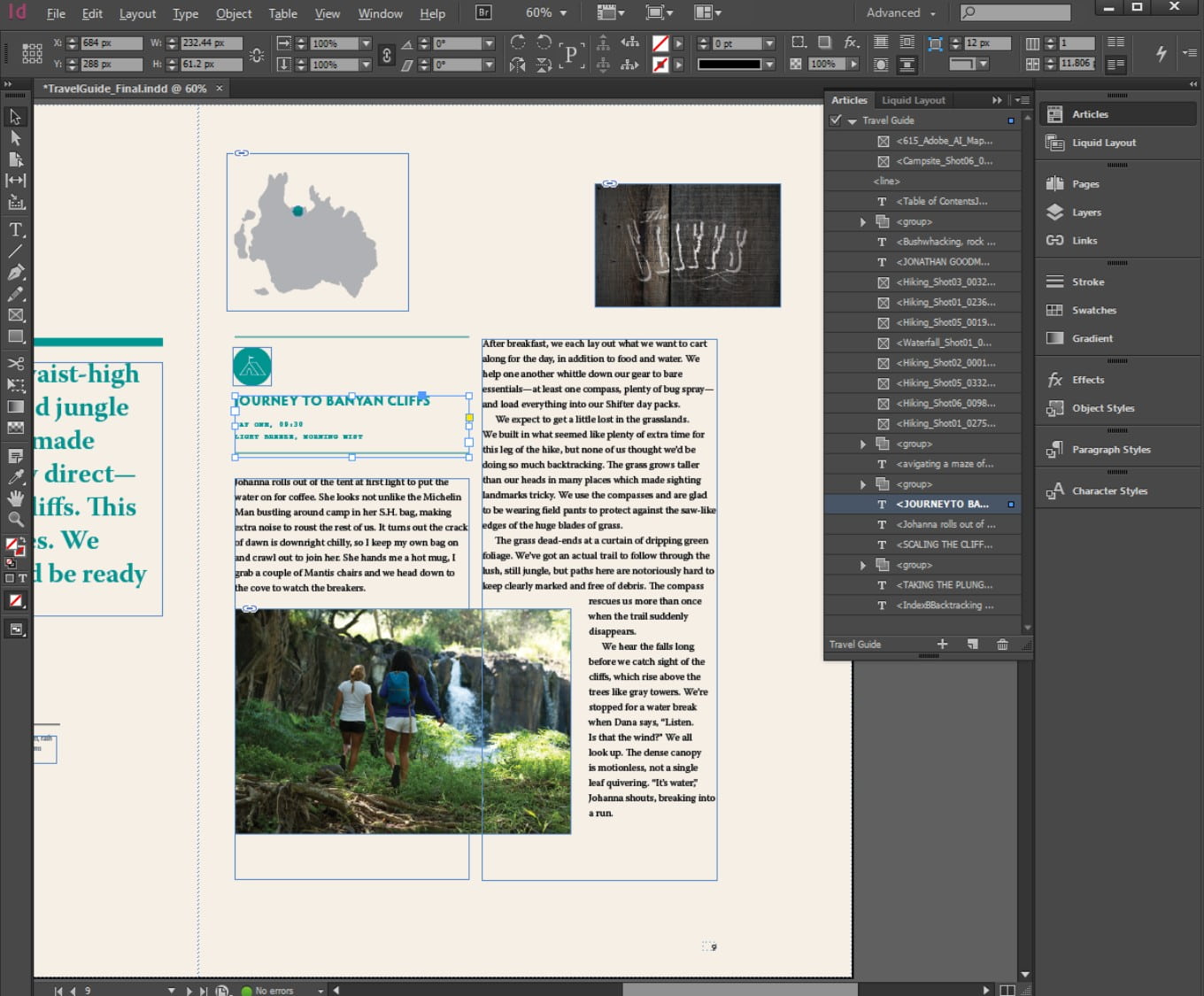
InDesign is currently the number one software for page layout design. No other software can handle multiple pages, manage layouts, and control text and images as well as InDesign.
5.1. What is InDesign used for?
InDesign is used to create books, newspapers, magazines, company profiles, brochures, catalogs, or any multi-page publication. It's the optimal software for building consistent layouts across multiple pages where accuracy, precision, and logic are essential.
5.2. Why is InDesign important in the publishing industry?
InDesign allows you to use master pages to create standard page templates, saving time when you need to design dozens or hundreds of pages. Furthermore, the ability to directly link with AI and PS files makes editing files extremely fast.
The grid, baseline, tracking, and leading systems also give designers advanced control over typography. As a result, InDesign has become indispensable software in printing facilities, publishing houses, newspaper offices, and media agencies.
The Adobe ecosystem has been shaping the entire global creative industry. Beyond its strengths in individual software, Adobe has created a strong synergy between Photoshop, Illustrator, Premiere, After Effects, and InDesign, enabling designers and creators to build more efficient, faster, and professional workflows.
If you're looking for a sustainable path in the creative industry, Adobe is a partner you can't ignore.





















VIP Products








Best Selling Products
Capcut Pro 1 Year
39 USD
Adobe Premiere Pro Account
99 USD
Upgrade Duolingo Super
29 USD
Adobe Photoshop Copyright - Full App
120 USD
MidJourney Account
29 USD
ChatGPT Plus Account (GPT-4)
16 USD
Windows 10 & 11 Pro Key
36 USD
Freepik Premium Account
59 USD
Upgrade genuine Capture One account
120 USD
Genuine Cheap Canva Pro
39 USD
Copyright Adobe Lightroom Account
59 USD
Plugin Retouch4me
69 USD
Genuine Adobe Illustrator account
99 USD
Autodesk All App Account Copyright
120 USD
Upgrade Genuine Office 365
49 USD