Best Selling Products

Copyright Adobe Lightroom Account
59 USD

Windows 10 & 11 Pro Key
36 USD

Adobe Photoshop Copyright - Full App
120 USD

Plugin Retouch4me
69 USD

Upgrade Duolingo Super
29 USD

Autodesk All App Account Copyright
120 USD

ChatGPT Plus Account (GPT-4)
16 USD

MidJourney Account
29 USD

Genuine Cheap Canva Pro
39 USD

Upgrade Genuine Office 365
49 USD

Adobe Premiere Pro Account
99 USD

Genuine Adobe Illustrator account
99 USD

Capcut Pro 1 Year
39 USD

Upgrade genuine Capture One account
120 USD

Freepik Premium Account
59 USD
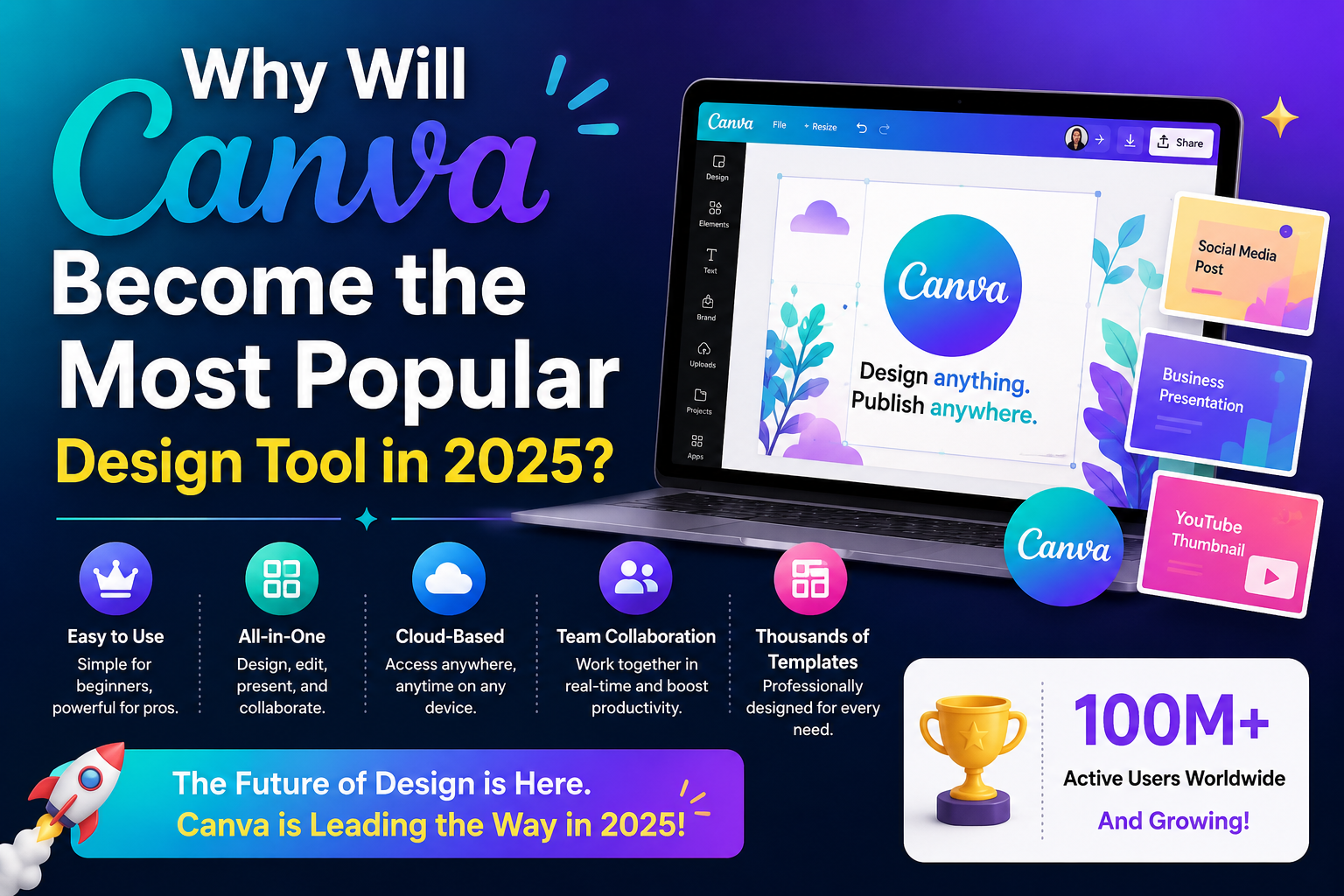
Why Will Canva Become the Most Popular Design Tool in 2025?
Nội dung
- 1. What Is Canva? The Online Design Platform Loved Worldwide
- 2. User-Friendly Interface – Removing Creative Barriers
- 3. Massive Template and Resource Library That Always Keeps Up with Trends
- 4. Integrated Artificial Intelligence – The “Heart” of Canva in 2025
- 5. Flexible Team Collaboration – The Optimal Solution for Modern Businesses
- 6. Cross-Platform Functionality – Design Anytime, Anywhere
- 7. A Powerful Free Version – Accessibility for Everyone
- 8. A Global User Community – Unlimited Sharing and Inspiration
- 9. Sustainable Development Vision – Why Users Stay Loyal
- 10. Should You Upgrade to Canva Pro? A Worthwhile Choice for Professional Creators
- 11. Conclusion
Canva, an online design platform, was once considered a "tool for beginners." Now, Canva has transcended its original definition to become a comprehensive creative ecosystem where every idea can be realized with just a few simple steps.
1. What Is Canva? The Online Design Platform Loved Worldwide
Canva is an online graphic design platform launched in Australia in 2013, enabling users to easily create professional images, videos, and documents directly in their browser. From social media posts, promotional posters, and brand logos to presentation slides and marketing videos, everything can be created in just a few minutes.
What makes Canva special is its intuitive and user-friendly interface. Users do not need advanced design skills to create impressive products using simple drag-and-drop actions. A library containing millions of templates, icons, fonts, and images makes the creative process easier, saves time, and still ensures a high level of visual appeal.
Thanks to its ability to flexibly meet the needs of individuals, teachers, content creators, and businesses alike, Canva has become one of the most popular design tools in the world, changing the way people approach and express creative ideas every day.
2. User-Friendly Interface – Removing Creative Barriers
Canva is designed so that anyone can create, even without any experience using professional design software. Instead of struggling with complex programs like Photoshop or Illustrator, users only need simple drag-and-drop actions to create finished designs. Every element within Canva, from layouts and icons to effects, is logically arranged and easy to understand, allowing beginners to become familiar with the platform within minutes.
A standout feature is Canva’s ability to suggest layouts based on specific goals: social media posts, advertising posters, presentation slides, website banners, or short videos. As a result, users do not have to spend time figuring out design arrangements and can focus entirely on their creative content.
This is the secret that makes Canva a tool that breaks down creative barriers—anyone can design with confidence, regardless of technical expertise.
3. Massive Template and Resource Library That Always Keeps Up with Trends
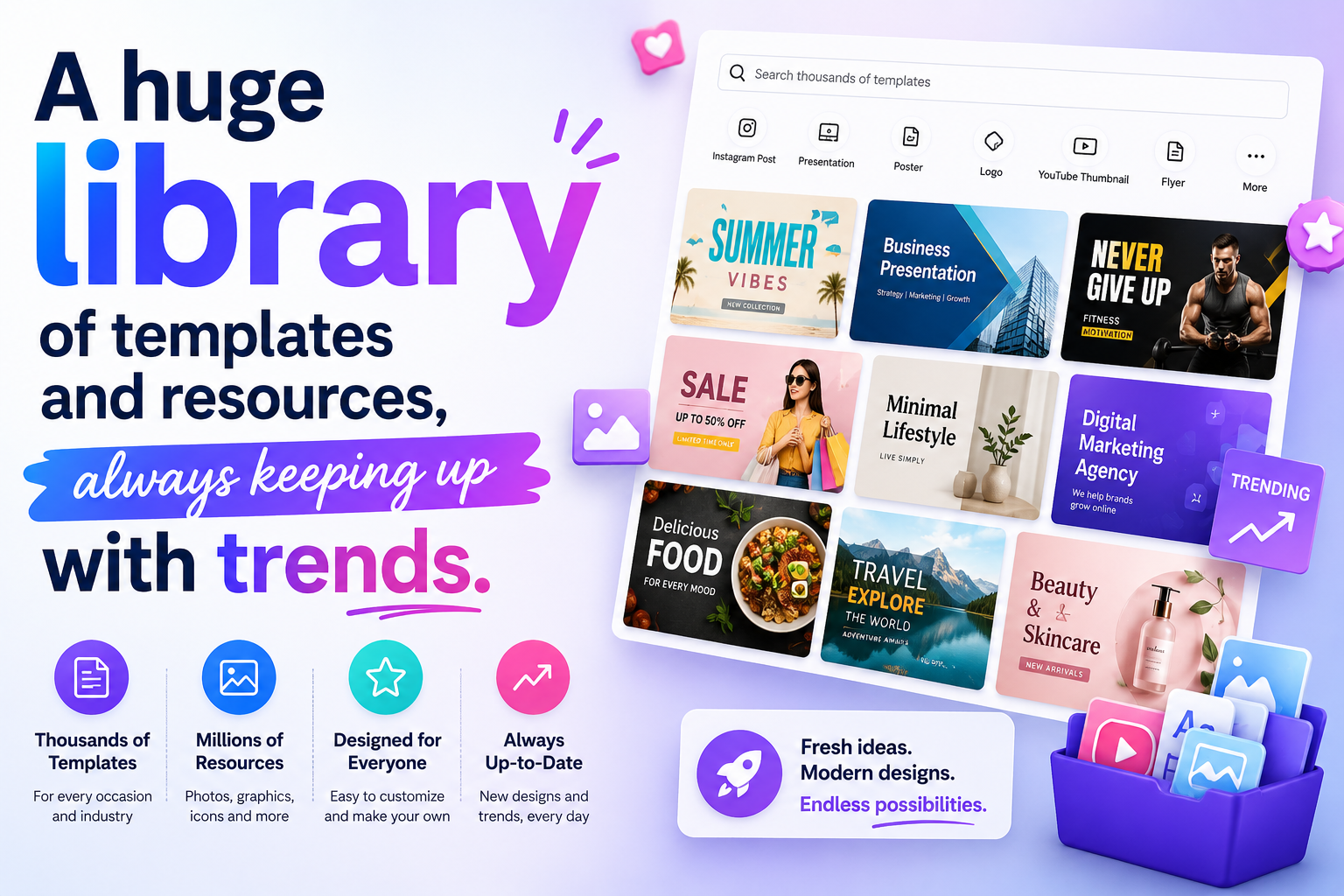
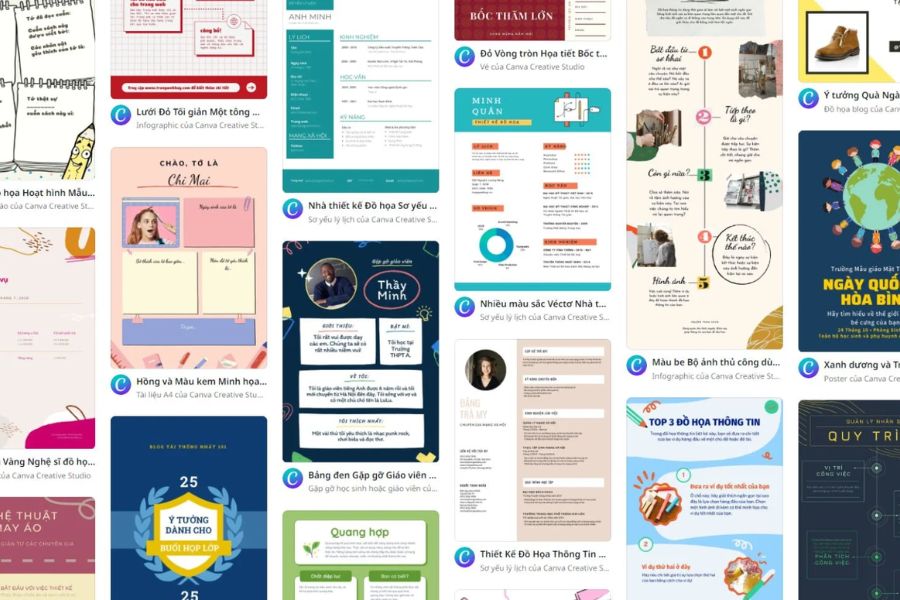
One of the key factors that earns Canva top marks is its enormous library of design templates. With millions of diverse templates, Canva offers countless options for every field: fashion, food, technology, education, marketing, and business. Each template is created by professional designers and continuously updated according to global design trends, from modern minimalism to classic retro styles.
Beyond images, Canva also provides access to an extensive collection of videos, icons, fonts, audio files, and premium stock photos from partners such as Pexels, Pixabay, and Getty Images.
Users simply choose a template, adjust the colors, add their brand logo, and the design is ready to publish.
For businesses, this saves significant time and design costs while still maintaining professional and consistent branding. Canva truly brings design closer to everyone, making the creative process easier and more inspiring.
4. Integrated Artificial Intelligence – The “Heart” of Canva in 2025
In 2025, Canva has gone far beyond being a traditional graphic design tool. The platform is rapidly evolving into a comprehensive AI-powered creative ecosystem where anyone—even those without design expertise—can create impressive and professional visual content within minutes.
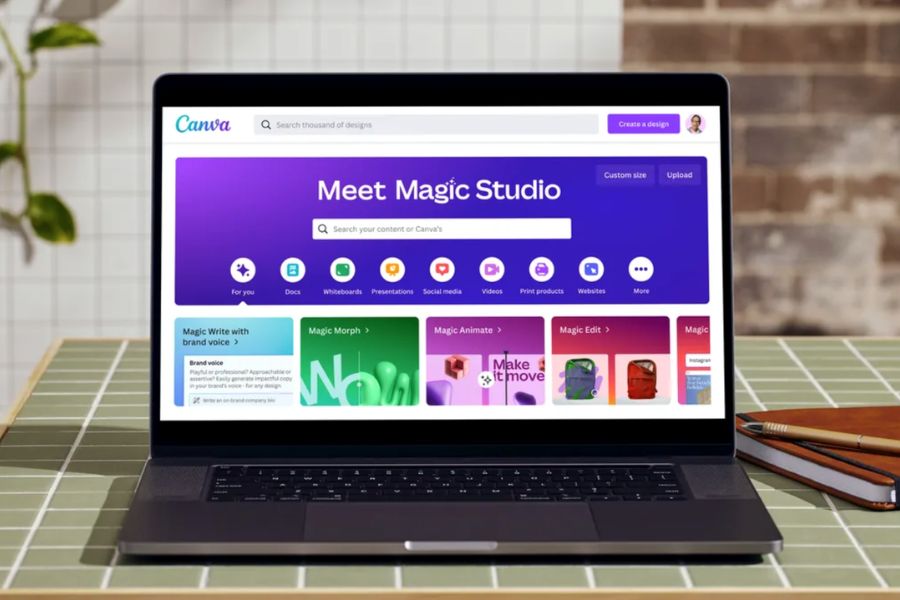
The most notable highlight this year is Magic Studio, Canva’s next-generation AI toolkit, introduced as the “heart” of the platform. Magic Studio not only saves users time but also opens a completely new era of creativity where ideas can be brought to life through just a few simple prompts.
Among its standout intelligent features are:
Text to Image – transforms short descriptions into artistic visuals within seconds. Simply enter a prompt, and Canva automatically generates unique images ideal for advertising campaigns, social media content, and creative illustrations.
AI Presentation – an intelligent slide-generation tool. Users only need to provide a topic or a few content suggestions, and Canva automatically designs the entire layout, visuals, and text professionally, producing a complete presentation without spending hours arranging details.
Magic Write – Canva’s “content writing assistant.” This feature helps create captions, product descriptions, introductions, and slogans naturally, creatively, and in the style you want. It is especially useful for marketers, content creators, and small business owners.
Brand Voice – a major advancement in maintaining brand identity. This tool helps standardize language style, tone of voice, and messaging across all design content, ensuring every Canva creation reflects your unique brand personality.
The harmonious combination of AI technology and human creativity has transformed Canva into an indispensable assistant for digital-age creators. AI in Canva does not replace people; instead, it acts as a smart assistant that helps users execute ideas faster, reduce costs, and preserve their personal touch in every design.
5. Flexible Team Collaboration – The Optimal Solution for Modern Businesses
While Canva initially focused on individual users, Canva Teams has now become a popular choice for businesses. With access controls, direct commenting, and Brand Kit functionality that stores logos, colors, and fonts, design, marketing, and communication teams can work seamlessly together on a single platform.
Collaboration becomes faster, clearer, and far more efficient than with traditional methods. Instead of exchanging files through email, team members can simply access Canva, edit, and approve content directly.
This is one of the reasons why many small and medium-sized businesses, agencies, and startups choose Canva as their internal design tool, ensuring rapid campaign deployment while maintaining brand consistency. Canva has transformed design into an integral part of the workflow rather than just a supporting step.
6. Cross-Platform Functionality – Design Anytime, Anywhere
In today’s flexible work environment, the ability to create and edit from anywhere is incredibly important. Canva understands this and provides a smooth cross-platform design experience, allowing users to work freely across multiple devices without interruption.
You can start a design on your laptop, continue refining it on your smartphone while commuting, and complete it on a tablet or desktop computer at the office—all without manually saving files. Every design, image, font, and draft is automatically synchronized through cloud storage, ensuring your creative work is always secure and accessible.
Canva offers strong support across multiple platforms:
Web Version: Use directly through a browser without installation.
Mobile Apps for iOS and Android: Optimized interfaces for easy editing on smaller screens.
Desktop Applications for Windows and macOS: Smooth performance and stable functionality.
Thanks to this flexibility, Canva has become a “mobile creative office” for students, office workers, marketers, and freelance designers alike. Whether you are at a café, on a train, or in a meeting room, a few taps are all it takes to turn ideas into finished products.
7. A Powerful Free Version – Accessibility for Everyone
Few design platforms today offer an experience as comprehensive as Canva Free. Despite being free, Canva is highly regarded for its extensive resource library and powerful editing tools, which are more than sufficient for most everyday design needs.
With Canva Free, users can access hundreds of thousands of professional templates, including social media posts, flyers, posters, presentation slides, and invitations. The library of images, icons, vectors, frames, and fonts is constantly updated, enabling endless creativity without spending a cent.
This provides tremendous value for students, freelancers, teachers, and small business owners who may not have the budget for professional design software. Canva becomes a “creative key” that helps them produce visually appealing content and elevate their professionalism.
The drag-and-drop interface is equally impressive, enabling anyone to master the platform within minutes. From adjusting layouts and colors to inserting text and effects, everything is simple, quick, and efficient.
However, as creative demands increase and users require higher-quality visuals or advanced collaboration features, upgrading to Canva Pro unlocks powerful capabilities such as:
- Automatic Background Remover for quick image editing.
- Magic Resize for adapting designs to Facebook, Instagram, TikTok, and more with one click.
- Brand Kit for storing logos, colors, and custom fonts.
- Expanded cloud storage for managing designs from anywhere.
- Premium export formats such as SVG, print-ready PDF, and high-quality video.
Given its reasonable cost, Canva Pro is considered a worthwhile investment, especially for those who want to use design professionally to grow a personal brand or business.
8. A Global User Community – Unlimited Sharing and Inspiration
Canva is more than a design platform—it is a global creative community.
Millions of users worldwide share ideas, templates, tutorials, and Canva tips every day.
In Vietnam, the Canva community on Facebook includes hundreds of thousands of members who learn, exchange ideas, and inspire one another. Canva also organizes online events, workshops, and free training programs for businesses, helping them maximize the platform’s potential.
This creates a sustainable cycle of growth: the more users Canva has, the more valuable content is shared, making the platform even stronger and more useful.
.jpg)
9. Sustainable Development Vision – Why Users Stay Loyal
Canva is no longer positioning itself as merely a tool—it is building a global design ecosystem. Its founders continue pursuing a clear mission:
“Empower the world to design anything and publish anywhere.”
In 2025, Canva continues expanding business-focused features with Brand Control, Marketing Hub, and Content Planner, transforming Canva into a central hub for managing visual content strategies.
At the same time, Canva remains committed to sustainability, using renewable energy for its server infrastructure and supporting nonprofit organizations through the Canva for Nonprofits program.
This human-centered philosophy and long-term vision are key reasons why users trust and remain loyal to Canva.
10. Should You Upgrade to Canva Pro? A Worthwhile Choice for Professional Creators
The free version of Canva offers many useful tools that are sufficient for personal projects and small-scale needs. However, if you regularly work with images, videos, or branded content in a professional environment, Canva Pro is a valuable upgrade.
With Canva Pro, you unlock access to more than 100 million images, videos, vectors, and licensed music tracks, along with thousands of premium templates updated continuously according to the latest trends. This makes content creation faster, more professional, and free from creative limitations.
One of Canva Pro’s most valuable features is Background Remover, which allows users to remove image backgrounds instantly. This is particularly useful for product showcases, banner designs, and commercial projects, eliminating the need for complicated editing software.
Magic Resize is another powerful tool for marketers and content creators. Instead of redesigning content for Facebook, Instagram, TikTok, and other platforms individually, users can resize designs in seconds, saving hours of work every week.
Canva Pro also includes Brand Kit, allowing users to build and store a complete brand identity system with logos, color palettes, and custom fonts. This ensures visual consistency across all projects.
Additional benefits include saving custom templates, exporting high-quality files (PDF, SVG, Full HD videos, and even 4K videos), and quickly sharing projects with colleagues or clients. The Team Collaboration feature enables multiple people to edit and provide feedback on the same project simultaneously, making it especially useful for agencies and business teams.
In short, Canva Pro is the perfect choice for anyone who wants to elevate creativity, save time, and achieve more professional design results. Whether you are a designer, marketer, teacher, or small business owner, Canva Pro empowers you to transform ideas into polished, high-quality creations.
11. Conclusion
From a simple idea, Canva has become a symbol of the democratization of design—a place where everyone has the power to create. In 2025, Canva is no longer just software; it is a bridge between ideas and reality, between beginners and creative professionals.
If you are looking for a tool that helps bring ideas to life quickly, beautifully, and effortlessly, Canva is the leading choice.
And don’t forget, at Appvip you can discover more design tips, creative tool tutorials, and the latest design trends to make your work more professional, effective, and inspiring.





















VIP Products








Best Selling Products
Copyright Adobe Lightroom Account
59 USD
Windows 10 & 11 Pro Key
36 USD
Adobe Photoshop Copyright - Full App
120 USD
Plugin Retouch4me
69 USD
Upgrade Duolingo Super
29 USD
Autodesk All App Account Copyright
120 USD
ChatGPT Plus Account (GPT-4)
16 USD
MidJourney Account
29 USD
Genuine Cheap Canva Pro
39 USD
Upgrade Genuine Office 365
49 USD
Adobe Premiere Pro Account
99 USD
Genuine Adobe Illustrator account
99 USD
Capcut Pro 1 Year
39 USD
Upgrade genuine Capture One account
120 USD
Freepik Premium Account
59 USD