Best Selling Products

Adobe Photoshop Copyright - Full App
120 USD

Windows 10 & 11 Pro Key
36 USD

Genuine Adobe Illustrator account
99 USD

Upgrade Genuine Office 365
49 USD

Plugin Retouch4me
69 USD

Autodesk All App Account Copyright
120 USD

Genuine Cheap Canva Pro
39 USD

Copyright Adobe Lightroom Account
59 USD

Upgrade genuine Capture One account
120 USD

Adobe Premiere Pro Account
99 USD

ChatGPT Plus Account (GPT-4)
16 USD

MidJourney Account
29 USD

Freepik Premium Account
59 USD

Capcut Pro 1 Year
39 USD

Upgrade Duolingo Super
29 USD
YouTube tightens restrictions on background video playback: Background listening feature is now only available for Premium users.
Nội dung
Playing videos in the background used to be a basic need for many viewers. With Google's latest move, this experience is now a privilege of YouTube Premium, putting free users at a disadvantage.
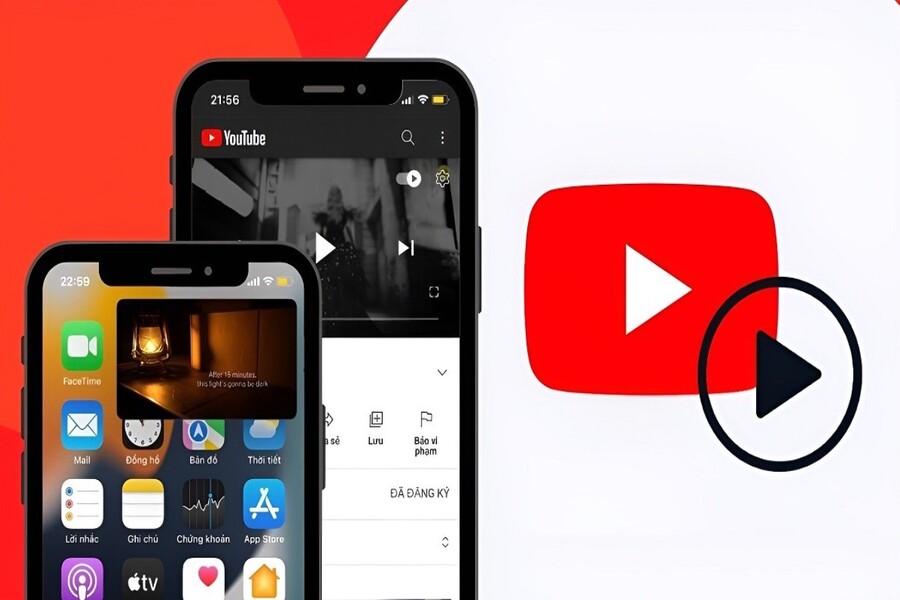
Today's users don't just go to YouTube to watch short entertainment videos; they also listen to music, follow hour-long podcasts, learn, stay updated on news, and even treat YouTube as a modern "radio station" on their mobile devices. This shift in content consumption behavior has made features related to background listening and viewing experiences more important than ever.
In this context, background video playback has long been a point of contention between YouTube and its user community. For YouTube, it's a privilege reserved for the Premium plan. For users, especially mobile users, background playback is seen as a nearly basic need, particularly when the content is primarily audio-based. This difference in perspective has created a gray area where many people try to exploit technical loopholes to use background playback for free.
However, that era of "circumventing the rules" is gradually coming to an end. Google recently officially confirmed the implementation of drastic measures to completely eliminate the ability to play free background videos on its mobile platform. This decision not only affects the YouTube usage habits of millions of people but also clearly reflects the long-term business strategy of the world's largest video platform.
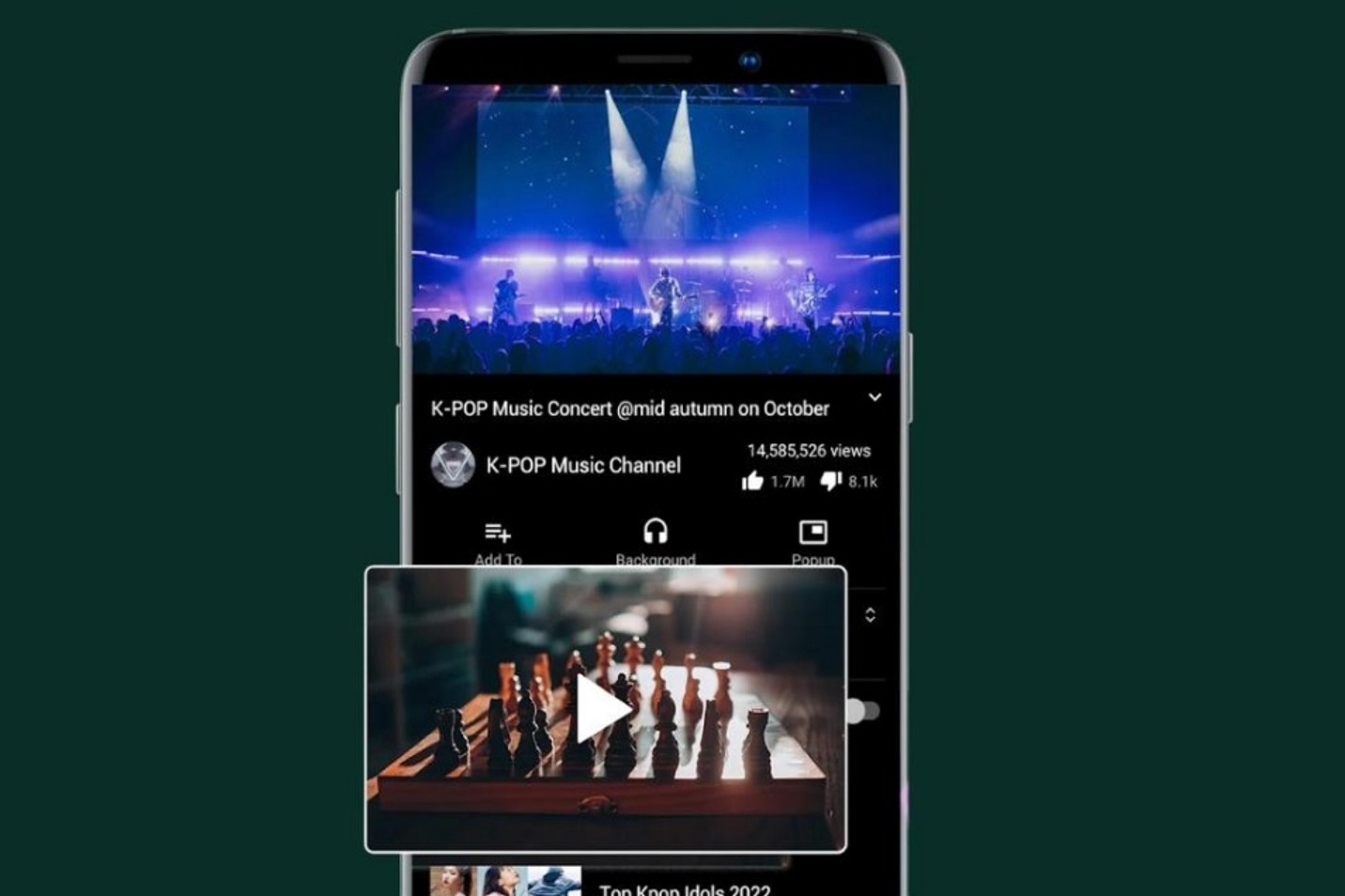
Before Google took drastic action, many users shared methods to play YouTube videos in the background without subscribing to YouTube Premium. These methods mainly involved using YouTube through a mobile web browser instead of the official app.
On browsers like Samsung Internet, Brave, Microsoft Edge, or Vivaldi, users can open YouTube in web mode, start playing a video, then switch to another app or turn off the screen. In many cases, the video's audio continues to play. When combined with ad blockers or desktop web browsing mode, this experience becomes even more stable.
For the average user, this is considered a convenient trick. But for a large segment of podcast listeners, those who use background music for work or long conversations, background playback is not just a convenience but almost a necessity. Having to keep the screen on constantly to listen to a conversation lasting hours is not only annoying but also drains the battery and reduces the device's lifespan.
Therefore, these methods of free background streaming quickly spread across technology forums, social media groups, and tutorial channels. For a long time, YouTube seemed to turn a blind eye, or at least hadn't taken strong enough action to thoroughly address the issue.
1. Google officially patches the loophole for background video playback on mobile devices.
Things started to change when more and more users reported that the familiar methods of playing free background videos were no longer working. Videos would automatically stop when users switched to another app or locked their screen, regardless of which browser they were using.
In a statement sent to Android Authority, a Google representative confirmed this. According to Google, the recent update was rolled out to ensure that the background video playback feature is only available to YouTube Premium members, as originally designed for the service. The company also acknowledged that previously, some non-Premium users could access this feature through a mobile web browser, but that experience has now been adjusted to ensure consistency across all platforms.
In other words, whether users watch YouTube through the official app or a web browser, background streaming rights are now tightly controlled. This is no longer a minor bug or loophole, but a systemic change being implemented across the board.
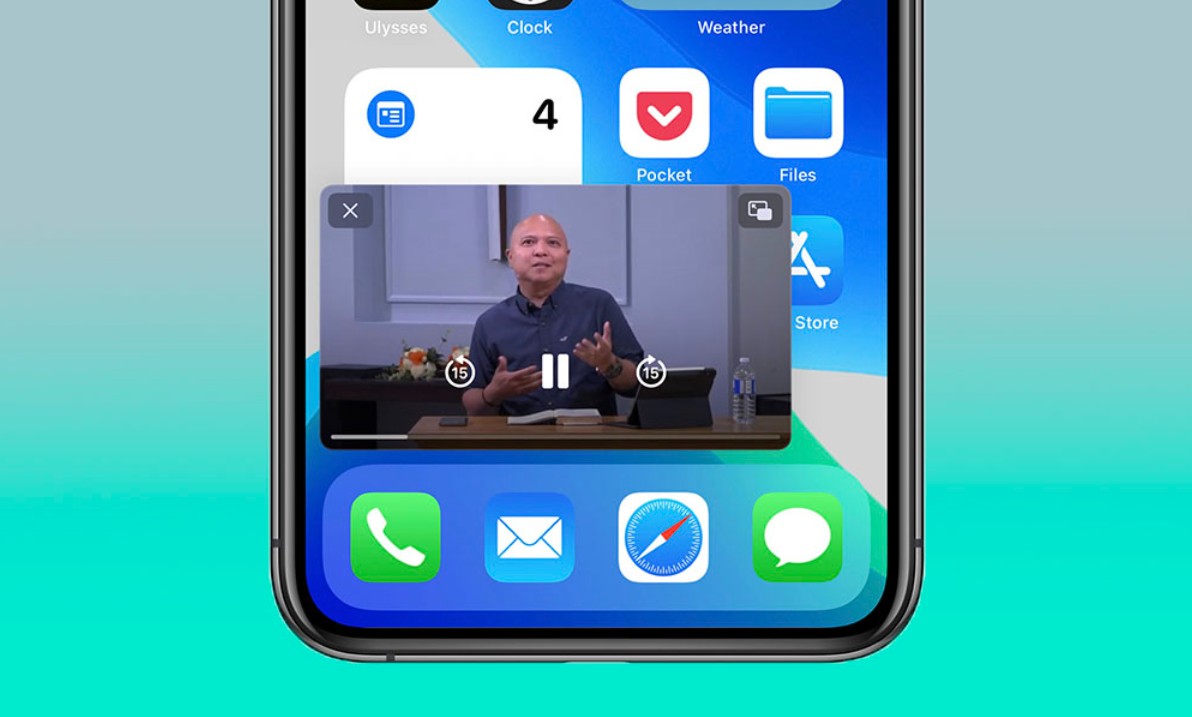
2. Background video playback is now only available for paid accounts.
With Google's latest move, background video playback on YouTube mobile has almost become an exclusive privilege for paying users. To listen to YouTube with the screen off, users are forced to subscribe to YouTube Premium.
From a business perspective, this was a predictable move. YouTube has long faced revenue challenges, as more and more people use ad blockers or seek ways to avoid ads. Meanwhile, the costs of operating the platform, paying music royalties, and revenue sharing with creators have steadily increased.
However, from a user's perspective, especially in developing markets, the Premium fee remains a significant barrier. Many argue that background playback, particularly for audio-heavy content, should be considered a basic feature, rather than being completely blocked by a fee.
3. YouTube continues to tighten regulations on third-party apps.
Beyond simply patching vulnerabilities in mobile browsers, YouTube has recently intensified its control over third-party applications. Apps that previously allowed ad-free YouTube viewing, background playback, or video downloads are increasingly facing difficulties in maintaining their functionality.

According to Google, using ad-blocking apps or tools violates the platform's terms of service. YouTube's position is clear: advertising and the Premium subscription are the two main revenue sources that keep the platform alive and growing. When users seek to avoid both, the content creation ecosystem will be directly impacted.
Google also emphasized that blocking ads not only harms YouTube, but also reduces the income of content creators. For many YouTubers, especially those who create long and in-depth content, advertising revenue is their primary source of income, allowing them to continue producing quality videos.
The decision to remove free background video playback quickly sparked controversy among users. Some argued that it was inevitable, as no service can survive in the long run if users constantly seek ways to use it for free.
However, many critics argue that YouTube is increasingly putting users at a disadvantage. In the context of the growing popularity of podcasts and longer talk content, forcing users to keep their screens on just to listen to the audio is seen as illogical and unfriendly to mobile devices.
Many argue that Google should be more flexible, for example, allowing background playback for certain types of content such as podcasts, educational videos, or videos that don't heavily rely on visuals. This would not only improve the user experience but also open up opportunities for audio advertising, an area where YouTube has yet to fully exploit its potential.
The tightening of regulations on free background video playback shows YouTube's increasing determination to protect its Premium model. In the context of competition with Spotify, Apple Podcasts, and other audio content platforms, YouTube clearly doesn't want to lose potential revenue from paying users.
However, this strategy also carries risks. As free experiences become increasingly limited, some users may consider switching to other platforms that are more user-friendly for background content listening. Especially for those who only use YouTube as a music or podcast listening tool, paying a fee may no longer be an attractive option.
YouTube's drastic move to eliminate free background video playback on its mobile platform is a clear shift in Google's strategy. Patching loopholes, tightening regulations on third-party apps, and emphasizing the value of YouTube Premium reflect an effort to build a more sustainable business model.





















VIP Products








Best Selling Products
Adobe Photoshop Copyright - Full App
120 USD
Windows 10 & 11 Pro Key
36 USD
Genuine Adobe Illustrator account
99 USD
Upgrade Genuine Office 365
49 USD
Plugin Retouch4me
69 USD
Autodesk All App Account Copyright
120 USD
Genuine Cheap Canva Pro
39 USD
Copyright Adobe Lightroom Account
59 USD
Upgrade genuine Capture One account
120 USD
Adobe Premiere Pro Account
99 USD
ChatGPT Plus Account (GPT-4)
16 USD
MidJourney Account
29 USD
Freepik Premium Account
59 USD
Capcut Pro 1 Year
39 USD
Upgrade Duolingo Super
29 USD